
HyperGear 15077
HyperGear RaveMini Portable Wireless LED Speaker Instruction Manual
மாடல்: 15077
அறிமுகம்
The HyperGear RaveMini is a compact, portable wireless speaker designed to deliver powerful sound with an interactive, beat-driven LED light show. This speaker is suitable for both indoor and outdoor use, offering extended battery life and multiple playback options for a versatile audio experience.

The HyperGear RaveMini speaker and its packaging.
பெட்டியில் என்ன இருக்கிறது
- HyperGear RaveMini Portable Wireless LED Speaker
- மைக்ரோ USB சார்ஜிங் கேபிள்
- 3.5mm Stereo Auxiliary Cable
அம்சங்கள்
- Small Size, Big Sound: Engineered with a 40mm neodymium driver for room-filling sound.
- Beat-Driven LED Lightshow: Multi-colored LEDs flash to the beat of your music.
- வயர்லெஸ் இணைப்பு: Connects with any Bluetooth device within a 33-foot range.
- நீட்டிக்கப்பட்ட பேட்டரி ஆயுள்: Built-in rechargeable battery provides up to 3 hours of wireless playback on a single charge.
- ஹேண்ட்ஸ்-ஃப்ரீ தொடர்பு: Integrated microphone and intuitive controls for managing calls and playlists.
- பல பின்னணி விருப்பங்கள்: Supports Bluetooth, Aux-in, Micro SD memory card, and USB flash drive audio playback.

The RaveMini combines HD sound with a vibrant LED lightshow.

The multi-colored LED lights dance to the beat of the music.
அமைவு
சபாநாயகர் மீது குற்றச்சாட்டு
Before first use, fully charge your RaveMini speaker. Connect the included Micro USB charging cable to the speaker's charging port and the other end to a USB power source (e.g., wall adapter, computer USB port). The charging time is approximately 1 hour, providing up to 3 hours of playback.
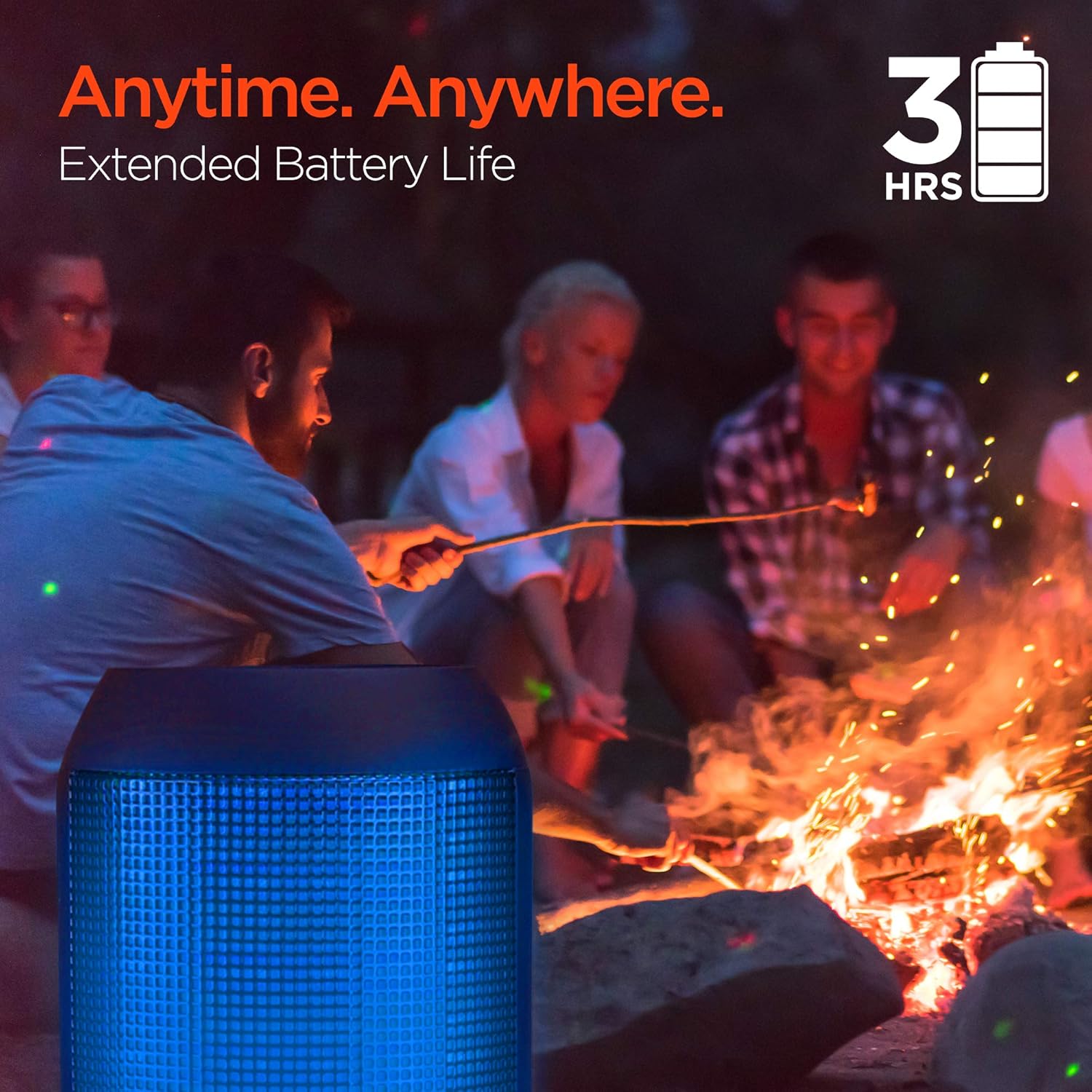
Enjoy up to 3 hours of music with the RaveMini's extended battery life.
ஆன்/ஆஃப்
Locate the power button on the speaker. Press and hold the power button for a few seconds to turn the speaker on or off. An audible cue or LED indicator will confirm the power status.
புளூடூத் இணைத்தல்
- Ensure the RaveMini speaker is powered on and in pairing mode (usually indicated by a flashing LED light).
- உங்கள் புளூடூத்-இயக்கப்பட்ட சாதனத்தில் (ஸ்மார்ட்போன், டேப்லெட், முதலியன), புளூடூத் அமைப்புகளுக்குச் செல்லவும்.
- தேடுங்கள் available devices and select "HyperGear RaveMini" (or similar name) from the list.
- Once connected, the speaker will provide an audible confirmation, and the LED light may change to a solid color.
- The speaker has a wireless range of up to 33 feet.
சபாநாயகரை இயக்குதல்
கட்டுப்பாடுகள் மற்றும் செயல்பாடுகள்
The RaveMini features intuitive controls for managing your audio and calls directly from the speaker. Refer to the specific button layout on your device for functions such as:
- இசையை இயக்கவும்/இடைநிறுத்தவும்
- Adjust Volume (Volume Up/Down)
- Skip Tracks (Next/Previous)
- அழைப்புகளுக்கு பதில்/முடிவு
- Activate Voice Assistant (if supported)
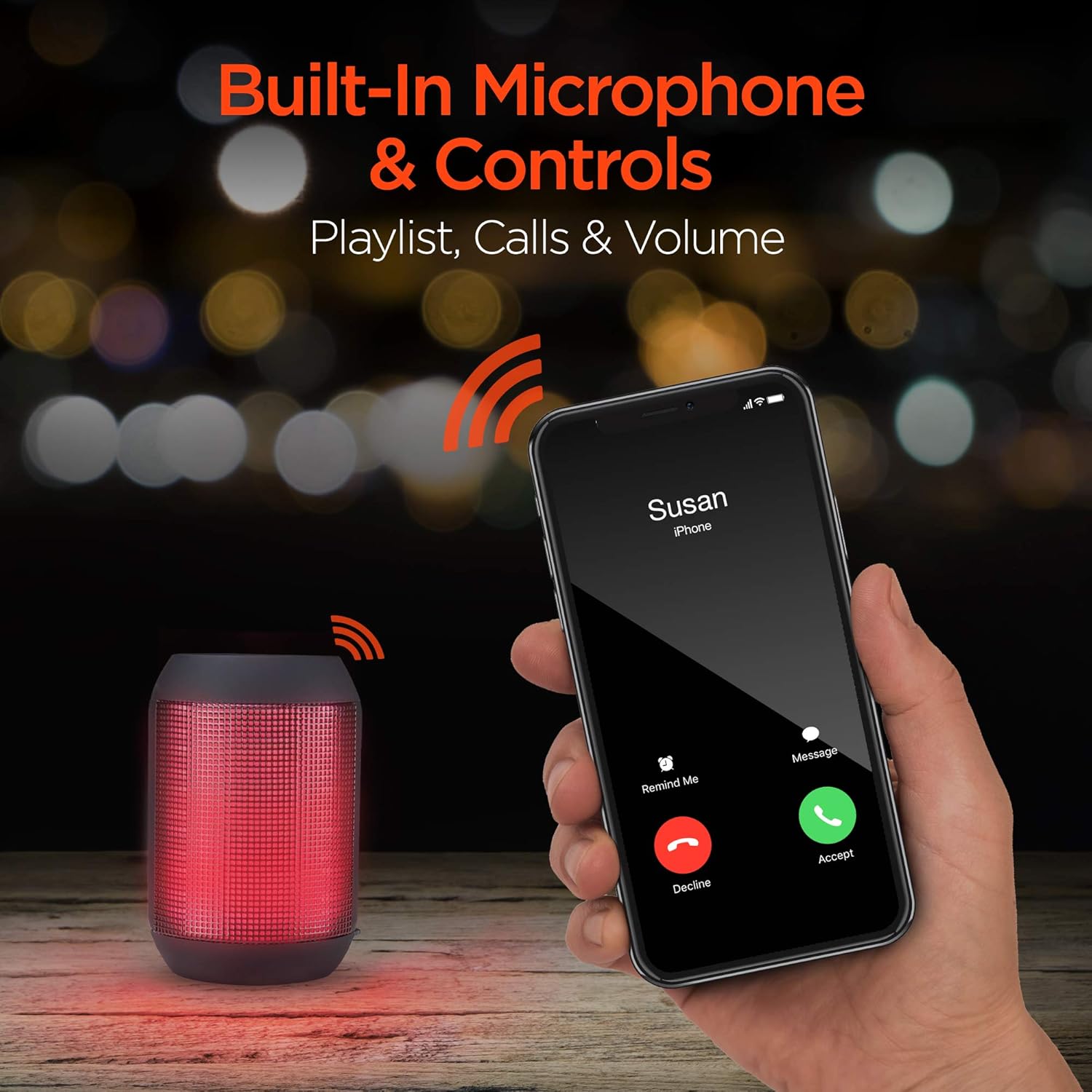
Built-in microphone and controls allow for hands-free calls and playlist navigation.
பின்னணி முறைகள்
The RaveMini offers four ways to play your audio:
- புளூடூத்: Connect wirelessly to your smartphone, tablet, or other Bluetooth-enabled devices.
- ஆக்ஸ்-இன்: Use the included 3.5mm stereo auxiliary cable to connect to non-Bluetooth devices.
- மைக்ரோ எஸ்டி கார்டு: Insert a Micro SD memory card with audio fileநியமிக்கப்பட்ட ஸ்லாட்டில் கள்.
- USB ஃபிளாஷ் டிரைவ்: ஆடியோ உள்ள USB ஃபிளாஷ் டிரைவை இணைக்கவும். fileUSB போர்ட்டிற்கு கள்.

The RaveMini supports four versatile playback options.
பராமரிப்பு
- Keep the speaker dry. Do not expose it to excessive moisture or liquids.
- Clean the speaker with a soft, dry cloth. Avoid using harsh chemicals or abrasive cleaners.
- ஸ்பீக்கரை பயன்படுத்தாத போது குளிர்ந்த, உலர்ந்த இடத்தில் சேமிக்கவும்.
- பேச்சாளரைக் கீழே தள்ளுவதையோ அல்லது வலுவான தாக்கங்களுக்கு உட்படுத்துவதையோ தவிர்க்கவும்.
சரிசெய்தல்
| பிரச்சனை | சாத்தியமான தீர்வு |
|---|---|
| ஸ்பீக்கர் இயக்கப்படவில்லை. | Ensure the speaker is fully charged. Connect it to a power source using the Micro USB cable. |
| புளூடூத் சாதனத்துடன் இணைக்க முடியாது. |
|
| ஒலி இல்லை அல்லது குறைந்த அளவு. |
|
| எல்இடி விளக்குகள் வேலை செய்யவில்லை. | Check if the light show feature is enabled (if there's a dedicated button). Ensure the speaker has sufficient battery charge. |
விவரக்குறிப்புகள்
| அம்சம் | விவரம் |
|---|---|
| மாதிரி பெயர் | 15077 |
| பேச்சாளர் வகை | வெளிப்புற |
| சிறப்பு அம்சம் | Wireless Music + Calls, HD Stereo Sound, Beat-Driven LED Lightshow, Aux-in, Micro SD & USB compatible |
| தயாரிப்புக்கான பரிந்துரைக்கப்பட்ட பயன்பாடுகள் | மியூசிக் பிளேயர்களுக்கு |
| கட்டுப்படுத்தி வகை | பேட்டரி மூலம் இயங்கும் |
| நிறம் | கருப்பு |
| பேட்டரி ஆயுள் | 3 மணிநேரம் |
| சார்ஜிங் நேரம் | 1 மணிநேரம் |
| நீர்ப்புகா | பொய் |
| கட்டுப்பாட்டு முறை | ஆப் |
| வயர்லெஸ் கம்யூனிகேஷன் டெக்னாலஜி | புளூடூத் |
| பேச்சாளர் அளவு | 40 மில்லிமீட்டர்கள் |
| சக்தி ஆதாரம் | பேட்டரி மூலம் இயங்கும் |
| பேட்டரிகளின் எண்ணிக்கை | 2 AAA பேட்டரிகள் தேவை. (உள்ளடக்கம்) |
| ஆடியோ டிரைவர் வகை | டைனமிக் டிரைவர் |
| புளூடூத் வரம்பு | 33 அடி |
| ஆடியோ டிரைவர் அளவு | 40 மில்லிமீட்டர்கள் |
| இணைப்பு நெறிமுறை | புளூடூத் |
| USB 2 போர்ட்களின் எண்ணிக்கை | 1 |
| UPC | 633755150777 |
| உற்பத்தியாளர் | ஹைபர்ஜியர் |
| பொருளின் எடை | 10.9 அவுன்ஸ் |
| ASIN | B07VHTZHJ4 |
| முதல் தேதி கிடைக்கும் | ஜூலை 18, 2019 |
| பிராண்ட் | ஹைப்பர் கியர் |
| பேச்சாளர் அதிகபட்ச வெளியீட்டு சக்தி | 5 வாட்ஸ் |
| இணைப்பு தொழில்நுட்பம் | புளூடூத், துணை, யூ.எஸ்.பி |
| ஆடியோ வெளியீட்டு முறை | ஸ்டீரியோ |
| மவுண்டிங் வகை | டேப்லெட் மவுண்ட் |
உத்தரவாதம்
The HyperGear RaveMini Portable Wireless LED Speaker comes with a Limited Warranty. For detailed information regarding warranty coverage, terms, and conditions, please refer to the official HyperGear webதளத்தில் அல்லது அவர்களின் வாடிக்கையாளர் ஆதரவை நேரடியாகத் தொடர்பு கொள்ளவும். உத்தரவாதக் கோரிக்கைகளுக்கு உங்கள் வாங்கியதற்கான ஆதாரத்தை வைத்திருங்கள்.
ஆதரவு
மேலும் உதவிக்கு, தயாரிப்பு பதிவு, அல்லது view frequently asked questions, please visit the official HyperGear webதளம்:
Visit the HyperGear Store on Amazon
You may also contact HyperGear customer service for direct support.
Ask a question about this manual
Ask about setup, troubleshooting, compatibility, parts, safety, or missing instructions. Manuals+ will review the question and use this page’s manual context to help answer it.