
அறிமுகம்
Thank you for choosing the QCY A1 Bluetooth 5.0 Headset. This manual will guide you through the setup, operation, and maintenance of your new wireless headset. Please read these instructions carefully before use to ensure optimal performance and longevity of your device.
தயாரிப்பு முடிந்துவிட்டதுview
தொகுப்பு உள்ளடக்கங்கள்
- QCY A1 Bluetooth Headset
- காது மெத்தைகள்
- சார்ஜிங் கேபிள்
- பயனர் கையேடு
ஹெட்செட் வரைபடம்

Image: The QCY A1 Bluetooth Headset, showing the earbud, ear hook, and main body with control buttons.
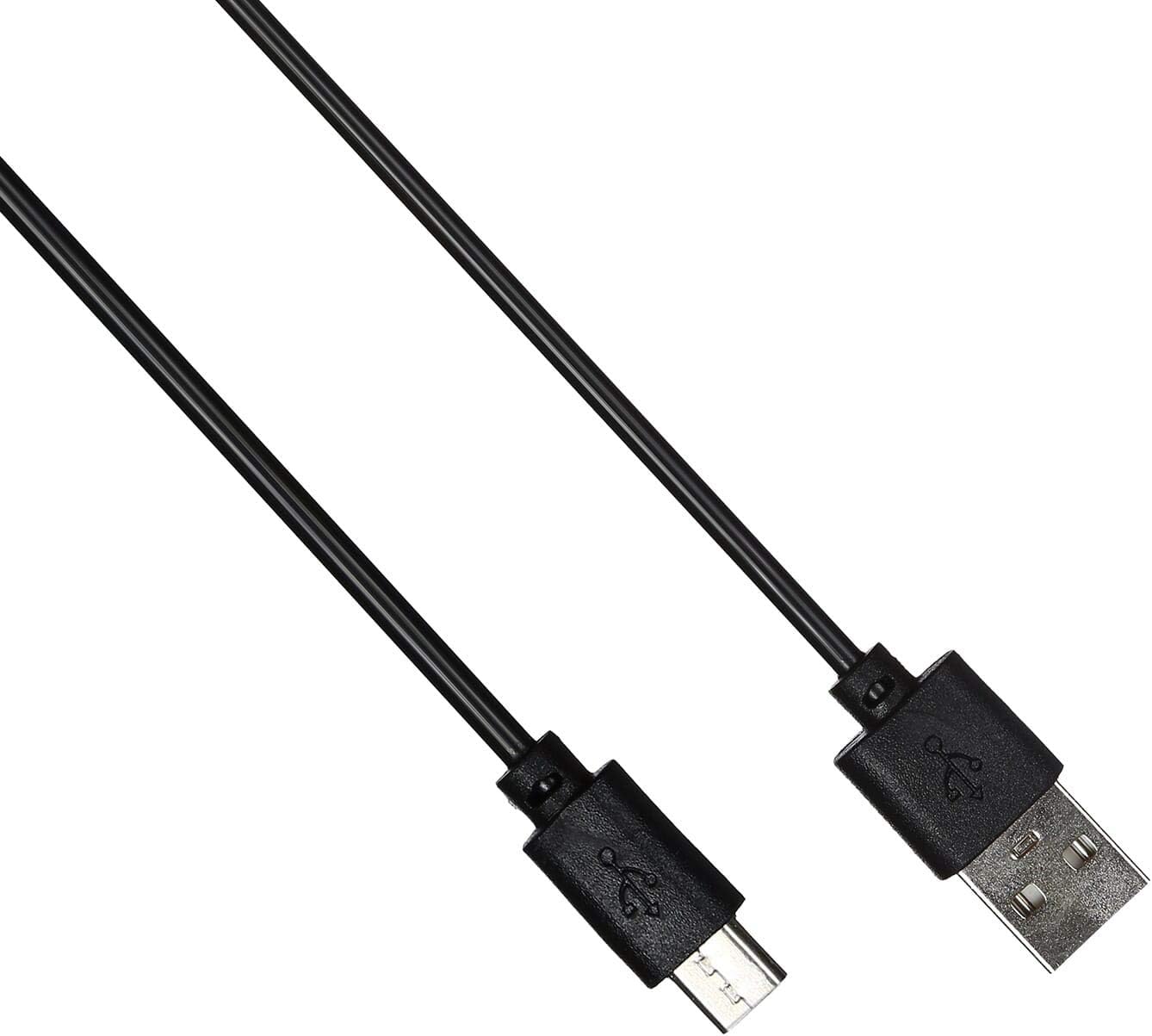
Image: The USB charging cable for the QCY A1 headset.
அமைவு
1. ஹெட்செட்டை சார்ஜ் செய்தல்
- சார்ஜிங் கேபிளை ஹெட்செட்டின் சார்ஜிங் போர்ட்டுடன் இணைக்கவும்.
- Plug the other end of the cable into a USB power source (e.g., computer, wall adapter).
- இண்டிகேட்டர் லைட் சார்ஜிங் நிலையைக் காண்பிக்கும். முழுமையாக சார்ஜ் செய்ய பொதுவாக சுமார் 1-2 மணிநேரம் ஆகும்.
- முழுமையாக சார்ஜ் ஆனதும், சார்ஜிங் கேபிளைத் துண்டிக்கவும்.
2. ஒரு சாதனத்துடன் இணைத்தல்
- ஹெட்செட் அணைக்கப்பட்டுள்ளதா என்பதை உறுதிப்படுத்தவும்.
- Press and hold the Multi-function button until the indicator light flashes red and blue alternately, indicating pairing mode.
- On your mobile phone or Bluetooth-enabled device, enable Bluetooth and search for available devices.
- Select "QCY A1" from the list of found devices.
- Once connected, the indicator light will flash blue slowly, and you will hear a confirmation tone.
- If pairing fails, turn off the headset and repeat the steps.
இயக்க வழிமுறைகள்
பவர் ஆன்/ஆஃப்
- பவர் ஆன்: Press and hold the Multi-function button for 3 seconds. The blue indicator light will flash.
- பவர் ஆஃப்: Press and hold the Multi-function button for 5 seconds. The red indicator light will flash briefly before turning off.
அழைப்பு மேலாண்மை
- பதில் அழைப்பு: பல செயல்பாட்டு பொத்தானை சுருக்கமாக அழுத்தவும்.
- அழைப்பை முடிக்கவும்: Short press the Multi-function button during a call.
- அழைப்பை நிராகரி: மல்டி ஃபங்க்ஷன் பட்டனை 2 வினாடிகள் அழுத்திப் பிடிக்கவும்.
- கடைசி எண்ணை மீண்டும் அனுப்பவும்: அழைப்பில் இல்லாதபோது, மல்டி-ஃபங்க்ஷன் பட்டனை இருமுறை அழுத்தவும்.
இசை பின்னணி
- விளையாடு/இடைநிறுத்தம்: பல செயல்பாட்டு பொத்தானை சுருக்கமாக அழுத்தவும்.
- அடுத்த ட்ராக்: வால்யூம் அப் பட்டனை அழுத்திப் பிடிக்கவும்.
- முந்தைய ட்ராக்: வால்யூம் டவுன் பட்டனை அழுத்திப் பிடிக்கவும்.
- ஒலியை பெருக்கு: வால்யூம் அப் பட்டனை சுருக்கமாக அழுத்தவும்.
- ஒலியை குறை: வால்யூம் டவுன் பட்டனை சுருக்கமாக அழுத்தவும்.
குரல் உதவியாளர்
- குரல் உதவியாளரைச் செயலாக்கு: Triple-press the Multi-function button (functionality depends on your connected device).
பராமரிப்பு
- மென்மையான, உலர்ந்த துணியால் ஹெட்செட்டை தவறாமல் சுத்தம் செய்யவும்.
- கடுமையான இரசாயனங்கள் அல்லது சிராய்ப்புப் பொருட்களைப் பயன்படுத்துவதைத் தவிர்க்கவும்.
- ஹெட்செட்டை நேரடி சூரிய ஒளி மற்றும் தீவிர வெப்பநிலையிலிருந்து விலகி குளிர்ந்த, உலர்ந்த இடத்தில் சேமிக்கவும்.
- Do not immerse the headset in water or expose it to excessive moisture.
- குழந்தைகளுக்கு எட்டாத இடத்தில் வைக்கவும்.
சரிசெய்தல்
| பிரச்சனை | தீர்வு |
|---|---|
| ஹெட்செட் இயக்கப்படவில்லை. | ஹெட்செட் முழுவதுமாக சார்ஜ் செய்யப்பட்டிருப்பதை உறுதிசெய்யவும். |
| சாதனத்துடன் இணைக்க முடியவில்லை. | Ensure the headset is in pairing mode (red and blue lights flashing). Turn off and on your device's Bluetooth. Try pairing again. |
| ஒலி இல்லை அல்லது மோசமான ஒலி தரம். | Check the volume levels on both the headset and your connected device. Ensure the headset is within the 10-meter operating range of your device. |
| ஹெட்செட் அடிக்கடி துண்டிக்கப்படுகிறது. | Ensure there are no obstacles between the headset and your device. Move closer to your device. |
விவரக்குறிப்புகள்
| அம்சம் | விவரம் |
|---|---|
| மாதிரி | A1 |
| பிராண்ட் | QCY |
| இணைப்பு தொழில்நுட்பம் | வயர்லெஸ் (புளூடூத் 5.0) |
| புளூடூத் புரோfileகள் ஆதரிக்கப்படுகின்றன | HFP, A2DP, HSP |
| வயர்லெஸ் வீச்சு | 10 மீட்டர் வரை |
| கட்டுப்பாட்டு முறை | தொடு/பொத்தான் |
| ஹெட்ஃபோன் ஃபார்ம் ஃபேக்டர் | காதில் |
| இணக்கமான சாதனங்கள் | மொபைல் போன்கள் |
| நிறம் | வெள்ளை |
| பொருளின் எடை | 80 கிராம் |
| உள்ளிட்ட கூறுகள் | காது மெத்தைகள் |
பாதுகாப்பு தகவல்
- ஹெட்செட்டைப் பிரிக்கவோ மாற்றவோ வேண்டாம்.
- ஹெட்செட்டை அதிக வெப்பநிலை அல்லது ஈரப்பதத்திற்கு வெளிப்படுத்துவதைத் தவிர்க்கவும்.
- வழங்கப்பட்ட சார்ஜிங் கேபிள் அல்லது அதற்கு சமமானதை மட்டும் பயன்படுத்தவும்.
- காது கேளாமை ஏற்படாமல் இருக்க, ஹெட்செட்டை அதிக ஒலியில் நீண்ட நேரம் பயன்படுத்த வேண்டாம்.
- Be aware of your surroundings when using the headset, especially in traffic or other potentially dangerous situations.