
அறிமுகம்
Thank you for choosing the GTRACING GT890MF Gaming Chair. This manual provides detailed instructions for the assembly, operation, maintenance, and troubleshooting of your new gaming chair. Please read this manual carefully before use to ensure proper function and longevity of the product. Keep this manual for future reference.
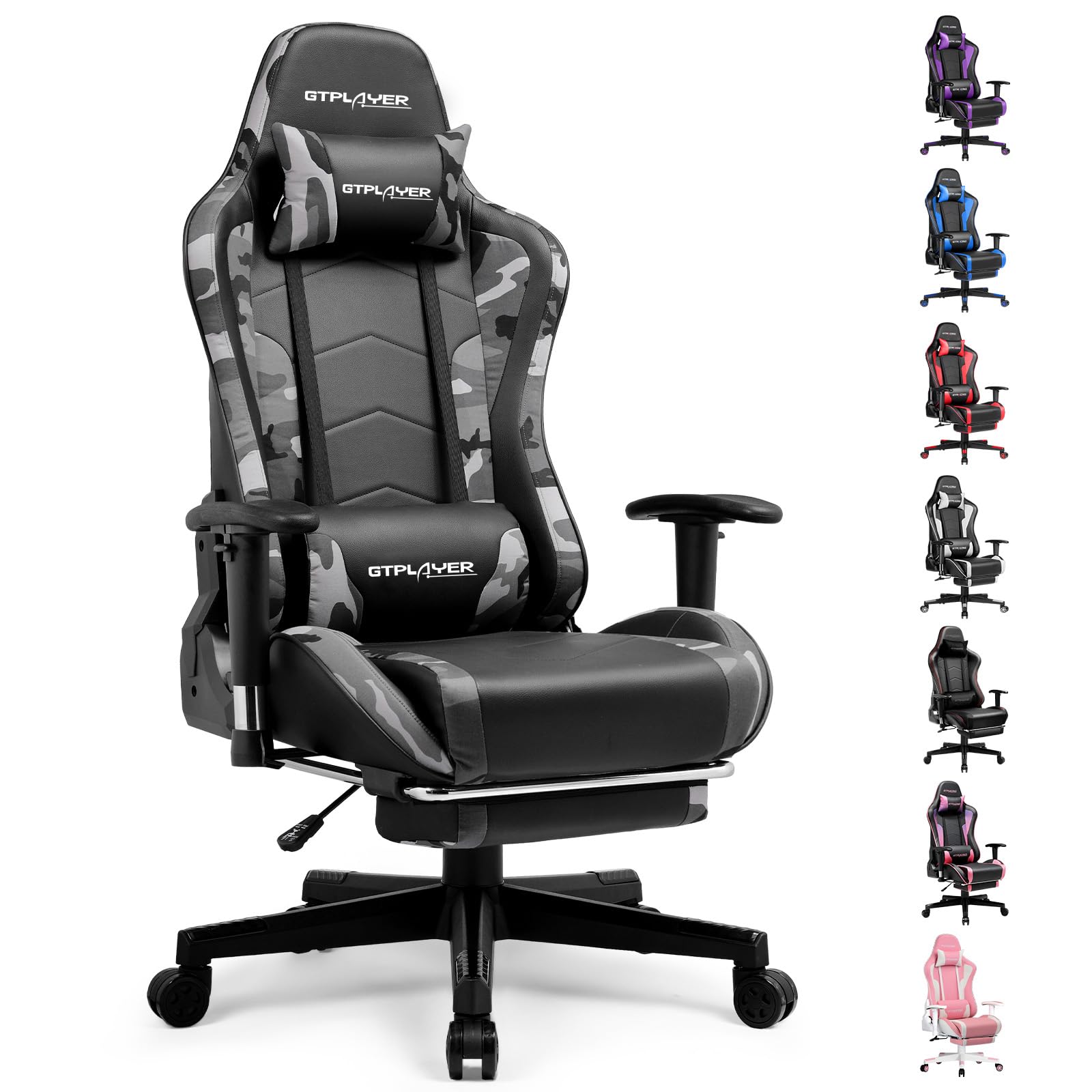
Image: The GTRACING GT890MF Gaming Chair, featuring a camouflage pattern, footrest, and integrated Bluetooth speakers, set up in a gaming environment.
பாதுகாப்பு தகவல்
- உட்புற பயன்பாட்டிற்கு மட்டுமே.
- Maximum weight capacity: 300 lbs. Do not exceed this limit.
- Use caution when adjusting chair height and recline to prevent injury.
- Ensure all screws and bolts are tightened securely before use and periodically check for looseness.
- Keep hands and fingers clear of moving parts during adjustments.
- நாற்காலியில் நிற்க வேண்டாம்.
அமைப்பு மற்றும் சட்டசபை
Assembly is required for this chair. Please follow the steps below carefully. It is recommended to have two people for assembly.
தொகுப்பு உள்ளடக்கங்கள்

Image: An exploded diagram showing all components of the GTRACING GT890MF Gaming Chair, including the backrest, seat, armrests, base, wheels, gas lift, and footrest.
சட்டசபை படிகள்
- ஆர்ம்ரெஸ்ட்களை இணைக்கவும்: Securely fasten the armrests to the seat base using the provided screws. Ensure they are oriented correctly.
- பின்புறத்தை இருக்கையுடன் இணைக்கவும்: Align the backrest with the seat mechanism and attach it using the designated bolts.
- ஃபுட்ரெஸ்ட்டை நிறுவவும்: Slide the footrest into its designated slots under the seat.
- அடித்தளத்தை இணைக்கவும்: Insert the casters (wheels) into the star base. Place the gas lift cylinder into the center hole of the star base.
- இருக்கையை அடித்தளத்துடன் இணைக்கவும்: கூடியிருந்த இருக்கை மற்றும் பின்புறத்தை எரிவாயு லிப்ட் சிலிண்டரில் கவனமாக வைக்கவும், அது உறுதியாக அமர்ந்திருப்பதை உறுதி செய்யவும்.
- Attach Headrest and Lumbar Pillows: Position the headrest and lumbar support pillows as desired.
இயக்க வழிமுறைகள்
Chair Adjustments
- இருக்கை உயரம் சரிசெய்தல்: Pull the lever located under the right side of the seat upwards to raise or lower the seat. Release the lever at the desired height.
- பேக்ரெஸ்ட் சாய்வு: Pull the lever on the right side of the chair upwards to recline the backrest. Lean back to the desired angle (90 to 160 degrees) and release the lever to lock it in place.
- ஆர்ம்ரெஸ்ட் சரிசெய்தல்: The armrests are multi-directional. Use the buttons or levers on the armrests to adjust their height, pivot, and slide forward/backward.
- கால் ஓய்வு நீட்டிப்பு: Pull the footrest out from under the seat when desired. Push it back in when not in use.
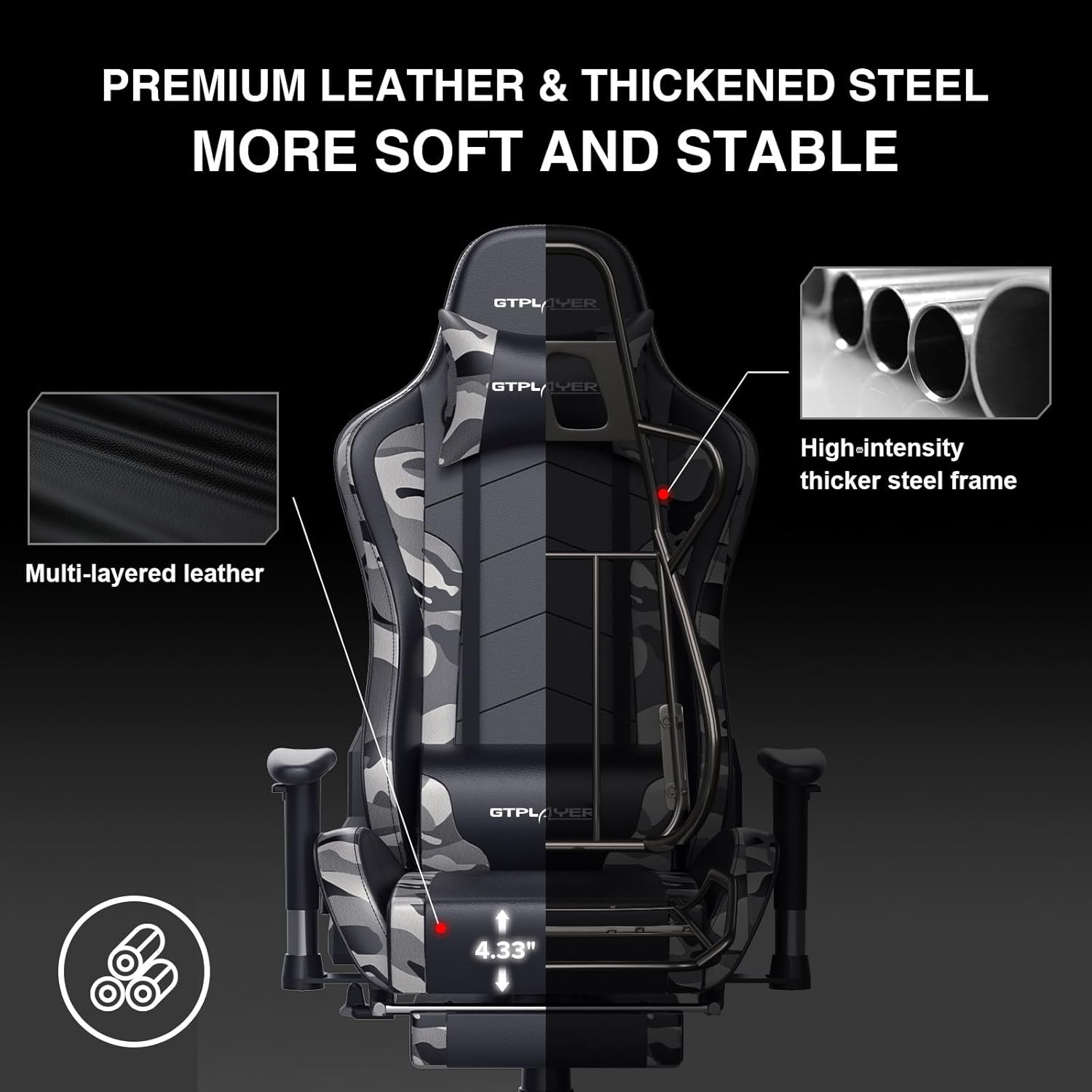
Image: The GTRACING GT890MF Gaming Chair demonstrating its backrest recline function, adjustable from 90 degrees for work to 155 degrees for resting.

படம்: ஒரு நெருக்கமான படம் view of the GTRACING GT890MF Gaming Chair's adjustable multi-directional armrests, highlighting their ability to move up, down, and pivot for optimal positioning.
புளூடூத் ஸ்பீக்கர் ஆபரேஷன்
Your GTRACING GT890MF chair is equipped with dual Bluetooth 5.1 speakers for an immersive audio experience.
- பவர் ஆன்: Locate the power button for the Bluetooth speakers, typically on the side or back of the chair. Press and hold to power on. A sound or indicator light will confirm activation.
- இணைத்தல் முறை: The speakers will automatically enter pairing mode when powered on for the first time, or if no device is connected. An indicator light will usually flash.
- சாதனத்தை இணைக்கவும்: On your smartphone, tablet, or other Bluetooth-enabled device, go to Bluetooth settings and search for available devices. Select "GTPLAYER" or a similar name to connect.
- ஆடியோ பிளேபேக்: Once connected, audio from your device will play through the chair's speakers. Adjust volume from your connected device.
- பவர் ஆஃப்: Press and hold the power button again to turn off the speakers.

Image: The GTRACING GT890MF Gaming Chair with a visual representation of sound waves emanating from the integrated Bluetooth speakers in the headrest area.

Image: A detailed diagram illustrating the dual Bluetooth 5.1 speakers within the GTRACING GT890MF Gaming Chair, highlighting features like clear treble, stereo sound, HiFi audio, and dust prevention.

Image: A user seated in the GTRACING GT890MF Gaming Chair, with an illustration showing how the chair's Bluetooth speakers can connect to various devices like PC/TV, PS4/PS5/XBOX, and other Bluetooth 5.1 enabled devices. A separate USB Bluetooth transmitter is shown as an option for non-Bluetooth devices.
பராமரிப்பு
- சுத்தம்: விளம்பரத்துடன் துடைக்கவும்amp துணி. போலி தோல் அமைப்பை சேதப்படுத்தும் கடுமையான இரசாயனங்கள் அல்லது சிராய்ப்பு கிளீனர்களைத் தவிர்க்கவும்.
- ஆய்வு: அனைத்து போல்ட்களும் திருகுகளும் இறுக்கமாக இருப்பதை உறுதிசெய்ய அவ்வப்போது சரிபார்க்கவும். தேவைப்பட்டால் மீண்டும் இறுக்கவும்.
- காஸ்டர் பராமரிப்பு: சீராக உருட்டப்படுவதை உறுதிசெய்ய, காஸ்டர்களை முடி மற்றும் குப்பைகள் இல்லாமல் வைத்திருங்கள்.
- சேமிப்பு: Store the chair in a dry, cool place away from direct sunlight to prevent material degradation.
சரிசெய்தல்
| பிரச்சனை | சாத்தியமான காரணம் | தீர்வு |
|---|---|---|
| நாற்காலி உயரத்தை சரிசெய்யவில்லை. | Gas lift lever not engaged or gas lift faulty. | Ensure the lever is fully pulled. If issue persists, contact support for gas lift replacement. |
| பின்புறம் சாய்வதில்லை/பூட்டுவதில்லை | Recline lever not engaged or mechanism obstructed. | Ensure the recline lever is fully pulled/released. Check for obstructions in the recline mechanism. |
| Bluetooth speakers not pairing | Speakers not powered on, out of range, or already paired to another device. | Ensure speakers are charged and powered on. Move device closer to chair. Disconnect from other devices. Try restarting both chair speakers and your device. |
| நாற்காலி தள்ளாடுகிறது. | தளர்வான போல்ட்கள் அல்லது சீரற்ற அசெம்பிளி. | அனைத்து அசெம்பிளி போல்ட்களையும் சரிபார்த்து இறுக்குங்கள். நாற்காலி ஒரு தட்டையான, சமமான மேற்பரப்பில் இருப்பதை உறுதிசெய்யவும். |
விவரக்குறிப்புகள்
- மாதிரி பெயர்: GT890MF
- பிராண்ட்: GTRACING
- நிறம்: உருமறைப்பு
- பொருள்: Faux Leather, Foam Fill, Steel Frame
- தயாரிப்பு பரிமாணங்கள் (D x W x H): 20.87" x 21.65" x 53.15"
- இருக்கை உயரம்: Adjustable, up to 22.04 inches
- இருக்கை ஆழம்: 20.87 அங்குலம்
- பொருளின் எடை: 47 பவுண்டுகள்
- அதிகபட்ச எடை பரிந்துரை: 300 பவுண்டுகள்
- பின் நடை: Solid Back, Reclining (90 to 160 degrees)
- சிறப்பு அம்சங்கள்: Adjustable Height, Adjustable Lumbar, Ergonomic Design, Foot Rest, Rolling Casters, Dual Bluetooth 5.1 Speakers
- சட்டசபை: தேவை

Image: A diagram illustrating the key dimensions of the GTRACING GT890MF Gaming Chair, including overall height, width, and depth.

Image: A detailed diagram showing various dimensions of the GTRACING GT890MF Gaming Chair, including seat height, armrest height, and backrest height, along with maximum load capacity (330 lbs) and recommended user height (6.2 ft).
உத்தரவாதம் மற்றும் ஆதரவு
GTRACING offers a worry-free purchase experience for your gaming chair.
- 30 நாள் பாலிசி: Free replacement or refund within 30 days of purchase.
- 1 ஆண்டு உத்தரவாதம்: Free replacement or repair within 1 year of purchase for manufacturing defects.
For any questions, suggestions, or support needs, please feel free to contact our customer service team. We are dedicated to ensuring customer satisfaction.

Image: A group of customer service representatives wearing headsets, symbolizing available support.