
1. அறிமுகம்
This instruction manual provides guidance for the proper use and maintenance of your RIBAO Bill Counter Dust Cover Set. Designed to protect your valuable bill counting machine from dust, spills, and scratches, these covers help extend the lifespan and maintain the performance of your equipment.
2. தயாரிப்பு முடிந்துவிட்டதுview
The RIBAO Dust Cover Set includes four durable covers, ensuring you have replacements readily available. Each cover is crafted from a robust material designed to offer effective protection while being easy to handle and store.
- பயனுள்ள பாதுகாப்பு: Shields your bill counter from dust, spills, and scratches.
- நீடித்த பொருள்: Made from resilient fabric for long-lasting use.
- வசதியான சேமிப்பு: Easily foldable for compact storage when not in use.
- மல்டி-பேக்: Comes as a set of 4 covers for extended utility.
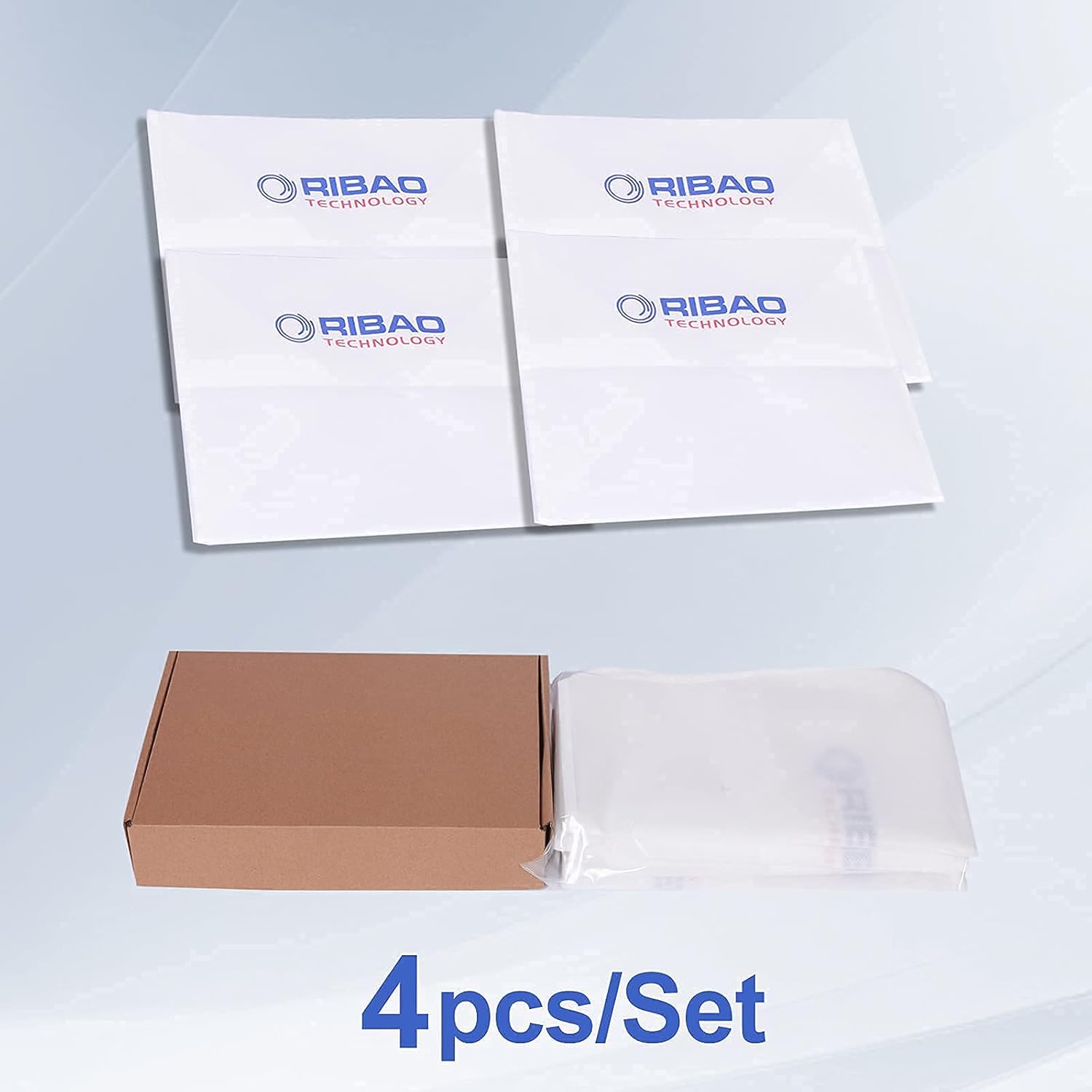
Image: The RIBAO Dust Cover Set, showing four individual covers and their packaging.

Image: Illustration of the dust cover's effectiveness in protecting the machine from dust.
3. இணக்கத்தன்மை
This dust cover is designed to be compatible with a range of RIBAO bill counter models, including:
- RIBAO BC-55
- RIBAO BC-40
- RIBAO BC-35
- RIBAO BC-2000V/UV/MG
It may also fit other money counters with similar dimensions. Please refer to the specifications section for detailed measurements.

Image: The dust cover shown on a bill counter, highlighting its dimensions and compatible models.
4. நிறுவல்
Installing the dust cover is a simple process:
- Ensure your bill counter is turned off and unplugged before placing the cover.
- Carefully unfold the dust cover.
- Place the dust cover over your bill counter, ensuring it fully covers the top, sides, and front/back openings to prevent dust ingress.
- When using the machine, remove the dust cover completely.

Image: A RIBAO bill counter with the dust cover correctly placed over it.
5. பராமரிப்பு மற்றும் பராமரிப்பு
To ensure the longevity and effectiveness of your dust covers:
- சுத்தம்: Wipe the dust cover with a damp cloth to remove accumulated dust and dirt. Avoid harsh chemicals or abrasive cleaners.
- சேமிப்பு: When not in use, fold the cover neatly and store it in a dry place.
- மாற்று: For optimal protection, it is recommended to replace the dust cover every 3 months, or sooner if it shows signs of wear or damage. The 4-piece set provides a full year of protection with regular replacement.
6. விவரக்குறிப்புகள்
| அம்சம் | விவரம் |
|---|---|
| பொருள் வகை | Plastic (Durable Fabric) |
| பரிமாணங்கள் (H x W x D) | 9.84 inches x 9.84 inches x 5 inches |
| அளவு | ஒரு தொகுப்பிற்கு 4 துண்டுகள் |
| நிறம் | வெள்ளை |
7. சரிசெய்தல்
Issue: The dust cover does not fit my machine.
- தீர்வு: Verify your machine's model number against the compatible models listed in Section 3. Check the dimensions of your machine against the specifications provided in Section 6. If your machine's dimensions significantly differ, the cover may not be suitable.
8. ஆதரவு
For further assistance or inquiries regarding your RIBAO Dust Cover Set, please contact RIBAO TECHNOLOGY customer support. Refer to your product packaging or the RIBAO TECHNOLOGY webதொடர்பு தகவலுக்கான தளம்.