
Techkey Black-5.3-1
Techkey Long Range USB Bluetooth 5.3 Adapter User Manual
Model: Black-5.3-1
1. அறிமுகம்
The Techkey Long Range USB Bluetooth 5.3 Adapter is designed to provide seamless wireless connectivity for your desktop PC. Utilizing the latest Bluetooth 5.3+EDR technology, this adapter ensures low energy consumption, high speed, and enhanced anti-interference capabilities. It allows you to connect multiple Bluetooth devices simultaneously, extending your wireless range up to 328 feet (100 meters) in open areas.
This manual will guide you through the setup, operation, and troubleshooting of your new Bluetooth adapter.
2. தொகுப்பு உள்ளடக்கங்கள்
- 1 x Techkey Long Range USB Bluetooth 5.3 Adapter
- 1 x பயனர் கையேடு
3. தயாரிப்பு முடிந்துவிட்டதுview
The Techkey Bluetooth 5.3 Adapter features a compact USB design with an external antenna for extended range. The antenna is rotatable, offering flexibility in positioning for optimal signal reception.

Image: The Techkey USB Bluetooth 5.3 Adapter, showing its compact USB form factor and the adjustable external antenna.

Image: A comparison chart highlighting the advantages of Bluetooth 5.3+EDR technology, including faster response, better anti-interference, and extended range compared to older Bluetooth versions.
4. கணினி தேவைகள்
This Bluetooth adapter is compatible with the following operating systems:
- விண்டோஸ் 11
- விண்டோஸ் 10
- விண்டோஸ் 8.1
குறிப்பு: This adapter is இல்லை compatible with Mac OS, Linux, car stereo systems, XBOX, PS4, or TVs.

Image: Visual representation showing compatibility with Windows 8.1, Windows 10, and Windows 11 operating systems.
5. அமைவு மற்றும் நிறுவல்
The Techkey Bluetooth 5.3 Adapter is designed for plug-and-play functionality, requiring no driver installation on supported Windows systems.
5.1. ஆரம்ப அமைப்பு
- Disable Existing Bluetooth (if applicable): If your computer has a built-in Bluetooth adapter, it is recommended to disable it before installing the Techkey adapter to avoid conflicts. You can usually do this through Windows Device Manager or Bluetooth settings.
- அடாப்டரை செருகவும்: Insert the USB Bluetooth 5.3 adapter into an available USB port on your desktop PC.
- தானியங்கி அங்கீகாரம்: Your Windows operating system (11/10/8.1) should automatically detect and configure the adapter. No manual driver installation is typically required.

Image: A visual demonstrating the simple plug-and-play installation of the Bluetooth adapter into a desktop computer, showing the adapter's antenna extended.
5.2. Driver Installation (If Needed)
While the adapter is generally plug-and-play, in rare cases, if Windows does not automatically install the necessary drivers or if you experience connectivity issues, you may need to manually install them. The product typically comes with a mini-CD containing drivers and useful information. Alternatively, you can visit the Techkey official support webஉங்கள் மாடலுக்கான சமீபத்திய இயக்கிகளைப் பதிவிறக்க தளம்.
6. இயக்க வழிமுறைகள்
6.1. புளூடூத் சாதனங்களை இணைத்தல்
- புளூடூத்தை இயக்கு: Once the adapter is installed, go to Windows Settings > Devices > Bluetooth & other devices. Ensure Bluetooth is toggled "On".
- சாதனத்தைச் சேர்: Click on "Add Bluetooth or other device" and select "Bluetooth".
- இணைத்தல் முறை: Put your Bluetooth device (e.g., headphones, mouse, keyboard, speaker, printer) into pairing mode. Refer to your device's user manual for specific instructions on how to do this (often indicated by a flashing LED).
- தேர்ந்தெடுத்து இணைக்கவும்: Your PC will scan for available Bluetooth devices. Select your device from the list and follow any on-screen prompts to complete the pairing process.

Image: An illustration depicting the adapter's capability to connect up to five different Bluetooth devices simultaneously, including printers, phones, headphones, mice, and speakers.
6.2. Simultaneous Connections and Performance
The adapter supports simultaneous connection of up to 5 Bluetooth devices. Thanks to EDR technology and Bluetooth Low Energy (BLE) configuration, it achieves a transmission rate of up to 3Mbps, ensuring fast and stable wireless data connections without significant delay.
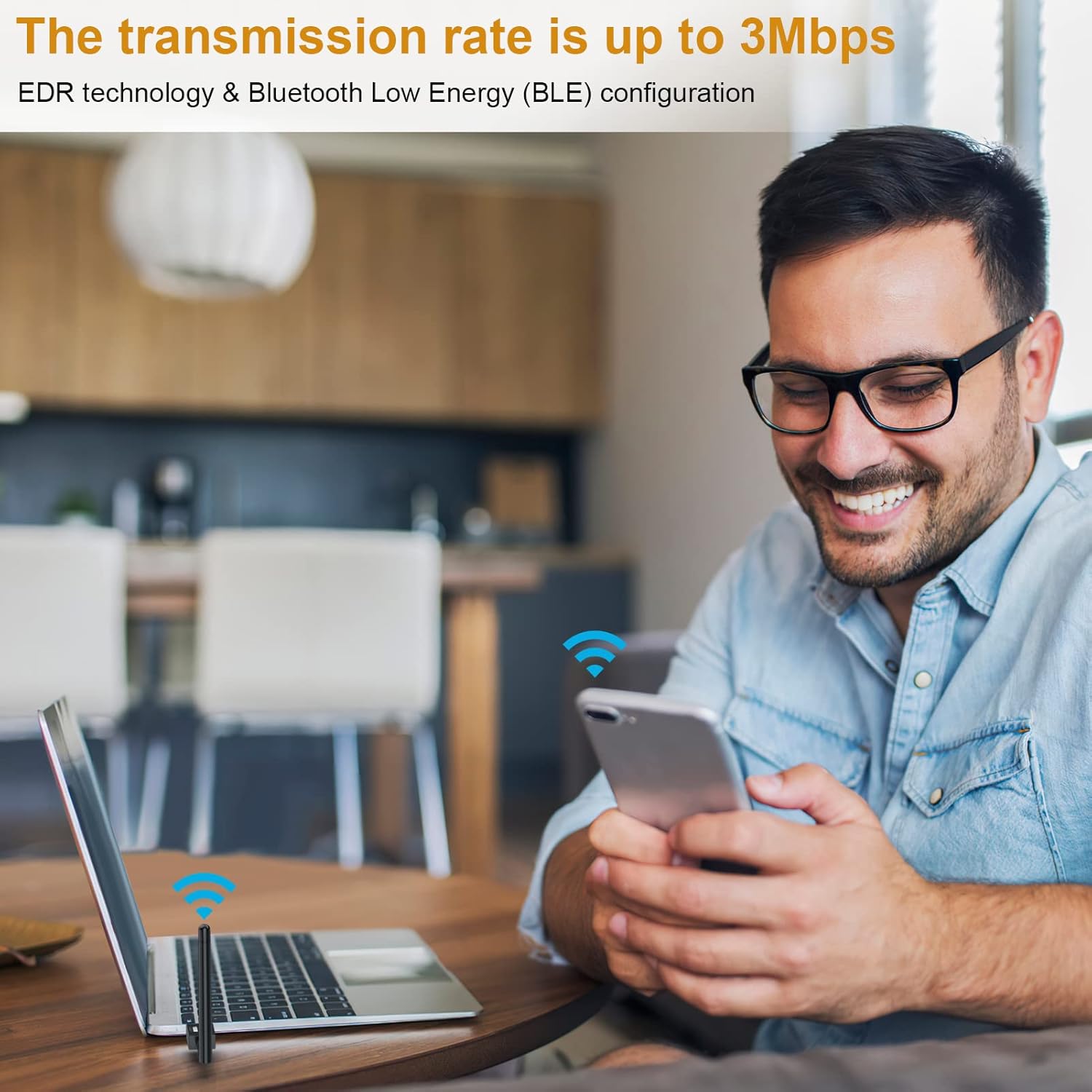
Image: A user enjoying wireless connectivity with their laptop, illustrating the high transmission rate of up to 3Mbps provided by the Bluetooth adapter.
6.3. நீட்டிக்கப்பட்ட வரம்பு
Equipped with Class 1 radio technology and an extra-long antenna, the adapter offers an impressive transmission range of up to 328 feet (100 meters) in open areas. This significantly reduces the impact of distance on your Bluetooth connections.
குறிப்பு: Actual transmission range may vary and can be affected by physical obstructions (walls, furniture) and wireless interference from other devices.

Image: A diagram showing the wide coverage area of the Bluetooth adapter within a multi-room environment, emphasizing its long-range capabilities.
6.4. தயாரிப்பு செயல்விளக்க வீடியோ
Video: An official product video demonstrating the plug-and-play functionality, simultaneous device connection, and extended range of the Techkey Bluetooth 5.3 Adapter.
7. பராமரிப்பு
The Techkey Bluetooth adapter requires minimal maintenance. Keep the adapter clean and free from dust. If the adapter feels warm during extended use, this is normal and generally not a cause for concern. Ensure the antenna is not obstructed for optimal performance.
- சுத்தம்: Use a soft, dry cloth to wipe the adapter. Do not use liquid cleaners.
- சேமிப்பு: When not in use for extended periods, you may unplug the adapter and store it in a cool, dry place.
8. சரிசெய்தல்
| பிரச்சனை | சாத்தியமான காரணம் | தீர்வு |
|---|---|---|
| Adapter not recognized / Bluetooth not appearing |
|
|
| Frequent disconnections or unstable connection |
|
|
| Sound cutting out (especially with headphones) |
|
|
| Cannot connect to specific device |
|
|
9. விவரக்குறிப்புகள்
| அம்சம் | விவரம் |
|---|---|
| பிராண்ட் | தொழில்நுட்ப வல்லுநர் |
| மாதிரி எண் | Black-5.3-1 |
| புளூடூத் பதிப்பு | 5.3 + EDR (மேம்படுத்தப்பட்ட தரவு விகிதம்) |
| இணக்கத்தன்மை | Bluetooth 5.2/4.2/4.2 LE/4.0/2.1+EDR |
| ஆதரிக்கப்படும் OS | விண்டோஸ் 11/10/8.1 |
| பரிமாற்ற வரம்பு | Up to 328ft / 100m (in open area) |
| தரவு பரிமாற்ற வீதம் | 3 Mbps வரை |
| வன்பொருள் இடைமுகம் | புளூடூத், யு.எஸ்.பி |
| தயாரிப்பு பரிமாணங்கள் | 3.74 x 0.67 x 4.29 அங்குலம் |
| பொருளின் எடை | 1.76 அவுன்ஸ் |
| ஆதரிக்கப்படும் சாதனங்கள் | Bluetooth speakers, keyboards, headsets, mice, Bluetooth printers, etc. |
10. உத்தரவாதம் மற்றும் ஆதரவு
Techkey products are designed for reliability and performance. For warranty information, technical support, or any inquiries regarding your Bluetooth adapter, please refer to the contact information provided with your product packaging or visit the official Techkey support website. Please have your model number (Black-5.3-1) and purchase details ready when contacting support.
Ask a question about this manual
Ask about setup, troubleshooting, compatibility, parts, safety, or missing instructions. Manuals+ will review the question and use this page’s manual context to help answer it.