
1. தயாரிப்பு முடிந்துவிட்டதுview
The MOVE SPEED 1TB USB3.2 Solid State USB Flash Drive is a high-performance portable storage device designed for secure and rapid data transfer. It features dual USB-A and Type-C ports for broad compatibility, AES-256 hardware encryption, and a fingerprint recognition system for enhanced data security.

Image: The MOVE SPEED 1TB USB3.2 Solid State USB Flash Drive, showcasing அதன் சிறிய வடிவமைப்பு.
முக்கிய அம்சங்கள்:
- அதிவேக தரவு பரிமாற்றம்: Up to 520MB/s read speed and 450MB/s write speed, utilizing USB 3.2 Gen 2 interface.
- Dual Encryption: Combines AES-256 hardware encryption with fingerprint recognition for robust data protection.
- இரட்டை துறைமுகங்கள்: Equipped with both USB-A and Type-C connectors for versatile connectivity with various devices, including OTG-enabled smartphones.
- Rapid Fingerprint Recognition: Features 0.5-second recognition time and a 98.5% recognition rate. Supports up to 10 fingerprint IDs.
- Solid State Technology: Utilizes SSD chips for durability and performance.
2. தொகுப்பு உள்ளடக்கங்கள்
தொகுப்பில் அனைத்து பொருட்களும் உள்ளதா என்பதை சரிபார்க்கவும்:
- MOVE SPEED Encrypted Flash Drive (1TB)
- தோல் வழக்கு
- பயனர் கையேடு
3. அமைப்பு மற்றும் ஆரம்ப பயன்பாடு
3.1 ஒரு சாதனத்துடன் இணைக்கிறது
The flash drive features both USB-A and Type-C connectors. Select the appropriate connector for your device (computer, laptop, or OTG-enabled smartphone) and insert the drive firmly into the port.

Image: The flash drive connected to both a laptop via USB-A and a smartphone via Type-C, demonstrating its dual-port functionality.
3.2 Software Installation for Encryption
To utilize the fingerprint and AES-256 encryption features, you must install the dedicated software.
- For Mobile Devices (Android OTG): Scan the QR code provided on the product packaging or below to download and install the mobile application.
- For Computers (Windows): The software is typically pre-loaded on the drive. Connect the drive to your computer, open the drive, and run the setup file. If not found, you can download it via the QR code link.
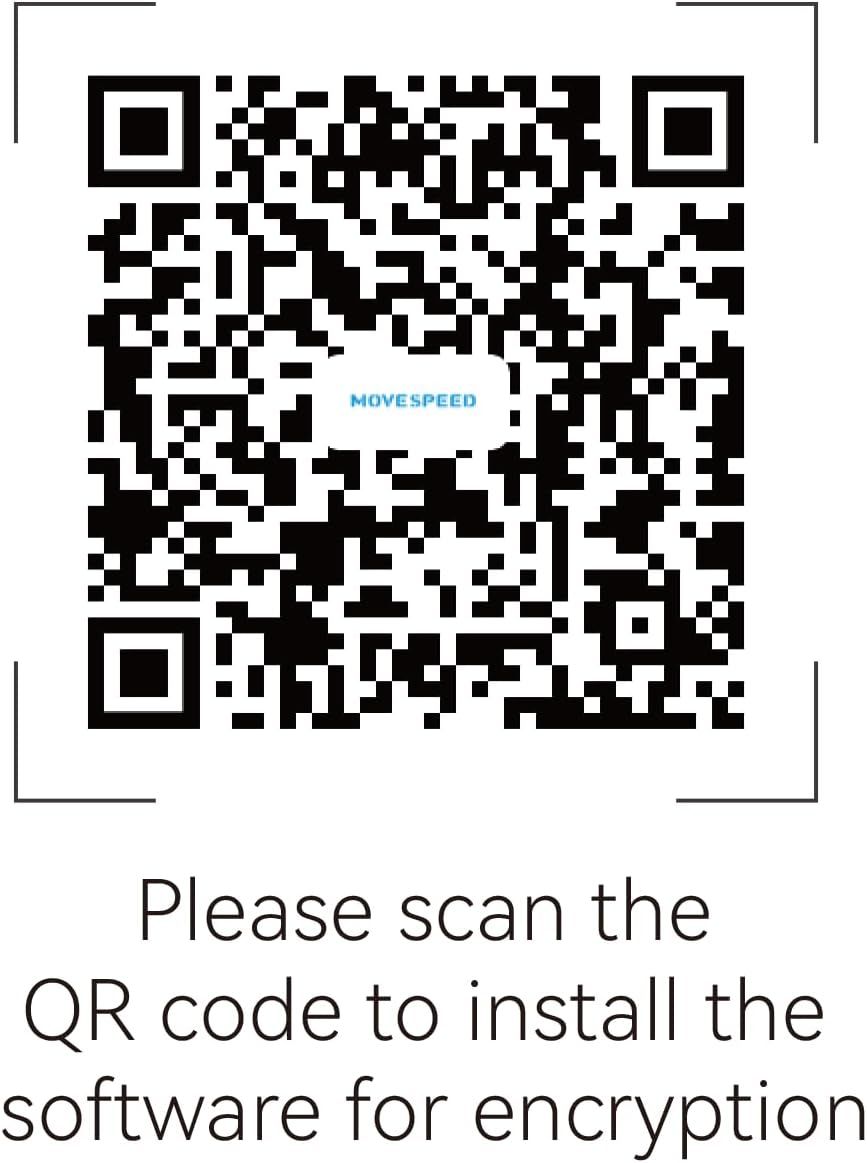
Image: QR code for downloading the encryption software. Scan this code with your mobile device or visit https://www.downloadqrcode.com/2022/MoveSpeedDrive/.
3.3 கைரேகைகளைப் பதிவு செய்தல்
After installing the software, follow the on-screen instructions to register your fingerprints. The device supports up to 10 unique fingerprint IDs. Ensure your fingers are clean and dry for accurate registration.

Image: A visual representation of adding multiple fingerprint IDs to the device, indicating support for up to 10 users.
4. இயக்க வழிமுறைகள்
4.1 மறைகுறியாக்கப்பட்ட தரவை அணுகுதல்
Once the drive is connected and fingerprints are registered, touch the fingerprint sensor on the drive with a registered finger. The drive will unlock, and you can access your encrypted data. The recognition process takes approximately 0.5 seconds.

Image: Illustration of the flash drive's fingerprint sensor with light rays indicating rapid recognition, highlighting the 0.5s recognition time and 98.5% recognition rate.
4.2 தரவு பரிமாற்றம்
After unlocking, the drive functions like a standard USB storage device. Drag and drop files, or copy and paste them to and from the drive. The USB 3.2 Gen 2 interface ensures fast transfer speeds.
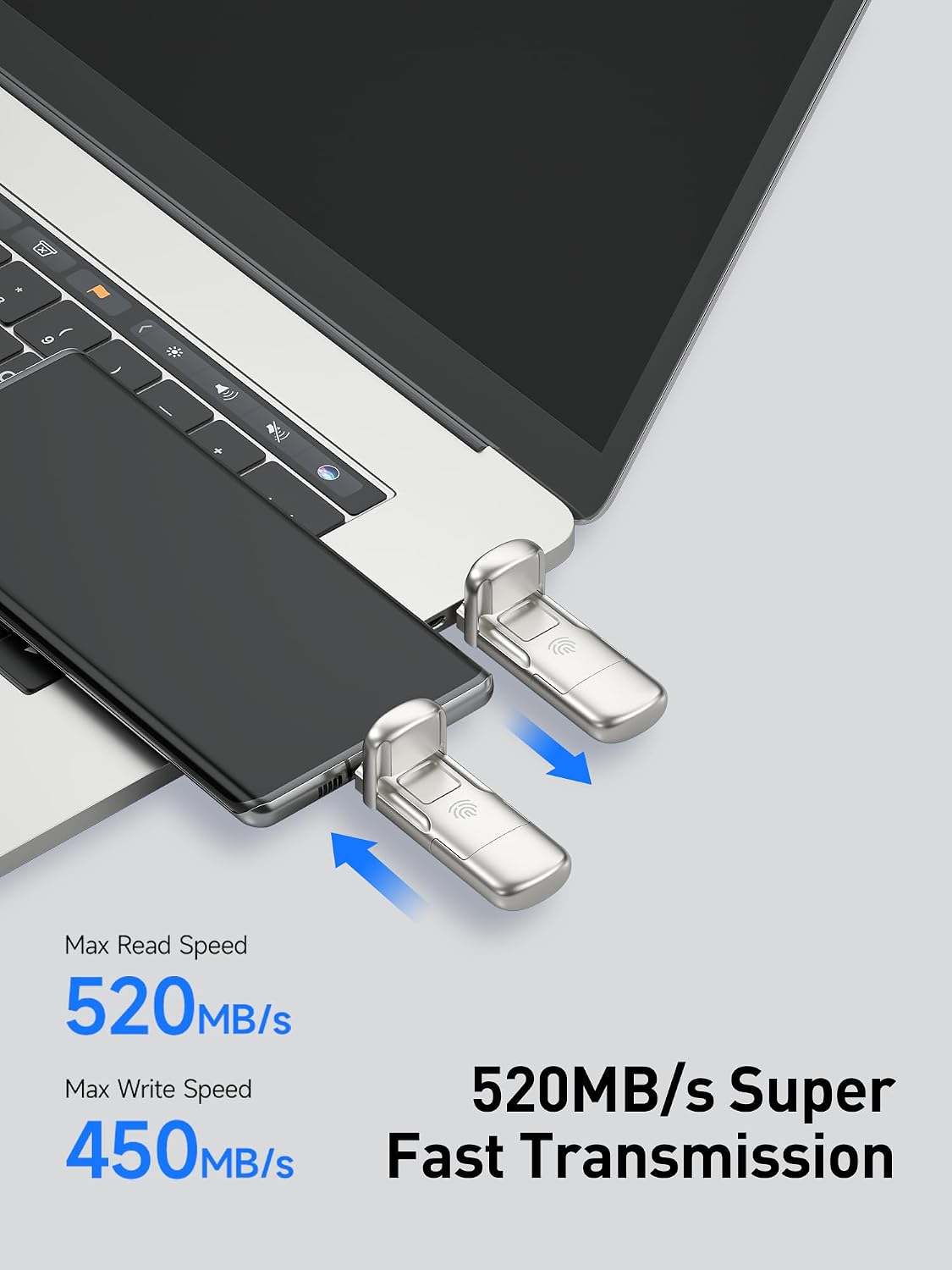
Image: The flash drive connected to a laptop and a smartphone, illustrating high-speed data transfer with indicated read speeds of 520MB/s and write speeds of 450MB/s.
4.3 Using with Smartphones (OTG)
Connect the Type-C port of the flash drive to your OTG-enabled smartphone. You can use it to back up images, videos, documents, and other media directly from your phone, expanding its storage capacity.
5. பராமரிப்பு மற்றும் பராமரிப்பு
- உடல் பராமரிப்பு: Keep the drive clean and free from dust and moisture. Use the provided leather case for protection when not in use.
- வெப்பநிலை: உலோகம் சிasing of the drive may become warm during prolonged use, especially during large data transfers. This is normal and does not indicate a malfunction. Allow it to cool down if it becomes excessively hot.
- பாதுகாப்பான நீக்கம்: Always safely eject the flash drive from your computer or smartphone before physically removing it to prevent data corruption.
- மென்பொருள் புதுப்பிப்புகள்: Periodically check for software updates for the encryption utility to ensure optimal performance and security.
6. சரிசெய்தல்
- Issue: Fingerprint sensor not recognizing.
- உங்கள் விரல் சுத்தமாகவும் உலர்ந்ததாகவும் இருப்பதை உறுதிப்படுத்தவும்.
- Try re-registering your fingerprint through the software.
- Ensure you are using a finger that has been registered.
- Issue: Software cannot detect the device.
- Ensure the drive is firmly connected to a USB port.
- Try a different USB port or a different computer/device.
- Reinstall the encryption software.
- Verify that your operating system recognizes the drive as a storage device.
- சிக்கல்: மெதுவான தரவு பரிமாற்ற வேகம்.
- Ensure you are connected to a USB 3.0/3.1/3.2 port for optimal performance. Connecting to a USB 2.0 port will result in slower speeds.
- பெரியது file transfers can generate heat, which may cause the drive to throttle speeds. Allow the drive to cool down.
- உங்கள் கணினியின் இயக்கிகள் புதுப்பித்த நிலையில் இருப்பதை உறுதிசெய்யவும்.
- Issue: Drive not recognized by phone with case.
- Some phone cases may prevent the USB-C connector from fully seating. Try removing the phone case to ensure a proper connection.
7. விவரக்குறிப்புகள்
| அம்சம் | விவரம் |
|---|---|
| பிராண்ட் | வேகத்தை நகர்த்தவும் |
| மாதிரி | 1TB USB3.2 சாலிட் ஸ்டேட் USB ஃபிளாஷ் டிரைவ் |
| நினைவக சேமிப்பு திறன் | 1TB (டெராபைட்) |
| வன்பொருள் இடைமுகம் | USB 3.2 Gen 2 |
| படிக்கும் வேகம் | 520 MB/s வரை |
| எழுதும் வேகம் | 450 MB/s வரை |
| இணைப்பு தொழில்நுட்பம் | USB |
| வன்பொருள் இணைப்பு | USB வகை A, USB வகை C |
| குறியாக்கம் | AES-256, Fingerprint Biological Dual Encryption |
| கைரேகை அங்கீகாரம் | 0.5s rapid recognition, 98.5% high recognition rate, supports up to 10 IDs |
| இணக்கமான சாதனங்கள் | PC, Laptop, OTG Smartphones |
| பொருளின் எடை | 0.15 பவுண்டுகள் |
| நிறம் | Champஆக்னே தங்கம் |
8. உத்தரவாதம் மற்றும் ஆதரவு
The MOVE SPEED 1TB USB3.2 Solid State USB Flash Drive comes with a 5 வருட உத்தரவாதம்.
For customer service and technical support, please contact:
- மின்னஞ்சல்: support@movespeed.com
- Support is available 7 days a week, 24 hours a day.
A 30-day 100% refund policy is available if you are not satisfied with the product.
9. அறிவுறுத்தல் வீடியோக்கள்
9.1 MOVE SPEED Encrypted Flash Drive Overview
காணொளி: இந்த காணொளி ஒரு பொதுவான விளக்கத்தை வழங்குகிறதுview of the MOVE SPEED Encrypted Flash Drive, highlighting its features and benefits, including fast transfer speeds and cross-platform compatibility.
9.2 Product Use Instructional Video
Video: This instructional video demonstrates the steps for setting up and using the MOVE SPEED Encrypted Flash Drive, including software installation and fingerprint registration on both mobile and computer platforms.