
1. அறிமுகம்
நன்றி, நன்றி.asing the CUPEISI YQ11M Android 13 10.1-inch Tablet. This manual provides essential information for setting up, operating, maintaining, and troubleshooting your device. Please read this manual thoroughly to ensure proper use and to maximize your tablet's performance.
2. பாதுகாப்பு தகவல்
To prevent damage to your device or injury to yourself and others, please observe the following safety precautions:
- டேப்லெட்டை தீவிர வெப்பநிலை, நேரடி சூரிய ஒளி அல்லது அதிக ஈரப்பதத்திற்கு வெளிப்படுத்த வேண்டாம்.
- டேப்லெட்டை கீழே போடுவதையோ அல்லது வலுவான தாக்கங்களுக்கு ஆளாக்குவதையோ தவிர்க்கவும்.
- மாத்திரையை தண்ணீர் மற்றும் பிற திரவங்களிலிருந்து விலக்கி வைக்கவும்.
- அங்கீகரிக்கப்பட்ட பாகங்கள் மற்றும் சார்ஜர்களை மட்டுமே பயன்படுத்தவும்.
- டேப்லெட்டை நீங்களே பிரிக்கவோ அல்லது சரிசெய்யவோ முயற்சிக்காதீர்கள். தகுதிவாய்ந்த சேவை பணியாளர்களைப் பார்க்கவும்.
சார்ஜிங் முன்னெச்சரிக்கைகள்
When charging your CUPEISI YQ11M tablet, it is crucial to use a charger with a 5 வி / 2.0 ஏ வெளியீடு. Using chargers with different output specifications may lead to device malfunction or damage. The tablet supports both Type-A and Type-C charging terminals. However, chargers with Type-C on both ends may not be compatible. Avoid using multi-type chargers with outputs exceeding 2.0A, chargers that automatically detect current, fast chargers, or chargers specifically designed for other brands (e.g., Apple, Docomo, au).

படம்: Charging precautions and pre-applied protective film.
3. தொகுப்பு உள்ளடக்கங்கள்
பின்வரும் உருப்படிகளுக்கு பெட்டியை சரிபார்க்கவும்:
- CUPEISI YQ11M Android 13 Tablet
- USB சார்ஜிங் கேபிள்
- பவர் அடாப்டர்
- பயனர் கையேடு (இந்த ஆவணம்)
4. சாதனம் முடிந்ததுview
Familiarize yourself with the physical features of your CUPEISI YQ11M tablet.
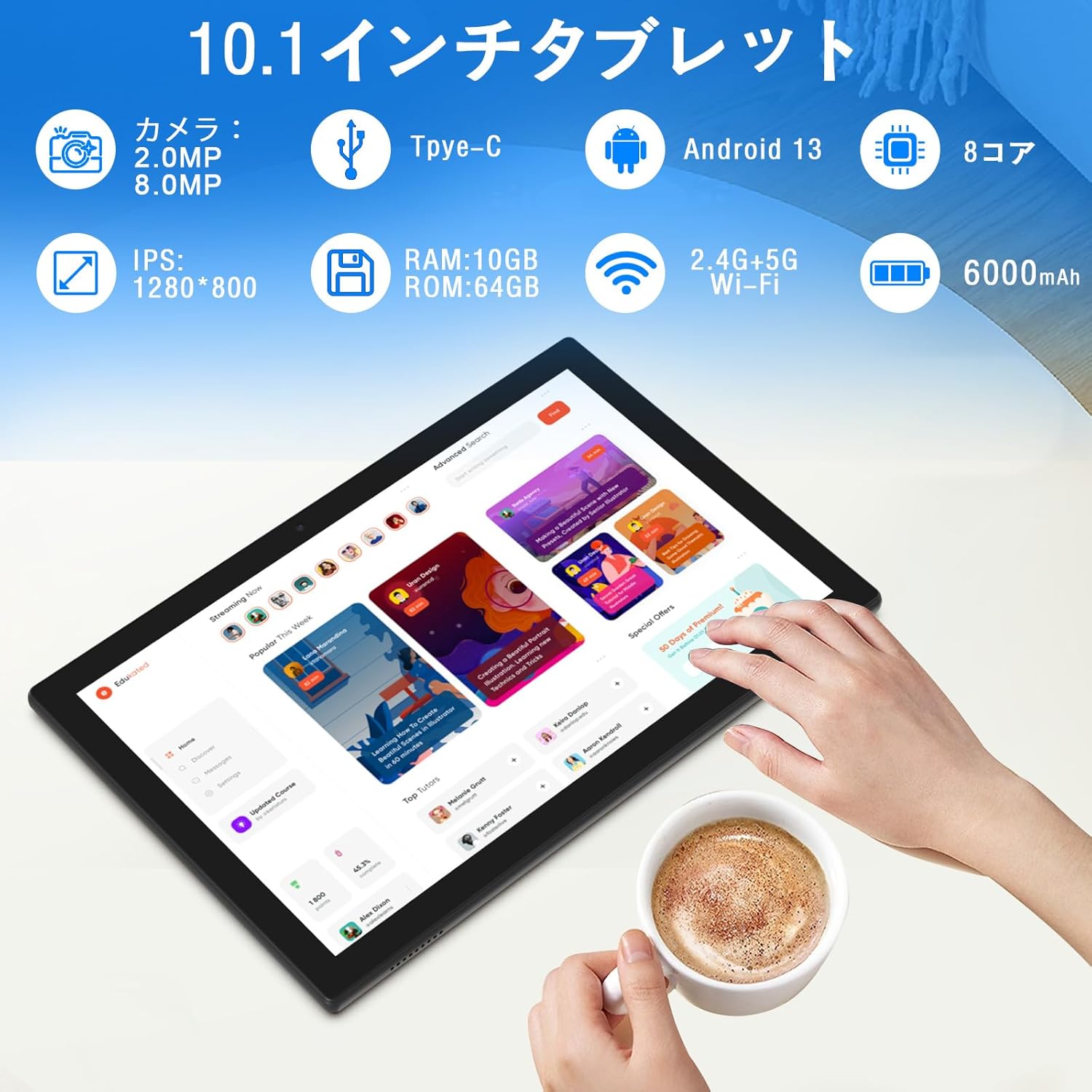
படம்: முடிந்துவிட்டதுview of tablet features and specifications.
- முன் கேமரா: வீடியோ அழைப்புகள் மற்றும் செல்ஃபிக்களுக்கு 2MP.
- பின்புற கேமரா: 8MP for capturing photos and videos.
- காட்சி: 10.1-inch IPS HD screen (1280x800 resolution).
- பேச்சாளர்கள்: மேம்பட்ட ஆடியோ அனுபவத்திற்காக இரட்டை ஸ்பீக்கர்கள்.
- சார்ஜிங் போர்ட்: சார்ஜ் செய்வதற்கும் தரவு பரிமாற்றத்திற்கும் டைப்-சி போர்ட்.
- பவர் பட்டன்: Located on the side for turning the device on/off and screen lock.
- தொகுதி பொத்தான்கள்: Located on the side for adjusting volume.
- மைக்ரோ எஸ்டி கார்டு ஸ்லாட்: For expandable storage up to 1TB.

படம்: முன்னும் பின்னும் view of the CUPEISI YQ11M tablet.
5 அமைவு
5.1 ஆரம்ப பவர் ஆன்
- திரை ஒளிரும் வரை பவர் பொத்தானை அழுத்திப் பிடிக்கவும்.
- உங்கள் மொழி, பகுதியைத் தேர்ந்தெடுத்து விதிமுறைகள் மற்றும் நிபந்தனைகளை ஏற்க திரையில் தோன்றும் வழிமுறைகளைப் பின்பற்றவும்.
5.2 வைஃபை இணைப்பு
- During the initial setup, select your preferred Wi-Fi network from the list.
- Enter the Wi-Fi password if prompted and tap 'Connect'.
- The tablet supports both 2.4G and 5G Wi-Fi for stable and fast connections.
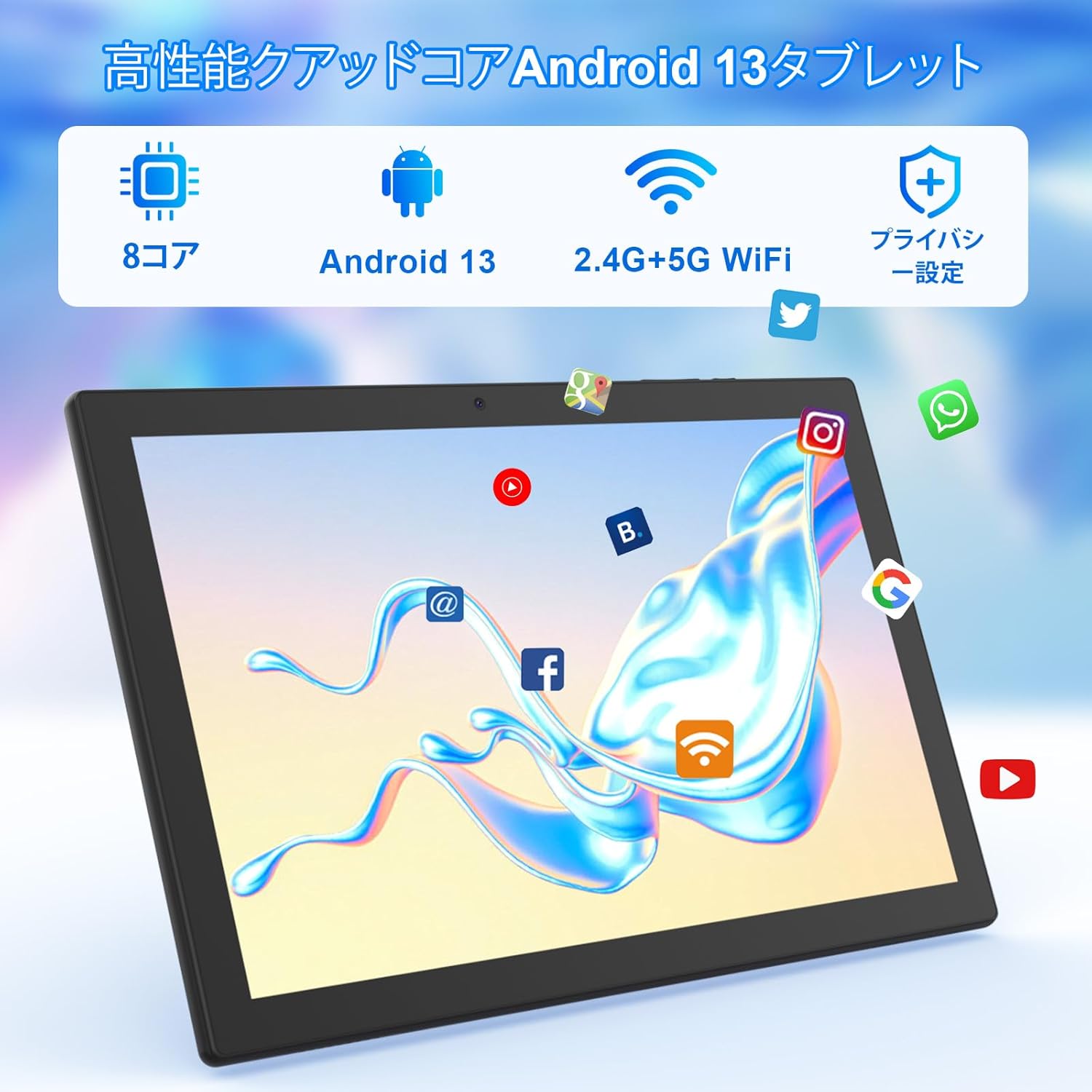
படம்: Tablet screen showing app icons and connectivity features.
5.3 கூகிள் கணக்கு அமைப்பு
Sign in with your Google account or create a new one to access Google Play Store, Gmail, and other Google services.
5.4 பாதுகாப்பு படம்
The tablet comes with a simple transparent PET protective film pre-applied. You may choose to keep it on or remove it according to your preference. It is designed for easy application without air bubbles or dust.
6. இயக்க வழிமுறைகள்
6.1 அடிப்படை வழிசெலுத்தல்
The CUPEISI YQ11M tablet features a 10.1-inch FHD in-cell touchscreen with wide viewing angles and 1280x800 high resolution, offering a clear and vibrant visual experience.

படம்: Tablet display features.
- தட்டவும்: ஒரு பொருளைத் தேர்ந்தெடுக்கவும் அல்லது ஒரு செயல்பாட்டைச் செயல்படுத்தவும்.
- ஸ்வைப்: திரைகள் வழியாக செல்லவும் அல்லது உள்ளடக்கத்தை உருட்டவும்.
- கிள்ளுதல்: படங்களை பெரிதாக்கவும் அல்லது குறைக்கவும் மற்றும் web பக்கங்கள்.
6.2 செயலி மேலாண்மை
The tablet comes with Google Play pre-installed, allowing you to download and use popular applications such as Facebook, Twitter, YouTube, Line, and Instagram. To install apps:
- Open the 'Play Store' app.
- தேடுங்கள் விரும்பிய செயலி.
- Tap 'Install' to download and set up the app.
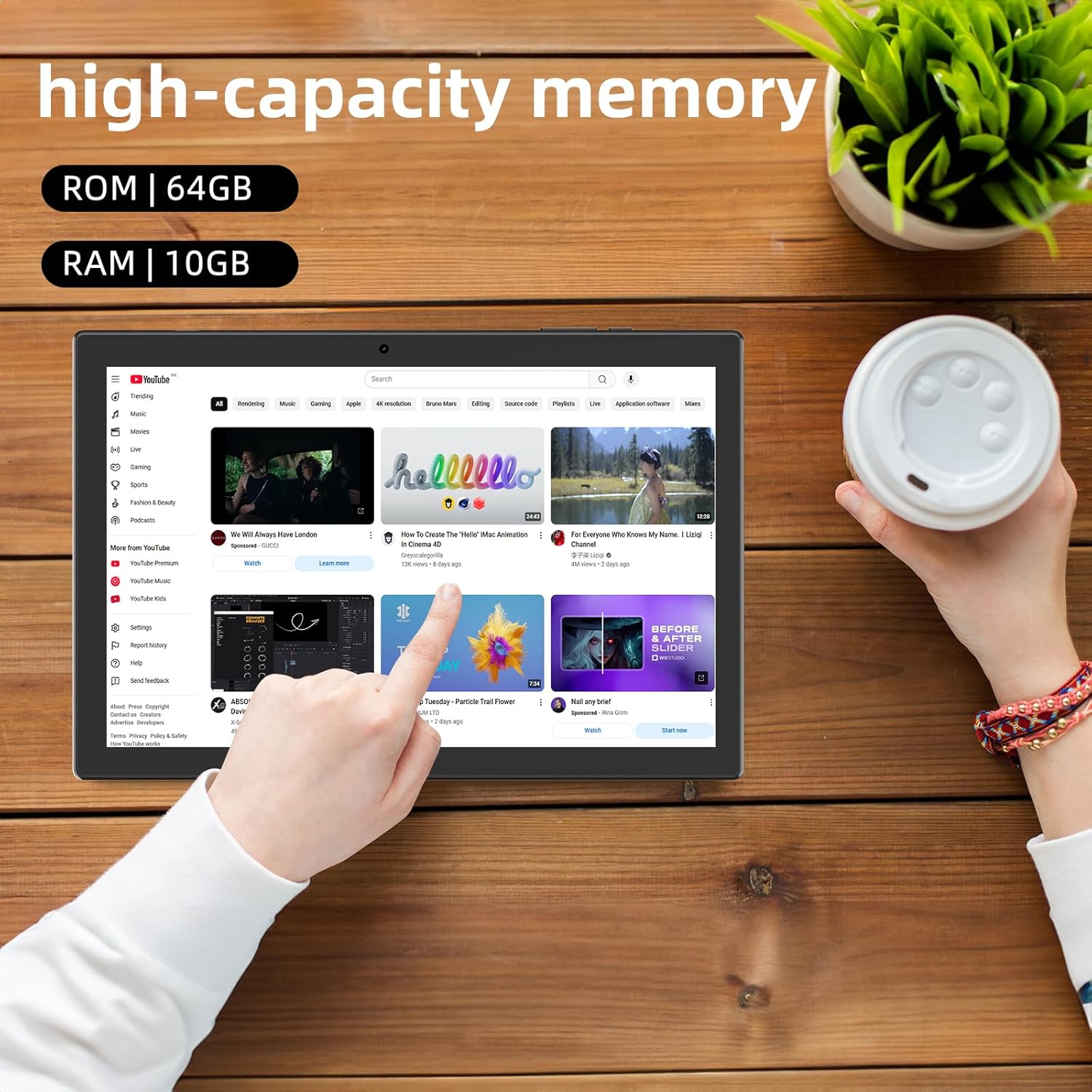
படம்: Tablet displaying high-capacity memory and app usage.
6.3 கேமரா பயன்பாடு
The tablet is equipped with an 8MP main camera and a 2MP front camera. You can use them for capturing beautiful moments, participating in web conferences, or online classes.
- 'கேமரா' செயலியைத் திறக்கவும்.
- தேவைக்கேற்ப முன் மற்றும் பின் கேமராக்களுக்கு இடையில் மாறவும்.
- Tap the shutter button to take a photo or start recording a video.
6.4 ஜிபிஎஸ் செயல்பாடு
With built-in GPS functionality, you can download offline maps to your tablet and use it for navigation, even without an internet connection.
6.5 பேட்டரி மேலாண்மை
The tablet features a large 6000mAh battery and AI intelligent power management, allowing for extended use for movies, reading, and browsing.

படம்: Tablet highlighting its 6000mAh battery capacity.

படம்: Tablet showing Type-C charging and various entertainment uses.
7. பராமரிப்பு
7.1 சாதனத்தை சுத்தம் செய்தல்
Use a soft, lint-free cloth to gently wipe the screen and body of the tablet. Avoid using harsh chemicals or abrasive materials.
7.2 மென்பொருள் புதுப்பிப்புகள்
Periodically check for system updates in the tablet's settings to ensure optimal performance and security.
7.3 சேமிப்பு மேலாண்மை
The tablet comes with 64GB of internal storage (ROM) and supports MicroSD cards up to 1TB for additional storage. Regularly manage your files and uninstall unused apps to free up space and maintain smooth operation.
8. சரிசெய்தல்
- சாதனம் இயக்கப்படவில்லை: Ensure the battery is charged. Connect the tablet to the charger and wait a few minutes before attempting to power it on again.
- வைஃபை இணைப்பு சிக்கல்கள்: Check if Wi-Fi is enabled in settings. Restart your router and the tablet. Ensure you are within range of the Wi-Fi signal.
- மெதுவான செயல்திறன்: Close unused applications. Clear cache and data for frequently used apps. Consider uninstalling unnecessary apps or moving large files to a MicroSD card.
- திரை பதிலளிக்கவில்லை: Restart the tablet by holding down the power button. If the issue persists, contact support.
9. விவரக்குறிப்புகள்
| பிராண்ட் | CUPEISI |
| மாதிரி | YQ11M (Note: Some specifications may refer to CP31 or UMIDIGI G2 Tab, but YQ11M is the primary model for this product.) |
| இயக்க முறைமை | Android 13 (GMS சான்றளிக்கப்பட்டது) |
| CPU | MediaTek MTK8768 Octa-core, 2.3 GHz |
| ரேம் | 10GB (4GB + 6GB Expansion) |
| உள் சேமிப்பு (ROM) | 64 ஜிபி |
| விரிவாக்கக்கூடிய சேமிப்பு | 1TB வரை மைக்ரோSD |
| திரை அளவு | 10.1 அங்குலம் |
| காட்சித் தீர்மானம் | 1280x800 pixels HD IPS |
| முன் கேமரா | 2 எம்.பி |
| பின்புற கேமரா | 8 எம்.பி |
| Wi-Fi | 2.4G + 5G Dual-band (802.11ac/b/g/n) |
| புளூடூத் | ஆம் |
| ஜி.பி.எஸ் | ஆம் |
| பேட்டரி திறன் | 6000mAh (22.8 Watt-hours) |
| சார்ஜிங் போர்ட் | வகை-சி |
| பேச்சாளர்கள் | 2 சேனல் ஸ்பீக்கர்கள் |
| பொருளின் எடை | 516 கிராம் |
| தொகுப்பு பரிமாணங்கள் | 30.9 x 19.3 x 2.9 செ.மீ |
10. உத்தரவாதம் மற்றும் ஆதரவு
இந்த தயாரிப்பு ஒரு உடன் வருகிறது ஒரு வருட தர உத்தரவாதம். In the unlikely event that you encounter any issues or defects with your product, please do not hesitate to contact us via email. We are committed to providing a prompt response within 24 hours to address your concerns.
Returns and refunds are also possible for customer convenience. Please purchase with confidence.
For support inquiries, please refer to the contact information provided with your purchase or visit the official CUPEISI webதளம்.