
DUODUOGO T30
DUODUOGO 10.1 inch Android Tablet User Manual
மாடல்: T30
1. அறிமுகம்
Welcome to the user manual for your new DUODUOGO 10.1 inch Android Tablet. This device is designed to provide a seamless and powerful experience for all your digital needs, from entertainment to productivity. Please read this manual carefully to ensure proper use and to maximize the performance and longevity of your tablet.

Figure 1.1: DUODUOGO 10.1 inch Android Tablet and accessories.
2. பெட்டியில் என்ன இருக்கிறது
தொகுப்பைத் திறந்தவுடன், பின்வரும் அனைத்து பொருட்களும் சேர்க்கப்பட்டுள்ளதா என்பதைச் சரிபார்க்கவும்:
- 1 x DUODUOGO 10.1 inch Android Tablet
- 1 x டேப்லெட் கேஸ்
- 1 x வகை-C USB கேபிள்
- 1 x சார்ஜர்
- 1 x பயனர் கையேடு
3. தயாரிப்பு முடிந்துவிட்டதுview
The DUODUOGO T30 tablet is engineered for high performance and user convenience. Below are key features and components:
3.1. செயல்திறன் மற்றும் சேமிப்பு
Equipped with a powerful octa-core processor and 8GB RAM (4GB physical + 4GB virtual memory), the tablet ensures smooth multitasking and fast application loading. The 64GB internal storage is expandable up to 1TB via a TF card, providing ample space for all your files.

Figure 3.1: Performance and Storage Capabilities.

Figure 3.2: Octa-Core Processor for Enhanced Performance.
3.2. Display and Audiovisual
Experience vibrant visuals on the 10.1-inch IPS HD display with a resolution of 1920x1200 pixels. The tablet features dual speakers for an immersive audio experience and supports Widevine L1 DRM for high-quality streaming content.
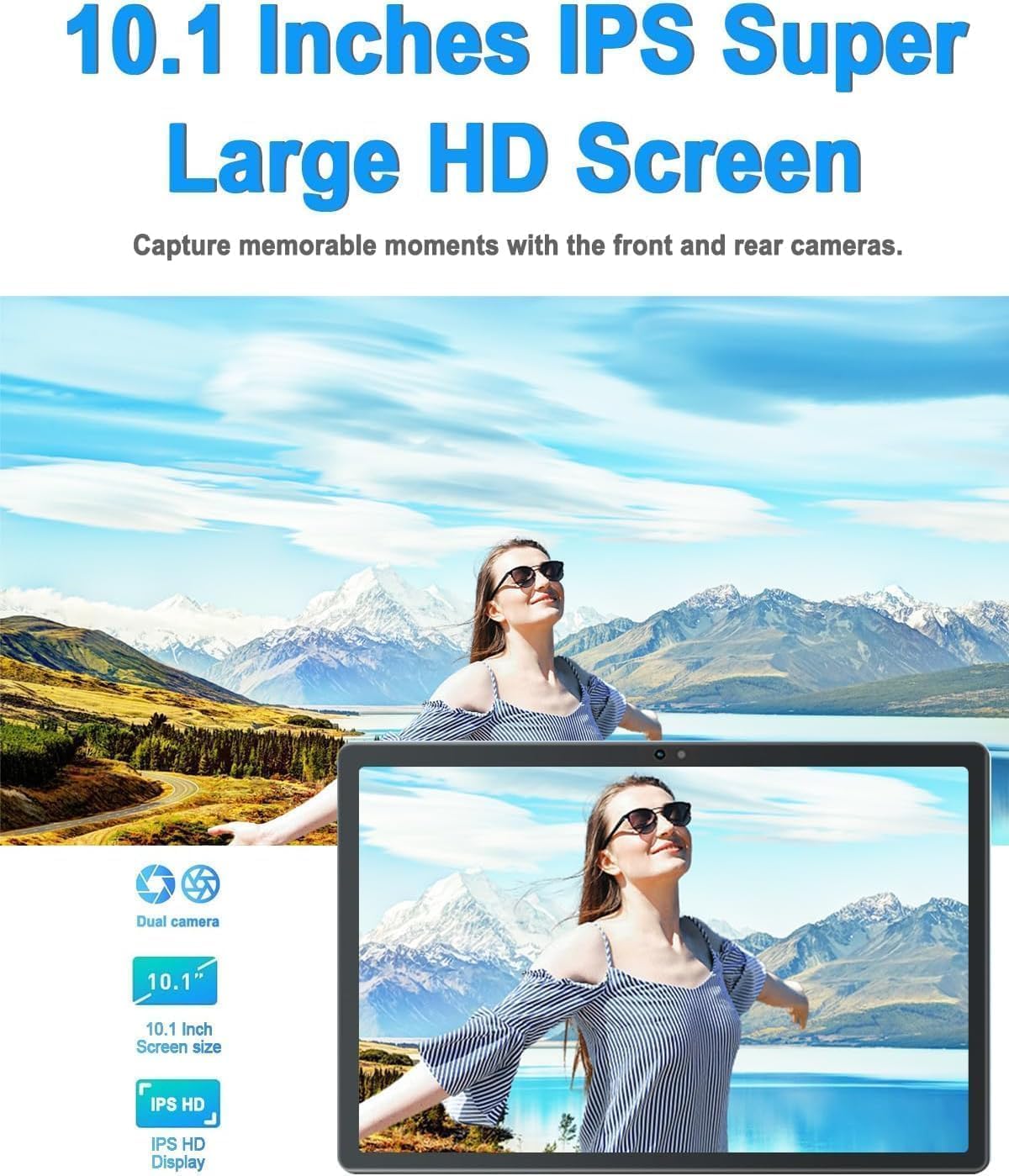
Figure 3.3: 10.1-inch IPS HD Display and Dual Cameras.

Figure 3.4: Immersive Audiovisual Experience.
3.3. Cameras and Connectivity
Capture moments with the 8MP rear camera and 5MP front camera. The tablet supports stable Wi-Fi (802.11ac) and Bluetooth 4.3 for seamless connectivity. It also includes GPS navigation capabilities.

Figure 3.5: Key Features and Connectivity Options.
3.4. Software and Battery
The tablet runs on the latest Android system and is GMS certified, ensuring full access to the Google Play Store and all its applications. A 6000 mAh battery provides extended usage time for various activities.

Figure 3.6: Google GMS Certification and App Access.
காணொளி 3.1: முடிந்ததுview of the 10.1 inch Android Tablet's features and capabilities.
4. அமைவு வழிகாட்டி
4.1. ஆரம்ப கட்டணம் வசூலித்தல்
Before first use, fully charge your tablet. Connect the Type-C USB cable to the tablet's charging port and the other end to the provided charger. Plug the charger into a power outlet. The battery indicator on the screen will show charging progress.
4.2. பவர் ஆன்/ஆஃப்
- பவர் ஆன் செய்ய: Press and hold the Power button (usually located on the side or top edge) until the DUODUOGO logo appears.
- பவர் ஆஃப் செய்ய: பவர் ஆப்ஷன்கள் மெனு தோன்றும் வரை பவர் பட்டனை அழுத்திப் பிடிக்கவும். "பவர் ஆஃப்" என்பதைத் தேர்ந்தெடுத்து உறுதிப்படுத்தவும்.
4.3. ஆரம்ப அமைவு வழிகாட்டி
The first time you power on the tablet, you will be guided through a setup wizard. Follow the on-screen prompts to:
- உங்கள் மொழியைத் தேர்ந்தெடுக்கவும்.
- வைஃபை நெட்வொர்க்குடன் இணைக்கவும்.
- உங்கள் Google கணக்கில் உள்நுழையவும் அல்லது புதிய ஒன்றை உருவாக்கவும்.
- திரைப் பூட்டை அமைக்கவும் (பின், பேட்டர்ன், கடவுச்சொல்).
- Review மற்றும் விதிமுறைகள் மற்றும் நிபந்தனைகளை ஏற்றுக்கொள்ளுங்கள்.
5. இயக்க வழிமுறைகள்
5.1. இடைமுகத்தை வழிநடத்துதல்
- தொடுதல்: அதைத் தேர்ந்தெடுக்க ஒரு ஐகான் அல்லது விருப்பத்தைத் தட்டவும்.
- தொட்டுப் பிடி: கூடுதல் விருப்பங்களை அணுக ஒரு பொருளை அழுத்திப் பிடிக்கவும்.
- ஸ்வைப்: திரைகளுக்கு இடையில் உருட்ட அல்லது செல்ல திரையின் குறுக்கே உங்கள் விரலை இழுக்கவும்.
- கிள்ளுதல்: புகைப்படங்களை பெரிதாக்க அல்லது பெரிதாக்க இரண்டு விரல்களைப் பயன்படுத்தவும் மற்றும் web பக்கங்கள்.
5.2. அடிப்படை செயல்பாடுகள்
- முகப்புத் திரை: Tap the Home button (circle icon) to return to the main screen.
- சமீபத்திய பயன்பாடுகள்: சமீபத்திய பயன்பாடுகள் பொத்தானை (சதுர ஐகான்) தட்டவும் view மற்றும் சமீபத்தில் பயன்படுத்தப்பட்ட பயன்பாடுகளுக்கு இடையில் மாறவும்.
- பின்: Tap the Back button (triangle icon) to go back to the previous screen.
- அறிவிப்புகள்: அறிவிப்புப் பலகத்தையும் விரைவு அமைப்புகளையும் அணுக திரையின் மேலிருந்து கீழ்நோக்கி ஸ்வைப் செய்யவும்.
- ஒலியளவு கட்டுப்பாடு: Use the physical Volume Up/Down buttons on the side of the tablet.
5.3. Wi-Fi உடன் இணைக்கிறது
- செல்க அமைப்புகள் > நெட்வொர்க் & இணையம் > Wi-Fi.
- வைஃபையை நிலைமாற்று On.
- பட்டியலிலிருந்து உங்களுக்கு விருப்பமான நெட்வொர்க்கைத் தேர்ந்தெடுக்கவும்.
- கேட்கப்பட்டால் கடவுச்சொல்லை உள்ளிட்டு தட்டவும் இணைக்கவும்.
5.4. கேமராக்களைப் பயன்படுத்துதல்
Open the Camera app from your home screen or app drawer. You can switch between the front and rear cameras using the camera switch icon. Tap the shutter button to take a photo or start/stop video recording.

Figure 5.1: HD Large Screen Display for optimal viewing.
6. பராமரிப்பு மற்றும் பராமரிப்பு
To ensure the longevity and optimal performance of your DUODUOGO tablet, follow these maintenance guidelines:
- சுத்தம்: திரையையும் உடலையும் சுத்தம் செய்ய மென்மையான, பஞ்சு இல்லாத துணியைப் பயன்படுத்தவும். பிடிவாதமான கறைகளுக்கு, சிறிது dampen துணியை தண்ணீர் அல்லது திரை துப்புரவாளர் கொண்டு துடைக்கவும். கடுமையான இரசாயனங்களைத் தவிர்க்கவும்.
- வெப்பநிலை: Do not expose the tablet to extreme temperatures (hot or cold) or direct sunlight for prolonged periods.
- நீர் வெளிப்பாடு: This tablet is not waterproof. Avoid contact with liquids.
- சேமிப்பு: நீண்ட நேரம் பயன்படுத்தப்படாதபோது, மாத்திரையை குளிர்ந்த, உலர்ந்த இடத்தில் சேமிக்கவும்.
- மென்பொருள் புதுப்பிப்புகள்: Regularly check for and install system updates to ensure your tablet has the latest features and security patches. Go to அமைப்புகள் > அமைப்பு > கணினி மேம்படுத்தல்.
7. சரிசெய்தல்
If you encounter issues with your tablet, refer to the following common problems and solutions:
- Tablet won't turn on:
- Ensure the battery is charged. Connect the charger and wait a few minutes before attempting to power on.
- Press and hold the Power button for at least 10-15 seconds to force a restart. - திரை செயல்படவில்லை:
- Restart the tablet.
- Ensure your hands are clean and dry. - வைஃபை இணைப்பு சிக்கல்கள்:
- Ensure Wi-Fi is enabled in Settings.
- Restart your Wi-Fi router.
- Forget the network in tablet settings and reconnect.
- Ensure you are within range of the Wi-Fi signal. - பயன்பாடுகள் செயலிழக்கின்றன அல்லது உறைகின்றன:
- Close and reopen the app.
- Clear the app's cache (Settings > Apps > [App Name] > Storage & cache > Clear cache).
- Update the app from Google Play Store.
- Uninstall and reinstall the app. - மெதுவான செயல்திறன்:
- Close unused apps running in the background.
- Clear cache and temporary files.
- Ensure sufficient storage space is available.
- Restart the tablet regularly. - பேட்டரி விரைவாக தீர்ந்துவிடும்:
- Reduce screen brightness.
- Turn off Wi-Fi, Bluetooth, and GPS when not in use.
- Close background apps.
- Limit notifications.
- Check battery usage in Settings to identify power-hungry apps.
If the problem persists, please contact DUODUOGO customer support for further assistance.
8. விவரக்குறிப்புகள்
| அம்சம் | விவரக்குறிப்பு |
|---|---|
| பிராண்ட் | DUODUOGO |
| மாதிரி எண் | T30 |
| இயக்க முறைமை | அண்ட்ராய்டு |
| திரை அளவு | 10.1 அங்குலம் |
| திரை தெளிவுத்திறன் | 1920 x 1200 பிக்சல்கள் ஐபிஎஸ் |
| செயலி | ஆக்டா-கோர், 2 GHz (மீடியாடெக்) |
| ரேம் | 8 ஜிபி (4 ஜிபி + 4 ஜிபி மெய்நிகர்) |
| உள் சேமிப்பு | 64 ஜிபி |
| விரிவாக்கக்கூடிய சேமிப்பு | Up to 1TB (TF card) |
| பின்புற கேமரா | 8 எம்.பி |
| முன் கேமரா | 5 எம்.பி |
| பேட்டரி திறன் | 6000 mAh |
| வயர்லெஸ் வகை | 802.11ac வைஃபை |
| புளூடூத் | புளூடூத் 4.3 |
| இணைப்பு | Type-C USB, 3.5mm Headphone Jack |
| பொருளின் எடை | 1.04 பவுண்டுகள் |
| தயாரிப்பு பரிமாணங்கள் | 9.6 x 6.4 x 0.32 அங்குலம் |
9. உத்தரவாதம் மற்றும் ஆதரவு
Your DUODUOGO tablet comes with a standard manufacturer's warranty. Please refer to the warranty card included in your product packaging for specific terms and conditions, including warranty period and coverage details.
For technical support, troubleshooting assistance, or warranty claims, please contact DUODUOGO customer service through the contact information provided on the product packaging or the official DUODUOGO webதளம்.
உத்தரவாத நோக்கங்களுக்காக உங்கள் கொள்முதல் ஆதாரத்தை வைத்திருங்கள்.
Ask a question about this manual
Ask about setup, troubleshooting, compatibility, parts, safety, or missing instructions. Manuals+ will review the question and use this page’s manual context to help answer it.