
1. அறிமுகம்
Thank you for choosing the Edifier X1 Lite True Wireless Earbuds. This manual provides detailed instructions for setting up, operating, and maintaining your new earbuds to ensure optimal performance and longevity. Please read this manual thoroughly before use.

Image: Edifier X1 Lite True Wireless Earbuds in their open charging case.
2. பெட்டியில் என்ன இருக்கிறது
The Edifier X1 Lite package includes the following components:
- Edifier X1 Lite True Wireless Earbuds (Left and Right)
- சார்ஜிங் கேஸ்
- USB சார்ஜிங் கேபிள்
- பயனர் கையேடு (இந்த ஆவணம்)
3 அமைவு
3.1 ஆரம்ப சார்ஜிங்
முதல் பயன்பாட்டிற்கு முன், இயர்பட்கள் மற்றும் சார்ஜிங் கேஸை முழுமையாக சார்ஜ் செய்யவும்.
- இரண்டு இயர்பட்களையும் சார்ஜிங் கேஸில் வைக்கவும்.
- USB சார்ஜிங் கேபிளை கேஸில் உள்ள சார்ஜிங் போர்ட்டுடனும், ஒரு பவர் சோர்ஸுடனும் (எ.கா. USB சுவர் அடாப்டர், கணினி USB போர்ட்) இணைக்கவும்.
- The indicator light on the charging case will show charging status. Refer to the LED indicator section for details.
- கேஸ் மற்றும் இயர்பட்களை முழுமையாக சார்ஜ் செய்ய பொதுவாக சுமார் 1.5 மணிநேரம் ஆகும்.
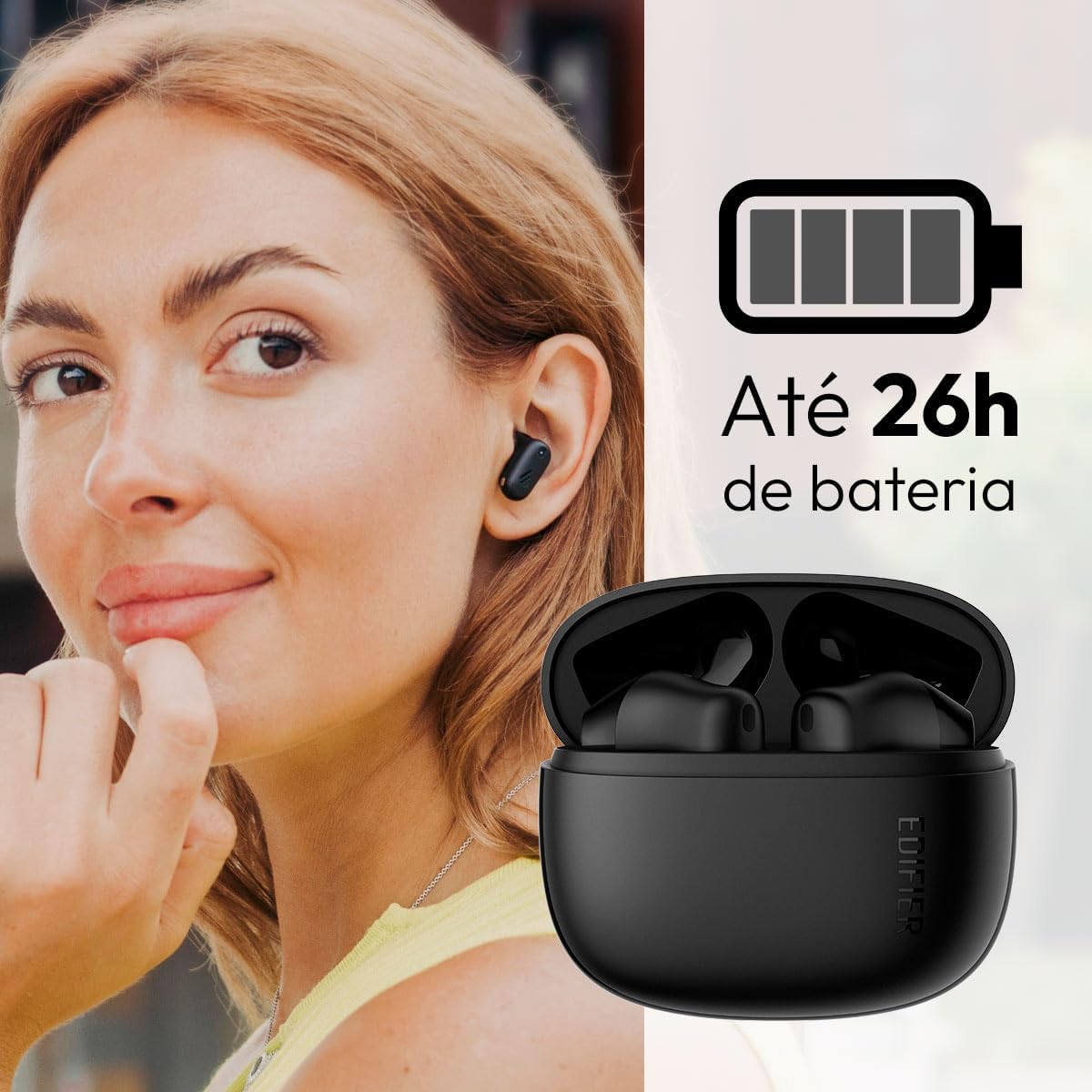
Image: Woman wearing an earbud, with the charging case and a battery icon indicating charging.
Fast Charging Feature:
A 15-minute quick charge can provide approximately 1.5 hours of playtime for the earbuds.

Image: Visual representation of battery life and fast charging capabilities.
3.2 ப்ளூடூத் இணைத்தல்
Follow these steps to pair your Edifier X1 Lite earbuds with your device:
- முதல் முறை இணைத்தல்: Open the charging case. The earbuds will automatically power on and enter pairing mode. The indicator light on the earbuds will flash rapidly.
- உங்கள் சாதனத்தில் (ஸ்மார்ட்போன், டேப்லெட், மடிக்கணினி), புளூடூத்தை இயக்கவும்.
- தேடுங்கள் "EDIFIER X1 Lite" in the list of available Bluetooth devices.
- Select "EDIFIER X1 Lite" to connect. Once connected, the indicator lights on the earbuds will turn off, and you will hear a confirmation tone.
- Re-pairing/Connecting to a New Device: If the earbuds are already connected to another device, disconnect them first. Alternatively, with the earbuds in the case and the lid open, press and hold the button on the charging case for 3 seconds to enter pairing mode.

Image: Man using earbuds, highlighting Bluetooth 5.4 connectivity.
3.3 Edifier ConneX App Installation
For enhanced features and customization, download the EDIFIER ConneX app:
- Scan the QR code provided in the image below or visit the official Edifier app download page.
- உங்கள் ஸ்மார்ட்போன் அல்லது டேப்லெட்டில் பயன்பாட்டை நிறுவவும்.
- Open the app and follow the on-screen instructions to connect your X1 Lite earbuds.
- The app allows for sound effect customization, game mode activation, and touch control settings.

Image: EDIFIER ConneX app interface with QR code. Download the Edifier ConneX App
4. இயக்க வழிமுறைகள்
4.1 இயர்பட்களை அணிதல்
Proper fit ensures optimal sound quality and comfort:
- இடது (எல்) மற்றும் வலது (ஆர்) இயர்பட்களை அடையாளம் காணவும்.
- ஒவ்வொரு இயர்பட்டையும் தொடர்புடைய காது கால்வாயில் மெதுவாகச் செருகவும்.
- இயர்பட்டை பாதுகாப்பாகவும் வசதியாகவும் உணரும் வரை அதை லேசாக சுழற்றுங்கள்.

Image: Man demonstrating proper earbud placement.
4.2 பவர் ஆன்/ஆஃப்
- பவர் ஆன்: சார்ஜிங் கேஸிலிருந்து இயர்பட்களை அகற்றும்போது அவை தானாகவே இயங்கும்.
- பவர் ஆஃப்: The earbuds automatically power off and begin charging when placed back into the charging case and the lid is closed.
4.3 தொடு கட்டுப்பாடுகள்
The Edifier X1 Lite earbuds feature touch-sensitive controls on each earbud. These controls can be customized via the EDIFIER ConneX app.
| செயல் | இடது இயர்பட் (எல்) | வலது இயர்பட் (ஆர்) |
|---|---|---|
| பதில்/அழைப்பை முடிக்கவும் | இருமுறை தட்டவும் | இருமுறை தட்டவும் |
| அழைப்பை நிராகரி | மூன்று முறை தட்டவும் | மூன்று முறை தட்டவும் |
| இசையை இயக்கவும்/இடைநிறுத்தவும் | இருமுறை தட்டவும் | இருமுறை தட்டவும் |
| அடுத்த ட்ராக் | N/A (Customize via App) | மூன்று முறை தட்டவும் |
| முந்தைய ட்ராக் | மூன்று முறை தட்டவும் | N/A (Customize via App) |
| விளையாட்டு முறை ஆன்/ஆஃப் | Quadruple Tap | Quadruple Tap |
Note: These are default settings. Functions can be reconfigured using the EDIFIER ConneX app.

படம்: இயர்பட் தொடு கட்டுப்பாடுகளுக்கான காட்சி வழிகாட்டி.
5. பராமரிப்பு
5.1 சுத்தம் செய்தல்
- மென்மையான, உலர்ந்த, பஞ்சு இல்லாத துணியால் இயர்பட்கள் மற்றும் சார்ஜிங் கேஸை தவறாமல் சுத்தம் செய்யவும்.
- சிராய்ப்பு கிளீனர்கள், ஆல்கஹால் அல்லது ரசாயன கரைப்பான்களைப் பயன்படுத்த வேண்டாம்.
- சரியான சார்ஜிங்கைப் பராமரிக்க, இயர்பட்கள் மற்றும் கேஸ் இரண்டிலும் உள்ள சார்ஜிங் காண்டாக்ட்கள் சுத்தமாகவும் குப்பைகள் இல்லாமல் இருப்பதையும் உறுதிசெய்யவும்.
5.2 நீர் எதிர்ப்பு (IP54)
The Edifier X1 Lite earbuds are IP54 rated, meaning they are protected against dust ingress and splashing water from any direction. This makes them suitable for workouts and light rain.
- இயர்பட்களை தண்ணீரில் மூழ்கடிக்காதீர்கள்.
- The charging case is not water-resistant. Keep it dry.
- If earbuds get wet, wipe them dry completely before placing them back in the charging case to prevent damage.

Image: Demonstrating IP54 sweat resistance during exercise.
5.3 பேட்டரி பராமரிப்பு
- இயர்பட்கள் மற்றும் கேஸை அதிக வெப்பநிலைக்கு (சூடான அல்லது குளிர்) வெளிப்படுத்துவதைத் தவிர்க்கவும்.
- பயன்பாட்டில் இல்லாதபோது சாதனத்தை குளிர்ந்த, உலர்ந்த இடத்தில் சேமிக்கவும்.
- பேட்டரியின் ஆயுளைப் பராமரிக்க, அடிக்கடி பயன்படுத்தப்படாவிட்டாலும், சாதனத்தை தொடர்ந்து சார்ஜ் செய்யவும்.
6. சரிசெய்தல்
If you encounter issues with your Edifier X1 Lite earbuds, refer to the following common problems and solutions:
6.1 ஒலி அல்லது இடைப்பட்ட இணைப்பு இல்லை.
- பேட்டரியை சரிபார்க்கவும்: இயர்பட்கள் மற்றும் சார்ஜிங் கேஸ் இரண்டும் போதுமான அளவு சார்ஜ் செய்யப்பட்டுள்ளதா என்பதை உறுதிப்படுத்தவும்.
- மறு ஜோடி: Disconnect the earbuds from your device's Bluetooth settings and then re-pair them.
- தூரம்: Ensure the earbuds are within the Bluetooth range (typically 10 meters) of your device.
- குறுக்கீடு: Move away from strong Wi-Fi signals or other Bluetooth devices that might cause interference.
- மீட்டமை: Place both earbuds in the charging case, close the lid, wait a few seconds, then open the lid and try pairing again.
6.2 இயர்பட்ஸ் சார்ஜ் ஆகவில்லை
- கேபிளை சரிபார்க்கவும்: Ensure the USB charging cable is securely connected to both the case and the power source.
- சக்தி ஆதாரம்: வேறு USB போர்ட் அல்லது சுவர் அடாப்டரை முயற்சிக்கவும்.
- சுத்தமான தொடர்புகள்: Clean the charging contacts on the earbuds and inside the charging case with a dry cotton swab.
- சரியான இடம்: சார்ஜிங் கேஸில் இயர்பட்கள் சரியாக அமர்ந்திருப்பதை உறுதிசெய்யவும்.
6.3 மோசமான அழைப்புத் தரம்
- மைக்ரோஃபோன் அடைப்பு: Ensure the microphone on the earbuds is not covered.
- சுற்றுச்சூழல்: Move to a quieter environment if possible. The AI algorithm helps, but extreme noise can still affect clarity.
- இணைப்பு நிலைத்தன்மை: நிலையான புளூடூத் இணைப்பை உறுதிப்படுத்தவும்.

Image: Man using earbuds for a clear call, highlighting AI voice pick-up technology.
6.4 பயன்பாட்டு இணைப்பு சிக்கல்கள்
- புளூடூத் ஆன்: Ensure Bluetooth is enabled on your device and the earbuds are connected.
- பயன்பாட்டு அனுமதிகள்: Check if the EDIFIER ConneX app has necessary Bluetooth and location permissions.
- Restart App/Device: பயன்பாட்டை மூடிவிட்டு மீண்டும் திறக்கவும் அல்லது உங்கள் ஸ்மார்ட்போனை மறுதொடக்கம் செய்யவும்.
- பயன்பாட்டு புதுப்பிப்பு: ஆப்ஸ் சமீபத்திய பதிப்பிற்கு புதுப்பிக்கப்பட்டுள்ளதை உறுதிசெய்யவும்.
7. விவரக்குறிப்புகள்
| அம்சம் | விவரம் |
|---|---|
| மாதிரி பெயர் | எக்ஸ் 1 லைட் |
| இணைப்பு தொழில்நுட்பம் | வயர்லெஸ் (புளூடூத்) |
| புளூடூத் பதிப்பு | 5.4 |
| ஆடியோ டிரைவர் வகை | Dynamic Driver (Φ13mm) |
| அதிர்வெண் வரம்பு | 20Hz-20kHz |
| பேட்டரி ஆயுள் | 7 மணிநேரம் வரை (இயர்பட்கள்), 26 மணிநேரம் வரை (சார்ஜிங் கேஸுடன்) |
| வேகமாக சார்ஜிங் | 1.5 மணி நேரம் விளையாட 15 நிமிடங்கள் சார்ஜ் செய்யவும். |
| குறைந்த தாமதம் | 60 எம்.எஸ் |
| நீர் எதிர்ப்பு | IP54 (இயர்பட்ஸ் மட்டும்) |
| ஒலிவாங்கி | Single Mic AI algorithm voice pick-up |
| கட்டுப்பாட்டு முறை | Touch Control, App (EDIFIER ConneX) |
| பொருள் | பிளாஸ்டிக் |
| காதுகுழாய் எடை | தோராயமாக. ஒரு இயர்பட் ஒன்றுக்கு 4 கிராம் |
| நிறம் | கருப்பு |
8. உத்தரவாதம் மற்றும் ஆதரவு
Edifier products are designed with quality and reliability in mind. For warranty information and customer support, please refer to the official Edifier webதளத்தில் அல்லது அவர்களின் வாடிக்கையாளர் சேவையை நேரடியாகத் தொடர்பு கொள்ளவும்.
- அதிகாரி Webதளம்: வருகை www.edifier.com for product registration, FAQs, and support resources.
- வாடிக்கையாளர் சேவை: Contact Edifier customer support for technical assistance or warranty claims. Contact details can typically be found on the official webதளம் அல்லது தயாரிப்பு பேக்கேஜிங்கில்.
உத்தரவாத நோக்கங்களுக்காக உங்கள் கொள்முதல் ஆதாரத்தை வைத்திருங்கள்.