
1. அறிமுகம்
This manual provides essential information for setting up, operating, maintaining, and troubleshooting your UMIDIGI G9A Android 14 Go Unlocked Phone. Please read this manual carefully to ensure proper use and to maximize the performance of your device.
The UMIDIGI G9A is a feature-rich smartphone designed for everyday use. It runs on the efficient Android 14 Go operating system, offering a smooth user experience. Key features include a large 6.75-inch HD+ display, a long-lasting 5000mAh battery, versatile camera system, and expandable storage.
2. பெட்டியில் என்ன இருக்கிறது
உங்கள் தயாரிப்பு தொகுப்பில் அனைத்து பொருட்களும் உள்ளதா என சரிபார்க்கவும்:
- 1 x UMIDIGI G9A Phone
- 1 x Protective Film (pre-applied)
- 1 x ஃபோன் கேஸ்
- 1 x டைப்-சி கேபிள்
- 1 x பவர் அடாப்டர்
- 1 x SIM Tray Ejector
- 1 x விரைவு தொடக்க வழிகாட்டி

3. தொலைபேசி அழைப்புview
The UMIDIGI G9A features a sleek design with a 6.75-inch HD+ display and a slim profile of 7.9mm. Familiarize yourself with the key physical components of your device.
3.1 முன்னணி View

The front of the device is dominated by the 6.75-inch HD+ display, providing ample screen real estate for media consumption and daily tasks. The front-facing camera is located at the top center of the display.
3.2 பின்புறம் View
The rear panel features the dual camera system, consisting of a 13MP main camera and a 2MP depth camera, along with an LED flash. The UMIDIGI logo is subtly placed at the bottom.
3.3 பக்கம் Viewகள் மற்றும் துறைமுகங்கள்
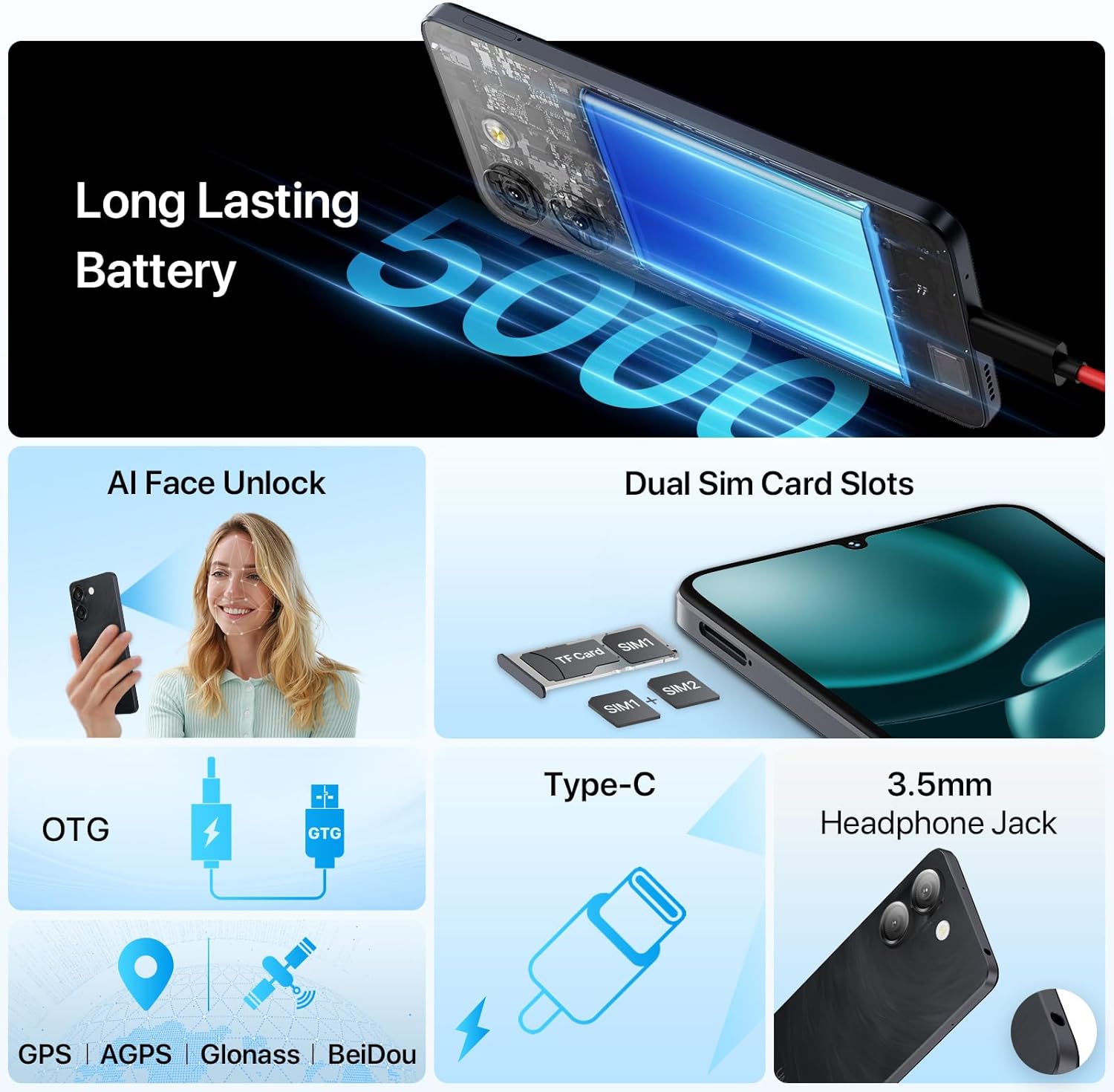
The right side of the phone typically houses the power button and volume control buttons. The SIM card tray is located on the left side, accessible with the provided SIM ejector tool. The bottom edge includes the USB Type-C port for charging and data transfer, and a 3.5mm headphone jack.
4 அமைவு
4.1 சிம் கார்டுகள் மற்றும் மைக்ரோ எஸ்டி கார்டைச் செருகுதல்
The UMIDIGI G9A supports dual Nano SIM cards or one Nano SIM card and one MicroSD card for expandable storage up to 1TB.
- தொலைபேசியின் இடது பக்கத்தில் சிம் கார்டு தட்டைக் கண்டறியவும்.
- தட்டுக்கு அடுத்துள்ள சிறிய துளைக்குள் சிம் எஜெக்டர் கருவியைச் செருகி, தட்டு வெளியே வரும் வரை மெதுவாக அழுத்தவும்.
- Place your Nano SIM card(s) and/or MicroSD card into the designated slots on the tray. Ensure the cards are correctly oriented.
- பக்கவாட்டில் நன்றாகப் பொருந்தும் வரை, ட்ரேயை கவனமாக மீண்டும் ஃபோனுக்குள் தள்ளவும்.

4.2 பவர் ஆன் மற்றும் ஆரம்ப அமைப்பு
- Press and hold the power button on the right side of the phone until the UMIDIGI logo appears.
- உங்கள் மொழியைத் தேர்ந்தெடுப்பது, Wi-Fi உடன் இணைப்பது மற்றும் உங்கள் Google கணக்கை அமைப்பது உள்ளிட்ட ஆரம்ப அமைப்பை முடிக்க திரையில் உள்ள வழிமுறைகளைப் பின்பற்றவும்.
- You may also set up AI Face Unlock or Fingerprint Recognition during this process.
4.3 Memory Expansion (RAM)
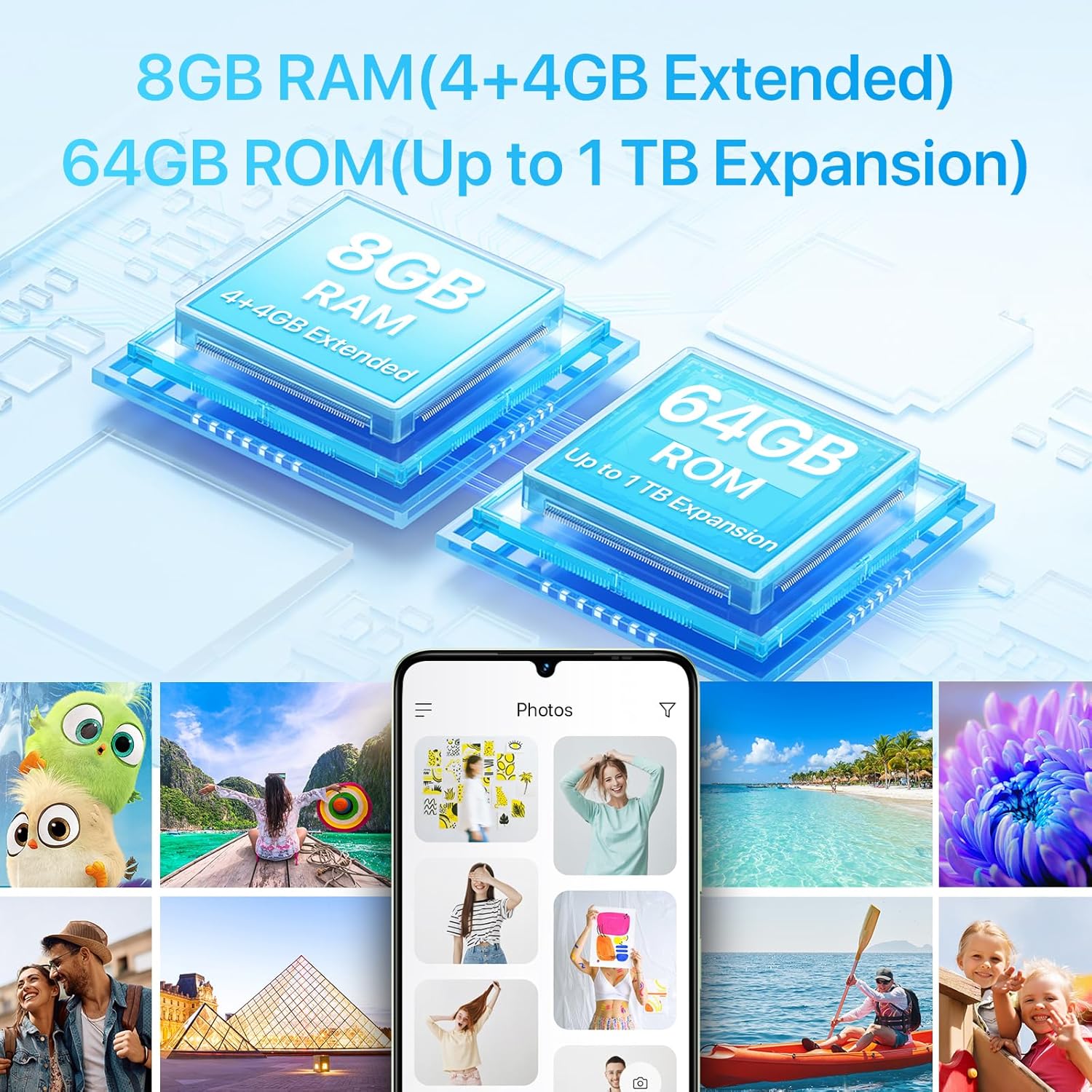
The UMIDIGI G9A supports virtual RAM expansion, allowing you to allocate a portion of your internal storage to function as additional RAM. This can improve multitasking performance.
- செல்க அமைப்புகள் உங்கள் தொலைபேசியில்.
- கண்டுபிடித்து தட்டவும் நினைவக விரிவாக்கம்.
- தேர்ந்தெடு Set RAM extend Size.
- Choose the desired RAM expansion size (e.g., 2GB, 4GB).
- The phone will prompt you to reboot for the changes to take effect. Confirm the reboot.

4.4 Unboxing Video
5. உங்கள் தொலைபேசியை இயக்குதல்
5.1 காட்சி
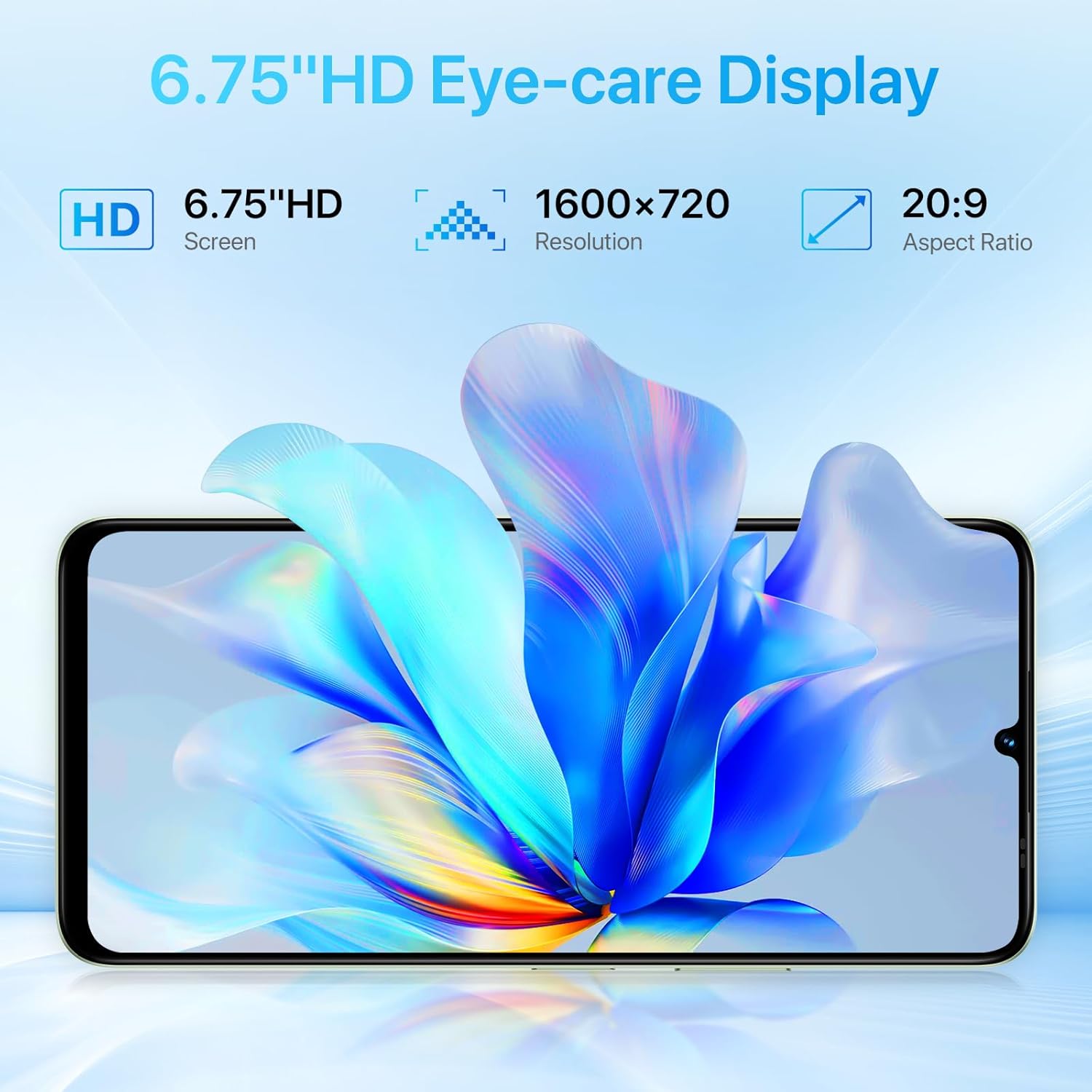
The UMIDIGI G9A features a 6.75-inch HD+ display with a resolution of 1600x720 pixels and a 20:9 aspect ratio. This provides a clear and immersive visual experience for browsing, watching videos, and gaming.

5.2 கேமராக்கள்
Capture moments with the G9A's camera system:
- பின்புற கேமரா: 13MP main sensor + 2MP depth sensor.
- முன் கேமரா: 8MP sensor for selfies and video calls.
The camera app includes various modes and AI enhancements to help you take clear and detailed photos.

5.3 பேட்டரி மற்றும் சார்ஜிங்
The UMIDIGI G9A is equipped with a 5000mAh battery, providing extended usage time. Use the included Type-C cable and power adapter for optimal charging.

5.4 இணைப்பு
- 4G நெட்வொர்க்: Supports various 4G bands for cellular data and calls.
- வைஃபை: இணைய அணுகலுக்காக வயர்லெஸ் நெட்வொர்க்குகளுடன் இணைக்கவும்.
- புளூடூத்: ஹெட்ஃபோன்கள் அல்லது ஸ்பீக்கர்கள் போன்ற வயர்லெஸ் ஆபரணங்களுடன் இணைக்கவும்.
- ஜிபிஎஸ்: Built-in GPS, AGPS, Glonass, and BeiDou for navigation and location services.
- எஃப்.எம் வானொலி: Listen to FM radio stations. Note that headphones must be connected to function as an antenna.

5.5 பாதுகாப்பு அம்சங்கள்
- AI ஃபேஸ் அன்லாக்: Securely unlock your phone using facial recognition.
- கைரேகை அங்கீகாரம்: Unlock your device quickly and securely with your fingerprint.

6. பராமரிப்பு
6.1 பொது பராமரிப்பு
- சுத்தம்: தொலைபேசியின் திரை மற்றும் உடலை சுத்தம் செய்ய மென்மையான, பஞ்சு இல்லாத துணியைப் பயன்படுத்தவும். சிராய்ப்பு பொருட்கள் அல்லது கடுமையான இரசாயனங்கள் பயன்படுத்துவதைத் தவிர்க்கவும்.
- வெப்பநிலை: Avoid exposing your phone to extreme temperatures (hot or cold) as this can affect battery life and overall performance.
- நீர் எதிர்ப்பு: The UMIDIGI G9A is water resistant. However, this does not mean it is waterproof. Avoid submerging the device in water or exposing it to high-pressure water jets. Damage caused by liquids is typically not covered under warranty.
- பாதுகாப்பு: Use the provided protective film and phone case to guard against scratches and minor impacts.
6.2 மென்பொருள் புதுப்பிப்புகள்
Regularly check for and install software updates to ensure your phone has the latest security patches and performance improvements. You can usually find this option in அமைப்புகள் > சிஸ்டம் > சிஸ்டம் புதுப்பிப்பு.
7. சரிசெய்தல்
If you encounter issues with your UMIDIGI G9A, try the following common troubleshooting steps:
7.1 பொதுவான சிக்கல்கள் மற்றும் தீர்வுகள்
- Phone Freezes or Becomes Unresponsive:
மறுதொடக்கம் செய்ய கட்டாயப்படுத்த பவர் பட்டனை சுமார் 10-15 வினாடிகள் அழுத்திப் பிடிக்கவும். - செயலிழந்த பயன்பாடுகள்:
பிரச்சனைக்குரிய பயன்பாட்டிற்கான தற்காலிக சேமிப்பு மற்றும் தரவை அழிக்கவும் அமைப்புகள் > பயன்பாடுகள் > [பயன்பாட்டின் பெயர்] > சேமிப்பிடம். சிக்கல் தொடர்ந்தால், பயன்பாட்டை நிறுவல் நீக்கி மீண்டும் நிறுவவும். - மோசமான பேட்டரி ஆயுள்:
Reduce screen brightness, close unused apps running in the background, disable unnecessary features like GPS or Bluetooth when not in use, and check for apps consuming excessive power in அமைப்புகள் > பேட்டரி. - Network Connectivity Issues (Calls/Data):
Ensure your SIM card is correctly inserted. Check your network settings in அமைப்புகள் > நெட்வொர்க் & இணையம் > மொபைல் நெட்வொர்க். Restart your phone. Verify with your carrier that your plan is active and compatible with the device. Some users have reported potential compatibility issues with specific US mobile networks; consult your carrier for supported frequency bands. - மெதுவான செயல்திறன்:
Close background apps, clear cache, and consider utilizing the RAM expansion feature (see Section 4.3). If performance remains slow, a factory reset might be necessary.
7.2 Factory Reset (Data Erase)
எச்சரிக்கை: A factory reset will erase all data from your phone, including apps, photos, and settings. Back up important data before proceeding.
- செல்க அமைப்புகள்.
- தட்டவும் அமைப்பு.
- தேர்ந்தெடு விருப்பங்களை மீட்டமைக்கவும்.
- தேர்வு செய்யவும் எல்லா தரவையும் அழிக்கவும் (தொழிற்சாலை மீட்டமைப்பு).
- உங்கள் முடிவை உறுதிசெய்து, கேட்கப்பட்டால் உங்கள் பின்/கடவுச்சொல்லை உள்ளிடவும்.
8. விவரக்குறிப்புகள்
| அம்சம் | விவரம் |
|---|---|
| பிராண்ட் | உமிடிகி |
| மாதிரி பெயர் | G9A |
| இயக்க முறைமை | Android 14 Go |
| CPU மாதிரி | மீடியாடெக் டைமன்சிட்டி 1100 |
| CPU வேகம் | 1.6 GHz |
| நிறுவப்பட்ட RAM நினைவக அளவு | 8 GB (4GB physical + 4GB extended) |
| நினைவக சேமிப்பு திறன் | 64 ஜிபி (மைக்ரோ எஸ்டி வழியாக 1TB வரை விரிவாக்கக்கூடியது) |
| திரை அளவு | 6.75 அங்குலம் |
| தீர்மானம் | 1600 x 720 (HD+) |
| தோற்ற விகிதம் | 20:9 |
| புதுப்பிப்பு விகிதம் | 60 ஹெர்ட்ஸ் |
| பின்புறம் எதிர்கொள்ளும் கேமரா | 13 MP (Main) + 2 MP (Depth) |
| Front Photo Sensor Resolution | 8 எம்.பி |
| பேட்டரி திறன் | 5000 mAh (லித்தியம்-அயன்) |
| தொலைபேசி பேச்சு நேரம் | 18 மணிநேரம் |
| சிம் கார்டு ஸ்லாட் எண்ணிக்கை | Dual SIM (Nano) |
| இணைப்பு தொழில்நுட்பம் | 4G, Wi-Fi, USB Type C, Bluetooth |
| ஹெட்ஃபோன்கள் ஜாக் | 3.5 மி.மீ |
| பயோமெட்ரிக் பாதுகாப்பு | AI Face Unlock, Fingerprint Recognition |
| கூடுதல் அம்சங்கள் | Built-In GPS, Dual SIM, Expandable Memory, FM Radio, OTG |
| நீர் எதிர்ப்பு நிலை | நீர் எதிர்ப்பு |
| பொருளின் எடை | 189 கிராம் |
| பொருளின் பரிமாணங்கள் | 6.57 x 3.03 x 0.31 அங்குலம் |
| மாதிரி ஆண்டு | 2024 |
9. உத்தரவாதத் தகவல்
The UMIDIGI G9A comes with a 1 வருட உற்பத்தியாளரின் உத்தரவாதம். This warranty covers defects in materials and workmanship under normal use. It does not cover damage caused by accidents, misuse, unauthorized repairs, or liquid damage.
உத்திரவாதக் கோரிக்கைகளுக்காக உங்கள் வாங்கியதற்கான ஆதாரத்தை வைத்துக் கொள்ளவும்.
10. வாடிக்கையாளர் ஆதரவு
For further assistance or inquiries regarding your UMIDIGI G9A, you can contact customer support through the following methods:
- தயாரிப்பு பக்கம் வழியாக: On the product page, click on the store name "UMIDIGI Store" and then click on "Ask question" in the upper right corner.
- ஆர்டர் வரலாறு வழியாக: Go to your Order history, select the applicable order for your UMIDIGI G9A, and contact the seller directly.