
அறிமுகம்
The Xmenha YX36 RGB Mecha True Wireless Gaming Earbuds are designed to provide an immersive audio experience for gaming and music. Featuring Bluetooth 5.4 connectivity, low latency, and a unique mecha-inspired design, these earbuds offer enhanced sound quality and comfortable wear. This manual provides instructions for setup, operation, maintenance, and troubleshooting to ensure optimal performance.
தொகுப்பு உள்ளடக்கங்கள்
பின்வரும் உருப்படிகளுக்கு பெட்டியை சரிபார்க்கவும்:
- Gaming Earbuds (L/R)
- 2 Sizes of Ear Caps
- சார்ஜிங் கேஸ்
- USB சார்ஜிங் கேபிள் (வகை-C)
- User Manual (2 copies)
தயாரிப்பு முடிந்துவிட்டதுview
The Xmenha YX36 earbuds feature a distinctive mecha design with RGB lighting, housed in a compact charging case. They are engineered for comfort and performance, especially for gaming.

Image: The Xmenha YX36 Winter-Blue earbuds are shown inside their open charging case, highlighting the unique design and glowing elements.
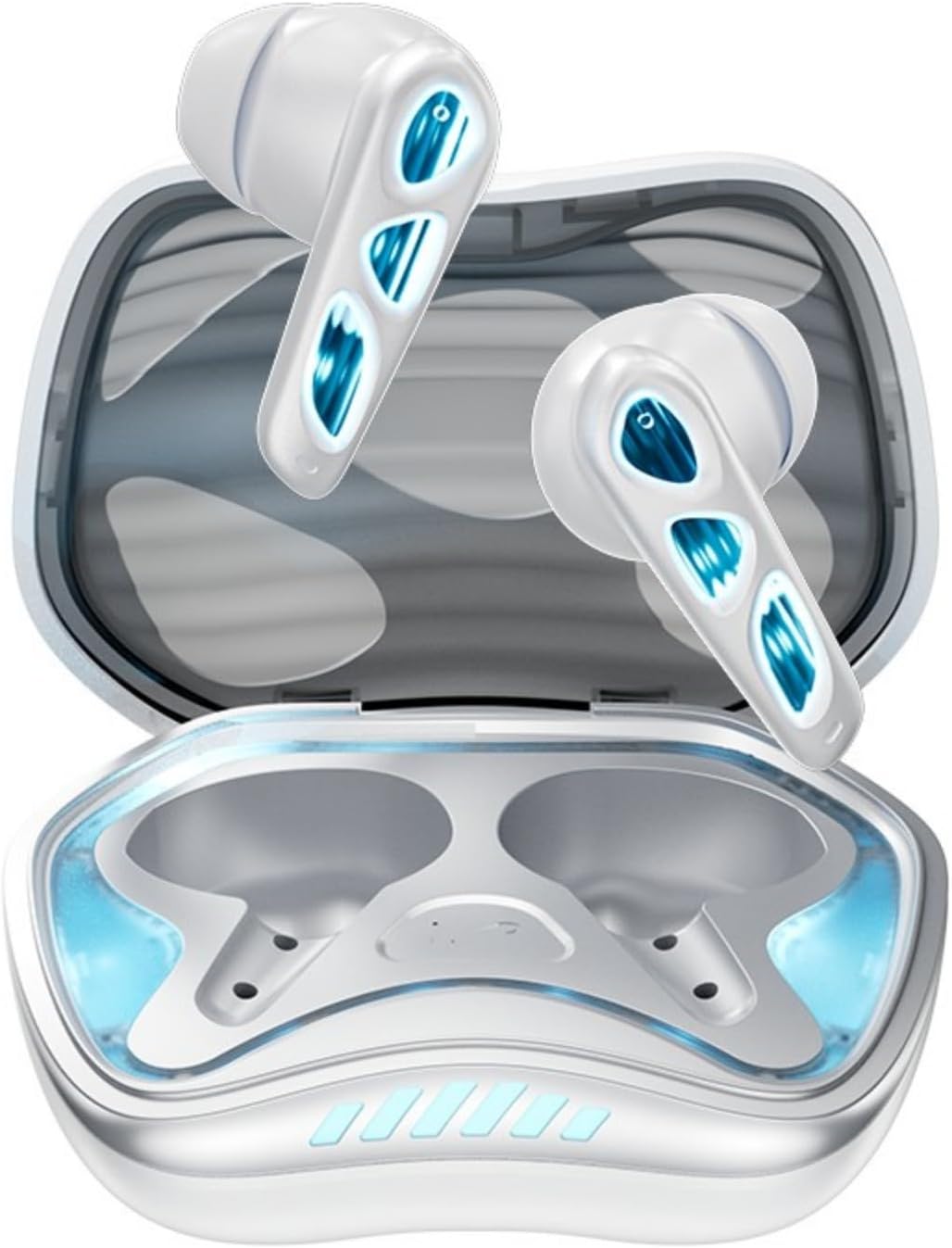
படம்: மேலிருந்து கீழ் நோக்கி view of the Winter-Blue earbuds resting in their charging case, showcasing the internal layout and design details.

Image: This graphic highlights the gaming-specific features of the earbuds, including Bluetooth 5.4 for smooth connection, a polymer diaphragm for sound quality, super heavy bass, and comfortable noise reduction.
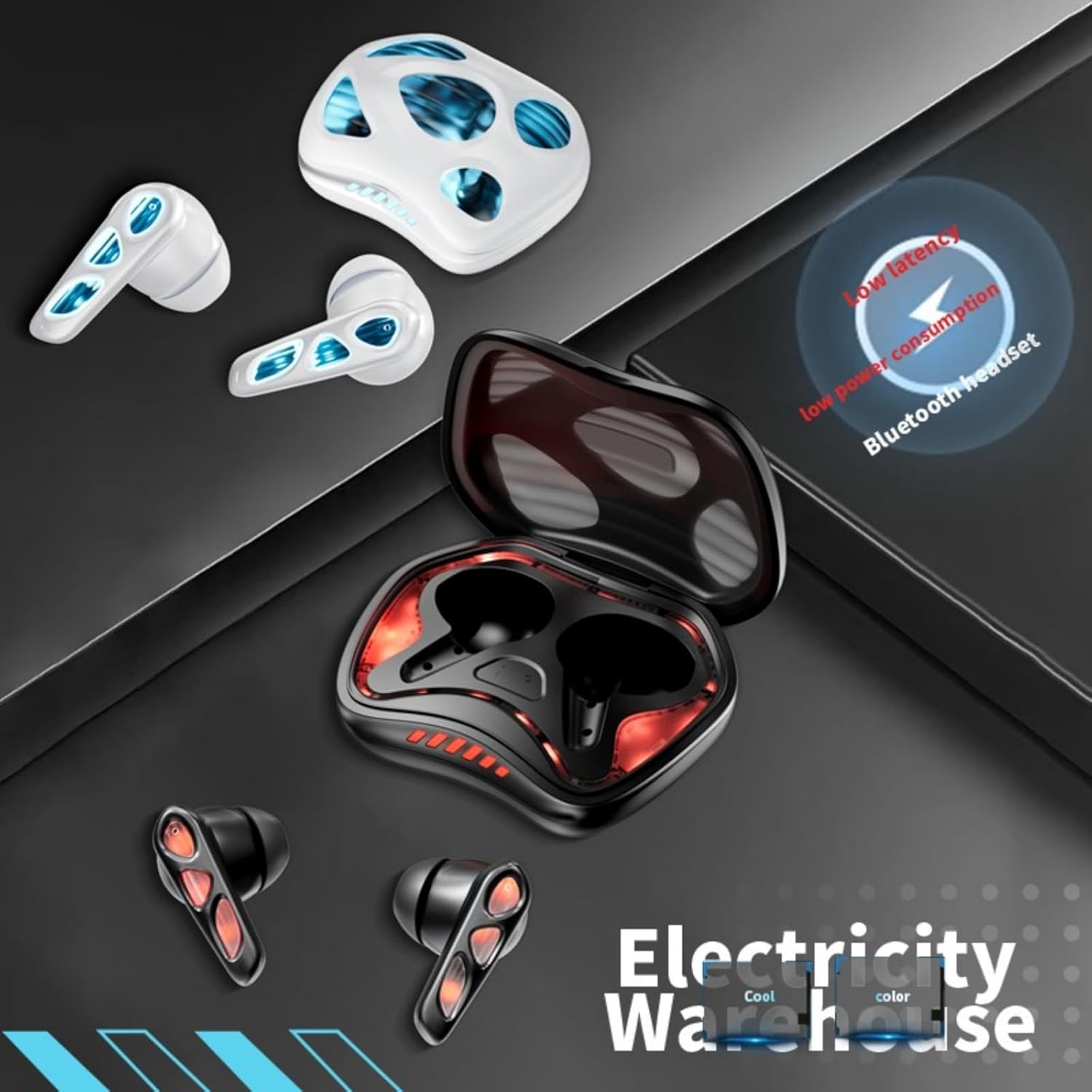
Image: The earbuds and charging case are depicted alongside text indicating low latency and low power consumption, emphasizing efficient performance for gaming and extended use.
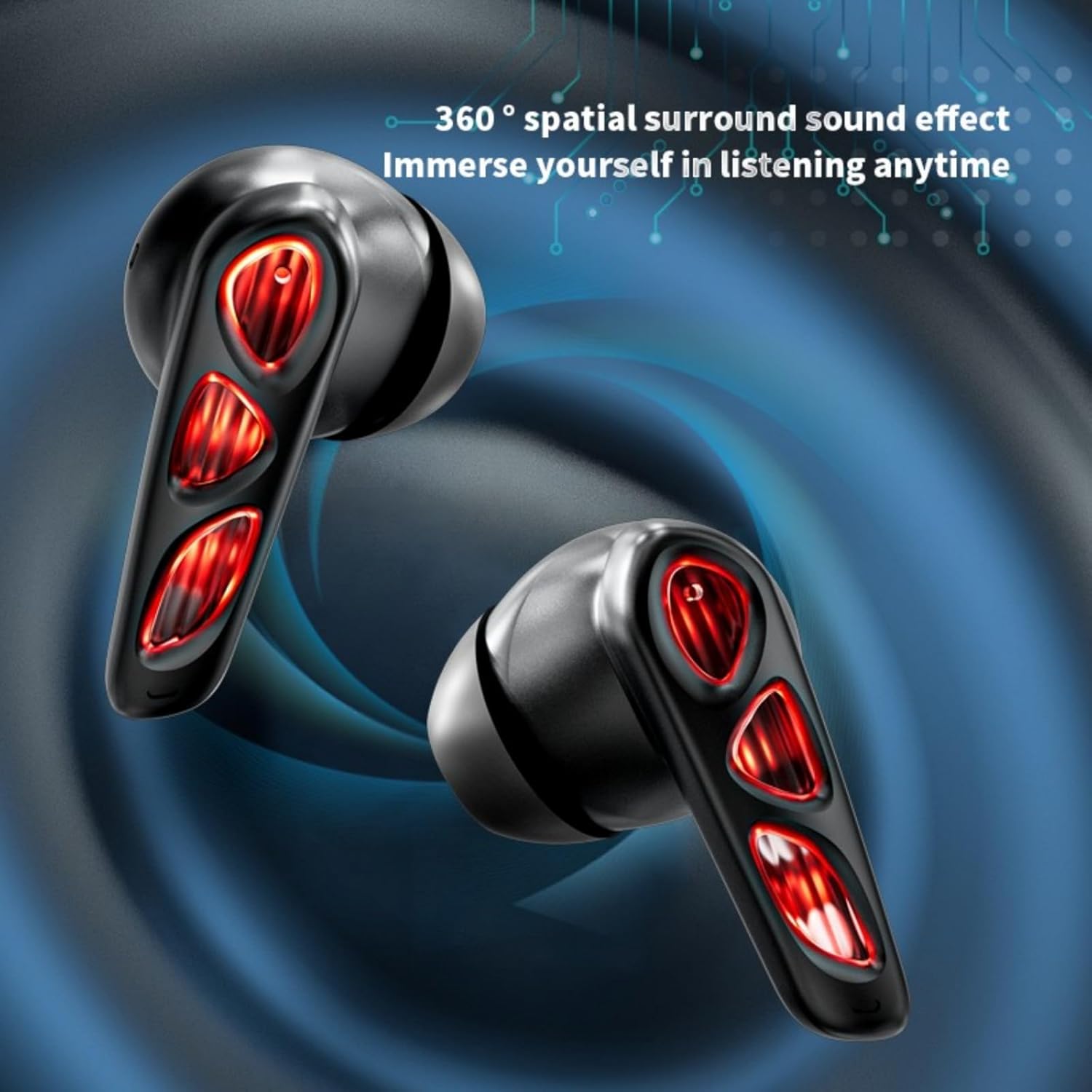
Image: A close-up of the earbuds (in the Flame-Red variant) highlights the 360-degree spatial surround sound effect, designed to immerse the user in their audio experience.

Image: This image showcases the Winter-Blue earbuds in their charging case, emphasizing the ultra-long battery life and strong power reserve for extended gaming sessions.

Image: A person is shown wearing the earbuds, illustrating the ergonomic design for comfortable and worry-free use during play.
அமைவு
1. இயர்பட்ஸ் மற்றும் கேஸை சார்ஜ் செய்தல்
முதல் பயன்பாட்டிற்கு முன், இயர்பட்கள் மற்றும் சார்ஜிங் கேஸை முழுமையாக சார்ஜ் செய்யவும்.
- வழங்கப்பட்ட USB டைப்-சி சார்ஜிங் கேபிளை கேஸில் உள்ள சார்ஜிங் போர்ட்டுடனும், ஒரு பவர் சோர்ஸுடனும் இணைக்கவும்.
- The charging case will indicate its charging status. A full charge for the case typically takes approximately 2 hours.
- Place the earbuds into the charging case. They will begin charging automatically. The earbuds provide approximately 5.5 hours of continuous playtime on a single charge, with the charging case offering an additional 36 hours of battery life.
2. புளூடூத் இணைத்தல்
வசதிக்காக இயர்பட்கள் ஒரு-படி இணைப்பைக் கொண்டுள்ளன.
- சார்ஜிங் கேஸைத் திறக்கவும். இயர்பட்கள் தானாகவே ஆன் ஆகி, இணைத்தல் பயன்முறைக்குச் செல்லும்.
- உங்கள் சாதனத்தில் (ஸ்மார்ட்போன், டேப்லெட், பிசி), புளூடூத்தை இயக்கி, கிடைக்கக்கூடிய சாதனங்களைத் தேடுங்கள்.
- Select "YX36" (or similar name) from the list of found devices to connect.
- Once paired, the earbuds will automatically connect to the last paired device when removed from the case.
இயக்க வழிமுறைகள்
தொடு கட்டுப்பாடுகள்
The Xmenha YX36 earbuds utilize intelligent touch controls for various functions:
- இசையை இயக்கவும்/இடைநிறுத்தவும்: இரண்டு இயர்பட்டிலும் ஒருமுறை தட்டவும்.
- அடுத்த பாடல்: வலதுபக்க இயர்பட்டில் இருமுறை தட்டவும்.
- முந்தைய பாடல்: இடதுபக்க இயர்பட்டில் இருமுறை தட்டவும்.
- பதில்/முடிவு அழைப்பு: உள்வரும் அழைப்பின் போது இரண்டு இயர்பட்களில் ஏதேனும் ஒன்றை ஒருமுறை தட்டவும்.
- அழைப்பை நிராகரி: உள்வரும் அழைப்பின் போது, ஏதேனும் ஒரு இயர்பட்டை 2 வினாடிகள் அழுத்திப் பிடிக்கவும்.
- குரல் உதவியாளரைச் செயலாக்கு: Triple tap on either earbud (functionality may vary by device).
கேமிங் பயன்முறை
The earbuds are designed with a low-latency connection (55ms) for an optimized gaming experience. This ensures audio and video synchronization with near-zero delay.
பராமரிப்பு
சுத்தம் செய்தல்
உகந்த செயல்திறன் மற்றும் சுகாதாரத்தை பராமரிக்க:
- இயர்பட்ஸ் மற்றும் சார்ஜிங் கேஸை மென்மையான, உலர்ந்த, பஞ்சு இல்லாத துணியால் மெதுவாக துடைக்கவும்.
- சிராய்ப்பு கிளீனர்கள், ஆல்கஹால் அல்லது ரசாயன கரைப்பான்களைப் பயன்படுத்த வேண்டாம்.
- இயர்பட்கள் மற்றும் கேஸ் இரண்டிலும் உள்ள சார்ஜிங் காண்டாக்ட்கள் சுத்தமாகவும் உலர்ந்ததாகவும் இருப்பதை உறுதிசெய்யவும்.
சேமிப்பு
பயன்பாட்டில் இல்லாதபோது, இயர்பட்களைப் பாதுகாக்கவும், அவற்றை சார்ஜ் செய்யாமல் வைத்திருக்கவும், அவற்றை அவற்றின் சார்ஜிங் கேஸில் வைக்கவும். அதிக வெப்பநிலை அல்லது ஈரப்பதமான சூழல்களில் சேமிப்பதைத் தவிர்க்கவும்.
சரிசெய்தல்
If you encounter issues with your Xmenha YX36 earbuds, please refer to the following common solutions:
| பிரச்சனை | தீர்வு |
|---|---|
| இயர்பட்கள் இணைக்கப்படவில்லை |
|
| ஒரு இயர்பட்டிலிருந்து சத்தம் இல்லை |
|
| சார்ஜிங் கேஸ் சார்ஜ் இல்லை |
|
| குறைந்த ஒலி அளவு அல்லது மோசமான ஒலி தரம் |
|
விவரக்குறிப்புகள்
| அம்சம் | விவரம் |
|---|---|
| மாதிரி எண் | YX36 |
| புளூடூத் பதிப்பு | 5.4 |
| பரிமாற்ற தூரம் | > 10 மீட்டர் |
| இயர்பட் பேட்டரி திறன் | 30mAh (ஒவ்வொன்றும்) |
| சார்ஜிங் கேஸ் பேட்டரி திறன் | 380mAh |
| விளையாடும் நேரம் | Approx. 5.5 hours (earbuds), 36 hours (with charging case) |
| சார்ஜிங் நேரம் | தோராயமாக 2 மணிநேரம் (சார்ஜிங் கேஸ்) |
| சார்ஜிங் போர்ட் | வகை-சி |
| குறைந்த தாமதம் | 55 எம்.எஸ் |
| கட்டுப்பாட்டு முறை | தொடவும் |
| நீர் எதிர்ப்பு நிலை | நீர்ப்புகா |
| இணக்கமான சாதனங்கள் | iPhone, Android, PC |
| பொருள் | பிளாஸ்டிக் |
| பொருளின் எடை | 3.8 அவுன்ஸ் |
உத்தரவாதம் மற்றும் ஆதரவு
Xmenha is committed to providing quality products and customer satisfaction. While specific warranty details are not provided in this manual, if you receive a defective product or have any questions during use, please contact Xmenha customer support. We aim to respond and provide a solution within 24 hours.
For support, please refer to the contact information provided with your purchase or visit the official Xmenha store page on Amazon.