
அறிமுகம்
Thank you for choosing the SWOFY D26 MP3 Player. This device combines advanced audio and video playback capabilities with the versatility of the Android 13 operating system, offering a comprehensive portable entertainment experience. This manual provides essential information for setting up, operating, and maintaining your device.
தயாரிப்பு முடிந்துவிட்டதுview
முக்கிய அம்சங்கள்
- ஆண்ட்ராய்டு 13 ஓஎஸ்: Powered by an MTK 8-core chip for fast and smooth operation.
- முன்பே நிறுவப்பட்ட பயன்பாடுகள்: Includes Spotify, Deezer, Amazon Music, and access to the Play Store.
- உயர் நம்பக ஆடியோ: Powerful audio decoding chip for original sound quality, supporting MP3, WAV, FLAC, APE, OGG, M4A, AAC, WMA, and more.
- 4.7-இன்ச் HD தொடுதிரை: Full touch display with HiFi sound module for clear visuals, supporting RM, RMVB, FLV, MP4, DAT, MKV, MPG, MOV, TS video formats without conversion.
- Bluetooth 5.0 & Wi-Fi: Stable and fast two-way Bluetooth connection for headphones/speakers, and Wi-Fi for online streaming and app downloads.
- பெரிய சேமிப்பு: 160GB (32GB ROM + 128GB TF card) internal storage, expandable up to 1TB via external storage.
- நீண்ட பேட்டரி ஆயுள்: 2500 mAh battery providing up to 50 hours of music playback or 8 hours of video playback.
தொகுப்பு உள்ளடக்கங்கள்
The SWOFY D26 MP3 Player package typically includes the following items:
- SWOFY D26 MP3 Player (160GB)
- USB சார்ஜிங் கேபிள்
- கம்பி காதணிகள்
- பாதுகாப்பு வழக்கு
- திரை பாதுகாப்பாளர்
- பயனர் கையேடு (இந்த ஆவணம்)

Image: Contents of the SWOFY D26 MP3 Player package.
அமைவு
1. சாதனத்தை சார்ஜ் செய்தல்
Before first use, fully charge your SWOFY D26 MP3 Player. Connect the provided USB cable to the device's charging port and the other end to a USB power adapter (not included) or a computer's USB port. The battery indicator on the screen will show charging status. A full charge provides approximately 50 hours of music playback or 8 hours of video playback.
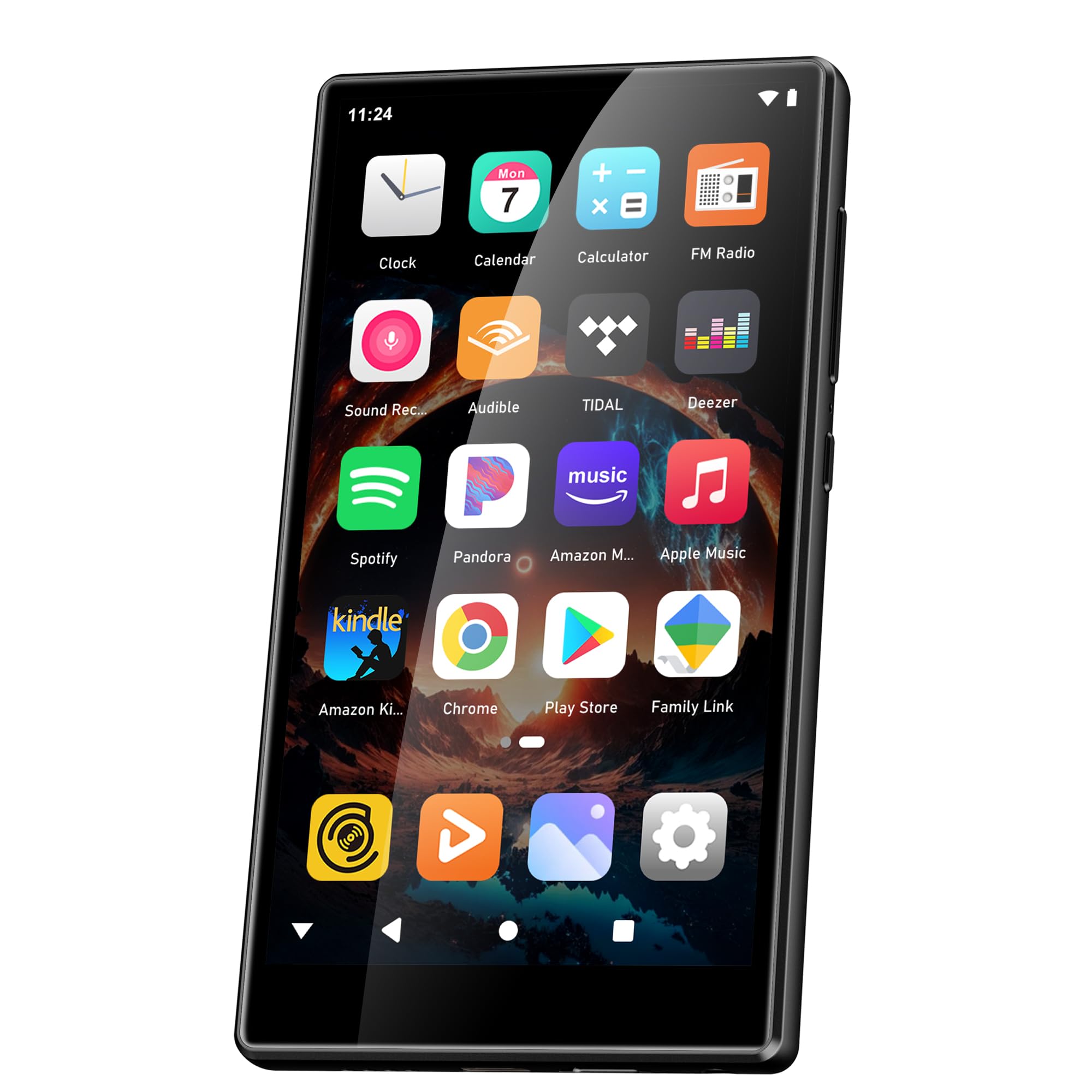
Image: Battery capacity and estimated usage times.
2. பவர் ஆன்/ஆஃப்
- பவர் ஆன் செய்ய: திரை ஒளிரும் வரை பவர் பட்டனை (பொதுவாக பக்கத்தில்) அழுத்திப் பிடிக்கவும்.
- பவர் ஆஃப் செய்ய: பவர் பட்டனை அழுத்திப் பிடிக்கவும், பின்னர் திரையில் தோன்றும் விருப்பங்களிலிருந்து "பவர் ஆஃப்" என்பதைத் தேர்ந்தெடுக்கவும்.
- மறுதொடக்கம் செய்ய: பவர் பட்டனை அழுத்திப் பிடிக்கவும், பின்னர் விருப்பங்களிலிருந்து "மறுதொடக்கம்" என்பதைத் தேர்ந்தெடுக்கவும்.
3. ஆரம்ப கட்டமைப்பு
முதல் பவர்-ஆன் செய்தவுடன், உங்கள் சாதனத்தை அமைக்க திரையில் தோன்றும் வழிமுறைகளைப் பின்பற்றவும்:
- மொழி தேர்வு: உங்களுக்கு விருப்பமான மொழியை தேர்வு செய்யவும்.
- வைஃபை இணைப்பு: Connect to a Wi-Fi network to enable internet access for app downloads and streaming.
- Google கணக்கு: Sign in with your Google account to access the Google Play Store and synchronize data.
4. நினைவக விரிவாக்கம்
The device comes with 160GB of storage (32GB ROM + 128GB TF card). You can expand the storage further by inserting a microSD card (up to 1TB) into the designated slot.

Image: Device screen showing app icons and storage capacity details.
இயக்க வழிமுறைகள்
1. Navigating the Touchscreen
The SWOFY D26 features a responsive 4.7-inch HD touchscreen.
- தட்டவும்: To open an app, select an item, or confirm an action.
- ஸ்வைப்: To scroll through lists, switch between home screens, or navigate within apps.
- கிள்ளுதல்: படங்களை பெரிதாக்க அல்லது குறைக்க அல்லது web பக்கங்கள்.

Image: The 4.7-inch HD touchscreen in operation.
2. இசை பின்னணி
The device supports various music formats including MP3, WAV, FLAC, APE, OGG, M4A, AAC, WMA.
- உள்ளூர் இசை: இசையை மாற்றவும் files to the device's internal storage or microSD card via USB. Use the pre-installed music player app to browse and play your library.
- ஸ்ட்ரீமிங் சேவைகள்: Open pre-installed apps like Spotify, Deezer, or Amazon Music. Log in to your accounts to stream music.
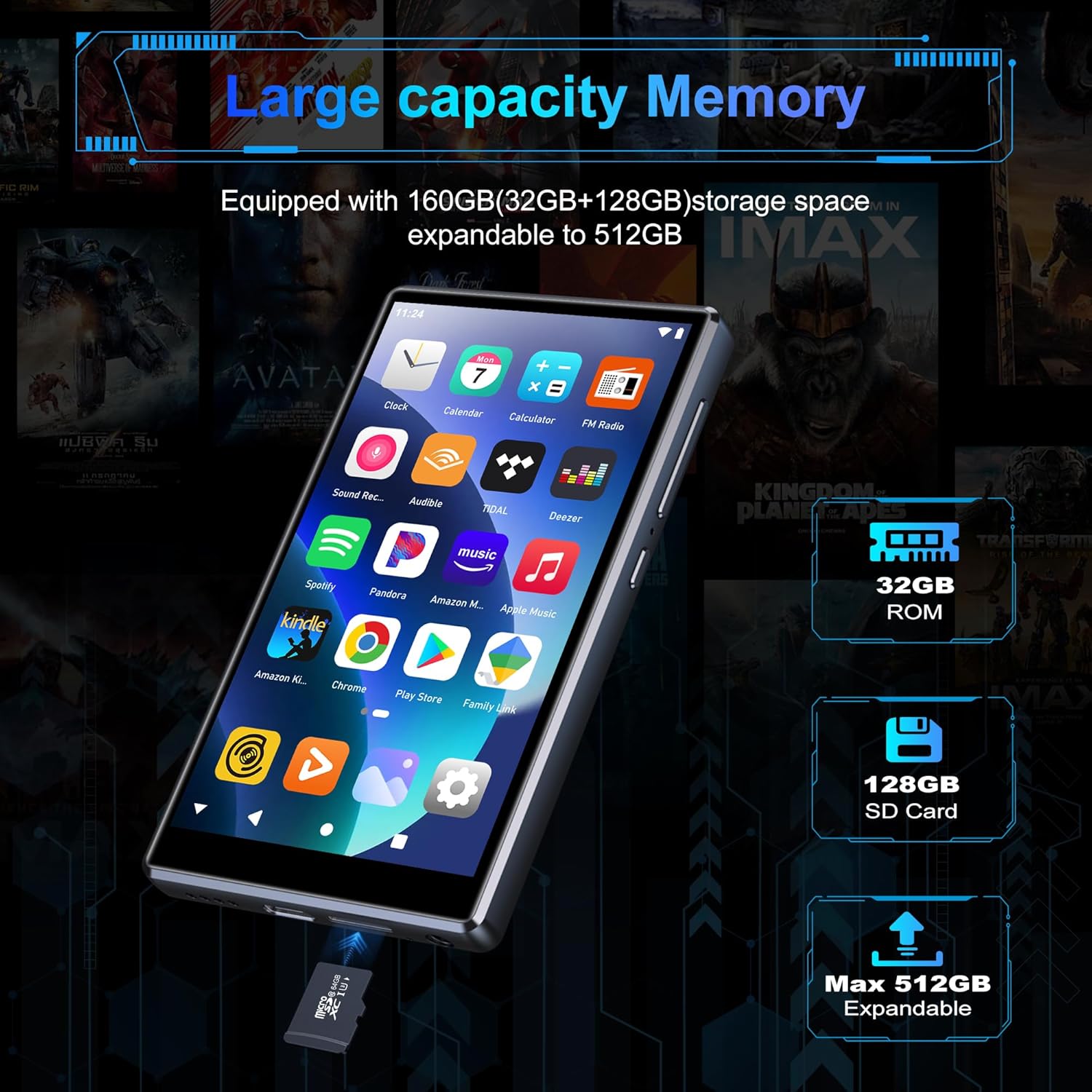
Image: Pre-installed popular applications on the device.
3. வீடியோ பிளேபேக்
The SWOFY D26 supports video formats such as RM, RMVB, FLV, MP4, DAT, MKV, MPG, MOV, TS directly, without requiring conversion. Use the default video player app to watch your videos.
4. புளூடூத் இணைப்பு
Connect your device to Bluetooth headphones, speakers, or other compatible devices using Bluetooth 5.0.
- செல்க அமைப்புகள் > இணைக்கப்பட்ட சாதனங்கள் > புளூடூத்.
- புளூடூத்தை நிலைமாற்று On.
- Ensure your Bluetooth accessory is in pairing mode.
- Select your accessory from the list of available devices to pair.
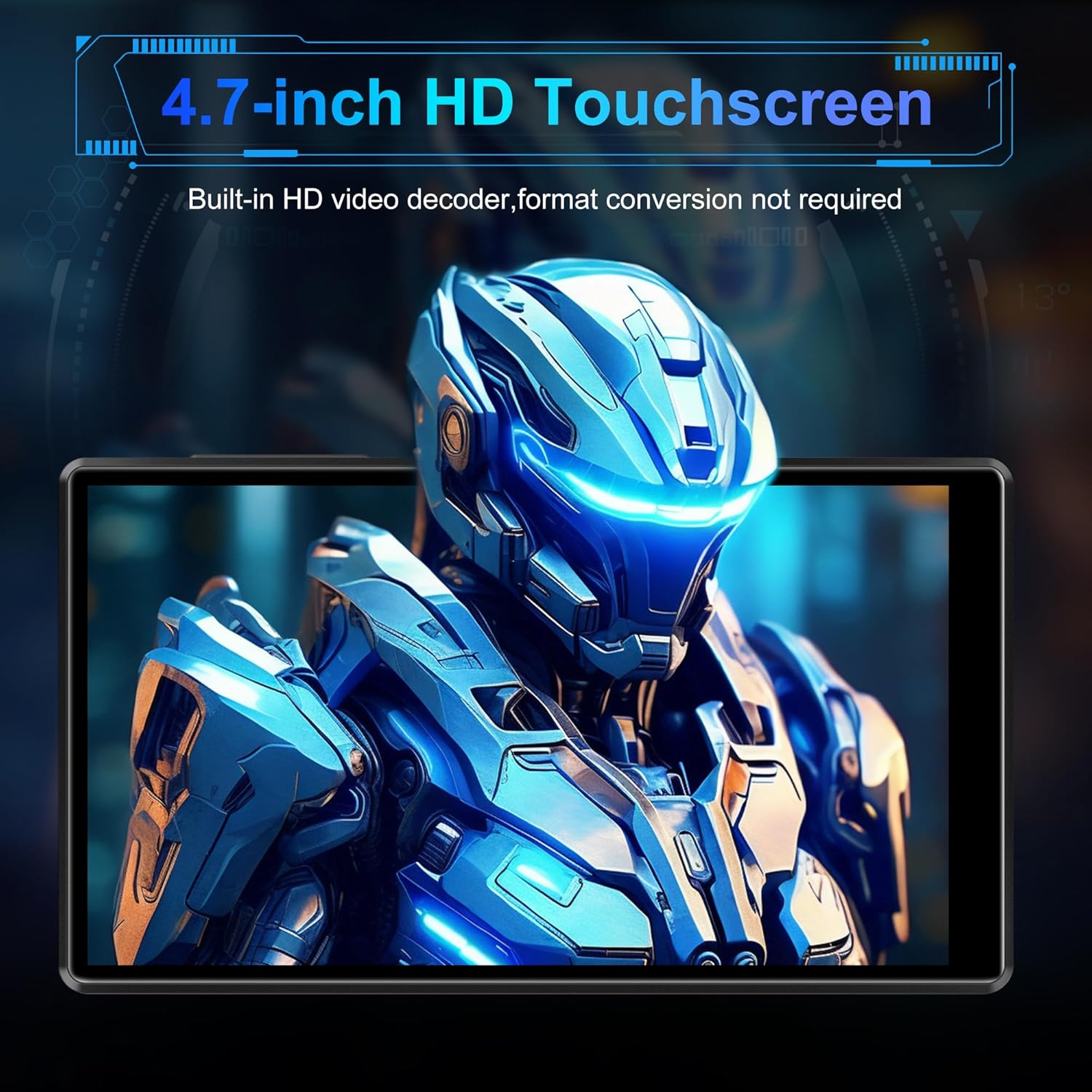
Image: Bluetooth connectivity with wireless earbuds.
5. வைஃபை இணைப்பு
Connect to a Wi-Fi network to access the internet for streaming, app downloads, and web உலாவுதல்.
- செல்க அமைப்புகள் > நெட்வொர்க் & இணையம் > Wi-Fi.
- வைஃபையை நிலைமாற்று On.
- பட்டியலிலிருந்து உங்களுக்குத் தேவையான வைஃபை நெட்வொர்க்கைத் தேர்ந்தெடுத்து, கேட்கப்பட்டால் கடவுச்சொல்லை உள்ளிடவும்.
6. ஆப் நிறுவல்
Utilize the Google Play Store to download and install additional applications.
- Ensure you are connected to Wi-Fi and logged into your Google account.
- திற Play Store பயன்பாடு.
- தேடுங்கள் the desired app and follow the on-screen instructions to install it.
7. File இடமாற்றம்
Connect the SWOFY D26 to a computer using the provided USB cable to transfer music, videos, and other files.
- சாதனத்தை உங்கள் கணினியுடன் இணைக்கவும்.
- On the device, swipe down from the top of the screen to open the notification panel.
- Tap the "USB charging this device" notification, then select "File transfer" or "MTP".
- Your device will appear as a removable drive on your computer, allowing you to drag and drop files.
பராமரிப்பு
சுத்தம் செய்தல்
சாதனத்தின் திரை மற்றும் உடலை சுத்தம் செய்ய மென்மையான, பஞ்சு இல்லாத துணியைப் பயன்படுத்தவும். கடுமையான இரசாயனங்கள் அல்லது சிராய்ப்புப் பொருட்களைப் பயன்படுத்துவதைத் தவிர்க்கவும்.
மென்பொருள் புதுப்பிப்புகள்
உகந்த செயல்திறன் மற்றும் சமீபத்திய அம்சங்களை அணுகுவதை உறுதிசெய்ய, மென்பொருள் புதுப்பிப்புகளை அவ்வப்போது சரிபார்க்கவும்.
- சாதனம் Wi-Fi உடன் இணைக்கப்பட்டுள்ளதா என்பதை உறுதிப்படுத்தவும்.
- செல்க அமைப்புகள் > அமைப்பு > கணினி மேம்படுத்தல்.
- கிடைக்கக்கூடிய புதுப்பிப்புகளைப் பதிவிறக்கி நிறுவ, திரையில் உள்ள வழிமுறைகளைப் பின்பற்றவும்.
பேட்டரி பராமரிப்பு
பேட்டரி ஆயுளை நீட்டிக்க:
- தீவிர வெப்பநிலையைத் தவிர்க்கவும்.
- பேட்டரியை அடிக்கடி முழுவதுமாக காலியாக விடாதீர்கள்.
- Unplug the charger once the device is fully charged.
சரிசெய்தல்
சாதனம் இயக்கப்படவில்லை
- பேட்டரி சார்ஜ் செய்யப்பட்டுள்ளதா என்பதை உறுதிப்படுத்திக் கொள்ளுங்கள். சாதனத்தை சார்ஜருடன் குறைந்தது 30 நிமிடங்களுக்கு இணைக்கவும்.
- மறுதொடக்கம் செய்ய பவர் பட்டனை 10-15 வினாடிகள் அழுத்திப் பிடிக்கவும்.
Cannot Connect to Wi-Fi/Bluetooth
- Ensure Wi-Fi/Bluetooth is enabled in Settings.
- சாதனத்தை மறுதொடக்கம் செய்து மீண்டும் இணைக்க முயற்சிக்கவும்.
- For Wi-Fi, verify the password and ensure the router is working correctly.
- For Bluetooth, ensure the accessory is in pairing mode and within range.
செயலிழத்தல் அல்லது உறைதல்
- பயன்பாட்டை மூடி மீண்டும் திறக்கவும்.
- பயன்பாட்டின் தற்காலிக சேமிப்பை அழிக்கவும்: செல்லவும் அமைப்புகள் > பயன்பாடுகள் > [பயன்பாட்டின் பெயர்] > சேமிப்பகம் & தற்காலிக சேமிப்பு > தேக்ககத்தை அழிக்கவும்.
- சாதனத்தை மறுதொடக்கம் செய்யுங்கள்.
- சிக்கல் தொடர்ந்தால், பயன்பாட்டை நிறுவல் நீக்கி மீண்டும் நிறுவுவதைக் கருத்தில் கொள்ளுங்கள்.
மோசமான ஆடியோ தரம்
- Check the volume settings on the device and any connected audio accessories.
- ஆடியோவை உறுதிப்படுத்தவும் fileகள் சிதைக்கப்படவில்லை.
- Try different headphones or speakers.
விவரக்குறிப்புகள்
| மாதிரி பெயர் | D26 |
| இயக்க முறைமை | ஆண்ட்ராய்டு 13 |
| செயலி | MTK 8-கோர் |
| காட்சி | 4.7-inch HD Touchscreen (LCD) |
| உள் சேமிப்பு | 160GB (32GB ROM + 128GB TF Card) |
| விரிவாக்கக்கூடிய சேமிப்பு | Up to 1TB (Micro SD) |
| ரேம் | 4 ஜிபி |
| பேட்டரி திறன் | 2500 mAh |
| இசை பின்னணி நேரம் | 50 மணி நேரம் வரை |
| வீடியோ பிளேபேக் நேரம் | 8 மணி நேரம் வரை |
| இணைப்பு | புளூடூத் 5.0, வைஃபை, யூ.எஸ்.பி. |
| ஆதரிக்கப்படும் ஆடியோ வடிவங்கள் | MP3, WAV, FLAC, APE, OGG, M4A, AAC, WMA |
| ஆதரிக்கப்படும் வீடியோ வடிவங்கள் | RM, RMVB, FLV, MP4, DAT, MKV, MPG, MOV, TS |
| சிறப்பு அம்சங்கள் | Built-in speaker, Equalizer, FM Radio, Voice Recorder |
| இணக்கமான சாதனங்கள் | Bluetooth headphones, Personal computer, Bluetooth speakers |
உத்தரவாத தகவல்
Specific warranty details for the SWOFY D26 MP3 Player may vary by region and retailer. Please refer to the warranty card included with your purchase or visit the official SWOFY website for comprehensive warranty terms and conditions. Information regarding spare parts availability and software update guarantees is not provided in the product specifications.
ஆதரவு
For further assistance, technical support, or inquiries regarding your SWOFY D26 MP3 Player, please visit the official SWOFY webதளம் அல்லது அவர்களின் வாடிக்கையாளர் சேவைத் துறையைத் தொடர்புகொள்ளவும்.
உற்பத்தியாளர்: ஸ்வோஃபி