
அறிமுகம்
Welcome to the user manual for your new DIALN X65 Unlocked Smartphone. This guide provides essential information to help you set up, operate, maintain, and troubleshoot your device. Please read this manual carefully to ensure optimal performance and longevity of your smartphone.
The DIALN X65 features a 6.5-inch display, runs on Android 13, and offers 32GB of internal storage, expandable via microSD. It is equipped with a 13MP camera and a 4500mAh battery.
பெட்டியில் என்ன இருக்கிறது
Upon unboxing your DIALN X65, verify that all items are present:
- DIALN X65 ஸ்மார்ட்போன்
- சார்ஜிங் கேபிள்
- பயனர் கையேடு (இந்த ஆவணம்)
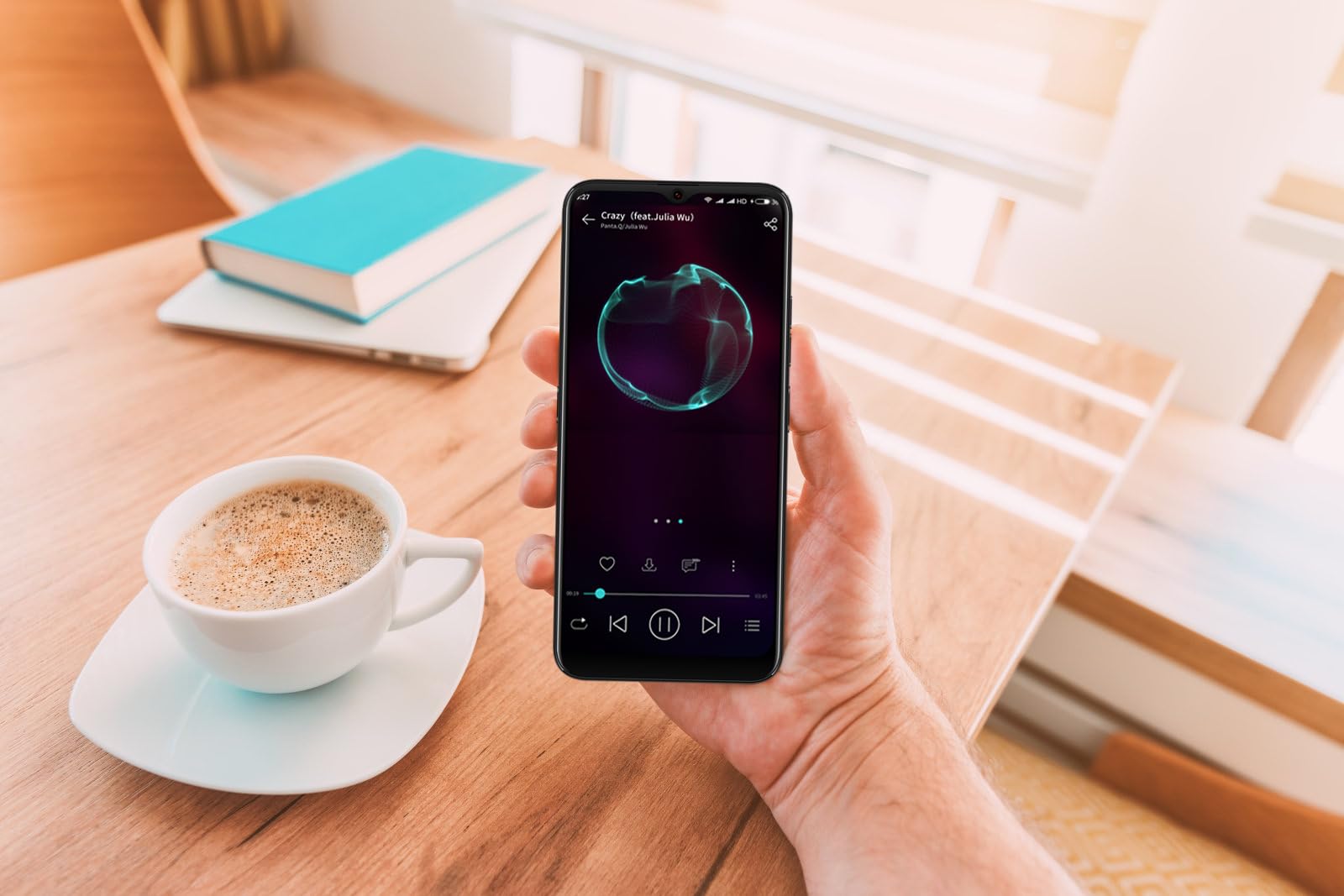
Image: The DIALN X65 smartphone displayed with its charging cable and user manual, as typically found in the product packaging.
அமைவு
1. Insert SIM Card and MicroSD Card (Optional)
- உங்கள் மொபைலின் பக்கவாட்டில் சிம் கார்டு ட்ரேயைக் கண்டறியவும்.
- Insert the SIM ejector tool (not included, a paperclip can be used) into the small hole on the tray to open it.
- Place your Nano-SIM card(s) and/or microSD card into the tray with the gold contacts facing down, ensuring they are correctly oriented.
- ட்ரேயை அது சரியான இடத்தில் கிளிக் செய்யும் வரை மெதுவாக தொலைபேசியினுள் தள்ளவும்.
2. ஆரம்ப கட்டணம் வசூலித்தல்
Before first use, it is recommended to fully charge your DIALN X65. Connect the charging cable to the phone's charging port and plug the other end into a power adapter (not included) or a USB port. The battery indicator on the screen will show charging progress. A full charge typically takes approximately 2 hours.
3. பவர் ஆன்/ஆஃப்
- பவர் ஆன் செய்ய: Press and hold the Power button (located on the right side) until the DIALN logo appears on the screen.
- பவர் ஆஃப் செய்ய: Press and hold the Power button until the power options menu appears. Tap 'Power off' and confirm.
- மறுதொடக்கம் செய்ய: Press and hold the Power button until the power options menu appears. Tap 'Restart' and confirm.
4. ஆரம்ப அமைவு வழிகாட்டி
The first time you power on your phone, you will be guided through an initial setup process. Follow the on-screen prompts to:
- உங்கள் மொழியைத் தேர்ந்தெடுக்கவும்.
- வைஃபை நெட்வொர்க்குடன் இணைக்கவும்.
- உங்கள் Google கணக்கில் உள்நுழையவும் அல்லது புதிய ஒன்றை உருவாக்கவும்.
- திரைப் பூட்டை அமைக்கவும் (பின், பேட்டர்ன், கடவுச்சொல் அல்லது முகத்தைத் திறத்தல்).
- Review மற்றும் விதிமுறைகள் மற்றும் நிபந்தனைகளை ஏற்றுக்கொள்ளுங்கள்.
Operating Your DIALN X65
1. அடிப்படை வழிசெலுத்தல்
- தொடுதல்: ஒரு செயலியைத் திறக்க அல்லது ஒரு பொருளைத் தேர்ந்தெடுக்க ஒரு ஐகானைத் தட்டவும்.
- ஸ்வைப்: திரைகளுக்கு இடையில் உருட்ட அல்லது செல்ல திரையின் குறுக்கே உங்கள் விரலை இழுக்கவும்.
- கிள்ளுதல்: புகைப்படங்களை பெரிதாக்க அல்லது பெரிதாக்க இரண்டு விரல்களைப் பயன்படுத்தவும் மற்றும் web பக்கங்கள்.
- முகப்புத் திரை: உங்கள் பயன்பாடுகள் மற்றும் விட்ஜெட்களுக்கான மைய மையம். கூடுதல் முகப்புத் திரைகளை அணுக இடது அல்லது வலதுபுறமாக ஸ்வைப் செய்யவும்.
- அறிவிப்பு குழு: அறிவிப்புகள் மற்றும் விரைவு அமைப்புகளை அணுக திரையின் மேலிருந்து கீழ்நோக்கி ஸ்வைப் செய்யவும்.
2. அழைப்புகள் மற்றும் தொடர்புகள்
- அழைப்பைச் செய்தல்: 'தொலைபேசி' செயலியைத் திறந்து, எண்ணை உள்ளிட்டு, அழைப்பு ஐகானைத் தட்டவும்.
- அழைப்புக்கு பதிலளித்தல்: Swipe up on the green phone icon when a call comes in.
- தொடர்புகளை நிர்வகித்தல்: Open the 'Contacts' app to add, edit, or delete contacts.
3. செய்தி அனுப்புதல்
Open the 'Messages' app to send and receive SMS/MMS messages. Tap the '+' icon to compose a new message, enter the recipient's number or select from contacts, and type your message.
4. இணையம் மற்றும் இணைப்பு
- வைஃபை: Go to Settings > Network & internet > Wi-Fi. Turn Wi-Fi on and select your desired network.
- புளூடூத்: அமைப்புகள் > இணைக்கப்பட்ட சாதனங்கள் > இணைப்பு விருப்பத்தேர்வுகள் > புளூடூத் என்பதற்குச் செல்லவும். பிற சாதனங்களுடன் இணைக்க புளூடூத்தை இயக்கவும்.
- மொபைல் தரவு: Go to Settings > Network & internet > Mobile network. Ensure mobile data is enabled for internet access via your SIM card.
5. கேமரா
Open the 'Camera' app to capture photos and videos. Tap the shutter button to take a photo. Swipe left or right to switch between photo, video, and other modes. Use the front camera for selfies.
6. முகத் திறத்தல்
To set up Face Unlock, go to Settings > Security & privacy > Device unlock > Face unlock. Follow the on-screen instructions to register your face. Once set up, you can unlock your phone by looking at the front camera.
7. சேமிப்பு மேலாண்மை
Your DIALN X65 comes with 32GB of internal storage. You can expand this up to 256GB using a microSD card. To check storage usage, go to Settings > Storage. Regularly clear unnecessary fileஉகந்த செயல்திறனைப் பராமரிக்க.
பராமரிப்பு
1. உங்கள் சாதனத்தை சுத்தம் செய்தல்
Use a soft, lint-free cloth to clean the screen and body of your phone. Avoid using harsh chemicals or abrasive materials, as these can damage the display and finish. Do not expose the phone to excessive moisture.
2. மென்பொருள் புதுப்பிப்புகள்
Regularly check for and install software updates to ensure your phone has the latest features, security patches, and performance improvements. Go to Settings > System > System update to check for available updates.
3. பேட்டரி பராமரிப்பு
- தீவிர வெப்பநிலையைத் தவிர்க்கவும், ஏனெனில் அவை பேட்டரி ஆயுளைக் குறைக்கும்.
- பேட்டரியை அடிக்கடி முழுவதுமாக காலியாக விடாதீர்கள்.
- Use the provided charging cable or a compatible, certified charger.
- Unplug the charger once the battery is full to prevent overcharging.
4. சேமிப்பக உகப்பாக்கம்
To keep your phone running smoothly, regularly review and delete unused apps, old photos, videos, and downloaded files. Consider moving large media files to a microSD card or cloud storage.
சரிசெய்தல்
பொதுவான சிக்கல்கள் மற்றும் தீர்வுகள்:
- தொலைபேசி இயக்கப்படவில்லை: பேட்டரி சார்ஜ் செய்யப்பட்டுள்ளதா என்பதை உறுதிப்படுத்திக் கொள்ளுங்கள். குறைந்தது 15 நிமிடங்களுக்கு சார்ஜருடன் இணைத்து, பின்னர் மீண்டும் இயக்க முயற்சிக்கவும்.
- Poor Signal/No Network: Check if your SIM card is properly inserted. Ensure mobile data is enabled in settings. Try restarting the phone. If issues persist, contact your network provider.
- செயலிழத்தல்/முடக்குதல்: Close and reopen the app. Clear the app's cache (Settings > Apps > [App Name] > Storage & cache > Clear cache). If the problem continues, uninstall and reinstall the app.
- பேட்டரி விரைவாக வடிகிறது: Reduce screen brightness, disable unused features like Bluetooth or GPS, close background apps, and check for apps consuming excessive power in battery settings.
- தொடுதிரை பதிலளிக்கவில்லை: Restart the phone. If the issue persists, a factory reset might be necessary (see below).
Factory Reset (Data Erase)
தொழிற்சாலை மீட்டமைப்பு உங்கள் தொலைபேசியிலிருந்து எல்லா தரவையும் அழித்து அதன் அசல் தொழிற்சாலை அமைப்புகளுக்கு மீட்டமைக்கும். தொடர்வதற்கு முன் அனைத்து முக்கியமான தரவையும் காப்புப் பிரதி எடுக்கவும்.
- அமைப்புகள் > சிஸ்டம் > மீட்டமை விருப்பங்களுக்குச் செல்லவும்.
- Tap 'Erase all data (factory reset)'.
- உங்கள் முடிவை உறுதிசெய்து, கேட்கப்பட்டால் உங்கள் பின்/வடிவம்/கடவுச்சொல்லை உள்ளிடவும்.
- தொலைபேசி மறுதொடக்கம் செய்யப்பட்டு மீட்டமைப்பு செயல்முறையைத் தொடங்கும்.
விவரக்குறிப்புகள்
| அம்சம் | விவரக்குறிப்பு |
|---|---|
| மாதிரி பெயர் | X65 |
| இயக்க முறைமை | ஆண்ட்ராய்டு 13.0 |
| காட்சி அளவு | 6.5 அங்குலம் |
| தீர்மானம் | 1280 x 720 |
| செயலி | Quad Core 2.26GHz (MediaTek) |
| ரேம் | 3 ஜிபி |
| உள் சேமிப்பு | 32 GB (Expandable up to 256GB via microSD) |
| முக்கிய கேமரா | 13 எம்.பி |
| பேட்டரி திறன் | 4500 mAh |
| இணைப்பு | 4G LTE, வைஃபை, ப்ளூடூத் |
| சிறப்பு அம்சங்கள் | Expandable Storage, Face Unlock, Built-in GPS |
| பரிமாணங்கள் | 6.5 x 3 x 6.5 அங்குலம் |
| எடை | 6.5 அவுன்ஸ் |
உத்தரவாதம் மற்றும் ஆதரவு
Your DIALN X65 Smartphone is covered by a limited manufacturer's warranty. Please refer to the warranty card included with your product for specific terms and conditions, including warranty period and coverage details. For technical support, service, or further inquiries, please visit the official DIALN website or contact customer service through the contact information provided on the product packaging or official webதளம்.