
1. அறிமுகம்
Thank you for choosing the Lovskoo Double Layer Desktop Storage Rack. This manual provides essential information for the proper assembly, safe operation, and maintenance of your new storage solution. Please read these instructions carefully before use and retain them for future reference.
2. தயாரிப்பு முடிந்துவிட்டதுview
The Lovskoo Desktop Storage Rack is designed to help organize your space efficiently. Its double-layer design maximizes vertical storage on desks, in kitchens, or dormitories.
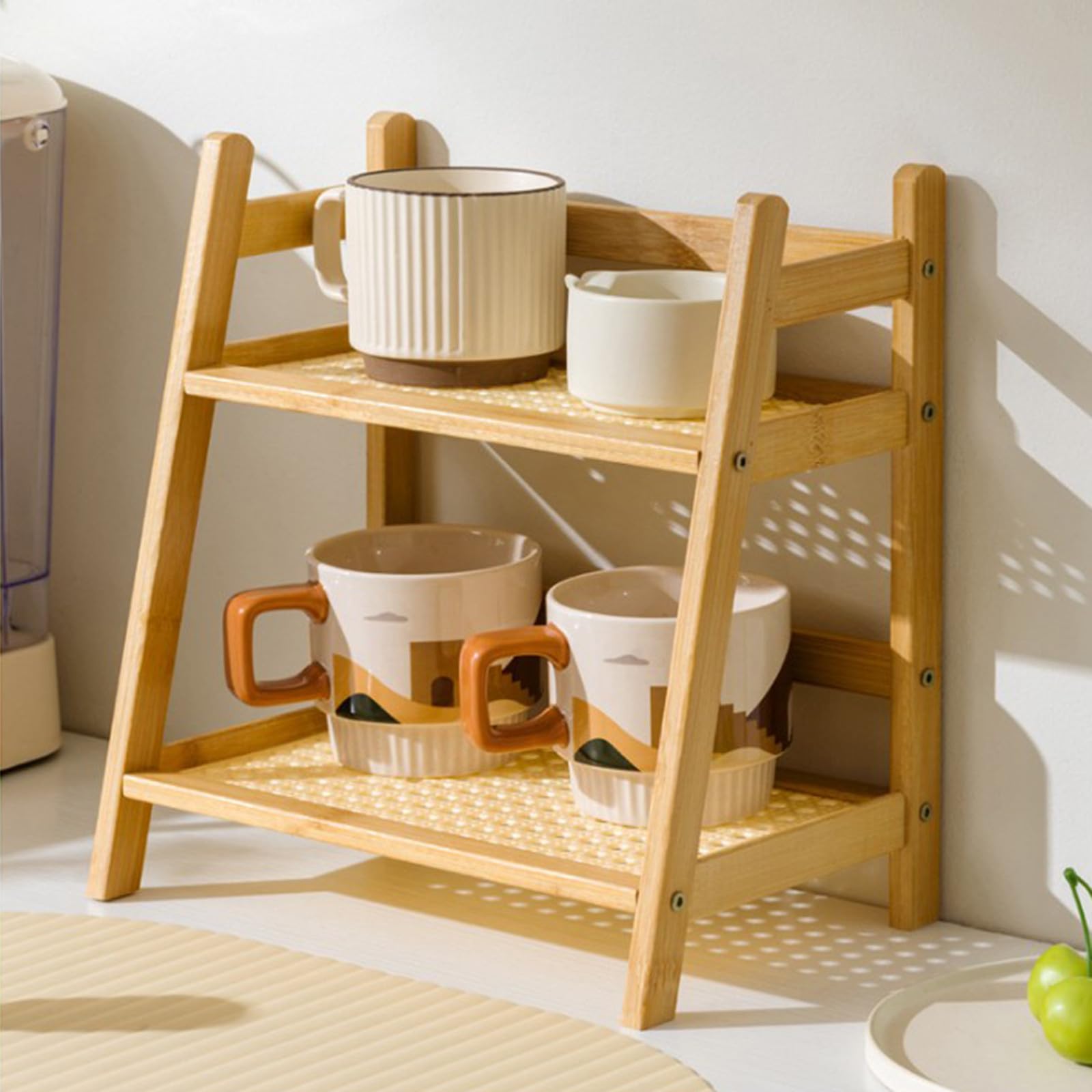
Figure 2.1: Lovskoo Desktop Storage Rack with dimensions labeled. The rack measures approximately 15.55 inches (39.5 cm) deep, 11.22 inches (28.5 cm) wide, and 7.09 inches (18 cm) high.

Figure 2.2: The storage rack is shown in a kitchen environment, demonstrating its use for organizing small items like cups and bowls.
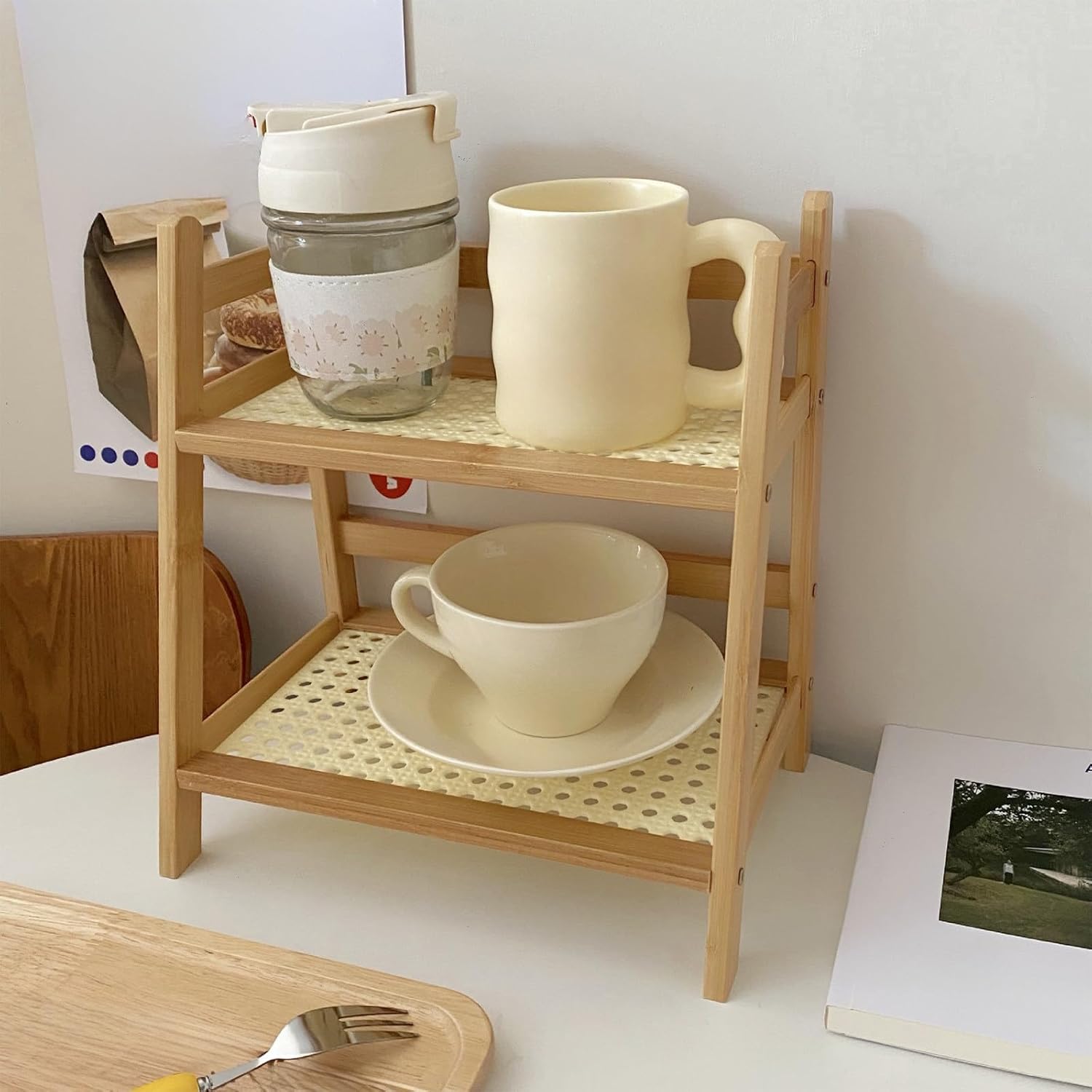
Figure 2.3: This image illustrates the rack's capacity to hold two cups and a saucer, suitable for a desk or coffee station.

Figure 2.4: The rack is pictured with two mugs on the top shelf and a muffin and bowl on the bottom, highlighting its versatility for various small items.
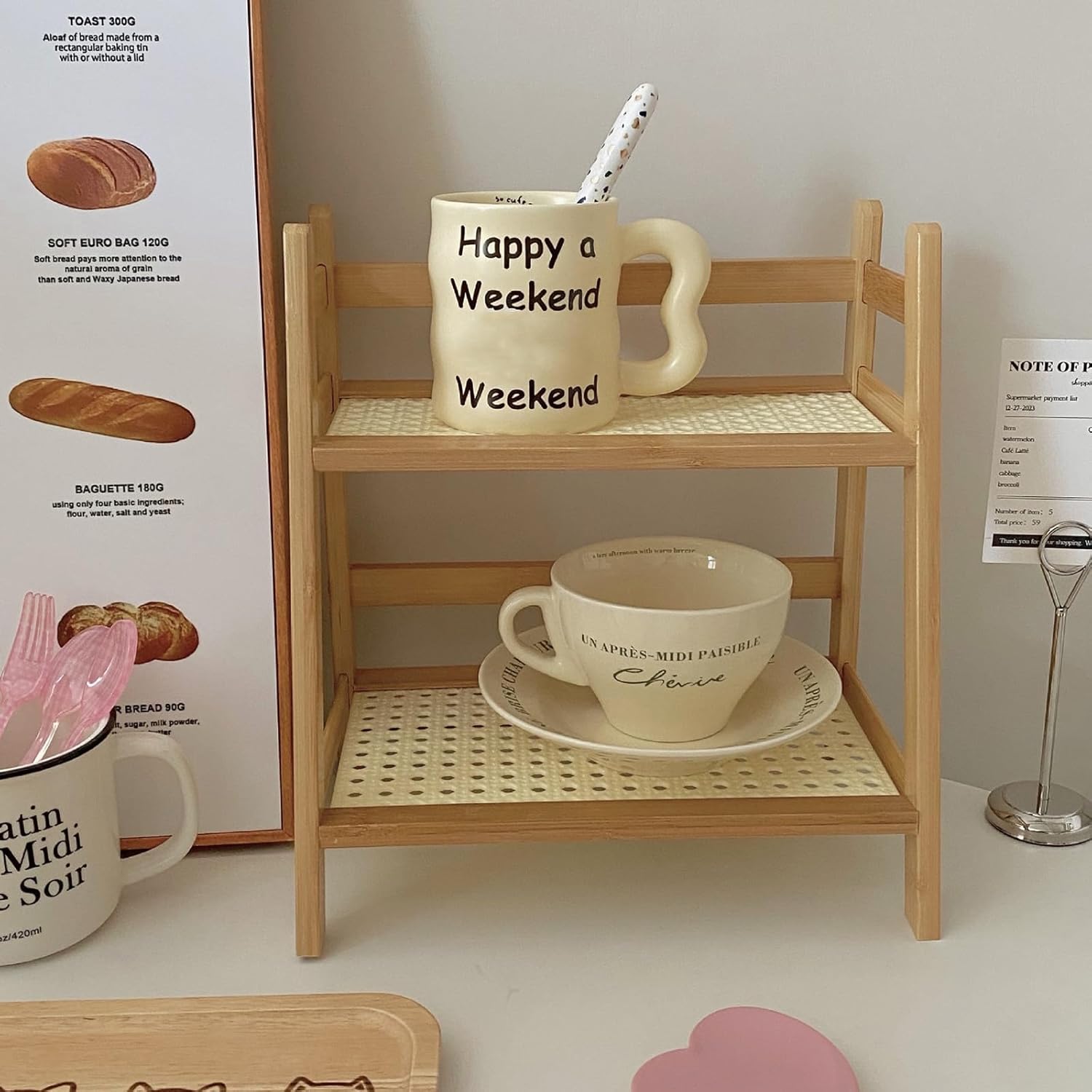
Figure 2.5: This view shows the rack organizing a decorative mug and a cup with its saucer, ideal for personalizing a workspace.

Figure 2.6: The rack is displayed with small decorative vases and mugs, showcasing its potential for both functional storage and decorative display.
தயாரிப்பு விளக்க வீடியோக்கள்
Video 2.1: This video provides a dynamic view of the Lovskoo Desktop Storage Rack, illustrating its practical application for organizing small items on a desk or counter.
Video 2.2: A brief video clip presenting the Lovskoo Desktop Storage Rack, offering a quick look at its design and how it can be used to organize a space.
3. தொகுப்பு உள்ளடக்கங்கள்
அனைத்து கூறுகளும் உள்ளனவா மற்றும் சேதமடையாமல் இருப்பதை உறுதிசெய்ய, தொகுப்பை கவனமாகச் சரிபார்க்கவும்.
- 1x Lovskoo Double Layer Desktop Storage Rack (unassembled components)
- Assembly Instructions (included in package)
4. விவரக்குறிப்புகள்
| அம்சம் | விவரம் |
|---|---|
| பிராண்ட் | லோவ்ஸ்கூ |
| மாதிரி எண் | லோவ்ஸ்கூ |
| பொருள் | மரம் |
| மவுண்டிங் வகை | டேப்லெட் மவுண்ட் |
| அலமாரிகளின் எண்ணிக்கை | 2 |
| தயாரிப்பு பரிமாணங்கள் (அளவு x அளவு x அளவு) | 15.55" x 11.22" x 7.09" (39.5 x 28.5 x 18 செ.மீ) |
| பொருளின் எடை | 1.7 பவுண்டுகள் (750 கிராம்) |
| எடை கொள்ளளவு அதிகபட்சம் | 1.65 பவுண்டுகள் |
| நிறம் | பழுப்பு நிறம் |
| தேவையான சட்டசபை | ஆம் |
5. அமைப்பு மற்றும் அசெம்பிளி
The Lovskoo Desktop Storage Rack requires assembly. Detailed assembly instructions are provided within the product packaging. Please follow these instructions carefully to ensure correct and stable construction.
- அனைத்து கூறுகளையும் பிரித்து, சேர்க்கப்பட்டுள்ள அசெம்பிளி வழிகாட்டியில் உள்ள பாகங்கள் பட்டியலுடன் ஒப்பிடவும்.
- Follow the step-by-step diagrams and instructions to connect the wooden frame pieces.
- Securely attach the two shelf layers to the frame.
- Ensure all connections are tight and the rack is stable before placing items on it.
6. இயக்க வழிமுறைகள்
Once assembled, the storage rack is ready for use.
- இடம்: Place the assembled storage rack on a stable, flat, and level surface to prevent tipping.
- ஏற்றுகிறது: Distribute items evenly across both shelves. Do not overload one side.
- எடை வரம்பு: அதிகபட்ச எடை கொள்ளளவை மீற வேண்டாம் 1.65 பவுண்டுகள் (750 கிராம்) for the entire rack. Exceeding this limit can compromise stability and cause damage.
7. பராமரிப்பு
Regular cleaning and care will help maintain the appearance and longevity of your storage rack.
- சுத்தம்: Wipe the rack with a soft, slightly damp cloth. For stubborn marks, use a mild soap solution and immediately dry with a clean cloth.
- தவிர்க்கவும்: Do not use abrasive cleaners, harsh chemicals, or scouring pads, as these can damage the wood finish.
- சுற்றுச்சூழல்: Keep the rack away from excessive moisture and direct sunlight to prevent warping or discoloration of the wood.
8. சரிசெய்தல்
If you encounter any issues with your storage rack, refer to the following common solutions:
| பிரச்சனை | தீர்வு |
|---|---|
| Rack is unstable or wobbly. | Ensure all assembly screws and connections are tightened. Verify the rack is placed on a completely flat and level surface. Redistribute items if they are unevenly weighted. |
| Damage to wood surface. | Avoid placing sharp or heavy objects directly on the wood without protection. Clean spills immediately. Minor scratches may be touched up with wood repair kits. |
9. பாதுகாப்பு தகவல்
பின்வரும் பாதுகாப்பு வழிகாட்டுதல்களைப் பின்பற்றவும்:
- எடை வரம்பு: The maximum weight capacity for this product is 1.65 பவுண்டுகள் (750 கிராம்). Do not exceed this limit to prevent structural failure and potential injury.
- நிலைத்தன்மை: Always place the rack on a firm, level surface. Avoid placing it in high-traffic areas where it could be easily bumped or knocked over.
- குழந்தைகள் மற்றும் செல்லப்பிராணிகள்: Keep small children and pets away from the rack during assembly. Ensure no small parts are left unattended.
- நோக்கம் கொண்ட பயன்பாடு: This rack is designed for light desktop storage. Do not use it as a step stool or for climbing.
10. உத்தரவாதம் மற்றும் ஆதரவு
Lovskoo products are manufactured to high-quality standards. For any questions, concerns, or support regarding your Desktop Storage Rack, please refer to the contact information provided in your purchase documentation or visit the official Lovskoo website. Specific warranty details may vary and are typically included with your product or available upon request from the manufacturer.