
அறிமுகம்
The COREGENIX Q60 Truly Wireless Earbuds are designed to provide a high-quality audio experience with features such as Environmental Noise Cancellation (ENC), low latency for gaming, and extended battery life. This manual provides instructions for the proper setup, operation, and maintenance of your Q60 earbuds.
பெட்டியில் என்ன இருக்கிறது
தொகுப்பில் அனைத்து பொருட்களும் உள்ளதா என சரிபார்க்கவும்:
- COREGENIX Q60 Truly Wireless Earbuds
- வயர்லெஸ் சார்ஜிங் கேஸ்
- யூ.எஸ்.பி டைப்-சி சார்ஜிங் கேபிள்
- காது மெத்தைகள் (பல்வேறு அளவுகள்)
- பயனர் கையேடு (இந்த ஆவணம்)
தயாரிப்பு முடிந்துவிட்டதுview
The COREGENIX Q60 earbuds feature an open-ear design for comfortable wear and touch controls for easy operation. The accompanying charging case provides portable power and protection for your earbuds.

Image: COREGENIX Q60 earbuds and charging case, highlighting the open-ear design.

படம்: மற்றொன்று view of the COREGENIX Q60 earbuds and charging case.
அமைவு
1. இயர்பட்ஸ் மற்றும் கேஸை சார்ஜ் செய்தல்
Before first use, fully charge the earbuds and the charging case. Connect the provided USB Type-C cable to the charging port on the case and to a compatible USB power source. The indicator lights on the case will show the charging status. A 10-minute charge can provide approximately 100 minutes of playtime.
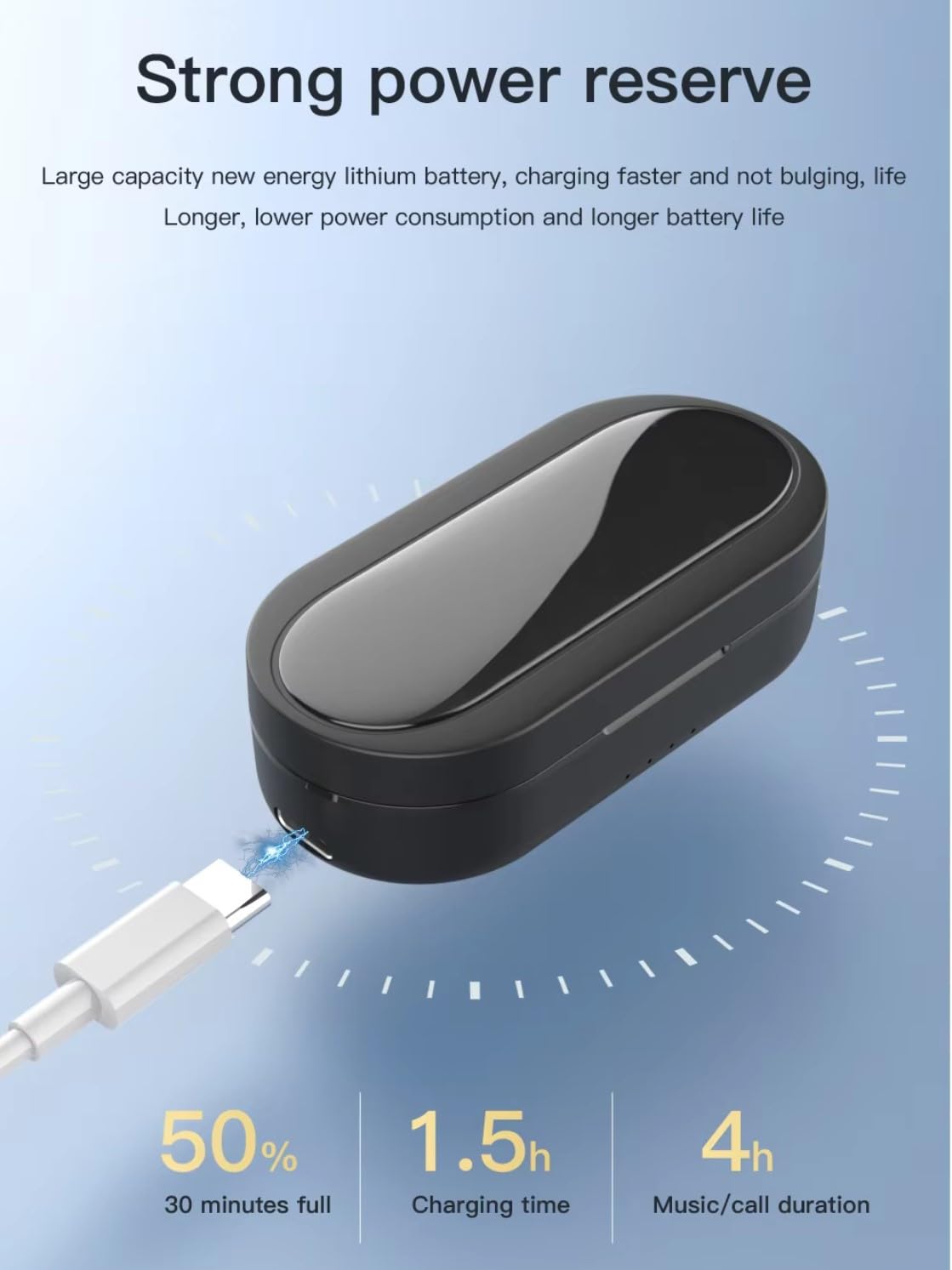
Image: Charging the COREGENIX Q60 case via USB Type-C.
2. ஒரு சாதனத்துடன் இணைத்தல்
- இயர்பட்கள் சார்ஜ் செய்யப்படுவதை உறுதிசெய்யவும்.
- சார்ஜிங் கேஸைத் திறக்கவும். இயர்பட்கள் தானாக இணைத்தல் பயன்முறையில் நுழையும், இது LED விளக்குகள் ஒளிருவதன் மூலம் குறிக்கப்படும்.
- உங்கள் ஸ்மார்ட்போன் அல்லது பிற புளூடூத்-இயக்கப்பட்ட சாதனத்தில், புளூடூத் அமைப்புகளுக்குச் செல்லவும்.
- தேடுங்கள் available devices and select "COREGENIX Q60" from the list.
- இணைக்கப்பட்டதும், இயர்பட்களில் உள்ள LED குறிகாட்டிகள் ஒளிர்வதை நிறுத்திவிடும்.
3. இயர்பட்களை அணிதல்
The Q60 earbuds feature an ergonomic, open-ear design for comfortable and stable wear. Gently place the earbuds over your ears, ensuring the silicone elbow rests comfortably. The design is intended to provide a secure fit without entering the ear canal, making them suitable for extended use and physical activity.

Image: Proper wearing of the COREGENIX Q60 earbuds for open listening.

Image: The secure fit of COREGENIX Q60 earbuds during exercise.

Image: Detail of the flexible, skin-friendly silicone elbow design.
இயக்க வழிமுறைகள்
The COREGENIX Q60 earbuds feature touch controls for various functions. The exact touch patterns may vary slightly; refer to the quick start guide for precise commands.
- பவர் ஆன்/ஆஃப்: இயர்பட்களை கேஸிலிருந்து அகற்றும்போது அவை தானாகவே இயங்கும், மீண்டும் கேஸில் வைக்கும்போது அவை தானாகவே அணைக்கப்படும்.
- விளையாடு/இடைநிறுத்தம்: இரண்டு இயர்பட்டிலும் ஒருமுறை தட்டவும்.
- அடுத்த ட்ராக்: வலதுபக்க இயர்பட்டில் இருமுறை தட்டவும்.
- முந்தைய ட்ராக்: இடதுபக்க இயர்பட்டில் இருமுறை தட்டவும்.
- பதில்/முடிவு அழைப்பு: உள்வரும் அழைப்பின் போது இரண்டு இயர்பட்களில் ஏதேனும் ஒன்றை ஒருமுறை தட்டவும்.
- அழைப்பை நிராகரி: உள்வரும் அழைப்பின் போது, ஏதேனும் ஒரு இயர்பட்டை 2 வினாடிகள் அழுத்திப் பிடிக்கவும்.
- ஒலியளவு கட்டுப்பாடு: Specific touch gestures for volume up/down (refer to quick start guide for details).
- குரல் உதவியாளரைச் செயலாக்கு: இரண்டு இயர்பட்டில் ஏதாவது ஒன்றை மூன்று முறை தட்டவும்.
- குறைந்த தாமத கேமிங் பயன்முறை: The earbuds feature a 50ms low latency mode for synchronized audio during gaming and streaming. Activation method may vary (refer to quick start guide).
- சுற்றுச்சூழல் இரைச்சல் ரத்து (ENC): The earbuds utilize ENC technology with quad mics for clear calls by reducing background noise.
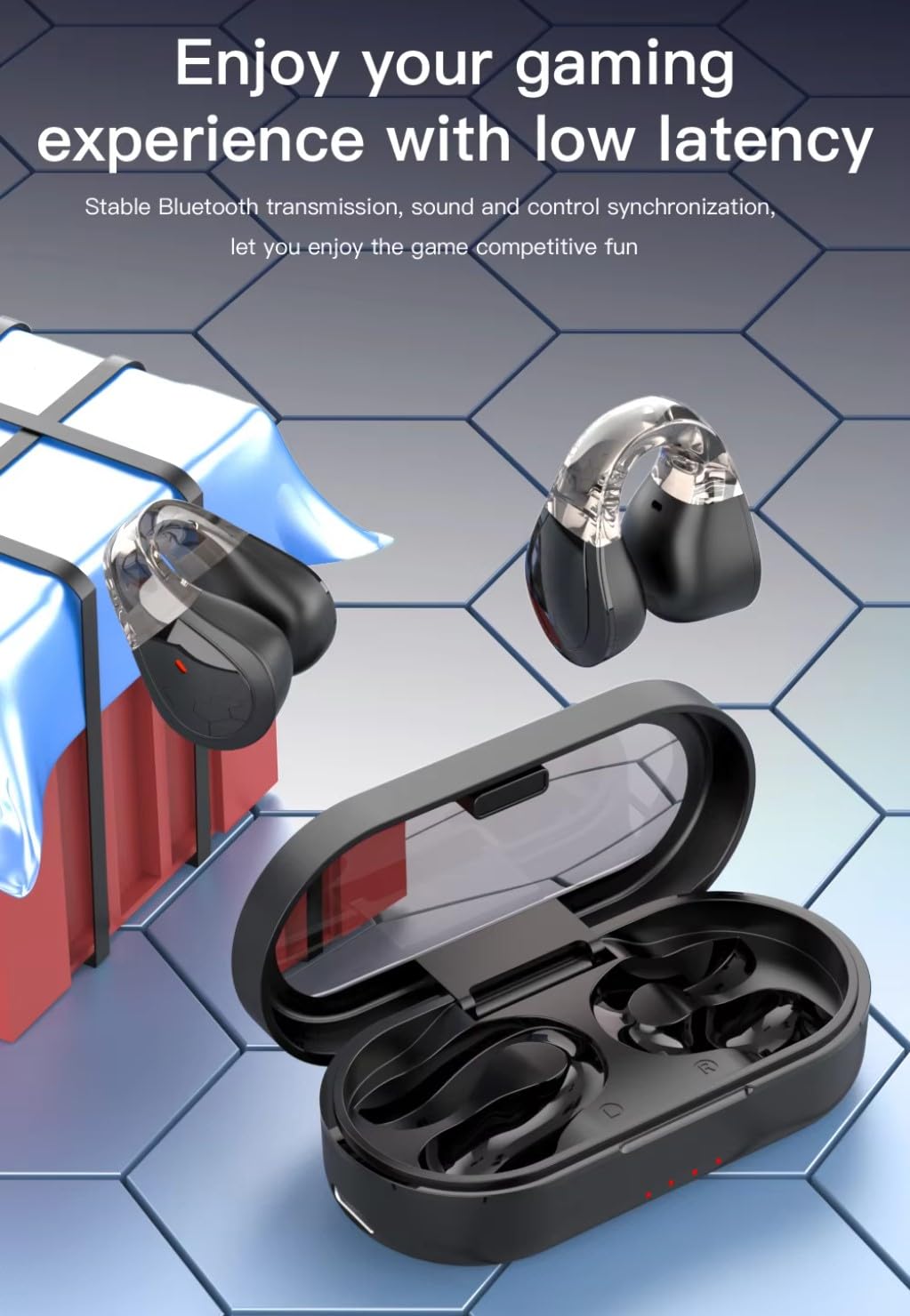
Image: COREGENIX Q60 earbuds in a gaming context, illustrating low latency feature.
Audio Quality Features
The Q60 earbuds incorporate 13mm Bass Drivers with BoomX Technology and a Graphene diaphragm to deliver enhanced sound quality with powerful bass and panoramic sound.
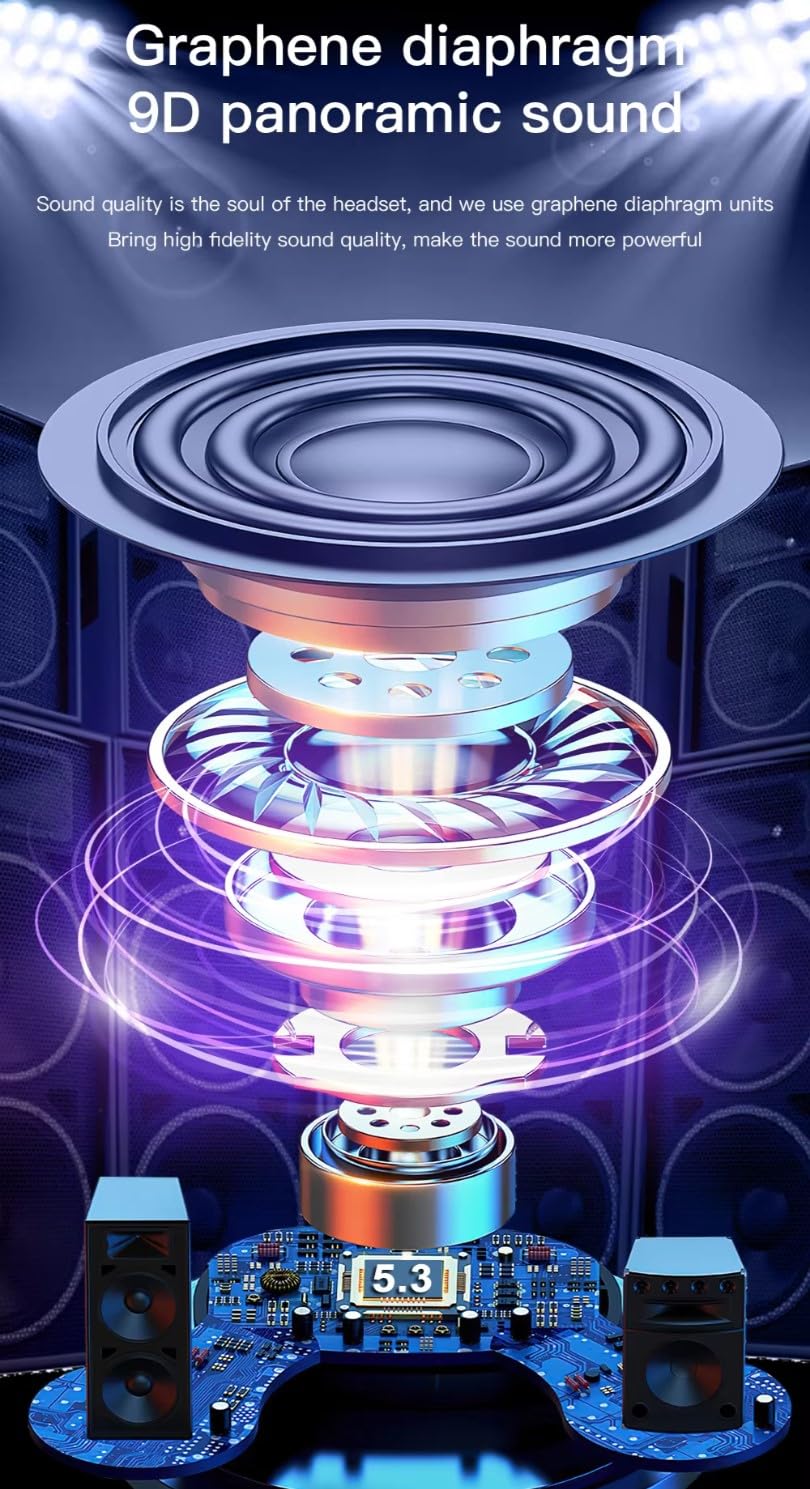
Image: Internal diagram of the earbud, showing the graphene diaphragm for sound quality.
பராமரிப்பு
சுத்தம் செய்தல்
Regularly clean your earbuds and charging case to ensure optimal performance and hygiene. Use a soft, dry, lint-free cloth. Do not use harsh chemicals or abrasive materials. For ear cushions, gently wipe with a damp cloth and allow to air dry completely before reattaching.
சேமிப்பு
பயன்பாட்டில் இல்லாதபோது, இயர்பட்களை தூசி, சேதம் ஆகியவற்றிலிருந்து பாதுகாக்கவும், அவற்றை சார்ஜ் செய்து வைத்திருக்கவும், சார்ஜிங் கேஸில் வைக்கவும். நேரடி சூரிய ஒளி மற்றும் அதிக வெப்பநிலையிலிருந்து விலகி, குளிர்ந்த, உலர்ந்த இடத்தில் கேஸை சேமிக்கவும்.
நீர் எதிர்ப்பு
The COREGENIX Q60 earbuds are rated IPX5 water resistant, meaning they can withstand splashes of water and sweat. They are suitable for workouts and outdoor activities but are not designed for submersion in water. Do not expose them to running water or wear them while swimming or showering. Ensure the earbuds are dry before placing them back in the charging case.
சரிசெய்தல்
If you encounter issues with your COREGENIX Q60 earbuds, try the following solutions:
- இயர்பட்ஸ் இணைக்கப்படவில்லை: Ensure both earbuds are charged. Place them back in the case, close it, then open it again to re-enter pairing mode. Delete "COREGENIX Q60" from your device's Bluetooth list and try pairing again.
- ஒரு இயர்பட்டிலிருந்து சத்தம் இல்லை: Ensure both earbuds are charged and connected. Try resetting the earbuds (refer to quick start guide for specific reset instructions).
- சார்ஜிங் சிக்கல்கள்: Check the USB Type-C cable and power adapter. Ensure the charging contacts on the earbuds and inside the case are clean and free of debris.
- குறைந்த அளவு: உங்கள் இணைக்கப்பட்ட சாதனம் மற்றும் இயர்பட்கள் இரண்டிலும் ஒலியளவை சரிசெய்யவும்.
- இடைப்பட்ட இணைப்பு: Ensure your device is within the 15-meter operating range. Avoid obstacles between the earbuds and your device.
விவரக்குறிப்புகள்
| அம்சம் | விவரம் |
|---|---|
| மாதிரி பெயர் | Q60 |
| இணைப்பு தொழில்நுட்பம் | Wireless, Bluetooth V5.3 |
| சத்தம் கட்டுப்பாடு | Sound Isolation, Environmental Noise Cancellation (ENC) |
| ஆடியோ டிரைவர் வகை | Dynamic Driver (13mm Bass Drivers) |
| பேட்டரி ஆயுள் | 40 மணிநேரம் வரை (சார்ஜிங் கேஸுடன்) |
| குறைந்த தாமதம் | 50 எம்.எஸ் |
| நீர் எதிர்ப்பு நிலை | IPX5 நீர் எதிர்ப்பு |
| கட்டுப்பாட்டு வகை | தொடுதல், ஒலியளவு கட்டுப்பாடு |
| இணக்கமான சாதனங்கள் | Android, iOS |
| அதிகபட்ச இயக்க தூரம் | 15 மீட்டர் |
| பொருள் | பிளாஸ்டிக் |
| பொருளின் எடை | 100 கிராம் |
| தயாரிப்பு பரிமாணங்கள் | 9 x 7 x 5 செ.மீ |
| உற்பத்தியாளர் | COREGENIX |
| பிறப்பிடமான நாடு | இந்தியா |
| மின்மறுப்பு | 80 ஓம்ஸ் |
உத்தரவாத தகவல்
COREGENIX products are manufactured to high-quality standards. This product is covered by a limited warranty from the date of purchase. Please retain your proof of purchase for warranty claims. The warranty covers manufacturing defects but does not cover damage caused by misuse, accidents, unauthorized modifications, or normal wear and tear. For specific warranty terms and conditions, please refer to the warranty card included with your product or visit the official COREGENIX webதளம்.
வாடிக்கையாளர் ஆதரவு
For further assistance, technical support, or inquiries regarding your COREGENIX Q60 Truly Wireless Earbuds, please contact COREGENIX customer service. Contact details can typically be found on the product packaging, the official COREGENIX website, or the warranty card. When contacting support, please have your product model (Q60) and proof of purchase readily available.