
1. அறிமுகம்
This manual provides detailed instructions for the installation, operation, and maintenance of your DETIKO KP01-C1-A1 2K Smart Window Security Camera. Please read this manual thoroughly before using the product to ensure proper functionality and safety.
2. தொகுப்பு உள்ளடக்கங்கள்
கீழே பட்டியலிடப்பட்டுள்ள அனைத்து பொருட்களும் உங்கள் தொகுப்பில் சேர்க்கப்பட்டுள்ளதா என்பதை சரிபார்க்கவும்:
- Smart Window Camera (1)
- USB கேபிள் (1)
- பவர் அடாப்டர் (1)
- Adhesive Mounting Base (3)
- கேபிள் கிளிப்புகள் (4)
- பயனர் கையேடு (1)
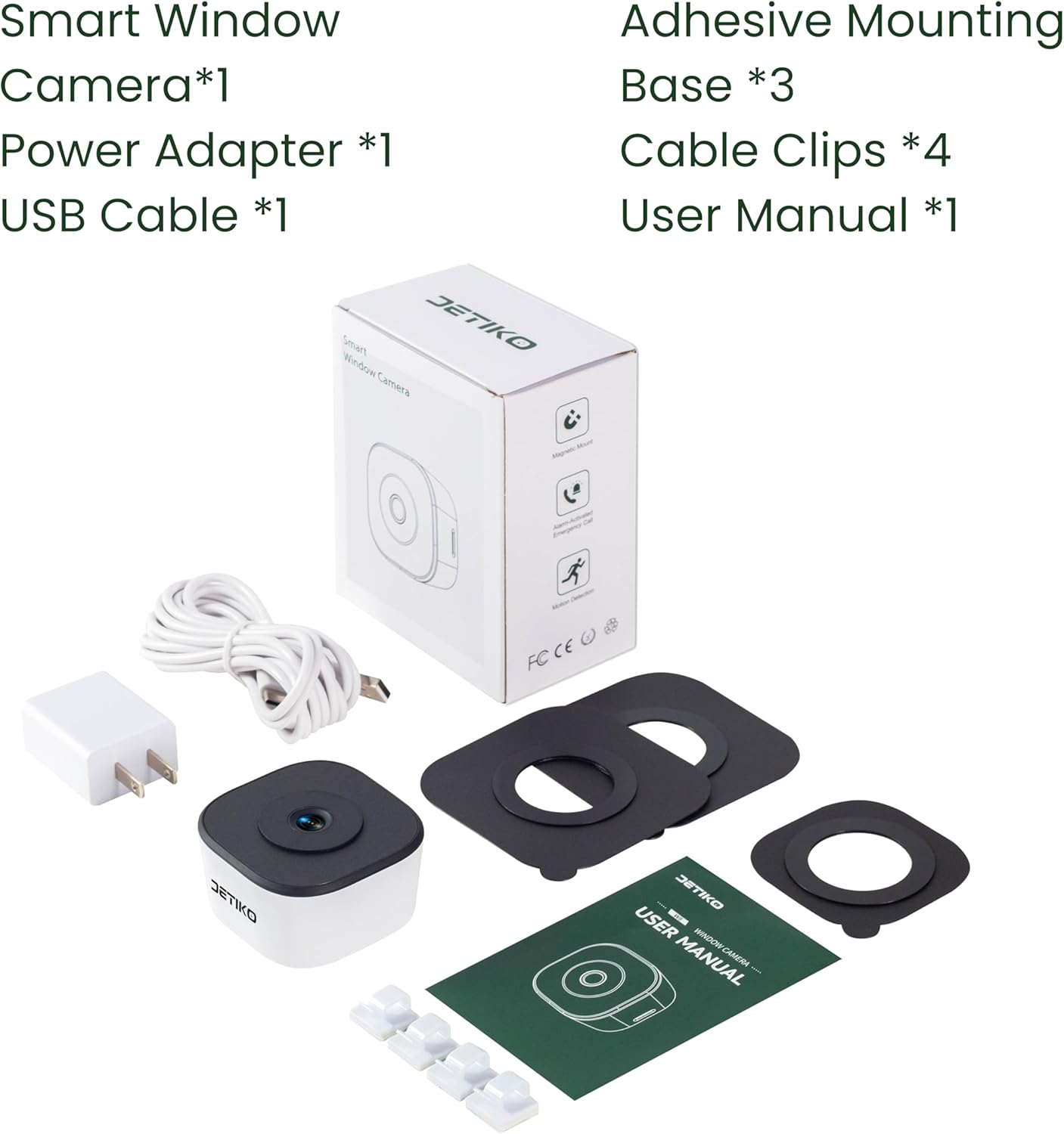
Image: Contents of the DETIKO 2K Smart Window Security Camera package.
3. தயாரிப்பு முடிந்துவிட்டதுview
முக்கிய அம்சங்கள்:
- 2K அல்ட்ரா HD தீர்மானம்: Delivers clear video and images.
- முழு வண்ண இரவு பார்வை: F1.0 large aperture captures vibrant details in low light.
- AI Smart Detection: Accurately identifies people, vehicles, pets, and packages, reducing false alarms.
- இருவழி ஆடியோ: Built-in microphone and speaker for interactive communication.
- நெகிழ்வான சேமிப்பக விருப்பங்கள்: Supports US Cloud storage (bank-grade encryption) and local MicroSD card (up to 256GB, not included) for 24/7 continuous recording.
- Instant 911 Call Support: In-app emergency button for remote 911 calls with live video and location sharing (subscription required).
- எளிதான நிறுவல்: Magnetic mounting for quick and secure placement on windows.
- 2.4G வைஃபை இணைப்பு: Connects to your home network for remote access.

படம்: முன்பக்கம் view of the DETIKO 2K Smart Window Security Camera.
4. அமைவு & நிறுவல்
4.1 நிறுவலுக்குத் தயாராகிறது
- Clean the Glass Surface: Ensure the window surface where the camera will be mounted is clean and dry. Use a microfiber cloth for best results.
- மின் இணைப்பு: Connect the USB cable to the camera's Type-C port and the power adapter. Plug the adapter into a power outlet. The camera will boot up, indicated by a blue light.
4.2 கேமராவை ஏற்றுதல்
The DETIKO camera is designed for easy, no-drill window mounting using magnetic adhesive bases.
- ஒட்டும் தளத்தைப் பயன்படுத்துங்கள்: Peel off the protective backing from one of the adhesive magnetic bases. Carefully position and firmly stick it onto the clean window surface from the inside. Ensure the opening aligns with where the camera lens will be.
- கேமராவை இணைக்கவும்: The camera has a magnetic back. Simply align the camera with the magnetic base on the window. It will snap securely into place.
- கேபிள் மேலாண்மை: Use the provided cable clips to neatly secure the power cable along the window frame or wall.

Image: Visual guide for mounting the camera on a window.
4.3 வீடியோ நிறுவல் வழிகாட்டி
Video: Official DETIKO guide demonstrating the installation method of the window camera.
5. App Download & Connection
To access your camera's features and live feed, download the companion app.
- பயன்பாட்டைப் பதிவிறக்கவும்: Scan the QR code provided in the user manual or search for "InstaVision: Smart & Safe Home" in your smartphone's app store (available for iOS and Android).
- கணக்கை உருவாக்கவும்: Follow the on-screen instructions to create a new user account.
- கேமராவைச் சேர்: Ensure your phone's Bluetooth is enabled. Open the app, tap 'Add Camera' on the home screen, or go to 'Add & Manage Cameras' and tap 'Add Camera' to get started. The app will begin scanning for nearby cameras.
- Wi-Fi உடன் இணைக்கவும்: Follow the in-app prompts to connect your camera to your 2.4G Wi-Fi network. (Note: 5G Wi-Fi is not supported).

படம்: Example of a person detection alert on a smartphone.
6. இயக்க வழிமுறைகள்
6.1 AI Smart Detection
The camera's advanced AI can accurately identify people, vehicles, pets, and packages. You will receive descriptive alerts summarizing the event. The system categorizes recordings by type for easy search and playback. (Note: Advanced AI features are available with a 7-day trial; subscription may be required for continued use).
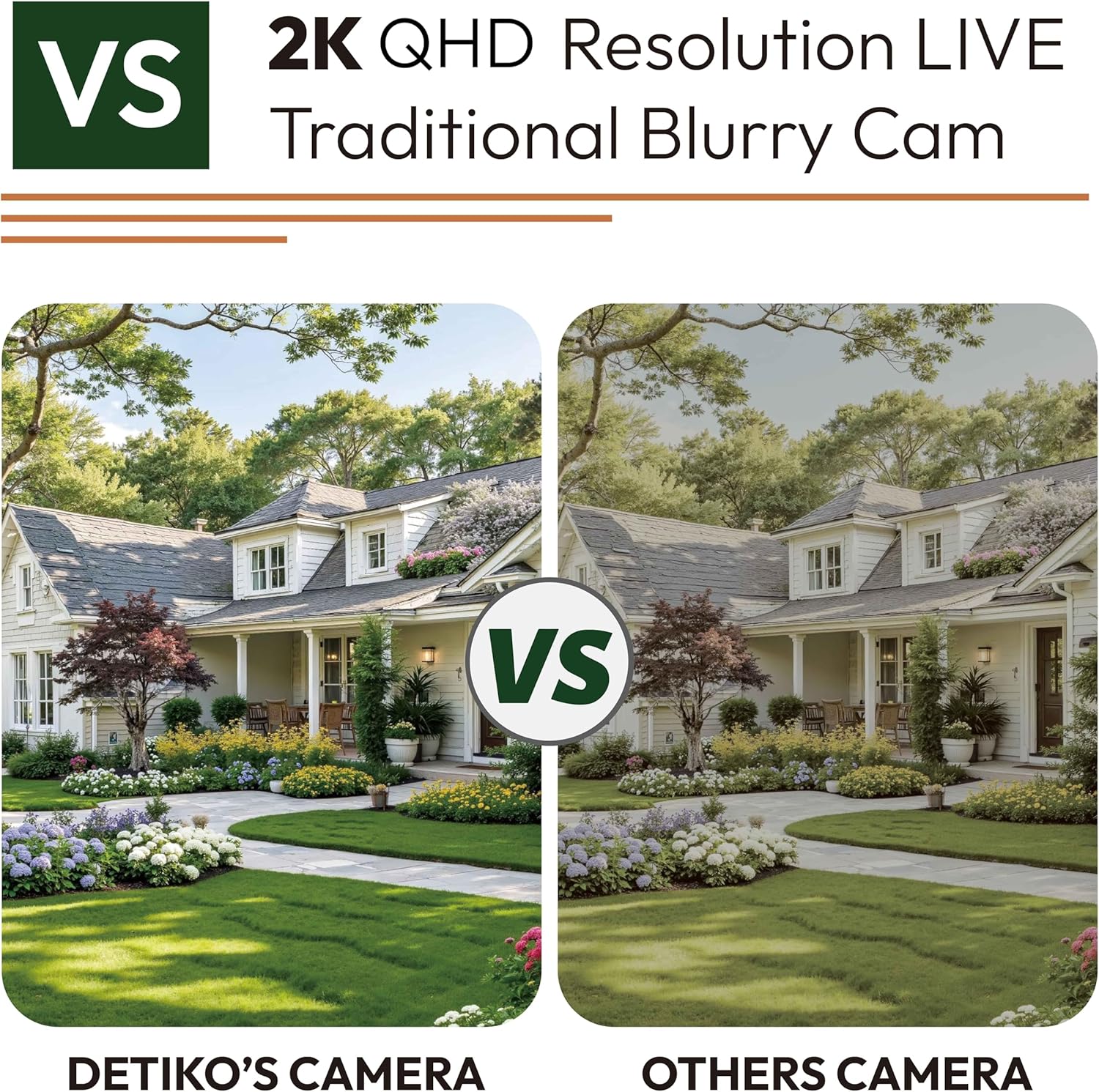
Image: DETIKO AI detection identifying various objects in a scene.
6.2 முழு வண்ண இரவு பார்வை
The F1.0 large aperture lens provides clear 2K video with full-color night vision, allowing you to see vibrant details even in complete darkness without glare or reflection.

Image: Comparison showing the clarity of full-color night vision.
6.3 இருவழி ஆடியோ
Utilize the built-in microphone and speaker for two-way communication through the app. This allows you to speak to visitors or deter intruders remotely.
6.4 சேமிப்பக விருப்பங்கள்
Your camera offers two storage methods:
- அமெரிக்க கிளவுட் ஸ்டோரேஜ்: Data is securely stored with bank-grade encryption. (Subscription may be required).
- உள்ளூர் சேமிப்பு: Supports 24/7 continuous recording to a MicroSD card (up to 256GB, not included) with auto-overwrite when full.

படம்: முடிந்ததுview of continuous recording and storage options.
6.5 Instant 911 Emergency Support
In critical situations, the in-app emergency button allows you to call 911 remotely while automatically sharing your live video and location. (Subscription required for this feature).

Image: Smart alerts and 911 emergency call feature.
6.6 குடும்பப் பகிர்வு
Share camera access with up to 4 family members across 5 devices, allowing multiple users to monitor the feed. (Note: Some features may require a subscription).
7. பராமரிப்பு
- சுத்தம்: Regularly wipe the camera lens and body with a soft, dry cloth to remove dust and smudges. Ensure the window surface where the camera is mounted is also kept clean for optimal image clarity.
- நிலைபொருள் புதுப்பிப்புகள்: Check the app periodically for firmware updates to ensure your camera has the latest features and security enhancements.
- ஒட்டும் தன்மை: The adhesive for the magnetic mount is strong, but extreme temperature changes or frequent removal may affect its long-term adhesion. Replacement adhesives are available if needed.
8. சரிசெய்தல்
| பிரச்சினை | சாத்தியமான காரணம் | தீர்வு |
|---|---|---|
| கேமரா Wi-Fi உடன் இணைக்கப்படவில்லை | Incorrect Wi-Fi password; camera too far from router; 5G Wi-Fi network. | Ensure correct 2.4G Wi-Fi password. Move camera closer to router. Confirm router is broadcasting 2.4G Wi-Fi. |
| மோசமான பட தரம் | Dirty lens or window; low light conditions; network issues. | Clean the camera lens and window. Ensure adequate lighting for optimal full-color night vision. Check Wi-Fi signal strength. |
| அடிக்கடி வரும் தவறான எச்சரிக்கைகள் | High detection sensitivity; environmental factors (e.g., moving branches). | Adjust AI detection sensitivity settings in the app (Low/Medium/High). Define activity zones to exclude irrelevant areas. |
| கேமரா ஆஃப்லைனில் உள்ளது | பவர் ஓtage; Wi-Fi disconnected; camera malfunction. | Check power supply and Wi-Fi router. Restart the camera and router. If issues persist, contact customer support. |
9. விவரக்குறிப்புகள்
- மாதிரி: KP01-C1-A1
- வீடியோ பிடிப்பு தீர்மானம்: 2K (1296p)
- இணைப்பு தொழில்நுட்பம்: Wired (Corded Electric)
- இணைப்பு நெறிமுறை: வைஃபை (2.4ஜி மட்டும்)
- மவுண்டிங் வகை: Window Mount (Magnetic Adhesive)
- இரவு பார்வை வரம்பு: 33 அடி
- பொருளின் பரிமாணங்கள் (L x W x H): 2.4 x 2.4 x 1.46 அங்குலம்
- பொருளின் எடை: 7.8 அவுன்ஸ்
- உள்ளூர் சேமிப்பு: 256GB வரை மைக்ரோ SD அட்டையை ஆதரிக்கிறது (சேர்க்கப்படவில்லை)
- சிறப்பு அம்சங்கள்: 2-Way Audio, AI Detection, Full-Color Night Vision, HD Resolution, Privacy Encryption Protection
10. உத்தரவாதம் & ஆதரவு
DETIKO provides 24/7 customer support. For any questions, technical assistance, or warranty claims, please contact our dedicated US team via in-app chat, email, or phone. Refer to the app's "Help & Support" section for contact details.