
அறிமுகம்
This manual provides essential information for the safe and efficient use of your DJI Neo Intelligent Flight Battery. This battery is designed for compatibility with the DJI Neo 2 drone, offering reliable power for your flight experiences. Please read this manual thoroughly before using the product.

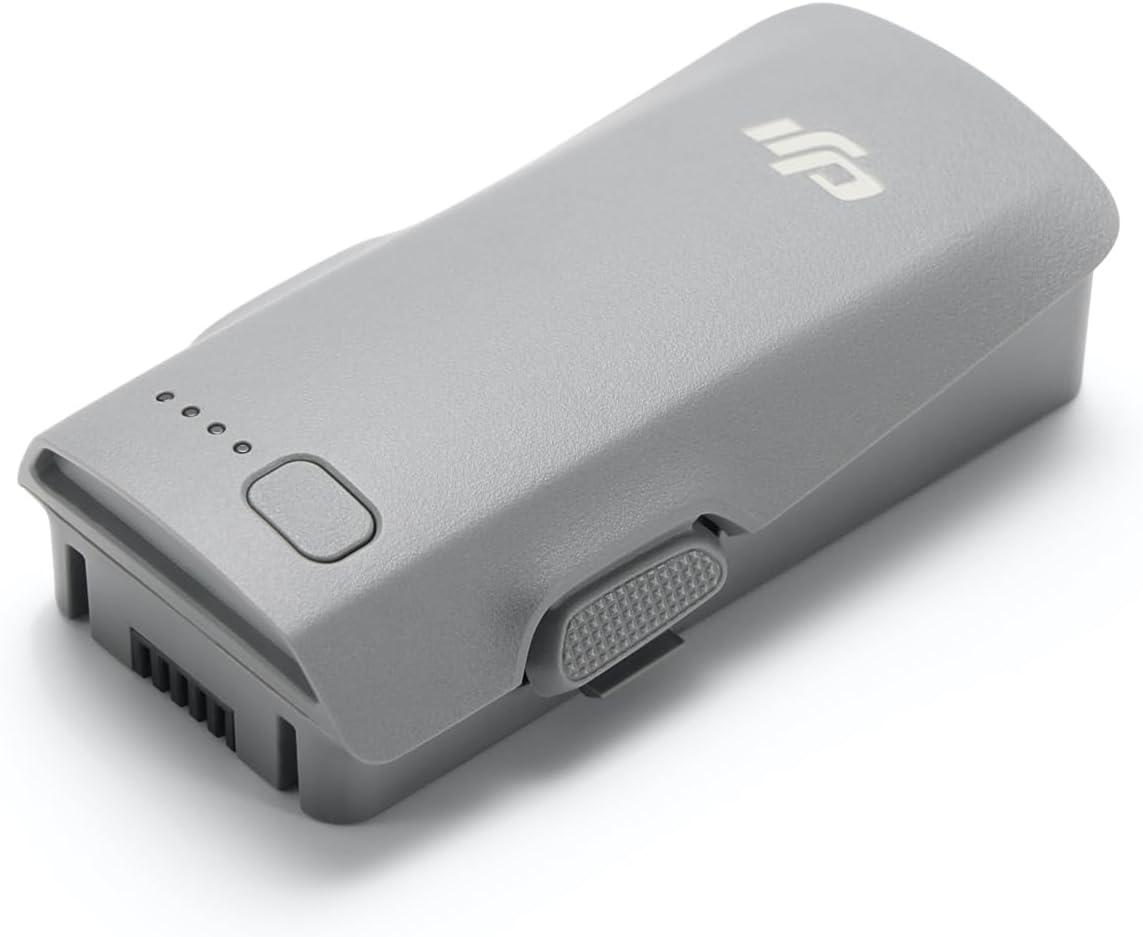
The DJI Neo Intelligent Flight Battery, showcasing its sleek design and the four LED lights that indicate battery charge level.
அமைவு
1. அன் பாக்ஸிங்
Carefully remove the DJI Neo Intelligent Flight Battery from its packaging. The package should contain one (1) DJI Neo Intelligent Flight Battery.
2. ஆரம்ப கட்டணம் வசூலித்தல்
Before first use, fully charge the battery using a DJI-approved charging device. Connect the charger to a power source and then connect the battery to the charger. The LED indicators on the battery will show the charging status.
3. பேட்டரி நிறுவல்
To install the battery into your DJI Neo 2 drone, align the battery with the battery compartment on the drone. Gently push the battery into place until it clicks securely. Ensure it is firmly seated to prevent dislodgement during flight.

The DJI Neo Intelligent Flight Battery positioned beside a compatible DJI Neo 2 drone, illustrating its size and form factor relative to the drone.
இயக்க வழிமுறைகள்
1. ஆன் / ஆஃப் செய்தல்
To power on the battery, press the power button once, then press and hold it for two seconds. The LED indicators will light up. To power off, repeat the same procedure: press the power button once, then press and hold it for two seconds until the LEDs turn off.
2. பேட்டரி அளவை சரிபார்க்கிறது
With the battery powered off, a single short press of the power button will illuminate the LED indicators to show the current charge level. Each illuminated LED typically represents approximately 25% of the battery's charge.
3. Flight Time
The DJI Neo Intelligent Flight Battery provides up to 19 minutes of flight time under optimal conditions. Actual flight time may vary based on environmental factors, flight style, and drone payload.
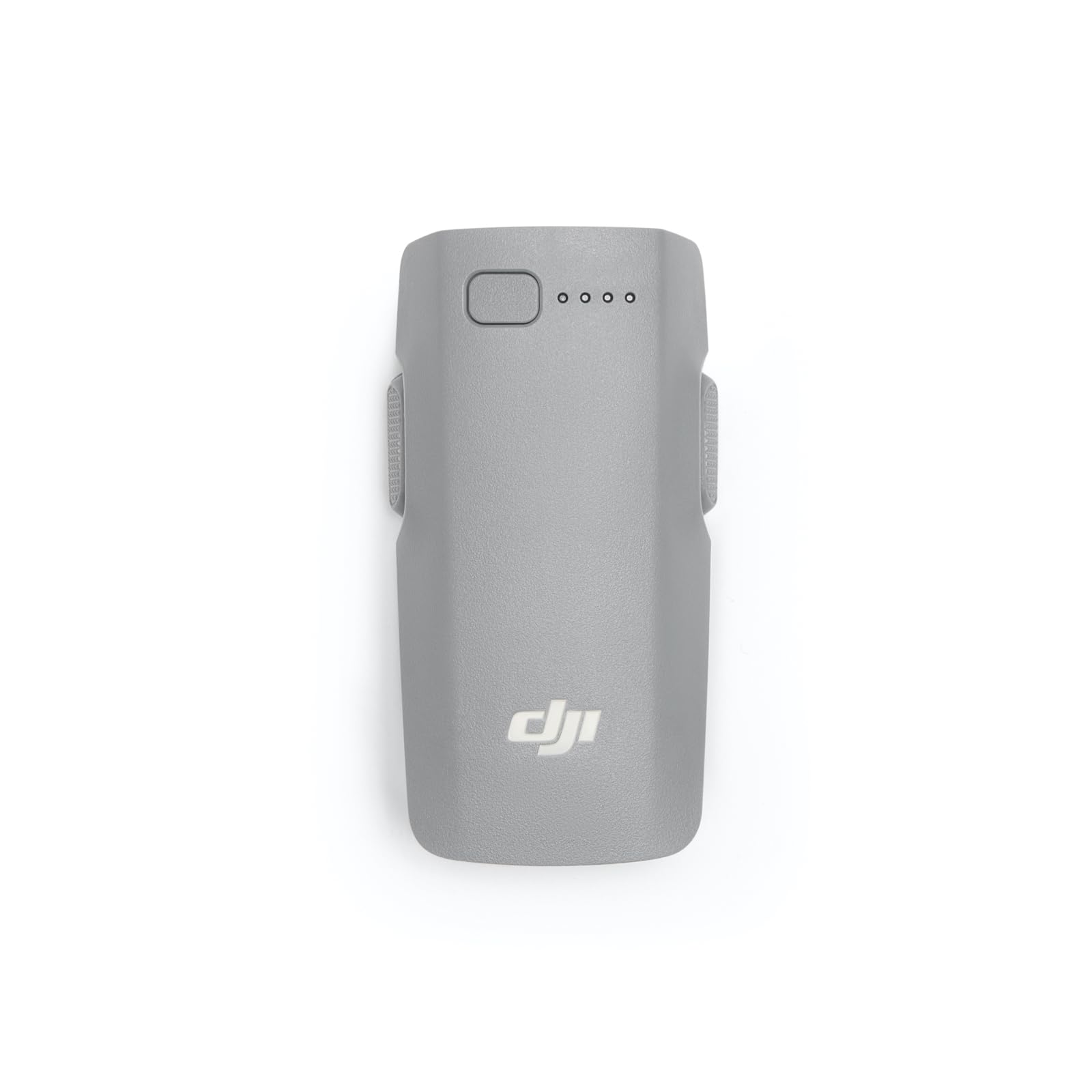
ஒரு நெருக்கமான காட்சி view of the DJI Neo Intelligent Flight Battery, showing its grey casing, LED indicators, and power button.
பராமரிப்பு மற்றும் பாதுகாப்பு
1. Charging Best Practices
- Always use a DJI-approved charger.
- கவனிக்காமல் பேட்டரியை சார்ஜ் செய்ய வேண்டாம்.
- தீவிர வெப்பநிலையில் சார்ஜ் செய்வதைத் தவிர்க்கவும்.
2. சேமிப்பு
- Store the battery in a cool, dry place, away from direct sunlight and heat sources.
- For long-term storage, discharge the battery to approximately 50-60% to prolong its lifespan.
- Avoid storing fully charged or fully discharged batteries for extended periods.
3. சுத்தம் செய்தல்
Wipe the battery surface with a clean, dry cloth. Do not use liquid cleaners or immerse the battery in water.
4. பாதுகாப்பு எச்சரிக்கைகள்
Observe the following critical safety warnings to prevent damage or injury:
- Only use DJI approved charging devices.
- DO NOT place the battery in a fire or disassemble, pierce, drop, strike, or short circuit the battery.
- DO NOT use batteries that have been dropped in water.
- குழந்தைகள் மற்றும் செல்லப்பிராணிகளிடமிருந்து பேட்டரியை ஒதுக்கி வைக்கவும்.
- If the battery shows signs of swelling, leakage, or damage, discontinue use immediately and dispose of it properly.
ஒரு விரிவான view of the warning label on the DJI Neo Intelligent Flight Battery, displaying important safety instructions, specifications, and certification marks.
சரிசெய்தல்
பேட்டரி சார்ஜ் ஆகவில்லை
- சார்ஜர் ஒரு மின் மூலத்துடனும் பேட்டரியுடனும் சரியாக இணைக்கப்பட்டுள்ளதா என்பதை உறுதிப்படுத்திக் கொள்ளுங்கள்.
- Verify that you are using a DJI-approved charger.
- பேட்டரி அல்லது சார்ஜரில் ஏதேனும் சேதம் ஏற்பட்டுள்ளதா எனச் சரிபார்க்கவும்.
- வேறு ஒரு பவர் அவுட்லெட்டில் சார்ஜ் செய்ய முயற்சிக்கவும்.
Drone Not Powering On with Battery
- பேட்டரி முழுமையாக சார்ஜ் செய்யப்பட்டிருப்பதை உறுதி செய்யவும்.
- Confirm the battery is correctly installed and securely clicked into the drone's compartment.
- Perform the power-on sequence correctly (press once, then press and hold for two seconds).
Reduced Flight Time
- Extreme temperatures (hot or cold) can affect battery performance.
- Aggressive flight maneuvers or high wind conditions consume more power.
- ஒவ்வொரு விமானத்திற்கும் முன் பேட்டரி முழுமையாக சார்ஜ் ஆகி இருப்பதை உறுதி செய்யவும்.
- Over time, all batteries experience degradation. If flight time significantly decreases, consider replacing the battery.
விவரக்குறிப்புகள்
| அம்சம் | விவரம் |
|---|---|
| பிராண்ட் | DJI |
| மாதிரி எண் | 6937224131798 |
| பேட்டரி செல் கலவை | லித்தியம் அயன் |
| பேட்டரி செல் வகை | லித்தியம் அயன் |
| தொகுதிtage | 220 வோல்ட் |
| பேட்டரி எடை | 100 கிராம் |
| பொருளின் எடை | 46 கிராம் |
| பொருளின் பரிமாணங்கள் (L x W x H) | 3.05 x 1.6 x 0.8 அங்குலம் |
| பேட்டரிகளின் எண்ணிக்கை | 1 C பேட்டரிகள் தேவை (சேர்க்கப்பட்டுள்ளது) |
உத்தரவாத தகவல்
The DJI Neo Intelligent Flight Battery is covered by DJI's standard manufacturer's warranty. Please refer to the official DJI website or your purchase documentation for detailed warranty terms and conditions, including coverage period and claim procedures. Keep your proof of purchase for warranty service.
வாடிக்கையாளர் ஆதரவு
For technical assistance, troubleshooting beyond this manual, or service inquiries, please contact DJI Customer Support. You can find contact information, including phone numbers and online support resources, on the official DJI webதளம்.