
1. அறிமுகம்
Thank you for choosing the Candy Smart Pro Inverter CRO EH9N4TBE-S dryer. This appliance is designed to provide efficient and convenient drying for your laundry. Featuring an inverter motor, it offers high energy efficiency and low noise levels. With Wi-Fi + BLE connectivity and the hOn app, you can access over 40 additional programs and monitor drying cycles and energy consumption.
பாதுகாப்பான மற்றும் உகந்த செயல்பாட்டை உறுதிசெய்ய, சாதனத்தைப் பயன்படுத்துவதற்கு முன் இந்தக் கையேட்டை கவனமாகப் படியுங்கள். எதிர்கால குறிப்புக்காக இந்தக் கையேட்டை வைத்திருங்கள்.
2. பாதுகாப்பு தகவல்
தீ, மின்சார அதிர்ச்சி அல்லது காயம் ஏற்படும் அபாயத்தைக் குறைக்க மின் சாதனங்களைப் பயன்படுத்தும் போது எப்போதும் அடிப்படை பாதுகாப்பு முன்னெச்சரிக்கைகளைப் பின்பற்றவும்.
- சாதனம் சரியாக தரையிறக்கப்பட்டுள்ளதா என்பதை உறுதிப்படுத்தவும்.
- குழந்தைகள் உலர்த்தியுடன் விளையாடவோ அல்லது இயக்கவோ அனுமதிக்காதீர்கள்.
- Never dry items that have been soiled with flammable substances (e.g., cooking oil, gasoline).
- Clean the lint filter after every load to prevent fire hazards and maintain drying efficiency.
- உலர்த்தியின் காற்றோட்டம் திறப்புகளைத் தடுக்க வேண்டாம்.
- சுத்தம் செய்வதற்கு முன் அல்லது பராமரிப்பு செய்வதற்கு முன் சாதனத்தை துண்டிக்கவும்.
- Do not install the dryer in an area where it may be exposed to water or extreme temperatures.
3. அமைவு மற்றும் நிறுவல்
Proper installation is crucial for the safe and efficient operation of your dryer.
3.1 பேக்கிங்
- அனைத்து பேக்கேஜிங் பொருட்களையும் போக்குவரத்து போல்ட்களையும் அகற்றவும்.
- Inspect the dryer for any damage incurred during transit.
3.2 வேலை வாய்ப்பு
Place the dryer on a firm, level floor. Ensure there is adequate space around the appliance for ventilation. The dimensions of the dryer are approximately 85 cm (Height) x 59.6 cm (Width) x 58.5 cm (Depth).
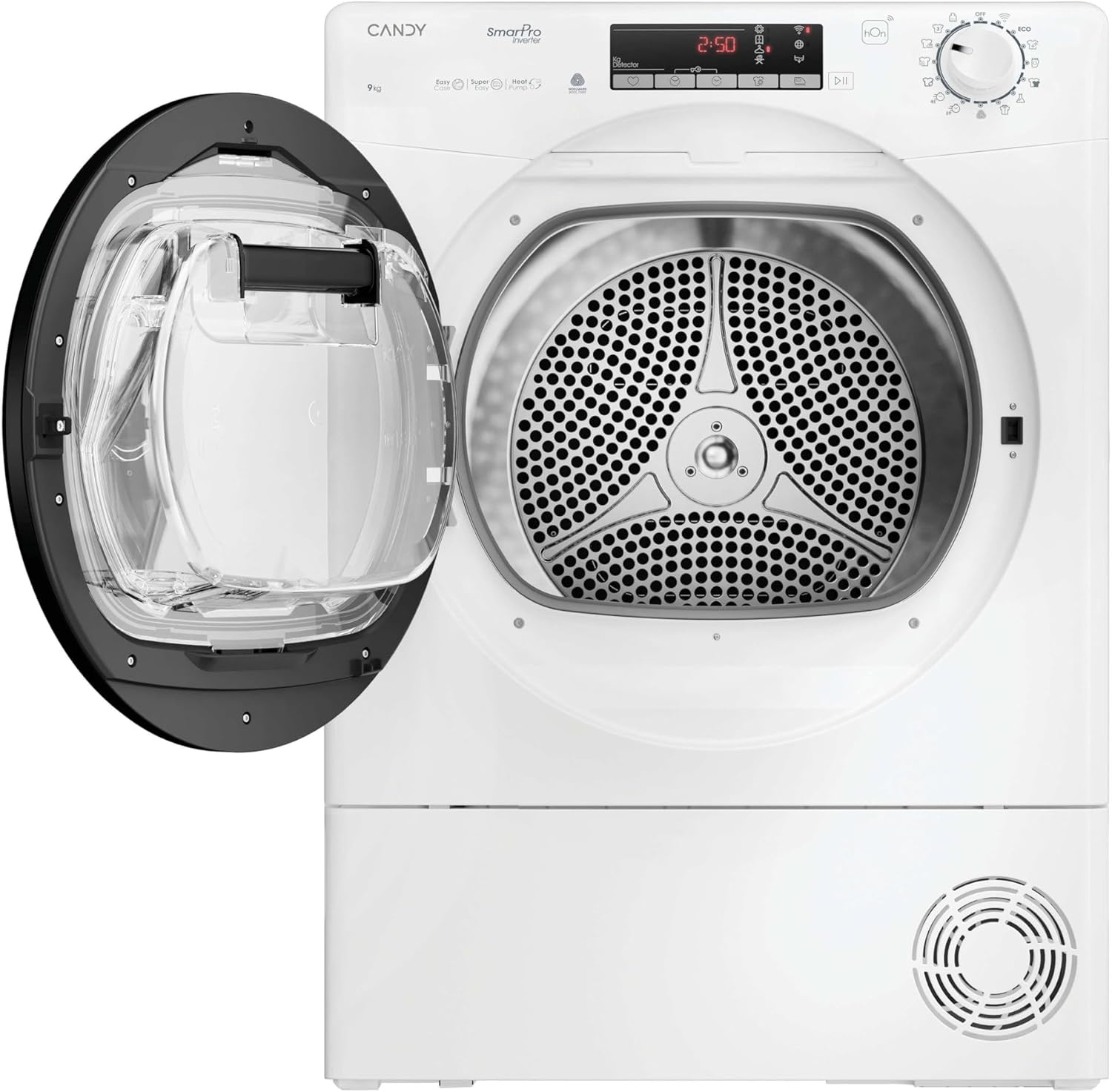
Image: The dryer positioned in a laundry area, demonstrating typical installation space requirements.
3.3 சமன்படுத்துதல்
Adjust the feet at the bottom of the dryer to ensure it is perfectly level. A level appliance reduces vibration and noise during operation.
3.4 மின் இணைப்பு
Connect the dryer to a properly grounded electrical outlet. Refer to the rating label on the appliance for specific power requirements.
3.5 Drain Hose (if applicable)
If your model includes a direct drain option, connect the drain hose to a suitable drain point to avoid manually emptying the water container.
4. இயக்க வழிமுறைகள்
This section guides you through the daily use of your Candy Smart Pro Inverter dryer.
4.1 கண்ட்ரோல் பேனல் முடிந்துவிட்டதுview
The control panel features a program selector dial, a display, and various function buttons.
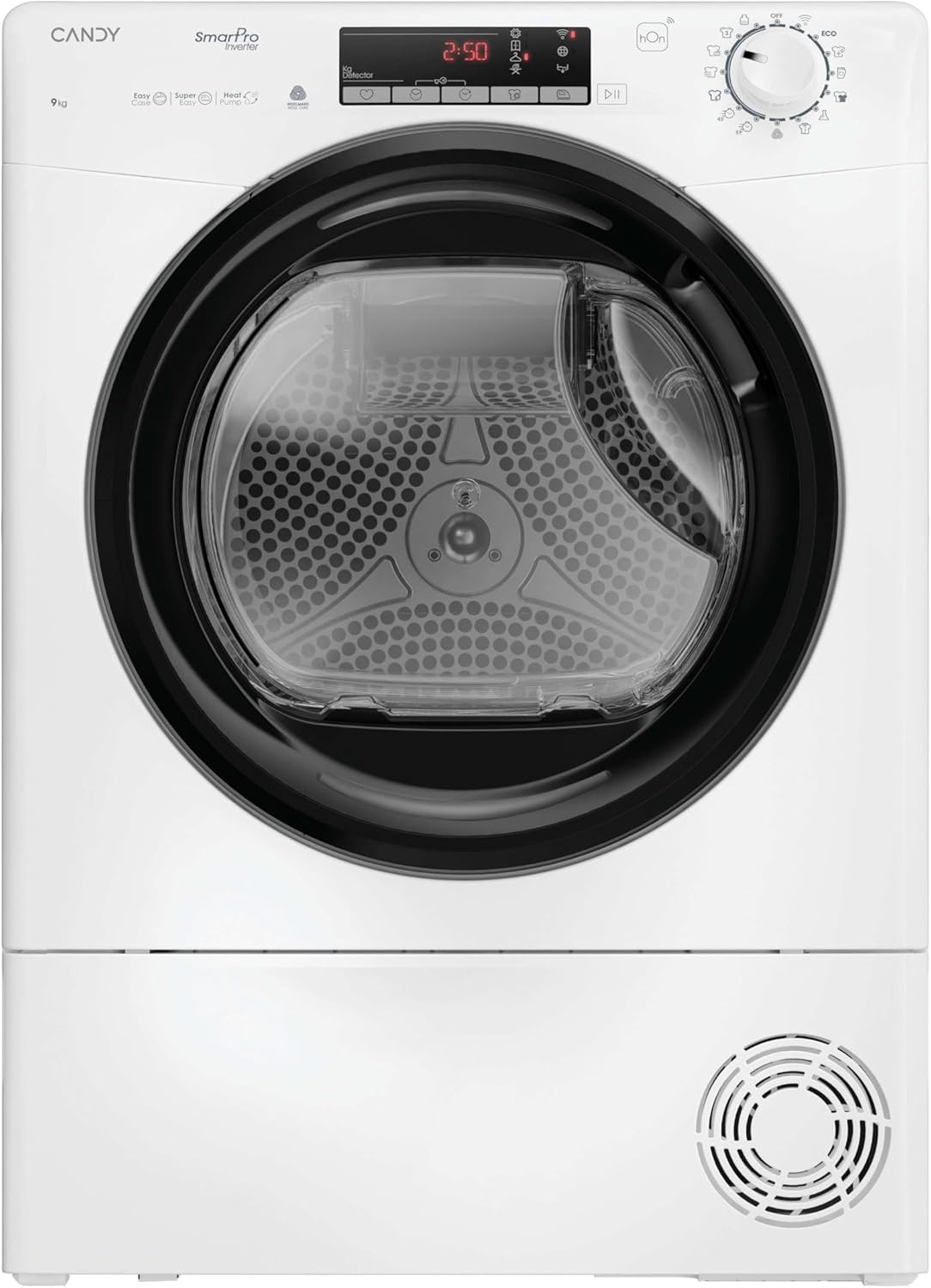
படம்: முன்பக்கம் view of the dryer, highlighting the control panel with its display and buttons.
4.2 சலவை பொருட்களை ஏற்றுதல்
- உலர்த்தி கதவைத் திறக்கவும்.
- Load laundry into the drum, ensuring not to overload the appliance. The maximum capacity is 9 KG.
- கதவை உறுதியாக மூடு.

Image: The dryer door open, revealing the empty drum ready for loading.
4.3 நிரல் தேர்வு
Turn the program selector dial to choose the desired drying program. The dryer offers 14 standard programs, with over 40 additional programs accessible via the hOn app.
- Certified Wool Program: A dedicated cycle for wool garments. It preserves fabrics and respects fibers, leaving clothes ready to wear. This program is Woolmark certified.
- Relax Cycle: A warm cycle that reduces crease formation in just 12 minutes, ideal for refreshing clothes.
- 4 Drying Levels: Select the desired dryness level:
- இரும்பு உலர்: ஆடைகளை சிறிது விட்டு damp எளிதாக சலவை செய்ய.
- ஹேங்கர் உலர்: Suitable for items that will be hung to finish drying.
- அலமாரி உலர்: Clothes are dry enough to be put away.
- கூடுதல் உலர்: For very dry items, such as towels or thick fabrics.
4.4 சிறப்பு அம்சங்கள்
- Easy Iron Function: A sensor detects the correct humidity level, and a special drum movement reduces creases and tangles, potentially cutting ironing time by half.
- hOn பயன்பாட்டு இணைப்பு: Connect your dryer to the hOn app via Wi-Fi + BLE to access additional programs, monitor drying cycles, and track energy consumption from your smartphone.
4.5 ஒரு சுழற்சியைத் தொடங்குதல்
After selecting the program and any desired options, press the Start/Pause button to begin the drying cycle.
5. பராமரிப்பு
வழக்கமான பராமரிப்பு உங்கள் உலர்த்தியின் நீண்ட ஆயுளையும் உகந்த செயல்திறனையும் உறுதி செய்கிறது.
5.1 லிண்ட் வடிகட்டியை சுத்தம் செய்தல்
The lint filter should be cleaned after every drying cycle. Pull out the filter, remove any accumulated lint, and rinse it under running water if necessary. Ensure it is completely dry before reinserting.
5.2 Emptying the Water Container
As a heat pump dryer, water extracted from the laundry is collected in a container. This container must be emptied after each cycle. Pull out the container, empty the water, and reinsert it securely.

Image: The dryer with the door open, showing laundry inside and the water collection tank, which needs to be emptied.
5.3 மின்தேக்கியை சுத்தம் செய்தல்
The condenser should be cleaned periodically (e.g., every few months) to maintain drying efficiency. Refer to the full instruction manual for detailed steps on how to access and clean the condenser unit.
5.4 வெளிப்புறத்தை சுத்தம் செய்தல்
உலர்த்தியின் வெளிப்புறத்தை மென்மையான, டி கொண்டு துடைக்கவும்amp துணி. சிராய்ப்பு கிளீனர்கள் அல்லது கரைப்பான்களைப் பயன்படுத்த வேண்டாம்.
6. சரிசெய்தல்
வாடிக்கையாளர் சேவையைத் தொடர்புகொள்வதற்கு முன், பின்வரும் பொதுவான சிக்கல்கள் மற்றும் தீர்வுகளைச் சரிபார்க்கவும்:
| பிரச்சனை | சாத்தியமான காரணம் | தீர்வு |
|---|---|---|
| உலர்த்தி தொடங்கவில்லை | மின் கம்பி துண்டிக்கப்பட்டுள்ளது, கதவு மூடப்படவில்லை, நிரல் தேர்ந்தெடுக்கப்படவில்லை. | மின் இணைப்பைச் சரிபார்த்து, கதவு பூட்டப்பட்டுள்ளதா என்பதை உறுதிசெய்து, ஒரு நிரலைத் தேர்ந்தெடுத்து, தொடங்கு என்பதை அழுத்தவும். |
| துணிகள் சரியாக உலரவில்லை | Lint filter clogged, water container full, wrong program selected, overloaded. | Clean lint filter, empty water container, select appropriate program, reduce load size. |
| அதிக சத்தம் | Dryer not level, foreign objects in drum. | Adjust leveling feet, check drum for loose items. |
| நீர் கசிவு | Water container not properly inserted, drain hose loose. | Ensure water container is fully pushed in, check drain hose connection. |
7. விவரக்குறிப்புகள்
Key technical specifications for the Candy Smart Pro Inverter CRO EH9N4TBE-S dryer:
- பிராண்ட்: மிட்டாய்
- மாதிரி: CRO EH9N4TBE-S
- படிவக் காரணி: முன் சுமை
- ஏற்றுதல் நிலை: முன் சுமை
- திறன்: 9 கிலோகிராம்
- நிறம்: வெள்ளை
- பரிமாணங்கள் (HxWxD): 85 x 59.6 x 58.5 செ.மீ
- ஆற்றல் திறன் வகுப்பு: B
- இரைச்சல் நிலை: 63 டி.பி
- ஆற்றல் நுகர்வு (100 சுழற்சிகளுக்கு): 92 kWh

Image: The EU Energy Label for the CRO EH9N4TBE-S model, detailing its energy efficiency and consumption.
For detailed product information and the official EPREL database entry, please visit: https://eprel.ec.europa.eu/qr/2397550
8. உத்தரவாதம் மற்றும் ஆதரவு
Your Candy Smart Pro Inverter dryer comes with a manufacturer's warranty. Please refer to the warranty card included with your appliance for specific terms and conditions, including the duration of coverage.
For technical assistance, spare parts, or to schedule a service appointment, please contact Candy customer support. You can find more information and support resources on the official Candy service webதளம்:
https://go.he.services/service-hcs-candy
When contacting support, please have your appliance model number (CRO EH9N4TBE-S) and serial number ready.