
1. அறிமுகம்
The GenXenon Fitness Tracker Smart Ring H01 is designed to provide comprehensive health and activity monitoring in a compact, wearable form. This manual provides instructions for setting up, operating, maintaining, and troubleshooting your smart ring to ensure optimal performance.
2. பெட்டியில் என்ன இருக்கிறது
Upon opening your GenXenon Smart Ring package, please verify that all the following items are included:
- Smart Ring (1 unit)
- சார்ஜிங் கேபிள் (1 யூனிட்)
- வழிமுறை கையேடு (1 அலகு)

Image: The smart ring, its charging cable, and the instruction manual as packaged.
3 அமைவு
3.1. அணியும் முறை
For accurate measurement of heart rate and blood oxygen, ensure the sensor on the inside of the ring is positioned against the skin of your finger when worn. The ring should fit snugly but comfortably.
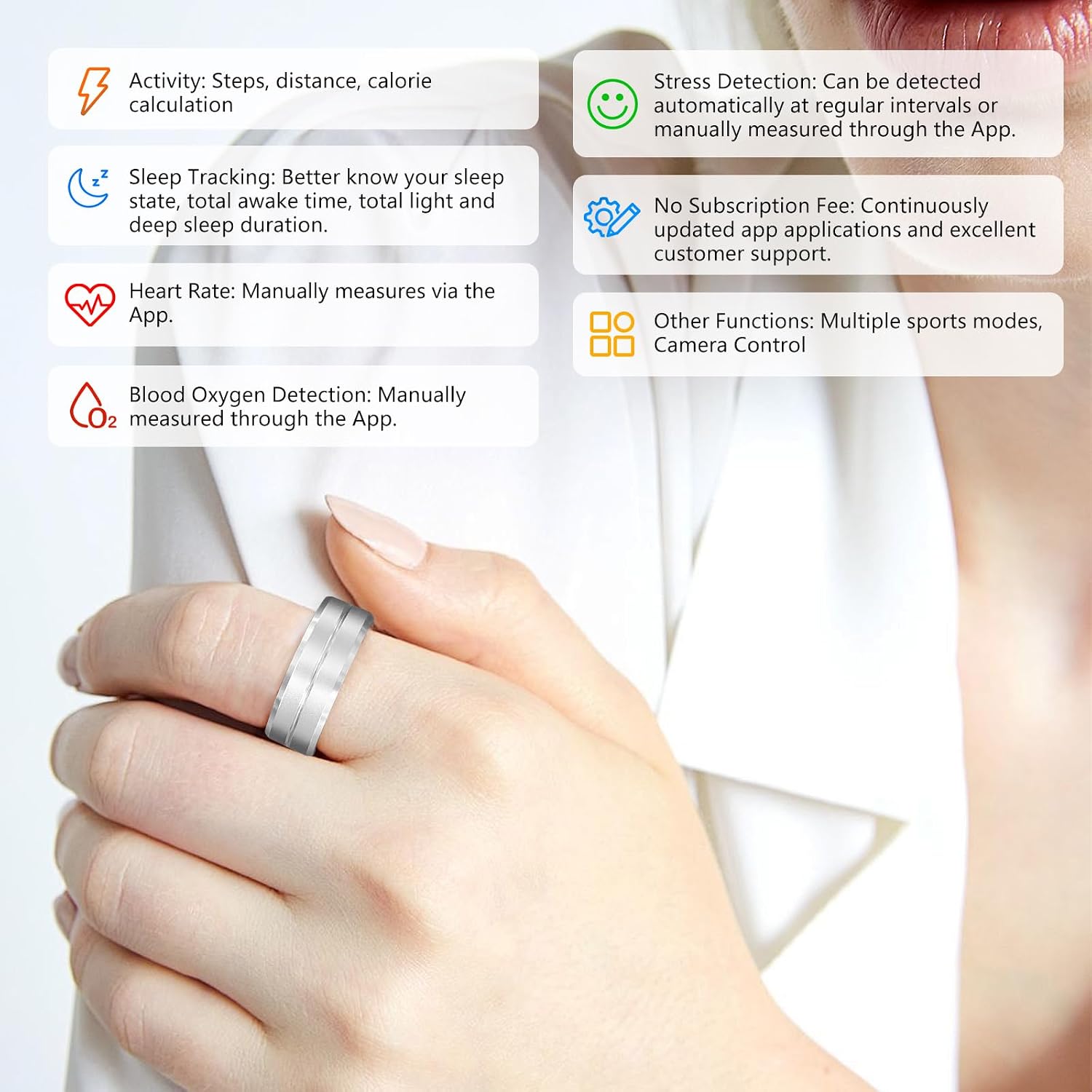
Image: Proper wearing of the smart ring, showing the sensor placement on the finger.
3.2. பவர் ஆன் மற்றும் சார்ஜிங்
To power on the device for the first time or after a complete discharge, connect the charging cable to the smart ring. The ring will automatically boot up. The red light will flash when the device is charging. Once fully charged, the green light will illuminate.

Image: Connecting the smart ring to its charging cable.
3.3. App Connection and Pairing
The GenXenon Smart Ring is compatible with both iOS and Android devices. To connect your ring:
- தேடுங்கள் and download the official companion application from your device's app store (Google Play Store for Android, Apple App Store for iOS).
- Open the application and follow the on-screen instructions to pair your smart ring. Ensure Bluetooth is enabled on your smartphone.
- Once paired, the app will synchronize data from your ring, allowing you to view your health and activity metrics.

Image: Screenshot of the companion app displaying sleep data.

Image: Screenshot of the companion app displaying blood oxygen measurement.

Image: Screenshot of the companion app displaying step count and calorie data.

Image: Screenshot of the companion app displaying heart rate monitoring.
Setup and Connection Video Guide
Video: This official video demonstrates the unboxing, proper wearing method, app connection, charging process, and waterproof capabilities of the GenXenon Smart Ring.
4. இயங்குகிறது
4.1. சுகாதார கண்காணிப்பு
The smart ring continuously monitors various health metrics, which can be viewed and analyzed through the companion app.
- இதயத் துடிப்பு: Manually measure your heart rate via the app.
- இரத்த ஆக்ஸிஜன் செறிவு: Manually measure your blood oxygen levels through the app.
- தூக்க கண்காணிப்பு: The ring automatically records your sleep patterns from 8:00 PM to 8:00 AM. It tracks deep sleep, light sleep, and awake time, providing insights into your sleep quality.
- மன அழுத்தத்தைக் கண்டறிதல்: Stress levels can be detected automatically at regular intervals or measured manually through the app.

Image: Sleep tracking feature in use, showing sleep data on the app.

Image: Blood oxygen monitoring feature, showing results on the app.
4.2. செயல்பாட்டு கண்காணிப்பு
The smart ring tracks your daily physical activity and offers various sports modes.
- தினசரி செயல்பாடு: Records steps taken, distance covered, and calories burned.
- பல விளையாட்டு முறைகள்: The app supports various exercise modes such as walking, running, cycling, hiking, and swimming. Select the appropriate mode in the app to track specific workout data.

Image: Illustration of various sports modes available for tracking.
4.3. Remote Photo Control
Utilize the remote photo function by enabling it in the app. Simply shake the finger wearing the ring to remotely trigger your smartphone's camera and capture photos.
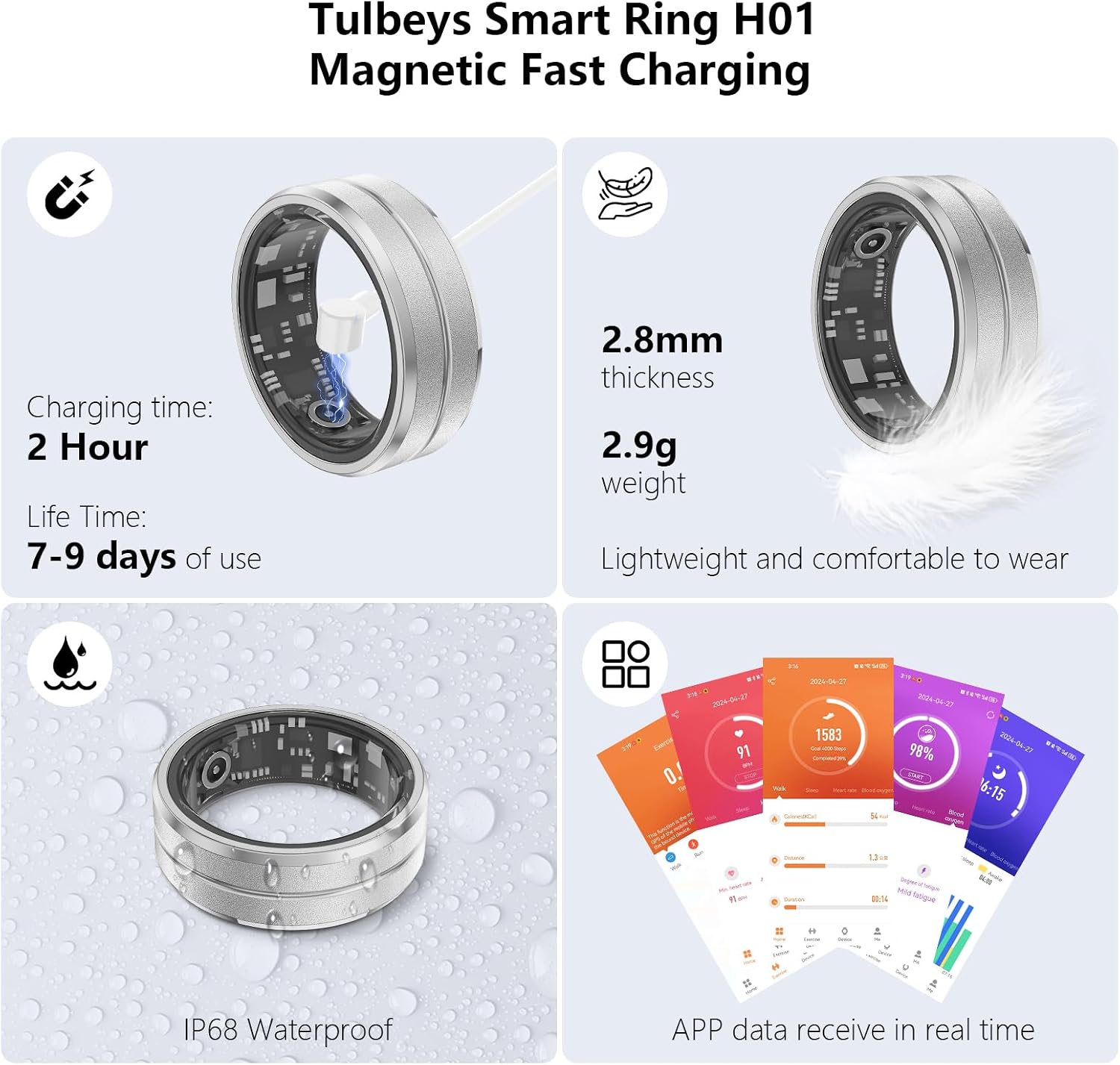
Image: Demonstrating the remote photo control feature by shaking the ring-wearing hand.
4.4. Waterproof Feature
The smart ring has a 5ATM waterproof rating, making it suitable for use in various wet conditions, including washing hands, showering, and swimming. Avoid prolonged submersion in hot water or exposure to high-pressure water jets.

Image: The smart ring being exposed to water, demonstrating its waterproof design.
5. பராமரிப்பு
To ensure the longevity and optimal performance of your GenXenon Smart Ring, follow these maintenance guidelines:
- சுத்தம்: Regularly wipe the ring with a soft, dry cloth to remove dirt and oils. For stubborn grime, use a slightly damp துணி மற்றும் பின்னர் முற்றிலும் உலர்.
- சேமிப்பு: When not in use, store the ring in a cool, dry place away from direct sunlight and extreme temperatures.
- இரசாயனங்களை தவிர்க்கவும்: Do not expose the ring to harsh chemicals, solvents, or detergents, as these can damage the finish and internal components.
- சார்ஜ்: Use only the provided charging cable. Avoid using damaged cables or chargers.
6. சரிசெய்தல்
If you encounter issues with your GenXenon Smart Ring, refer to the following common solutions:
| பிரச்சனை | சாத்தியமான காரணம் | தீர்வு |
|---|---|---|
| Ring does not power on | Low battery; charging cable not connected properly | Connect the ring to the charging cable and ensure it is properly seated. Check if the charging indicator light appears. |
| ஆப்ஸுடன் இணைக்க முடியவில்லை | Bluetooth off; app not updated; ring out of range | Ensure Bluetooth is enabled on your phone. Bring the ring closer to your phone. Restart the app and the ring. Check for app updates. |
| தவறான சுகாதாரத் தரவு | Improper wearing; sensor obstruction | Ensure the ring is worn correctly with the sensor in full contact with your skin. Clean the sensor area. |
| குறுகிய பேட்டரி ஆயுள் | Frequent measurements; old battery | Reduce the frequency of manual measurements. Ensure the ring is fully charged. Battery performance may degrade over time. |
இந்த தீர்வுகளை முயற்சித்த பிறகும் சிக்கல் தொடர்ந்தால், வாடிக்கையாளர் ஆதரவைத் தொடர்பு கொள்ளவும்.
7. விவரக்குறிப்புகள்
| அம்சம் | விவரம் |
|---|---|
| மாதிரி பெயர் | H01 |
| பிராண்ட் | ஜென்செனான் |
| இயக்க முறைமை இணக்கத்தன்மை | iOS/Android |
| பேட்டரி திறன் | 18 mAh லித்தியம் பாலிமர் |
| சார்ஜிங் நேரம் | சுமார் 2 மணி நேரம் |
| பேட்டரி ஆயுள் | 7 நாட்கள் வரை (வழக்கமான பயன்பாடு) |
| நீர்ப்புகா மதிப்பீடு | 5ATM |
| இணைப்பு | புளூடூத் |
| பொருளின் எடை | 4.4 கிராம் (0.155 அவுன்ஸ்) |
| சிறப்பு அம்சங்கள் | Accelerometer, Activity Tracker |
8. உத்தரவாதம் மற்றும் ஆதரவு
GenXenon offers a one-year quality warranty for the Smart Ring H01. If you encounter any problems during use or have questions regarding your device, please contact our customer support team for assistance. Refer to the contact information provided in your product packaging or on the official GenXenon webதளம்.