
1. அறிமுகம்
Thank you for choosing the Bobtot Q91 Portable Bluetooth Speaker. This manual provides essential information for setting up, operating, and maintaining your speaker to ensure optimal performance and longevity. The Bobtot Q91 is a compact, waterproof wireless speaker featuring Bluetooth 5.4 connectivity, TWS (True Wireless Stereo) pairing, a built-in microphone for hands-free calling, and up to 24 hours of playtime.
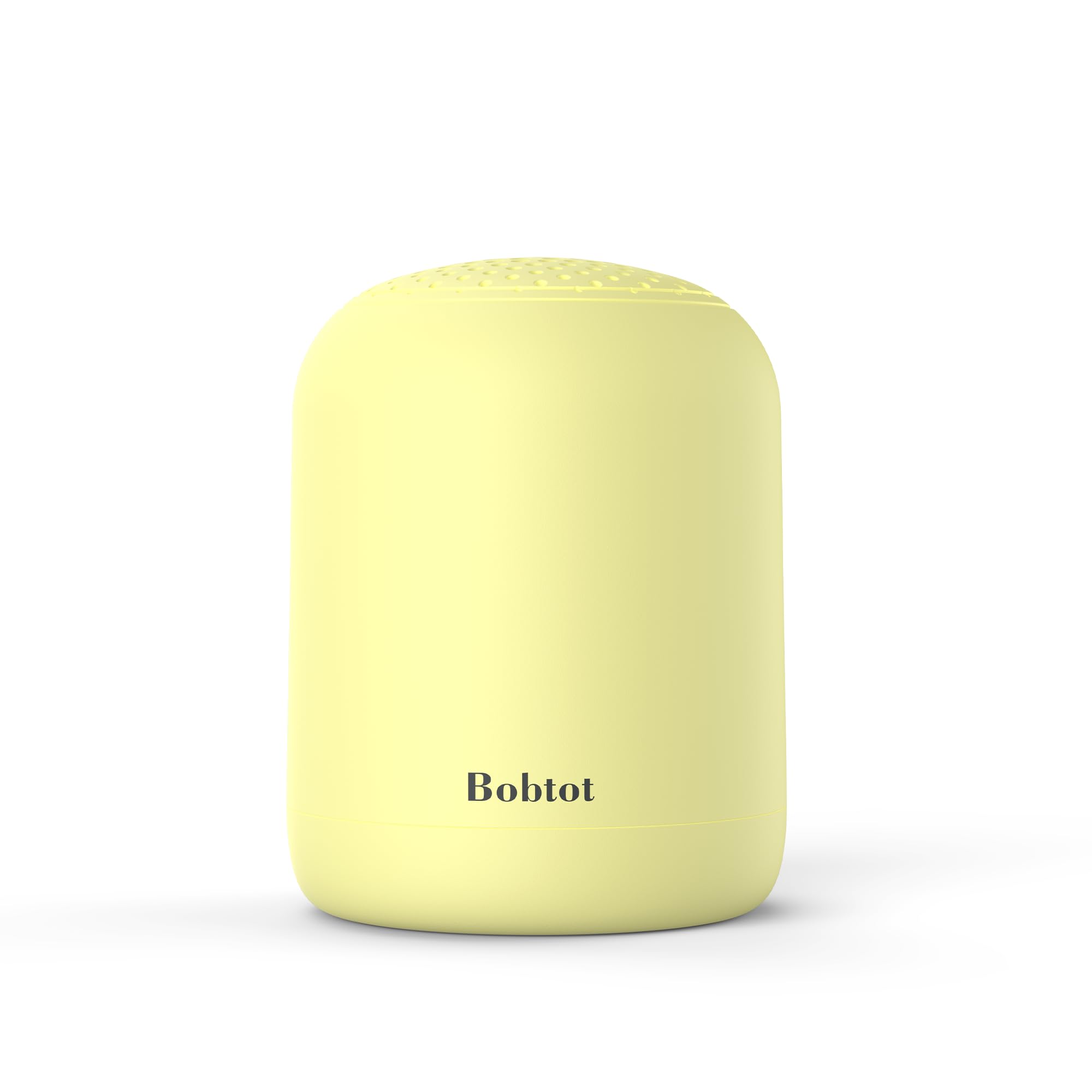
Image: Bobtot Q91 Portable Bluetooth Speaker in Light Yellow. This image shows the speaker's compact, cylindrical design and its light yellow color.
2. பெட்டியில் என்ன இருக்கிறது
- Bobtot Q91 Portable Bluetooth Speaker
- USB-C சார்ஜிங் கேபிள்
- Lanyard சுமந்து
- விரைவு தொடக்க வழிகாட்டி (இந்த கையேடு)
3. தயாரிப்பு முடிந்துவிட்டதுview
பேச்சாளரின் கூறுகள் மற்றும் கட்டுப்பாடுகளுடன் உங்களைப் பழக்கப்படுத்திக் கொள்ளுங்கள்.
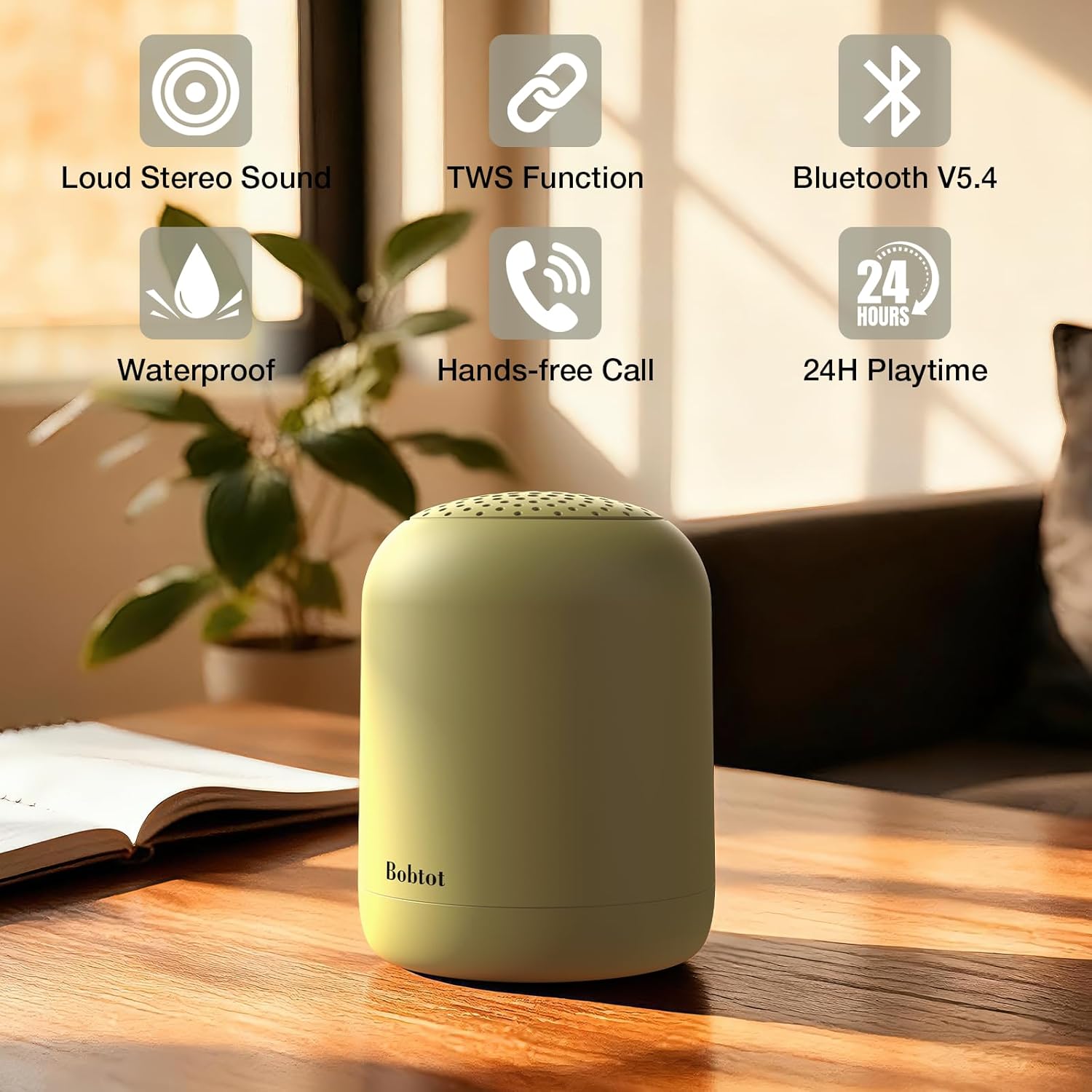
Image: Bobtot Q91 Speaker with key features highlighted. This image illustrates the speaker's main features including Loud Stereo Sound, TWS Function, Bluetooth V5.4, Waterproof, Hands-free Call, and 24H Playtime.
கட்டுப்பாடுகள் மற்றும் துறைமுகங்கள்

Image: Diagram of Bobtot Q91 speaker controls. This diagram shows the location and function of the Power On/Off, Play/Pause/TWS, Answer/Reject Phone Call, Volume Up/Next Song, Volume Down/Previous Song buttons, and the Type C Charging Port.
- பவர் ஆன் / ஆஃப் பொத்தான்: ஸ்பீக்கரை ஆன்/ஆஃப் செய்ய நீண்ட நேரம் அழுத்தவும்.
- ப்ளே/இடைநிறுத்தம்/TWS பட்டன்: Short press to play/pause. Long press to disconnect Bluetooth mode. Double-click to initiate TWS pairing/disconnect.
- தொலைபேசி அழைப்பு பொத்தான்: Short press to answer the call. Long press to reject the call. Double-click to redial the last number.
- Volume Up/Next Song Button (+): அடுத்த பாடலுக்குச் செல்ல சுருக்கமாக அழுத்தவும். ஒலியளவை அதிகரிக்க நீண்ட நேரம் அழுத்தவும்.
- Volume Down/Previous Song Button (-): முந்தைய பாடலுக்குச் செல்ல சுருக்கமாக அழுத்தவும். ஒலியளவைக் குறைக்க நீண்ட நேரம் அழுத்தவும்.
- USB-C சார்ஜிங் போர்ட்: Located under a protective flap for charging.
Compact Design with Lanyard

Image: Bobtot Q91 Speaker with dimensions and carry lanyard. This image highlights the speaker's compact size (3 inches wide, 4 inches high, 0.5 lbs weight) and shows the removable carrying lanyard attached.
4. அமைவு வழிமுறைகள்
4.1 ஸ்பீக்கரை சார்ஜ் செய்தல்
- Connect the provided USB-C charging cable to the speaker's charging port (located under the protective flap).
- கேபிளின் மறுமுனையை USB பவர் அடாப்டருடன் (சேர்க்கப்படவில்லை) அல்லது கணினியின் USB போர்ட்டுடன் இணைக்கவும்.
- The indicator light will flash red during charging. It will turn off when fully charged.
- When the battery is low, the speaker will emit a prompt tone every 5 minutes.
4.2 பவர் ஆன்/ஆஃப்
- To power on, long press the Power On/Off button for approximately 3 seconds until you hear an audible prompt. The blue indicator light will flash.
- To power off, long press the Power On/Off button for approximately 3 seconds until the indicator light turns off.
4.3 ப்ளூடூத் இணைத்தல்
- Ensure your speaker is fully charged and powered on. The blue indicator light will flash, indicating it's in Bluetooth pairing mode.
- On your smartphone, tablet, or other Bluetooth device, search for Bluetooth devices and select "Bobtot Q91" from the list.
- Once successfully connected, you will hear a prompt sound, and the blue indicator light will turn solid.
- If no connection or playback occurs, the speaker will automatically shut down after 10 minutes to conserve battery.
4.4 TWS Wireless Stereo Pairing (for two Q91 speakers)
Enhance your audio experience by pairing two Bobtot Q91 speakers for true wireless stereo sound.

Image: Two Bobtot Q91 speakers paired for TWS stereo sound. This image shows two speakers, one light yellow and one gray, set up for a stereo audio experience.
- Long press the Power On/Off button on both speakers to power them on. The indicator lights will flash.
- Quickly double-click the Play/Pause/TWS button on ஒன்று of the speakers. You will hear a prompt sound indicating the speaker is entering pairing mode. The indicator light of one speaker will flash, while the other will turn solid.
- On your smartphone or tablet, search for "Bobtot Q91" on your Bluetooth list and tap to connect.
- The speakers are successfully connected when the indicator light of both speakers turns solid.
- குறிப்பு: In TWS mode, turning off either speaker will turn both off. Double-clicking the Play/Pause/TWS button will disconnect TWS pairing.
4.5 Setup and Feature Overview வீடியோ
Video: Wireless Portable Bluetooth Speakers. This video provides a general overview of the Bobtot Q91 speaker, demonstrating its portability and basic features.
5. இயக்க வழிமுறைகள்
5.1 இசை பின்னணி
- விளையாடு/இடைநிறுத்தம்: Short press the Play/Pause/TWS button.
- அடுத்த பாடல்: '+' பொத்தானை சுருக்கமாக அழுத்தவும்.
- முந்தைய பாடல்: '-' பொத்தானை சுருக்கமாக அழுத்தவும்.
- ஒலியை பெருக்கு: '+' பொத்தானை நீண்ட நேரம் அழுத்தவும்.
- ஒலியை குறை: '-' பொத்தானை நீண்ட நேரம் அழுத்தவும்.
5.2 ஹேண்ட்ஸ்-ஃப்ரீ அழைப்பு
The built-in microphone allows for convenient hands-free calls.

Image: Bobtot Q91 Speaker used for hands-free calling in a kitchen. This image shows the speaker on a kitchen counter with a phone call icon, illustrating its hands-free calling capability.
- பதில் அழைப்பு: Short press the Phone Call button.
- அழைப்பை நிராகரி: Long press the Phone Call button.
- கடைசி எண்ணை மீண்டும் அனுப்பவும்: Double-click the Phone Call button.
6. பராமரிப்பு
6.1 சுத்தம் செய்தல்
ஸ்பீக்கரை மென்மையாக துடைக்கவும், டிamp cloth. Do not use harsh chemicals or abrasive cleaners. Ensure the USB-C port's protective flap is securely closed before cleaning or exposing to water.
6.2 நீர்ப்புகா அம்சம் (IPX5)
The Bobtot Q91 is IPX5 waterproof, meaning it is resistant to splash and water spray. It is suitable for use in showers, by the pool, or in light rain. ஸ்பீக்கரை தண்ணீரில் மூழ்கடிக்க வேண்டாம். Always ensure the charging port's protective flap is tightly sealed when near water.

Image: Bobtot Q91 Speaker in a bathroom setting, highlighting its waterproof design. This image shows the speaker placed on a bathroom counter, emphasizing its suitability for wet environments like showers.
6.3 நீர்ப்புகா சோதனை வீடியோ
Video: Portable WaterProof Speaker Test - Easy, Loud and Travel Friendly. This video demonstrates the speaker's IPX5 waterproof capabilities by showing it near water.
7. சரிசெய்தல்
- ஸ்பீக்கர் ஆன் ஆகாது: பேட்டரி சார்ஜ் செய்யப்பட்டுள்ளதா என்பதை உறுதிப்படுத்திக் கொள்ளுங்கள். ஒரு மின் மூலத்துடன் இணைத்து மீண்டும் முயற்சிக்கவும்.
- ப்ளூடூத் சாதனத்துடன் இணைக்க முடியாது:
- ஸ்பீக்கர் இணைத்தல் பயன்முறையில் (ஒளிரும் நீல விளக்கு) இருப்பதை உறுதிசெய்யவும்.
- உங்கள் சாதனத்தில் புளூடூத் இயக்கப்பட்டுள்ளதை உறுதிசெய்யவும்.
- ஸ்பீக்கரை உங்கள் சாதனத்திற்கு அருகில் (33 அடிக்குள்) நகர்த்தவும்.
- Forget "Bobtot Q91" from your device's Bluetooth list and try pairing again.
- ஒலி இல்லை:
- ஸ்பீக்கர் மற்றும் இணைக்கப்பட்ட சாதனம் இரண்டிலும் ஒலி அளவைச் சரிபார்க்கவும்.
- ஸ்பீக்கர் சரியாக இணைக்கப்பட்டுள்ளதா என்பதை உறுதிப்படுத்தவும்.
- TWS ஐப் பயன்படுத்தினால், இரண்டு ஸ்பீக்கர்களும் ஒன்றுக்கொன்று சரியாக இணைக்கப்பட்டு பின்னர் உங்கள் சாதனத்துடன் இணைக்கப்பட்டுள்ளதா என்பதை உறுதிப்படுத்திக் கொள்ளுங்கள்.
- மோசமான ஒலி தரம்:
- குறுக்கீட்டைத் தவிர்க்க ஸ்பீக்கரை உங்கள் சாதனத்திற்கு அருகில் நகர்த்தவும்.
- ஸ்பீக்கருக்கும் உங்கள் சாதனத்திற்கும் இடையில் எந்த தடைகளும் இல்லை என்பதை உறுதிப்படுத்திக் கொள்ளுங்கள்.
- ஆடியோ மூலத்தின் தரத்தைச் சரிபார்க்கவும்.
8. விவரக்குறிப்புகள்
| அம்சம் | விவரக்குறிப்பு |
|---|---|
| பிராண்ட் | பாப்டாட் |
| மாதிரி எண் | Q91 |
| பேச்சாளர் வகை | போர்ட்டபிள் சபாநாயகர் |
| இணைப்பு தொழில்நுட்பம் | புளூடூத் 5.4 |
| வயர்லெஸ் வீச்சு | 33 அடி (10 மீட்டர்) வரை |
| பேச்சாளர் அதிகபட்ச வெளியீட்டு சக்தி | 5 வாட்ஸ் |
| ஆடியோ வெளியீட்டு முறை | மோனோ (TWS இணைப்புடன் ஸ்டீரியோ) |
| அதிர்வெண் பதில் | 18 KHz |
| சிக்னல்-டு-சத்தம் விகிதம் | 80 டி.பி |
| பேட்டரி திறன் | 1200 mAh |
| பேட்டரி சராசரி ஆயுள் | 24 மணிநேரம் வரை (50% அளவு) |
| சார்ஜிங் போர்ட் | USB-C |
| நீர் எதிர்ப்பு நிலை | IPX5 (நீர்ப்புகா) |
| பொருளின் பரிமாணங்கள் (D x W x H) | 3"டி x 3"அடி x 4"ஹெட் |
| பொருளின் எடை | 234 கிராம்கள் (தோராயமாக 0.5 பவுண்டுகள்) |
| பொருள் | அக்ரிலோனிட்ரைல் புடாடீன் ஸ்டைரீன் (ABS) |
| கூடுதல் அம்சங்கள் | Built-in Microphone, Lightweight, Portable, Stereo Pairing, Waterproof |
9. உத்தரவாதம் மற்றும் ஆதரவு
The Bobtot Q91 Portable Bluetooth Speaker comes with a 12-month (1 year) warranty from the date of purchase. This warranty covers manufacturing defects and ensures timely technical support. For warranty claims or technical assistance, please refer to the contact information provided in your Quick Start Guide or visit the official Bobtot webதளம்.