1. அறிமுகம்
Thank you for choosing the Donerton T7C Bluetooth Shower Speaker. This portable, waterproof speaker is designed to provide high-quality audio in various environments, including showers, pools, and outdoor activities. Featuring Bluetooth 5.4, 360° HD stereo sound, LED lighting, and a built-in microphone, it offers a versatile audio experience.
2. பெட்டியில் என்ன இருக்கிறது
- Donerton T7C Bluetooth Shower Speaker
- USB-C சார்ஜிங் கேபிள்
- உறிஞ்சும் கோப்பை
- கராபினர்
- விரைவு தொடக்க வழிகாட்டி
3. தயாரிப்பு முடிந்துவிட்டதுview
The Donerton T7C speaker features an intuitive control layout and a durable, waterproof design. Below is a diagram illustrating its main components and controls.
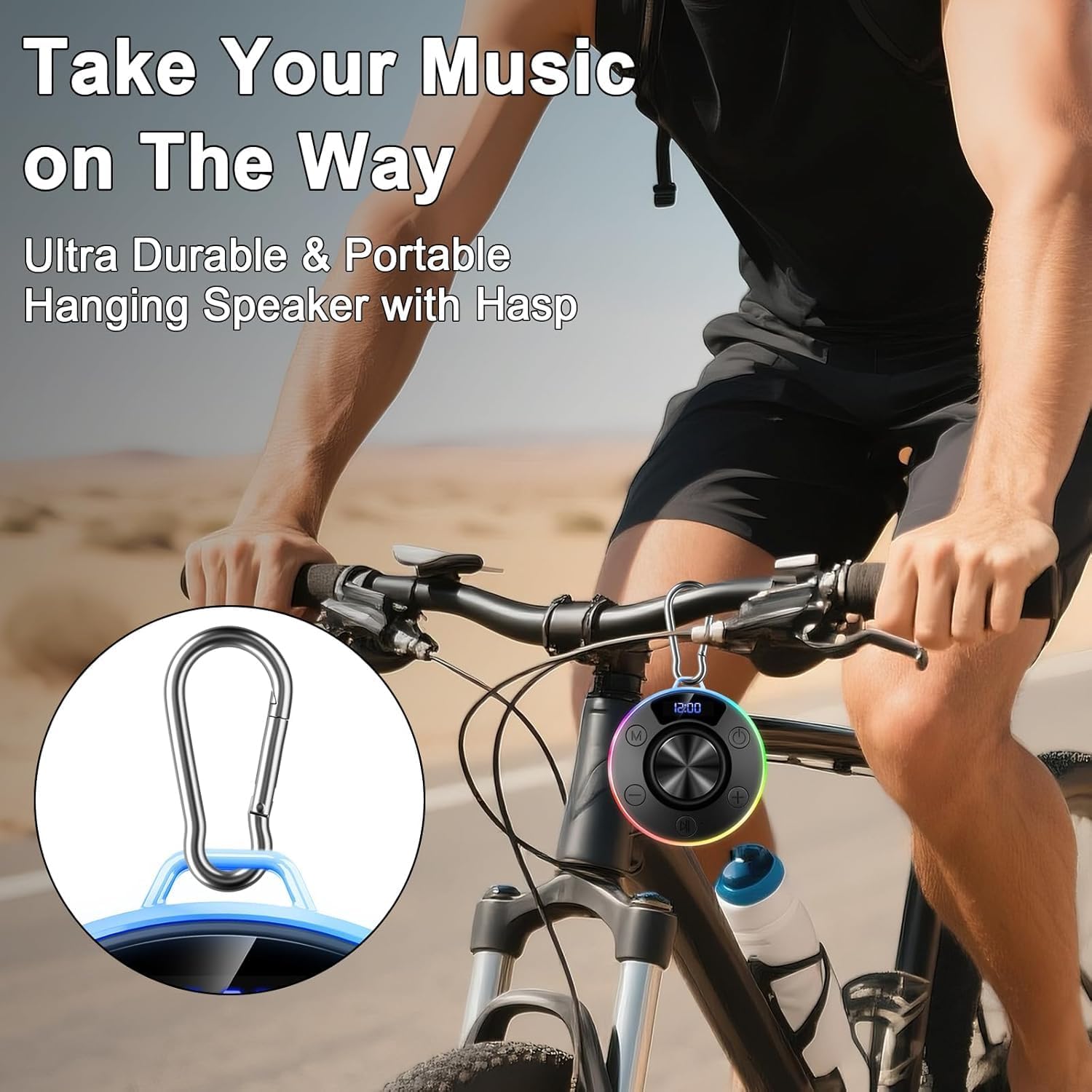
Figure 1: Donerton T7C Speaker Controls and Features
- Power Button (On/Off/Switch Lights): Press and hold to power on/off. Short press to switch LED light modes.
- ஒலியளவைக் குறைத்தல் / முந்தைய பாடல்: Short press for volume down. Long press for previous song.
- Play/Pause / Answer/End Call: Short press to play/pause music or answer/end calls.
- ஒலியளவை அதிகரித்தல் / அடுத்த பாடல்: Short press for volume up. Long press for next song.
- Switching Mode (M): Short press to switch between different modes (e.g., Bluetooth, FM radio if available).
- எல்.ஈ.டி காட்சி: Shows time, battery level, and volume.
- USB-C சார்ஜிங் போர்ட்: For charging the speaker. Covered by a silicone flap for waterproofing.
- உறிஞ்சும் கோப்பை: Located on the bottom for secure attachment to smooth surfaces.
- Carabiner Loop: For attaching the speaker to bags or other items.
4 அமைவு
4.1 ஸ்பீக்கரை சார்ஜ் செய்தல்
- Locate the USB-C charging port on the side of the speaker, protected by a silicone flap.
- Gently open the silicone flap.
- Connect the provided USB-C cable to the speaker and the other end to a USB power adapter (not included).
- LED டிஸ்ப்ளே சார்ஜிங் நிலையைக் குறிக்கும். முழுமையாக சார்ஜ் செய்ய தோராயமாக 3 மணிநேரம் ஆகும்.
- Once fully charged, disconnect the cable and securely close the silicone flap to maintain waterproofing.
4.2 ப்ளூடூத் இணைத்தல்
- Press and hold the Power Button for 3 seconds to turn on the speaker. The LED display will show "BLUE" and the lights will flash, indicating it's in pairing mode.
- உங்கள் ஸ்மார்ட்போன் அல்லது புளூடூத் இயக்கப்பட்ட சாதனத்தில், புளூடூத் அமைப்புகளுக்குச் செல்லவும்.
- தேடுங்கள் "T7C" in the list of available devices and select it to pair.
- Once successfully paired, the speaker will emit a confirmation tone, and the LED display will show "CONNECTED". The lights will stop flashing and display the current time.
- The speaker will automatically reconnect to the last paired device when powered on, if within range.
4.3 Attaching the Speaker
The speaker can be attached using its suction cup or carabiner.
- உறிஞ்சும் கோப்பையைப் பயன்படுத்துதல்: Ensure the desired surface (e.g., shower tile, glass) is clean, smooth, and dry. Press the suction cup firmly against the surface for 10-15 seconds to create a vacuum seal.
- Using the Carabiner: Attach the carabiner to the speaker's loop and then hook it onto a backpack, bicycle, or tent.

Figure 2: Speaker attached to a shower wall
5. இயக்க வழிமுறைகள்
5.1 இசை பின்னணி
- விளையாடு/இடைநிறுத்தம்: ப்ளே/பாஸ் பட்டனை சுருக்கமாக அழுத்தவும்.
- வால்யூம் அதிக/கீழ்: Short press the Volume Up (+) or Volume Down (-) buttons.
- அடுத்த / முந்தைய ட்ராக்: Long press the Volume Up (+) button for the next track or the Volume Down (-) button for the previous track.
5.2 அழைப்பு மேலாண்மை
With the built-in microphone, you can manage calls directly from the speaker.
- பதில்/முடிவு அழைப்பு: ப்ளே/பாஸ் பட்டனை சுருக்கமாக அழுத்தவும்.
- அழைப்பை நிராகரி: ப்ளே/பாஸ் பட்டனை 2 வினாடிகள் அழுத்திப் பிடிக்கவும்.
5.3 LED லைட்டிங் முறைகள்
The speaker features multiple LED lighting effects to enhance your experience.
- ஒளி பயன்முறையை மாற்றவும்: Short press the Power Button to cycle through different lighting effects.
- விளக்குகளை ஆன்/ஆஃப் செய்: Press and hold the Light Button for 2 seconds to turn the LED lights on or off.

Figure 3: RGB Lighting Adjustment Options
6. பராமரிப்பு
- சுத்தம்: ஸ்பீக்கரை மென்மையாக துடைக்கவும், டிamp துணி. கடுமையான இரசாயனங்கள் அல்லது சிராய்ப்பு கிளீனர்களைப் பயன்படுத்த வேண்டாம்.
- நீர்ப்புகாப்பு: Always ensure the USB-C charging port's silicone flap is securely closed when not charging to maintain IPX7 waterproofing.
- உறிஞ்சும் கோப்பை பராமரிப்பு: For optimal adhesion, periodically clean the suction cup and the surface it attaches to. If the suction cup loses grip, reattach it firmly.
- சேமிப்பு: நேரடி சூரிய ஒளி மற்றும் அதிக வெப்பநிலையிலிருந்து விலகி குளிர்ந்த, உலர்ந்த இடத்தில் ஸ்பீக்கரை சேமிக்கவும்.
7. சரிசெய்தல்
| பிரச்சினை | தீர்வு |
|---|---|
| ஸ்பீக்கர் இயக்கப்படவில்லை. | ஸ்பீக்கர் சார்ஜ் செய்யப்பட்டுள்ளதா என்பதை உறுதிப்படுத்திக் கொள்ளுங்கள். USB-C கேபிளைப் பயன்படுத்தி ஒரு மின் மூலத்துடன் இணைக்கவும். |
| புளூடூத் வழியாக இணைக்க முடியாது. | Ensure the speaker is in pairing mode (flashing blue light). Check your device's Bluetooth settings and try reconnecting. Forget previous pairings if necessary. |
| ஒலி அல்லது சிதைந்த ஆடியோ இல்லை. | Adjust the volume on both the speaker and your connected device. Ensure the speaker is within Bluetooth range (up to 30 meters). |
| Suction cup loses grip. | Clean both the suction cup and the surface with a mild detergent or alcohol wipe. Ensure the surface is completely dry before reattaching. |
| LED விளக்குகள் வேலை செய்யவில்லை. | Short press the Power Button to cycle through light modes. Press and hold the Light Button for 2 seconds to turn lights on/off. |
8. விவரக்குறிப்புகள்
- மாதிரி: T7C
- பிராண்ட்: டோனர்டன்
- பேச்சாளர் வகை: போர்ட்டபிள் புளூடூத் ஸ்பீக்கர்
- இணைப்பு: புளூடூத் 5.4
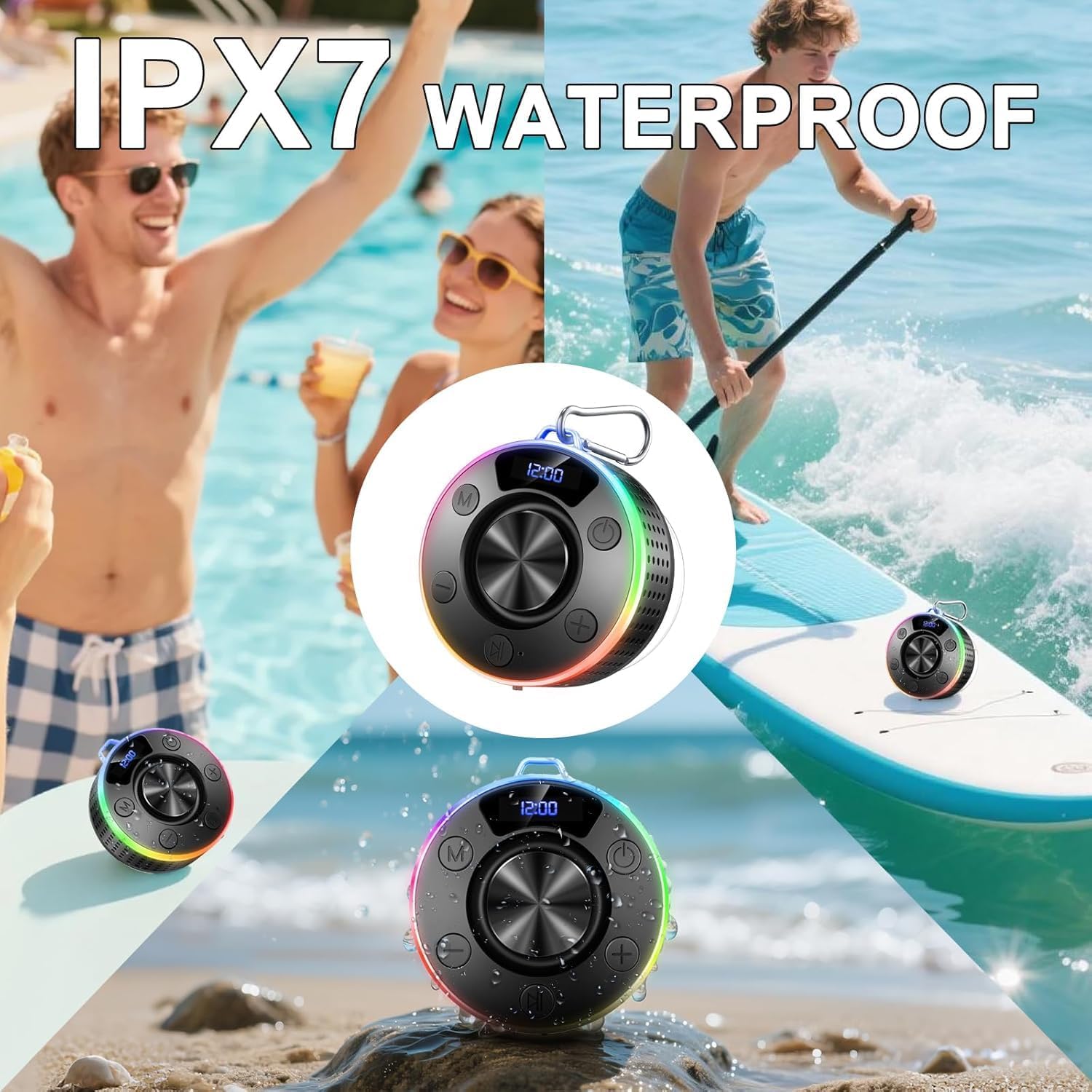
- நீர்ப்புகா மதிப்பீடு: IPX7 (submersible up to 1 meter for 30 minutes)
- வெளியீட்டு சக்தி: 10W ஆர்எம்எஸ் வரை
- பேட்டரி: 850 mAh ரீசார்ஜ் செய்யக்கூடியது
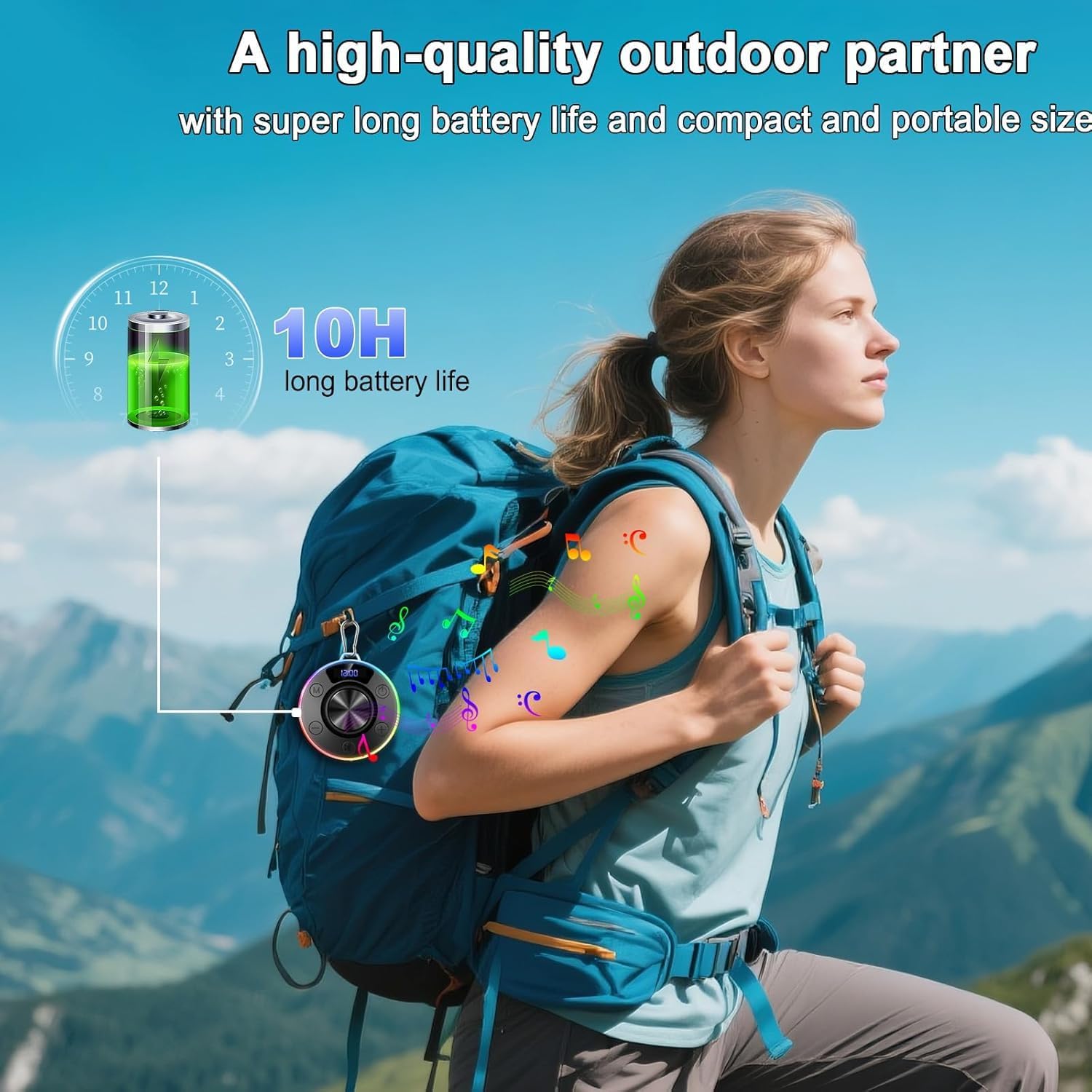
- விளையாட்டு நேரம்: 10 மணி நேரம் வரை
- சார்ஜிங் நேரம்: சுமார் 3 மணி நேரம்
- சார்ஜிங் போர்ட்: USB-C
- பரிமாணங்கள்: 3.35 x 3.35 x 1.34 அங்குலம் (தோராயமாக 1"D x 1"W x 1"H)
- எடை: 7.8 அவுன்ஸ்
- அம்சங்கள்: 360° HD Stereo Sound, Robust Bass, LED Light, Built-in Mic for Hands-Free Calls, Magnetic Design, Carabiner
9. உத்தரவாதம் மற்றும் ஆதரவு
For warranty information and customer support, please refer to the documentation included in your product packaging or visit the official Donerton webஎந்தவொரு உத்தரவாதக் கோரிக்கைகளுக்கும் உங்கள் கொள்முதல் ரசீதை வைத்திருங்கள்.
10. தயாரிப்பு படங்கள்