
அறிமுகம்
Thank you for choosing the EDYELL MBH-C2 Motorcycle Helmet Bluetooth Headset. This manual provides detailed instructions for the proper installation, operation, and maintenance of your device. Please read this manual thoroughly before use to ensure optimal performance and safety.
தொகுப்பு உள்ளடக்கங்கள்
நிறுவலைத் தொடர்வதற்கு முன், கீழே பட்டியலிடப்பட்டுள்ள அனைத்து பொருட்களும் உங்கள் தொகுப்பில் உள்ளதா என்பதைச் சரிபார்க்கவும்:
- Motorcycle Bluetooth Headset C2 (x1)
- Replaceable Hard Mic and Soft Micspeakers (x1)
- Clamping Base (x1)
- Microphone Velcro Tape (x2)
- Speaker Velcro (x2)
- Booster Sticker (x2)
- Stand Velcro Tape (x1)
- Thick Double Sided Tape (x1)
- பயனர் கையேடு (x1)
- சார்ஜிங் கேபிள் (x1)

Image: Contents of the EDYELL MBH-C2 package.
அமைவு
1. நிறுவல்
The EDYELL MBH-C2 is designed for easy installation and is compatible with all types of helmets. Follow these steps to install the headset:
- cl ஐ இணைக்கவும்amping base to the side of your helmet using the provided screws or adhesive tape. Ensure it is securely fastened.
- Insert the main headset unit into the clamping base until it clicks into place.
- Position the speakers inside the helmet's ear pockets. Use the speaker Velcro to secure them. Ensure the speakers are aligned with your ears for optimal sound quality.
- Attach the microphone to a suitable location inside the helmet, near your mouth, using the microphone Velcro tape. Choose between the hard mic (for open-face helmets) or soft mic (for full-face helmets) as appropriate.
- Route all cables neatly within the helmet padding to avoid interference and ensure comfort.

Image: The MBH-C2 headset is compatible with various helmet types.
2. சாதனத்தை சார்ஜ் செய்தல்
The C2 features a built-in 1000mAh rechargeable Li-ion battery. Before first use, fully charge the device.
- Connect the provided Type-C charging cable to the charging port on the headset and to a USB power source.
- The indicator light will show charging status (e.g., red for charging, blue for fully charged).
- முழு சார்ஜ் ஏறக்குறைய 1.5 மணி நேரம் ஆகும்.
- Once fully charged, the device provides up to 25 hours of music playback or 50 hours of talk time.

Image: Charging and battery life indicators for the MBH-C2 headset.
3. புளூடூத் இணைத்தல்
To connect your headset to a mobile device or another C2 unit:
- ஹெட்செட் இயக்கப்பட்டிருப்பதை உறுதிசெய்க.
- Press and hold the Power Button until the indicator light flashes red and blue, indicating pairing mode.
- On your mobile device, enable Bluetooth and search for available devices. Select "EDYELL C2" from the list.
- இணைக்கப்பட்டதும், காட்டி விளக்கு திட நீல நிறமாக மாறும்.
- For intercom pairing with another C2 unit, refer to the Group Communication section.
இயக்க வழிமுறைகள்
1. கட்டுப்பாடுகள்view
The EDYELL MBH-C2 features a unique scroll roller design for intuitive control, alongside dedicated buttons.

Image: EDYELL MBH-C2 control layout.
- பவர் பட்டன் (1): Press and hold to power on/off. Short press to play/pause music, answer/hang up calls.
- உருள் சக்கரம் (2): Rotate up/down to adjust volume. Press to switch function modes.
- காட்டி ஒளி (3): Displays device status (pairing, connected, charging).
- Previous Song Button / Intercom Button (4): Short press for previous song. Long press to initiate/end intercom.
- Speaker/Microphone Interface (5): Connection point for speakers and microphone.
- Next Song Button / Music Sharing Button (6): Short press for next song. Long press to activate music sharing.
2. Group Communication System
The C2 supports group communication within a range of 200-520 meters. It allows universal pairing with other motorcycle helmet headsets for two-rider communication. For group chat functionality, pairing with EDYELL brand motorcycle helmet speakers is required.
- One-on-One Intercom: The C2 can pair with third-party helmet headsets for one-on-one communication.
- EDYELL Group Chat: For multi-rider group chat, pair with other EDYELL brand C2 motorcycle helmet speakers.
- இண்டர்காமைத் தொடங்குதல்: Long press the Intercom Button (4 or 7) on both units to establish a connection.
- வரம்பு: For optimal communication in areas with poor signal or at high speeds, it is recommended to maintain a communication distance within 200 meters.
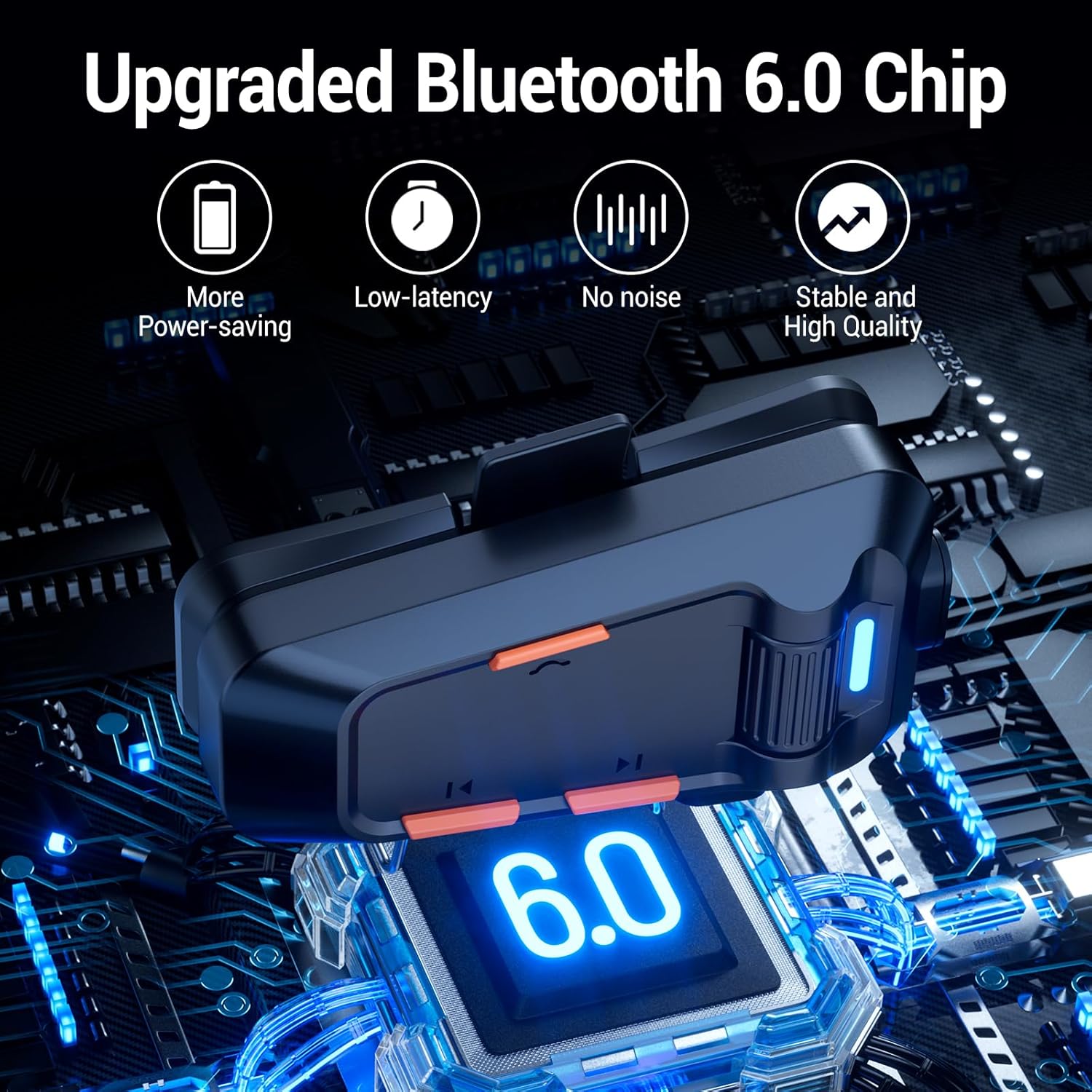
Image: EDYELL MBH-C2 Group Communication System in use.
3. இசை பின்னணி மற்றும் பகிர்வு
Enjoy stereo music with Bluetooth 6.0 connectivity.
- விளையாடு/இடைநிறுத்தம்: Short press the Power Button (1).
- அடுத்த / முந்தைய ட்ராக்: Short press the Next Song Button (6) or Previous Song Button (4).
- தொகுதி சரிசெய்தல்: Rotate the Scroll Wheel (2) up or down.
- இசை பகிர்வு: Long press the Music Sharing Button (6) to share your audio with another paired EDYELL C2 unit.

Image: Music sharing between two EDYELL MBH-C2 users.
4. அழைப்பு செயல்பாடுகள்
The headset supports automatic call answering and features Enhanced Noise Cancellation (ENC) for clear voice calls.
- பதில்/முடிவு அழைப்பு: Short press the Power Button (1).
- Automatic Answering: The headset will automatically answer incoming calls after a few rings.
- சத்தம் ரத்து: The microphone's ENC technology reduces background noise from engine, wind, and traffic, ensuring your voice is heard clearly.
பராமரிப்பு
Proper maintenance ensures the longevity and performance of your EDYELL MBH-C2 headset.
- சுத்தம்: Wipe the headset unit with a soft, damp துணி. கடுமையான இரசாயனங்கள் அல்லது சிராய்ப்பு கிளீனர்களைப் பயன்படுத்த வேண்டாம்.
- நீர்ப்புகா மற்றும் தூசிப்புகா: The device is IPX5 waterproof and dustproof, utilizing nano-coating technology. This design protects against dust and rain, ensuring reliable operation in various weather conditions and temperatures down to -50°F. While resistant, avoid prolonged submersion in water.
- சேமிப்பு: ஹெட்செட்டைப் பயன்படுத்தாதபோது குளிர்ந்த, உலர்ந்த இடத்தில் சேமிக்கவும். தீவிர வெப்பநிலையைத் தவிர்க்கவும்.
- பேட்டரி பராமரிப்பு: பேட்டரி ஆயுளைப் பாதுகாக்க, அடிக்கடி பேட்டரியை முழுமையாக டிஸ்சார்ஜ் செய்வதைத் தவிர்க்கவும். தொடர்ந்து பயன்பாட்டில் இல்லாவிட்டாலும், சாதனத்தை தொடர்ந்து சார்ஜ் செய்யவும்.
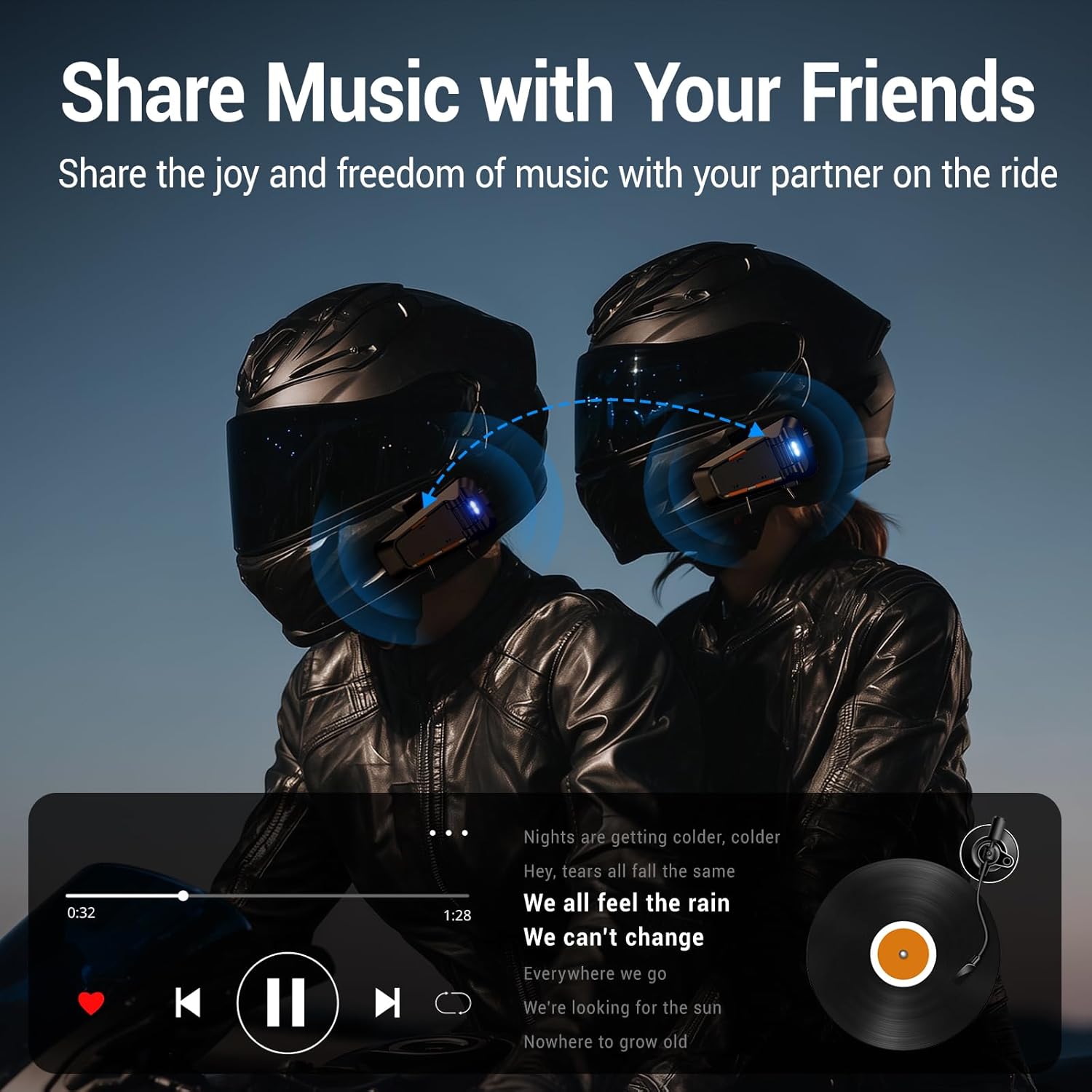
Image: EDYELL MBH-C2 IPX5 Waterproof and Dustproof features.
சரிசெய்தல்
If you encounter issues with your EDYELL MBH-C2 headset, refer to the following common solutions:
| பிரச்சனை | சாத்தியமான காரணம் | தீர்வு |
|---|---|---|
| சாதனம் இயங்கவில்லை | குறைந்த பேட்டரி; சாதன செயலிழப்பு | சாதனத்தை முழுமையாக சார்ஜ் செய்யவும். சிக்கல் தொடர்ந்தால், ஆதரவைத் தொடர்பு கொள்ளவும். |
| Cannot pair with phone/another headset | Not in pairing mode; Bluetooth off on other device; Too far apart | Ensure headset is in pairing mode (flashing red/blue). Check Bluetooth on your device. Bring devices closer. Restart both devices. |
| ஒலி அல்லது குறைந்த ஒலி இல்லை | Volume too low; Speakers not positioned correctly; Loose connection | Increase volume using the scroll wheel. Adjust speaker position inside helmet. Check speaker/microphone interface connection. |
| Intercom connection unstable or short range | Obstructions; Exceeding range; Signal interference | Reduce distance between units. Avoid physical obstructions. Ensure clear line of sight if possible. |
| Poor call quality / excessive noise | Microphone not positioned correctly; High wind noise; ENC not active | Adjust microphone closer to your mouth. Ensure microphone is not obstructed. ENC is automatic; if issues persist, contact support. |
விவரக்குறிப்புகள்
| அம்சம் | விவரம் |
|---|---|
| மாதிரி | MBH-C2 |
| இணைப்பு தொழில்நுட்பம் | வயர்லெஸ் (புளூடூத் 6.0) |
| சத்தம் கட்டுப்பாடு | Passive Noise Cancellation, ENC Microphone |
| பேட்டரி திறன் | 1000mAh லி-அயன் |
| சார்ஜிங் நேரம் | Approx. 1.5 Hours (Type-C) |
| இசை பின்னணி நேரம் | 25 மணிநேரம் வரை |
| பேச்சு நேரம் | 50 மணிநேரம் வரை |
| இண்டர்காம் வரம்பு | 200-520 meters (EDYELL units) |
| நீர்ப்புகா மதிப்பீடு | IPX5 |
| இயக்க வெப்பநிலை | -50°F வரை |
| பொருளின் எடை | 150 கிராம் |
| தயாரிப்பு பரிமாணங்கள் | 14 x 9.5 x 6 செ.மீ |
| பிறப்பிடமான நாடு | சீனா |
உத்தரவாதம் மற்றும் ஆதரவு
For warranty information, technical support, or customer service inquiries, please contact EDYELL INDIA directly.
- வாடிக்கையாளர் பராமரிப்பு மின்னஞ்சல்: support@fenman.in
- வாடிக்கையாளர் பராமரிப்பு தொலைபேசி: +91 8882786235
எந்தவொரு உத்தரவாதக் கோரிக்கைகளுக்கும் உங்கள் கொள்முதல் ஆதாரத்தை வைத்திருங்கள்.