
1. அறிமுகம்
Thank you for choosing the HiSpyCam Mini Wireless Security Camera Clock S53. This device combines a functional digital clock with a discreet, high-definition security camera, offering 1080p video resolution, 140-degree wide-angle coverage, and invisible night vision. It is designed for indoor surveillance, providing real-time monitoring and motion-activated alerts via a smartphone application. This manual provides detailed instructions for setup, operation, and maintenance to ensure optimal performance.

Image 1.1: The HiSpyCam S53 camera clock is suitable for various indoor surveillance applications, including home security, nanny monitoring, and office use.
2. தொகுப்பு உள்ளடக்கங்கள்
பின்வரும் பொருட்களுக்கு தொகுப்பைச் சரிபார்க்கவும்:
- HiSpyCam S53 Camera Body
- USB சார்ஜிங் கேபிள்
- பயனர் கையேடு
- Reset Pin (if applicable)
3. தயாரிப்பு முடிந்துவிட்டதுview
The HiSpyCam S53 is designed to blend seamlessly into any environment as a standard digital clock. Its compact form factor discreetly houses a camera lens, infrared LEDs for night vision, and essential control ports.
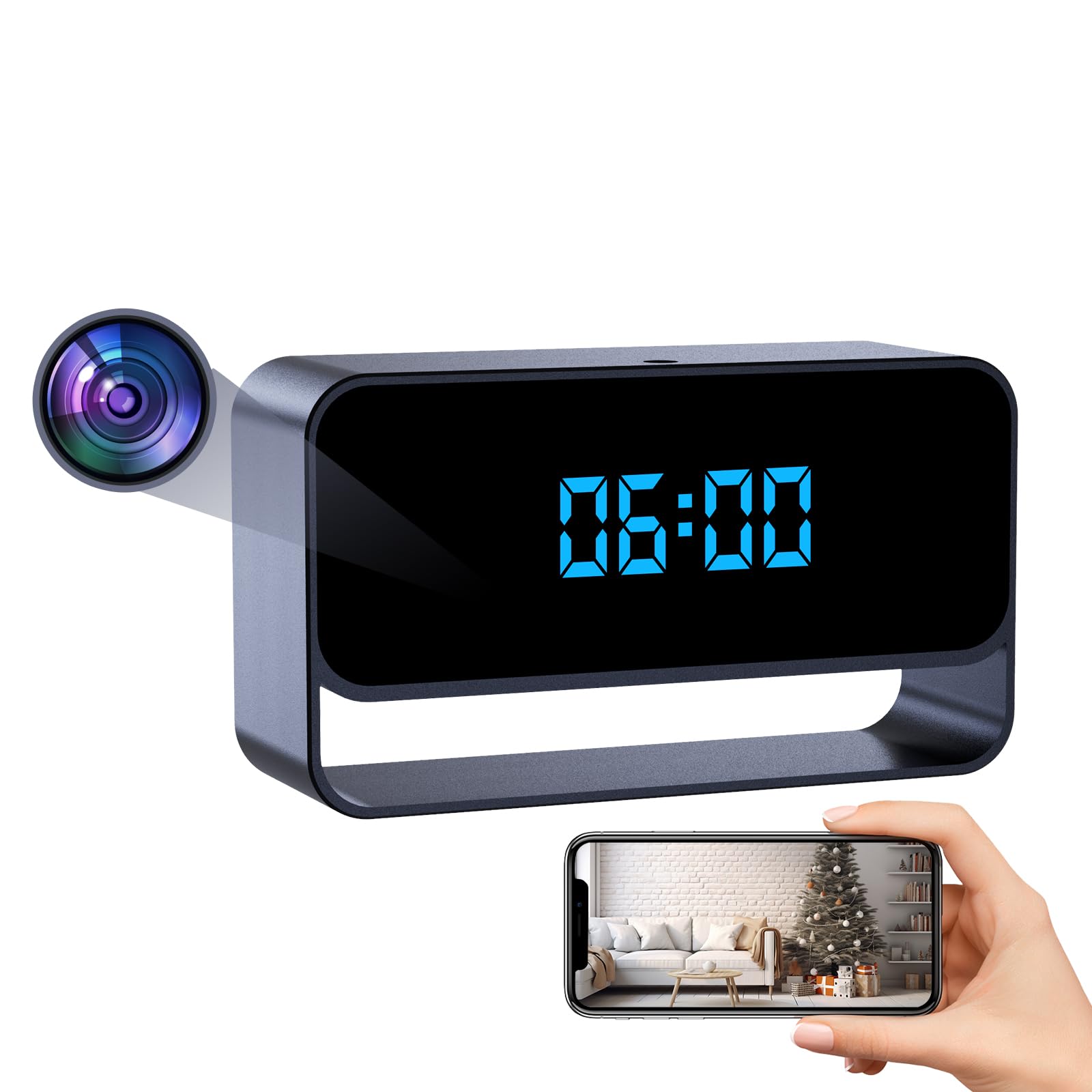
Image 3.1: The HiSpyCam S53 camera clock, featuring a clear digital time display.
முக்கிய கூறுகள்:
- கேமரா லென்ஸ்: Discreetly located on the front panel.
- டிஜிட்டல் கடிகார காட்சி: Shows time in 12/24 hour format.
- யூ.எஸ்.பி சார்ஜிங் போர்ட்: For power and charging.
- மைக்ரோ எஸ்டி கார்டு ஸ்லாட்: For local video storage (up to 256GB, card not included).
- Power Button/Mode Button: For device control.
- மீட்டமை பொத்தான்: தொழிற்சாலை அமைப்புகளை மீட்டமைக்க.
4 அமைவு
4.1. சாதனத்தை சார்ஜ் செய்தல்
Before first use, fully charge the camera using the provided USB cable and a standard 5V USB power adapter (not included). The charging indicator light will typically turn off or change color once fully charged.
4.2. MicroSD Card Installation
For local video storage, insert a MicroSD card (Class 10 or higher, up to 256GB) into the designated slot. Ensure the card is inserted correctly until it clicks into place. The device supports recording to the SD card even without a Wi-Fi connection.
4.3. ஆப் நிறுவல்
Download the companion mobile application from your smartphone's app store (iOS or Android). தேடுங்கள் the app name provided in the package or scan the QR code in the quick start guide. Follow the on-screen instructions to create an account and log in.
4.4. Connecting the Camera to Your Smartphone
The HiSpyCam S53 offers three connection methods:
- Plug & Play (MicroSD Card Recording): Insert a MicroSD card. The camera will automatically begin recording video to the card. No Wi-Fi or app connection is needed for this basic function. To view recordings, remove the card and insert it into a computer or compatible device.
- AP Connection (Camera's Hotspot): This method allows direct connection to the camera's built-in Wi-Fi hotspot for local viewing without an internet router. Connect your smartphone to the camera's Wi-Fi network (usually named with the device ID). Open the app to view live feed and manage settings within the camera's Wi-Fi range.
- Remote Access (Wi-Fi Network Needed): ரிமோட்டுக்கு viewing from anywhere, connect the camera to your home or office Wi-Fi network. In the app, select 'Add Device' and follow the prompts to connect the camera to your 2.4GHz Wi-Fi network. Once connected, you can access live video and settings via the app from any location with internet access.

Image 4.1: Visual guide to the three available connection methods for the camera.
5. இயக்க வழிமுறைகள்
5.1. வாழ View
Once the camera is connected to your smartphone via AP or remote access, open the app to view the live video feed. You can monitor your space in real-time from anywhere.

Image 5.1: Remote access and live video viewமொபைல் பயன்பாடு மூலம்.
5.2. பதிவுசெய்தல்
கேமரா பல்வேறு பதிவு முறைகளை ஆதரிக்கிறது:
- தொடர் பதிவு: Records video continuously to the MicroSD card.
- மோஷன் கண்டறிதல் பதிவு: The camera uses AI-powered motion analysis to detect significant movement and automatically starts recording. You will receive instant alerts on your smartphone.
- திட்டமிடப்பட்ட பதிவு: Set specific times for the camera to record via the app settings.

Image 5.2: Motion notifications and snapshots are sent to your phone when activity is detected.
5.3. இரவு பார்வை
The camera features automatic invisible infrared night vision, allowing for clear monitoring in low-light conditions up to 15 feet without emitting visible light.
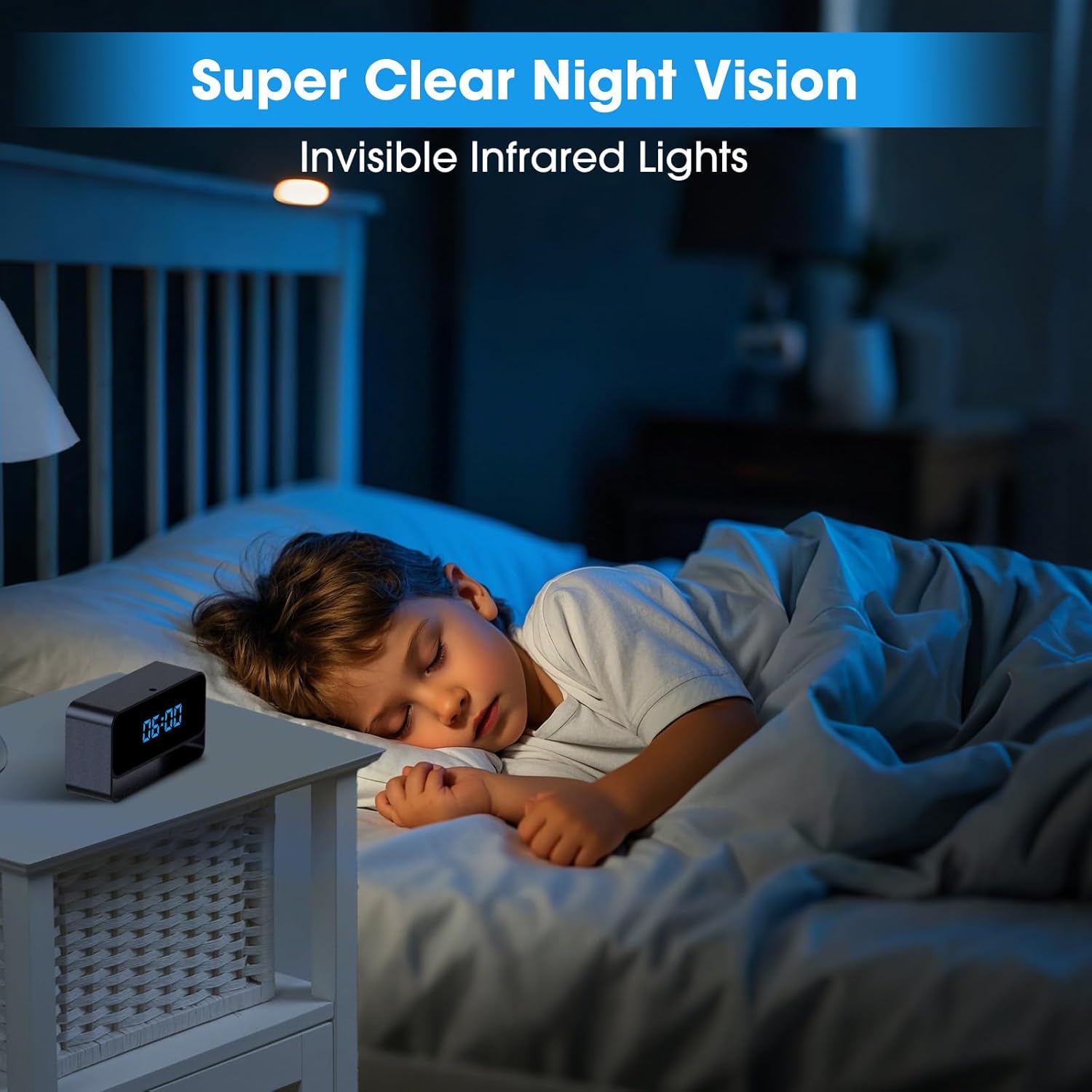
Image 5.3: The camera provides clear night vision using invisible infrared lights.
5.4. தனியுரிமை முறை
Activate Privacy Mode through the app to temporarily disable recording and live viewing, ensuring your privacy when needed.
5.5. கடிகார காட்சி
The digital clock display can be set to either 12-hour or 24-hour format via the app settings.
6. பராமரிப்பு
- சுத்தம்: Use a soft, dry cloth to clean the camera's exterior. Do not use liquid cleaners or aerosols.
- பேட்டரி பராமரிப்பு: To prolong battery life, avoid extreme temperatures and fully charge the device periodically if not in continuous use.
- நிலைபொருள் புதுப்பிப்புகள்: Check the app regularly for available firmware updates to ensure optimal performance and security.
7. சரிசெய்தல்
- கேமரா ஆன் ஆகவில்லை: Ensure the device is fully charged. Connect it to a power source and wait a few minutes before attempting to power it on.
- Wi-Fi உடன் இணைக்க முடியவில்லை: Ensure your Wi-Fi network is 2.4GHz. Verify the Wi-Fi password. Try resetting the camera and your router.
- மோசமான வீடியோ தரம்: உங்கள் இணைய இணைப்பு வேகத்தைச் சரிபார்க்கவும். கேமரா லென்ஸ் சுத்தமாகவும், தடைகள் இல்லாமல் இருப்பதையும் உறுதிசெய்யவும்.
- இயக்கத்தைக் கண்டறியும் எச்சரிக்கைகள் இல்லை: Verify that motion detection is enabled in the app settings and that notification permissions are granted for the app on your smartphone.
- MicroSD card not recording: Ensure the MicroSD card is inserted correctly, formatted (if necessary, via the app), and not full. Try using a different compatible MicroSD card.
- சாதனம் செயல்படவில்லை: Use the reset pin to press the reset button for a few seconds to restart the device.
8. விவரக்குறிப்புகள்
| மாதிரி பெயர் | ClockCam (S53) |
| வீடியோ பிடிப்பு தீர்மானம் | 1080p முழு எச்டி |
| Viewing கோணம் | 140 டிகிரி |
| நைட் விஷன் ரேஞ்ச் | 15 Feet (Invisible Infrared) |
| இணைப்பு தொழில்நுட்பம் | வயர்லெஸ் (வைஃபை) |
| இணக்கமான சாதனங்கள் | Smartphone (App Controlled) |
| சக்தி ஆதாரம் | பேட்டரி மூலம் இயங்கும் |
| உள்ளூர் சேமிப்பு | MicroSD Card (up to 256GB, sold separately) |
| உட்புற/வெளிப்புற பயன்பாடு | உட்புறம் |
| பொருள் | அக்ரிலோனிட்ரைல் புடாடீன் ஸ்டைரீன் (ABS) |
| தயாரிப்பு பரிமாணங்கள் | 1 x 1 x 1 அங்குலம் |
| பொருளின் எடை | 4.8 அவுன்ஸ் |
9. உத்தரவாதம் மற்றும் ஆதரவு
For warranty information and technical support, please refer to the documentation included with your product or visit the official HiSpyCam webஉத்தரவாதக் கோரிக்கைகளுக்கு உங்கள் கொள்முதல் ரசீதை வைத்திருங்கள்.