அறிமுகம்
The CAD Audio USB U7 Boundary Omnidirectional Condenser Microphone is designed for clear audio capture in various settings, including home and office use. Its omnidirectional pickup pattern ensures 360-degree coverage, making it ideal for dictation, online meetings, and recording. This plug-and-play device offers high sensitivity and is compatible with both PC and Mac systems.

படம் 1: முன் view of the CAD Audio USB U7 microphone with its USB cable connected, showcasing its compact, triangular design.
பாதுகாப்பு தகவல்
- மைக்ரோஃபோனை அதிக வெப்பநிலை அல்லது ஈரப்பதத்திற்கு வெளிப்படுத்த வேண்டாம்.
- மைக்ரோஃபோனை கீழே போடுவதையோ அல்லது கடுமையான தாக்கங்களுக்கு ஆளாக்குவதையோ தவிர்க்கவும்.
- Keep the device away from liquids to prevent electrical shock or damage.
- Use only the provided USB cable or a compatible replacement.
- Do not attempt to disassemble or modify the microphone. Refer all servicing to qualified personnel.
தொகுப்பு உள்ளடக்கங்கள்
உங்கள் தொகுப்பில் அனைத்து பொருட்களும் உள்ளதா என சரிபார்க்கவும்:
- CAD Audio USB U7 Boundary Omnidirectional Condenser Microphone
- 10-அடி USB கேபிள்
அமைவு
The CAD Audio USB U7 microphone is designed for simple plug-and-play operation. No additional drivers are typically required for most operating systems.
- இடம்: Place the microphone on a flat, stable surface, such as a desk or conference table. Its low-profile design allows for unobtrusive placement.
- USB கேபிளை இணைக்கவும்: Insert the small end of the included 10-foot USB cable into the USB port on the microphone.
- கணினியுடன் இணைக்கவும்: Insert the standard USB-A end of the cable into an available USB port on your PC or Mac computer.
- கணினி அங்கீகாரம்: Your computer's operating system should automatically detect and install the necessary drivers for the microphone. A blue LED indicator on the microphone will illuminate when it is powered and ready for use.
- Select as Input Device:
- விண்டோஸ்: செல்க ஒலி அமைப்புகள் > உள்ளீடு and select "CAD Audio USB U7" or similar as your input device.
- MacOS: செல்க கணினி விருப்பத்தேர்வுகள் > ஒலி > உள்ளீடு and select "CAD Audio USB U7" or similar.

படம் 2: மேலிருந்து கீழ் view of the CAD Audio USB U7 microphone, highlighting its triangular shape and the USB connection point.
இயக்க வழிமுறைகள்
The U7 microphone is designed for optimal performance in various audio capture scenarios.
- ஓம்னி டைரக்ஷனல் பிக்கப்: The microphone features an omnidirectional pickup pattern, meaning it captures sound equally from all directions (360 degrees). This makes it suitable for recording multiple speakers around a table or capturing ambient sound.
- Speech Tailored Frequency Response: The U7's frequency response is specifically tailored for speech, ensuring clear and intelligible voice capture for dictation, online meetings, and voiceovers.
- பயன்பாட்டு பயன்பாடு: Once connected and selected as your input device, the microphone will work with any audio recording or communication software (e.g., Skype, Zoom, Microsoft Teams, voice recorders, dictation software).
- கண்காணிப்பு ஆடியோ: Most software applications allow you to monitor the microphone's input level. Adjust the input gain within your software settings to prevent clipping (distortion) or ensure adequate volume.
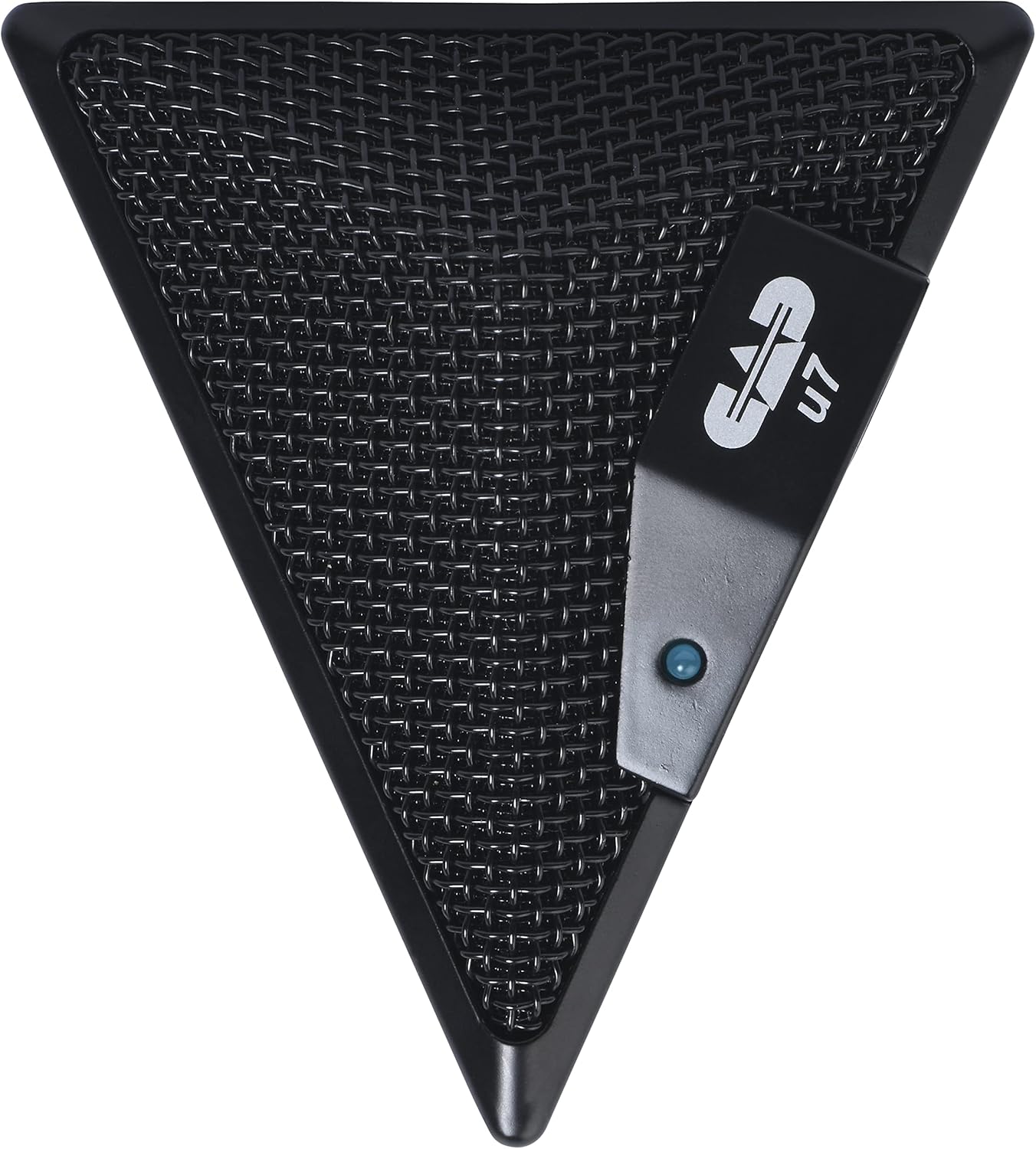
Figure 3: An overhead perspective of the CAD Audio USB U7 microphone, showing its mesh grille and the CAD U7 logo.
பராமரிப்பு
- சுத்தம்: Use a soft, dry cloth to clean the exterior of the microphone. Do not use abrasive cleaners, solvents, or chemical sprays.
- சேமிப்பு: When not in use, store the microphone in a clean, dry environment, away from dust and extreme temperatures.
- கேபிள் பராமரிப்பு: உட்புற சேதத்தைத் தடுக்க USB கேபிளில் கூர்மையான வளைவுகள் அல்லது கின்க்ஸைத் தவிர்க்கவும்.
சரிசெய்தல்
| பிரச்சனை | சாத்தியமான காரணம் | தீர்வு |
|---|---|---|
| Microphone not detected / No sound input |
|
|
| குறைந்த ஒலி அளவு அல்லது மோசமான ஒலி தரம் |
|
|
| சிதைந்த ஆடியோ |
|
|
விவரக்குறிப்புகள்
| மாதிரி பெயர் | CAD Audio U7 |
| பொருள் மாதிரி எண் | AMS-U7 |
| இணைப்பு தொழில்நுட்பம் | USB |
| இணைப்பான் வகை | USB |
| போலார் பேட்டர்ன் | சர்வ திசை |
| மைக்ரோஃபோன் படிவ காரணி | மைக்ரோஃபோன் மட்டும் |
| வன்பொருள் இயங்குதளம் | PC, Mac compatible |
| பொருளின் எடை | 9.6 அவுன்ஸ் (தோராயமாக 272 கிராம்) |
| தயாரிப்பு பரிமாணங்கள் (L x W x H) | 6.2 x 8.5 x 3 அங்குலம் (தோராயமாக 15.7 x 21.6 x 7.6 செ.மீ) |
| பொருள் | பிளாஸ்டிக், உலோகம் |
| சிக்னல்-டு-சத்தம் விகிதம் | 78 டி.பி |
| சக்தி ஆதாரம் | கம்பிவட மின்சாரம் (USB மூலம் இயக்கப்படுகிறது) |
| உள்ளிட்ட கூறுகள் | Microphone, USB Cable |

படம் 4: கீழே view of the CAD Audio USB U7 microphone, showing its textured base and mounting points.
உத்தரவாதம் மற்றும் ஆதரவு
For warranty information and technical support, please refer to the official CAD Audio webதளத்தில் அல்லது அவர்களின் வாடிக்கையாளர் சேவையை நேரடியாகத் தொடர்பு கொள்ளவும். உத்தரவாதக் கோரிக்கைகளுக்கு வாங்கியதற்கான சான்றாக உங்கள் கொள்முதல் ரசீதை வைத்திருங்கள்.
CAD Audio Official Webதளம்: www.cadaudio.com
மேலும் உதவிக்கு, நீங்கள் இதைப் பார்க்கவும் அமேசானில் தயாரிப்பு பக்கம் for additional resources and customer reviews.


