1. ஓவர்view
The Plantronics CS540 Wireless DECT Headset is designed for office and desk-centric workers who use desk phones. It offers clear communication with a noise-canceling microphone and a versatile convertible design for all-day comfort.
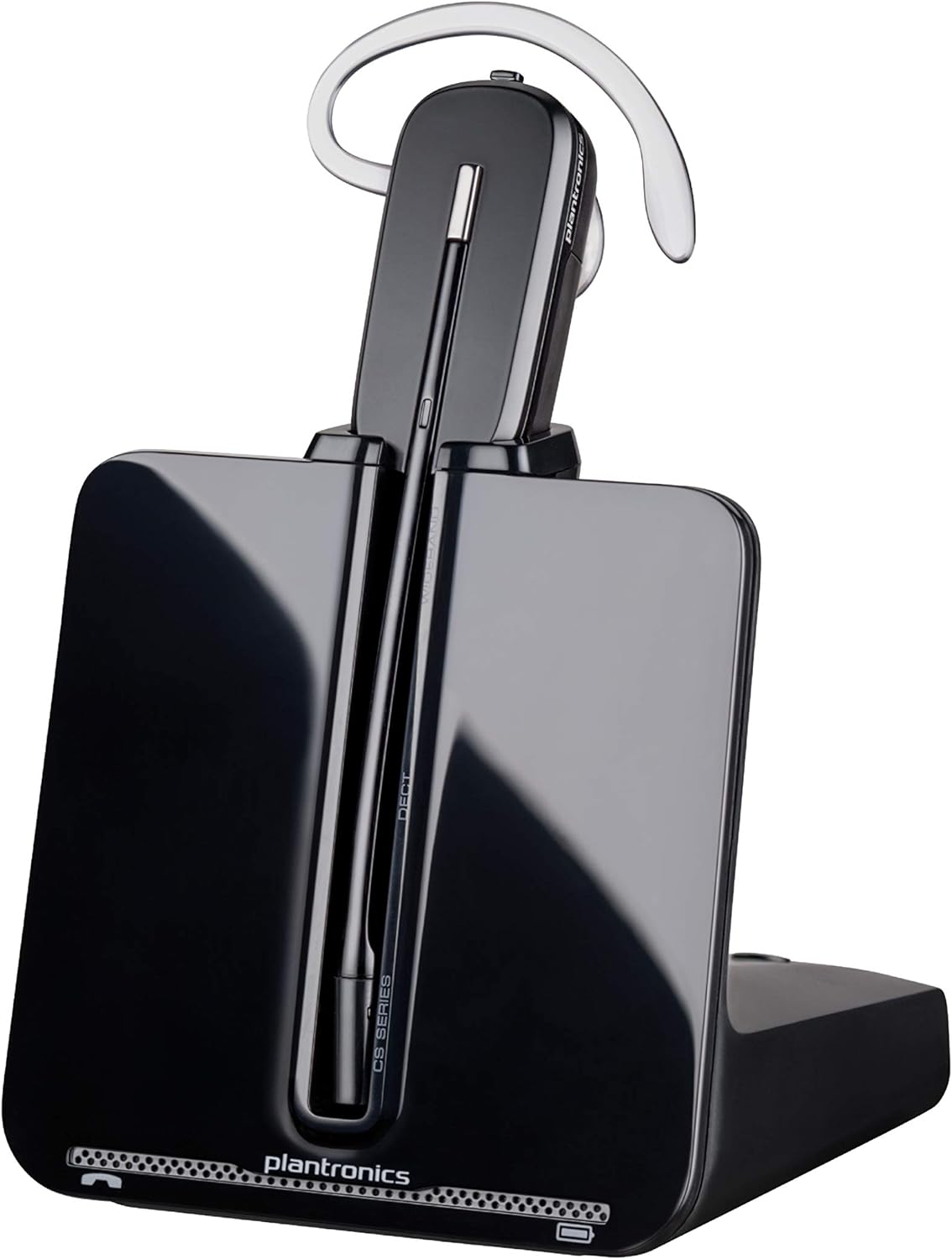
Image: The Plantronics CS540 Wireless DECT Headset resting on its charging base.
2. பெட்டியில் என்ன இருக்கிறது
The Plantronics CS540 package includes the following components:
- வயர்லெஸ் ஹெட்செட்
- பயனர் கையேடு
- அடாப்டர்
- சார்ஜிங் பேஸ்
3. Wearing Styles
The CS540 headset offers a convertible design with three wearing options to ensure comfort for extended use:
- காதுக்கு மேல்: A lightweight earloop style.
- தலைக்கு மேல்: A traditional headband style.
- தலைக்குப் பின்னால்: Requires a separately sold neckband for this style.
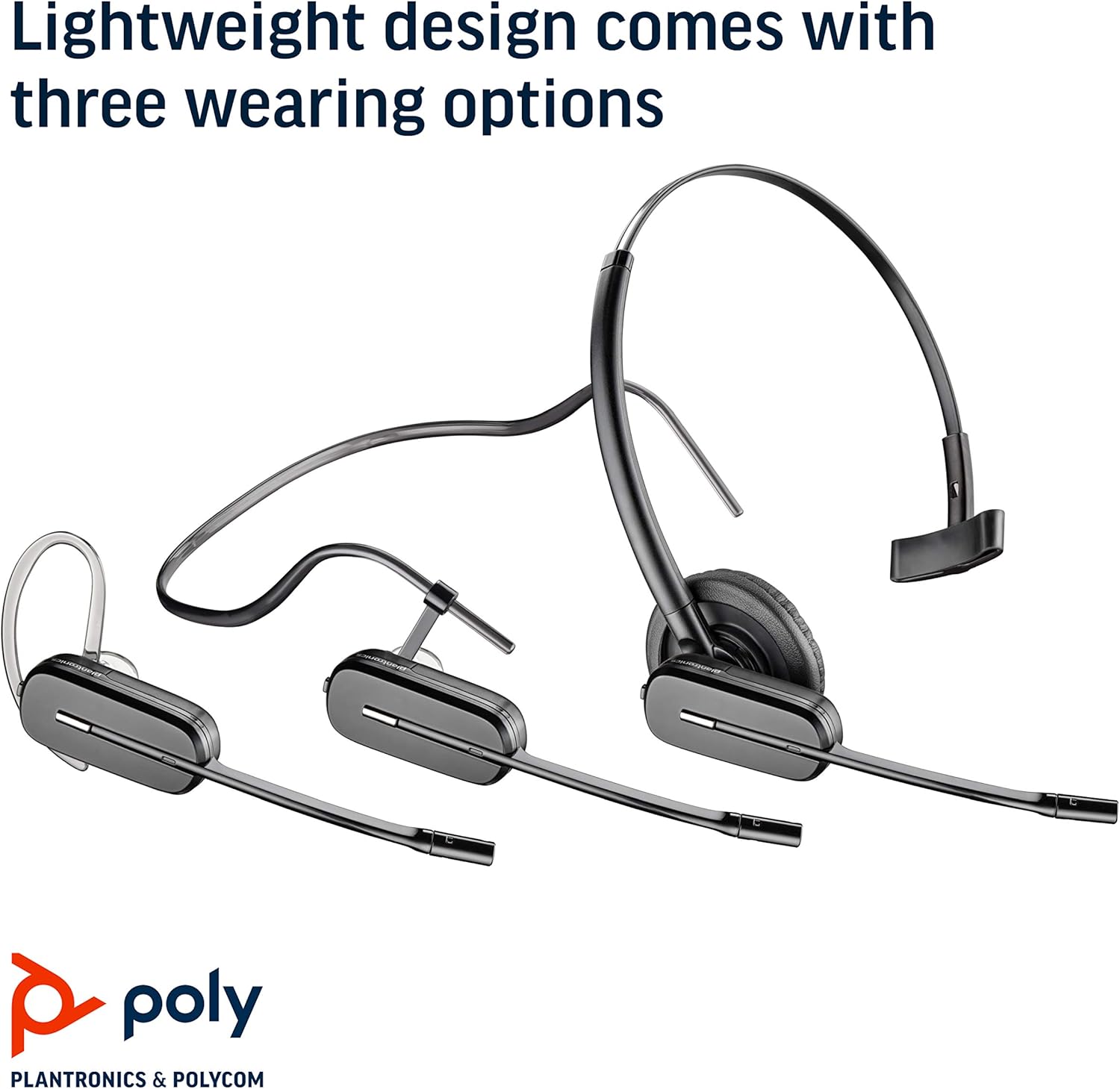
Image: The Plantronics CS540 headset shown in its three convertible wearing styles.
4 அமைவு
4.1. Connecting to a Desk Phone
- Connect the provided cable from the CS540 base to your desk phone's headset port.
- Ensure the base is powered on and the headset is docked.
- For remote call answering, an optional HL10 lifter (sold separately) can be integrated.
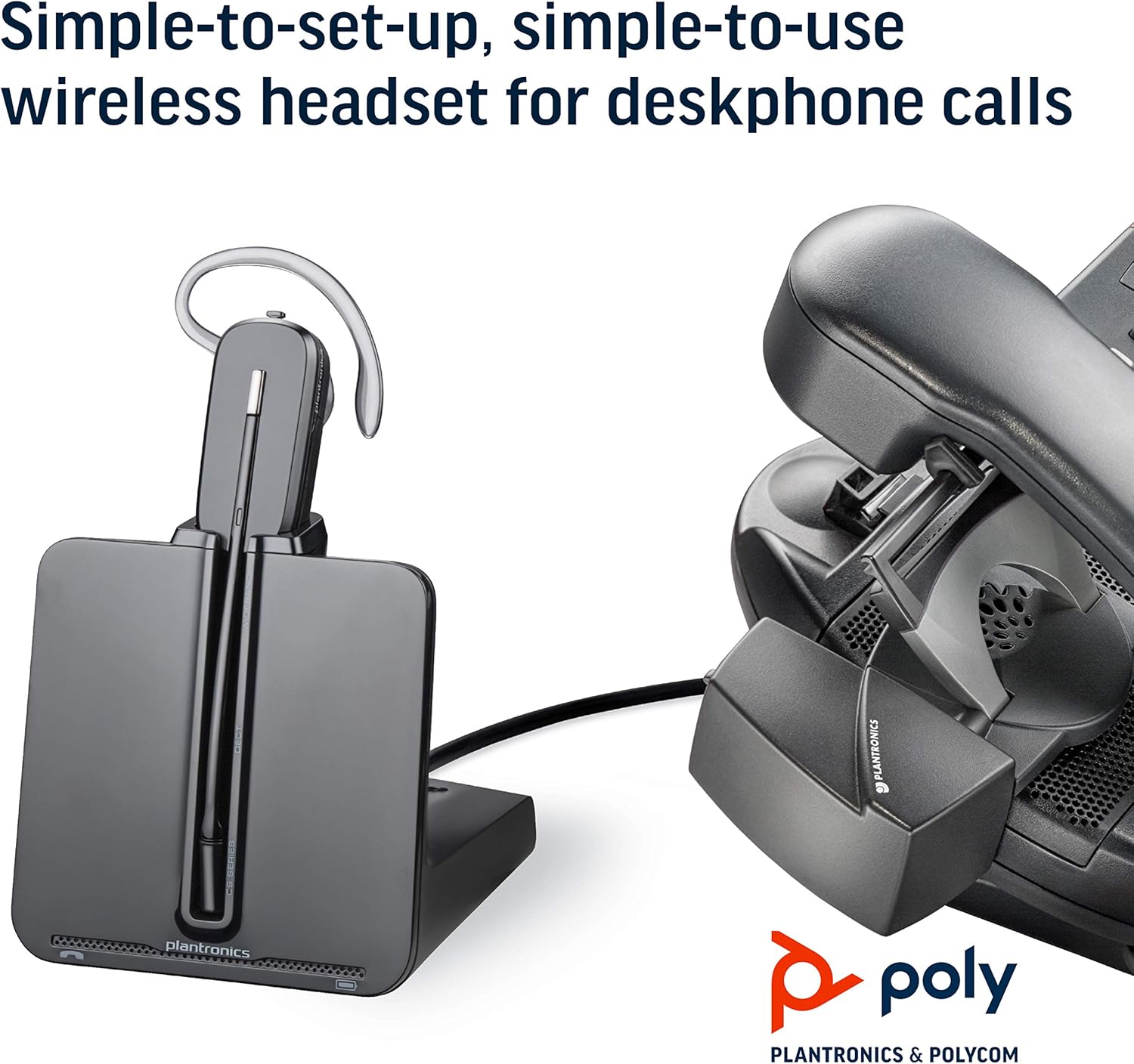
Image: The CS540 charging base connected to a desk phone, illustrating a typical setup.
4.2. ஹெட்செட்டை சார்ஜ் செய்தல்
Place the headset onto the charging base. The indicator light on the base will show the charging status. A full charge provides up to 7 hours of talk time.

Image: The CS540 headset securely placed in its charging base.
4.3. இணைத்தல்
The headset is typically pre-paired with its base. If re-pairing is needed, consult the detailed user manual for specific instructions.
5. ஹெட்செட்டை இயக்குதல்
5.1. Call Controls
- பதில்/முடிவு அழைப்பு: Use the one-touch control button on the headset.
- தொகுதி சரிசெய்தல்: Adjust the volume using the dedicated controls on the headset.
- முடக்கு: Mute the microphone using the mute button on the headset.
5.2. Noise-Canceling Microphone
The integrated noise-canceling microphone helps to minimize background noise, ensuring clear speech transmission during calls.
5.3. Roaming Range
Enjoy freedom of movement with a roaming range of up to 120 meters (400 feet) from the charging base, allowing you to multitask during calls.
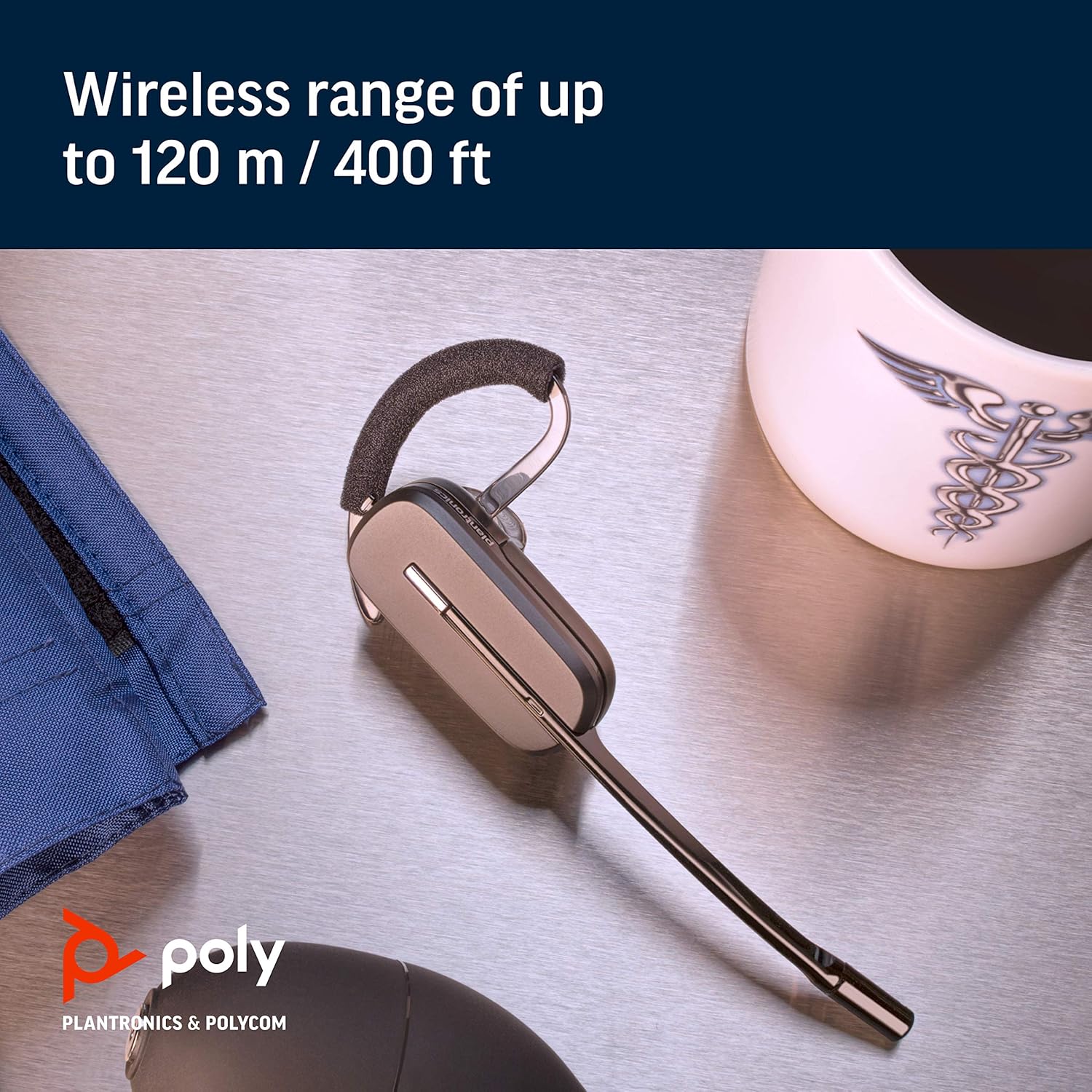
Image: A close-up of the CS540 headset, emphasizing its wireless capabilities.
6. பராமரிப்பு
To ensure the longevity and optimal performance of your Plantronics CS540 headset:
- Keep the headset and charging base clean and free from dust.
- ஹெட்செட்டைப் பயன்படுத்தாதபோது குளிர்ந்த, உலர்ந்த இடத்தில் சேமிக்கவும்.
- சாதனத்தை தீவிர வெப்பநிலை அல்லது ஈரப்பதத்திற்கு வெளிப்படுத்துவதைத் தவிர்க்கவும்.
7. சரிசெய்தல்
If you encounter issues with your CS540 headset, consider the following:
- ஆடியோ இல்லை: Ensure the headset is charged and properly paired with the base. Check all cable connections to the desk phone.
- மோசமான ஒலி தரம்: Verify the headset is within range of the base. Check for any obstructions or interference.
- Cannot Answer Calls Remotely: If using an HL10 lifter, ensure it is correctly installed and configured.
- For further assistance, refer to the complete user manual or contact Plantronics support.
8. விவரக்குறிப்புகள்
| பிராண்ட் | பாலி |
| மாதிரி பெயர் | Poly CS540 - Convertible Wireless Headset |
| இணைப்பு தொழில்நுட்பம் | வயர்லெஸ் (DECT) |
| வயர்லெஸ் கம்யூனிகேஷன் டெக்னாலஜி | DECT |
| சத்தம் கட்டுப்பாடு | Sound Isolation, Noise Canceling Microphone |
| அணியும் உடை | Over-the-ear, Over-the-head, One-Ear (Convertible) |
| பேச்சு நேரம் | 7 மணி நேரம் வரை |
| Roaming Range | 120 மீ / 400 அடி வரை |
| இணக்கமான சாதனங்கள் | மேசை தொலைபேசிகள் |
| கட்டுப்பாட்டு வகை | Call Control, Volume Control, Touch Control |
| பொருளின் எடை | 1.15 பவுண்டுகள் |
| தயாரிப்பு பரிமாணங்கள் | 6.5 x 1.25 x 6.48 அங்குலம் |
9. தயாரிப்பு வீடியோ
Watch this short video for an overview of the Plantronics CS540 Wireless Headset System.
Video: A brief product video showcasing the Plantronics CS540 Wireless Headset System.
10. உத்தரவாதம் & ஆதரவு
For any issues with the headset or cord, please reach out to Plantronics directly for support and warranty claims.


