1. தயாரிப்பு முடிந்துவிட்டதுview
The JBL Flip 4 is a versatile portable Bluetooth speaker designed to deliver powerful stereo sound. Its compact and durable design, featuring waterproof fabric, makes it suitable for various environments. The speaker includes a built-in rechargeable battery for extended playtime and supports advanced connectivity features.

Image 1: The JBL Flip 4 Portable Bluetooth Speaker in Blue. This image displays the speaker's cylindrical shape and fabric grille, highlighting its compact and robust design.
2. பெட்டியில் என்ன இருக்கிறது
தயாரிப்பு பேக்கேஜிங்கில் அனைத்து பொருட்களும் இருப்பதை உறுதிசெய்து கொள்ளுங்கள்:
- 1 x JBL ஃபிளிப் 4 ஸ்பீக்கர்
- 1 x ஜேபிஎல் மைக்ரோ யூ.எஸ்.பி கேபிள்
- 1 x விரைவு தொடக்க வழிகாட்டி
- 1 x பாதுகாப்பு தாள்
- 1 x உத்தரவாத அட்டை
3 அமைவு
3.1 ஸ்பீக்கரை சார்ஜ் செய்தல்
Before initial use, fully charge the JBL Flip 4. The speaker is powered by a 3000mAh rechargeable Li-ion battery.
- Locate the charging port on the side of the speaker, protected by a waterproof flap.
- Open the flap and connect the provided JBL Micro USB Cable to the speaker and a compatible USB power source (not included).
- The LED indicators on the speaker will illuminate to show charging progress. A full charge takes approximately 3.5 hours.

Image 2: A hand is shown opening the waterproof flap on the JBL Flip 4, revealing the Micro USB charging port and an auxiliary input. This demonstrates how to access the connectivity ports.
3.2 பவர் ஆன்/ஆஃப்
To power the speaker on or off, press the power button located on the side of the device.
3.3 ப்ளூடூத் இணைத்தல்
வயர்லெஸ் ஆடியோ ஸ்ட்ரீமிங்கிற்காக உங்கள் JBL ஃபிளிப் 4 ஐ புளூடூத்-இயக்கப்பட்ட சாதனத்துடன் இணைக்கவும்.
- JBL ஃபிளிப் 4 ஐ இயக்கவும்.
- ஸ்பீக்கரில் உள்ள புளூடூத் பட்டனை அழுத்தவும். LED இண்டிகேட்டர் ஒளிரும், இது இணைத்தல் பயன்முறையில் இருப்பதைக் குறிக்கிறது.
- உங்கள் ஸ்மார்ட்போன் அல்லது டேப்லெட்டில், புளூடூத்தை இயக்கி, கிடைக்கும் சாதனங்களைத் தேடுங்கள்.
- Select "JBL Flip 4" from the list to connect. Once connected, the LED indicator will turn solid blue.

Image 3: Two individuals are shown holding JBL Flip 4 speakers, suggesting the ease of Bluetooth streaming and sharing music wirelessly.
3.4 ஜேபிஎல் கனெக்ட்+
JBL Connect+ allows you to wirelessly link more than 100 JBL Connect+ enabled speakers together to ampகேட்கும் அனுபவத்தை மேம்படுத்தவும்.
- அனைத்து JBL Connect+ இயக்கப்பட்ட ஸ்பீக்கர்களும் இயக்கப்பட்டிருப்பதை உறுதிசெய்யவும்.
- Play music on one JBL Flip 4 (the primary speaker) and ensure it is connected to your device via Bluetooth.
- Press the JBL Connect+ button on the primary speaker and on all other speakers you wish to link.
- ஸ்பீக்கர்கள் தானாகவே இணைக்கப்பட்டு, ஒரே நேரத்தில் அதே ஆடியோவை இயக்கும்.
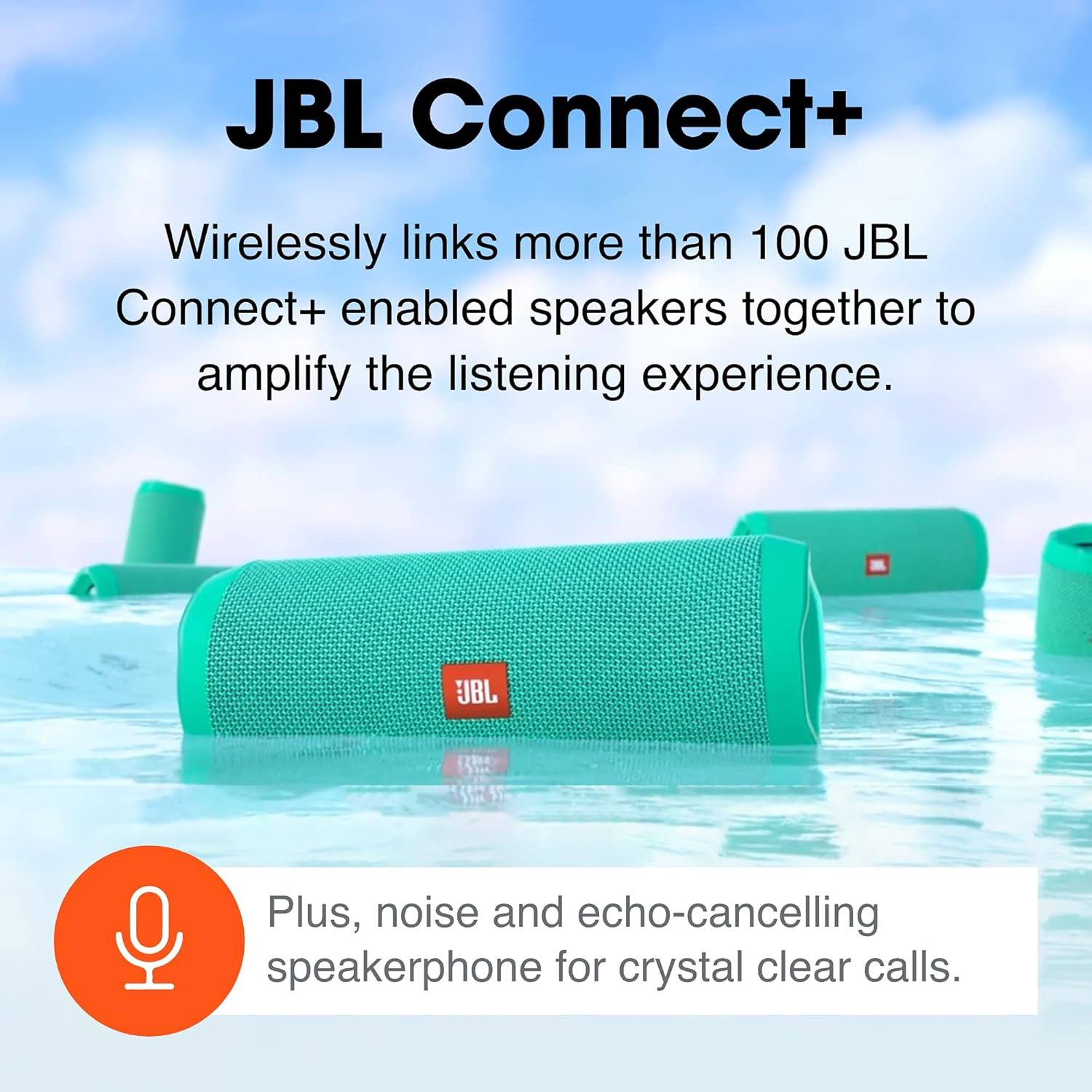
Image 4: Several JBL Flip 4 speakers are depicted floating in water, illustrating the JBL Connect+ feature which allows multiple speakers to be linked for a synchronized audio experience.
4. ஸ்பீக்கரை இயக்குதல்
4.1 அடிப்படை கட்டுப்பாடுகள்
The JBL Flip 4 features intuitive controls for audio playback:
- வால்யூம் அதிக/கீழ்: Press the "+" or "-" buttons to adjust the volume.
- விளையாடு/இடைநிறுத்தம்: Press the Play/Pause button to control audio playback.
- தடத்தைத் தவிர்: அடுத்த டிராக்கிற்குச் செல்ல, இயக்கு/இடைநிறுத்து பொத்தானை இருமுறை அழுத்தவும்.
4.2 ஸ்பீக்கர்ஃபோன் செயல்பாடு
The built-in noise and echo-cancelling speakerphone allows for clear conference calls.
- பதில்/முடிவு அழைப்பு: Press the Play/Pause button to answer or end a call.
- அழைப்பை நிராகரி: உள்வரும் அழைப்பை நிராகரிக்க, Play/Pause பொத்தானை அழுத்திப் பிடிக்கவும்.
4.3 குரல் உதவியாளரை செயல்படுத்துதல்
Activate Siri or Google Now directly from your JBL Flip 4.
- Press the Voice Assistant button (often shared with the Play/Pause button, or a dedicated button depending on model variant) to activate your device's voice assistant.
4.4 நீர்ப்புகா வடிவமைப்பு (IPX7)
The JBL Flip 4 features an IPX7 waterproof rating, meaning it can be submerged in water up to 1 meter for up to 30 minutes.
- ஸ்பீக்கரை தண்ணீருக்கு வெளிப்படுத்துவதற்கு முன் அனைத்து போர்ட் கவர்களும் பாதுகாப்பாக மூடப்பட்டிருப்பதை உறுதிசெய்யவும்.
- The durable fabric material and rugged rubber housing provide protection during outdoor activities.

Image 5: A red JBL Flip 4 speaker is shown partially submerged in water, emphasizing its IPX7 waterproof capability, making it suitable for use near water.

Image 6: A group of people are seen outdoors, with JBL Flip 4 speakers in hand, symbolizing the speaker's long battery life (up to 12 hours) and durable design for adventures.
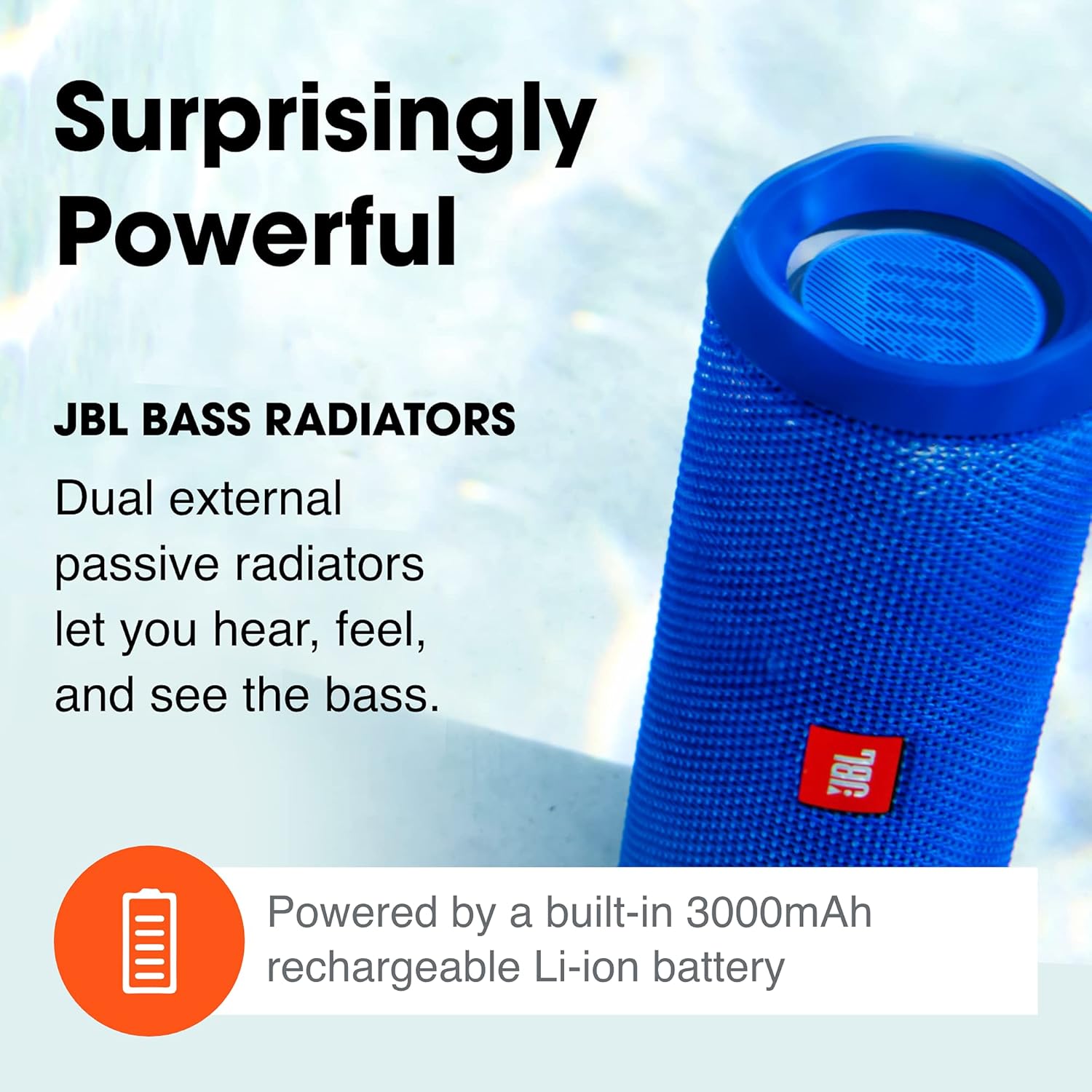
Image 7: A blue JBL Flip 4 speaker is shown with an emphasis on its dual external passive radiators, which are responsible for delivering powerful bass.
5. பராமரிப்பு
5.1 சுத்தம் செய்தல்
To maintain the appearance and performance of your JBL Flip 4:
- ஸ்பீக்கரை மென்மையாக துடைக்கவும், டிamp துணி.
- சிராய்ப்பு கிளீனர்கள் அல்லது ரசாயனங்களைப் பயன்படுத்த வேண்டாம்.
- தண்ணீரில் வெளிப்பட்ட பிறகு, சார்ஜ் செய்வதற்கு முன் ஸ்பீக்கர் முற்றிலும் உலர்ந்திருப்பதை உறுதிசெய்யவும்.
5.2 சேமிப்பு
நேரடி சூரிய ஒளி மற்றும் அதிக வெப்பநிலையிலிருந்து விலகி குளிர்ந்த, உலர்ந்த இடத்தில் ஸ்பீக்கரை சேமிக்கவும்.
5.3 பேட்டரி பராமரிப்பு
பேட்டரி ஆயுளை நீட்டிக்க:
- பேட்டரியை அடிக்கடி முழுமையாக சார்ஜ் செய்வதைத் தவிர்க்கவும்.
- பேட்டரியின் ஆரோக்கியத்தைப் பராமரிக்க, பயன்பாட்டில் இல்லாவிட்டாலும், ஸ்பீக்கரைத் தொடர்ந்து சார்ஜ் செய்யவும்.
6. சரிசெய்தல்
உங்கள் JBL Flip 4 இல் சிக்கல்களை எதிர்கொண்டால், பின்வரும் பொதுவான தீர்வுகளைப் பார்க்கவும்:
- சக்தி இல்லை: பேட்டரி சார்ஜ் செய்யப்பட்டுள்ளதா என்பதை உறுதிப்படுத்திக் கொள்ளுங்கள். ஸ்பீக்கரை ஒரு மின் மூலத்துடன் இணைக்கவும்.
- புளூடூத்தை இணைக்க முடியவில்லை: Make sure the speaker is in pairing mode (flashing blue LED). Ensure your device's Bluetooth is enabled and within range. Try forgetting the device on your phone and re-pairing.
- ஒலி இல்லை: ஸ்பீக்கர் மற்றும் இணைக்கப்பட்ட சாதனம் இரண்டிலும் ஒலி அளவுகளைச் சரிபார்க்கவும். ஸ்பீக்கர் சரியாக இணைக்கப்பட்டுள்ளதா என்பதை உறுதிப்படுத்தவும்.
- மோசமான ஒலி தரம்: Move the speaker closer to your Bluetooth device to reduce interference. Ensure there are no obstructions between the devices.
- JBL Connect+ Issues: Ensure all speakers are JBL Connect+ enabled. Press the Connect+ button on all speakers within 30 seconds.
- Speaker Reset: If issues persist, you may need to reset the speaker. Consult the Quick Start Guide for specific reset instructions.
7. விவரக்குறிப்புகள்
| அம்சம் | விவரம் |
|---|---|
| மாதிரி பெயர் | திருப்பு 4 |
| பொருள் மாதிரி எண் | JBLFLIP4BLU |
| தயாரிப்பு பரிமாணங்கள் | 2.76"டி x 6.89"அடி x 2.68"ஹெட் |
| பொருளின் எடை | 515 கிராம் (1.14 பவுண்டுகள்) |
| வயர்லெஸ் தொழில்நுட்பம் | புளூடூத் |
| நீர் எதிர்ப்பு நிலை | IPX7 நீர்ப்புகா |
| பேட்டரி திறன் | 3000 மில்லிamp மணிநேரம் |
| சார்ஜிங் நேரம் | 3.5 மணிநேரம் |
| விளையாட்டு நேரம் | 12 மணிநேரம் வரை |
| ஸ்பீக்கர் வெளியீட்டு சக்தி | 2 x 8 வாட்ஸ் |
| அதிர்வெண் பதில் | 70 ஹெர்ட்ஸ் |

Image 8: A diagram illustrating the dimensions of the JBL Flip 4 speaker: 2.76 inches deep, 6.89 inches wide, and 2.68 inches high.
8. அதிகாரப்பூர்வ தயாரிப்பு வீடியோக்கள்
Watch these official videos for more information on your JBL Flip 4 speaker:
JBL Flip 4 Video Review
காணொளி 1: ஒரு விரிவான ஆய்வுview of the JBL Flip 4 speaker, detailing its features, design, and performance. This video provides a visual and auditory overview தயாரிப்பு.
JBL Flip 4 Waterproof Review
Video 2: A demonstration and review focusing on the JBL Flip 4's waterproof capabilities, showing its resilience to water exposure.
9. உத்தரவாதம் & ஆதரவு
Your JBL Flip 4 comes with a Warranty Card included in the box. Please refer to this card for detailed warranty information and terms.
For additional support, troubleshooting, or service inquiries, please visit the official JBL support webதளத்தைப் பார்வையிடவும் அல்லது அவர்களின் வாடிக்கையாளர் சேவையைத் தொடர்பு கொள்ளவும். கூடுதல் தகவல்களை இங்கே காணலாம் ஜேபிஎல் ஸ்டோர்.


