1. அறிமுகம்
This manual provides essential instructions for the safe and efficient operation, maintenance, and troubleshooting of your Afloia Fillo Air Purifier, Model A3PFO111. This device is designed to improve indoor air quality by filtering airborne particles and odors.
The Afloia Fillo Air Purifier utilizes a 3-stage filtration system to capture particles such as pet dander, dust, pollen, smoke, and odors, contributing to a cleaner and healthier indoor environment.
2. பாதுகாப்பு வழிமுறைகள்
- சாதனத்தைப் பயன்படுத்துவதற்கு முன் அனைத்து வழிமுறைகளையும் படிக்கவும்.
- சேதமடைந்த தண்டு அல்லது பிளக்கைக் கொண்டு காற்று சுத்திகரிப்பாளரை இயக்க வேண்டாம்.
- பவர் கார்டை சூடான பரப்புகளில் இருந்து விலக்கி வைக்கவும்.
- சாதனத்தை ஈரமான அல்லது d இல் பயன்படுத்த வேண்டாம்amp சூழல்கள்.
- Always unplug the air purifier before moving, cleaning, or replacing the filter.
- காற்று நுழைவாயில்கள் அல்லது கடைகளைத் தடுக்க வேண்டாம்.
- இந்த சாதனம் உட்புற பயன்பாட்டிற்கு மட்டுமே.
- குழந்தைகள் மற்றும் செல்லப்பிராணிகளுக்கு எட்டாதவாறு வைக்கவும்.
3. தயாரிப்பு முடிந்துவிட்டதுview
The Afloia Fillo Air Purifier features a compact design with intuitive controls on the top panel. It is equipped with a multi-layer filter system accessible from the bottom.
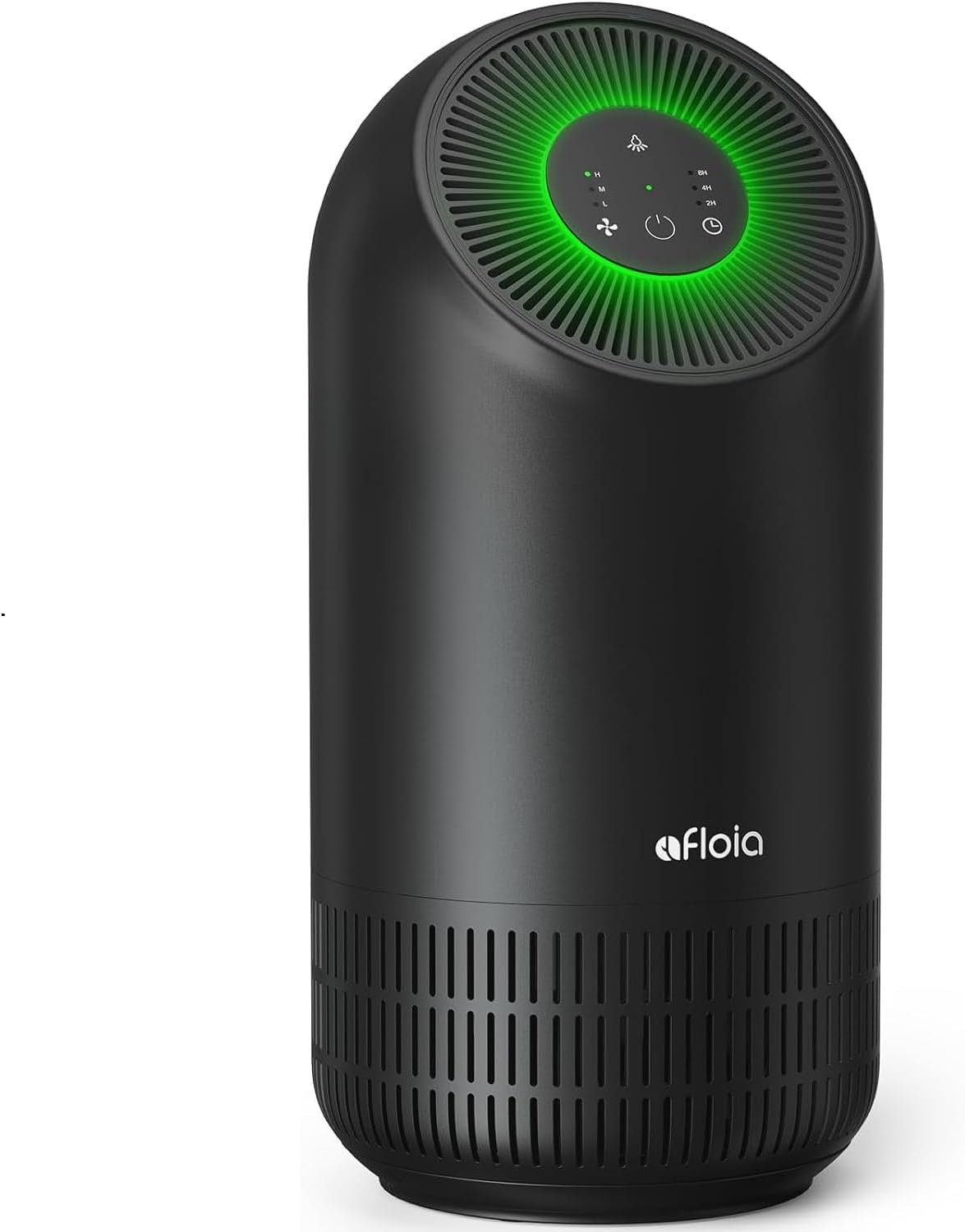
படம் 3.1: முன் view of the Afloia Fillo Air Purifier.

Figure 3.2: Dimensions of the Afloia Fillo Air Purifier (17.8"H x 7.99"W x 7.87"D).
3.1 கூறுகள்
- பிரதான அலகு (காற்று சுத்திகரிப்பான்)
- 3-எஸ்tage Filter (Pre-installed or separate)
- பவர் கார்ட்
3.2 கண்ட்ரோல் பேனல்
The control panel is located on the top of the unit and includes touch-sensitive buttons for power, fan speed, and timer settings. Indicator lights display the current operating mode.

Figure 3.3: Top control panel with power, fan speed, and timer buttons.
4 அமைவு
4.1 பேக்கிங்
- காற்று சுத்திகரிப்பாளரை அதன் பேக்கேஜிங்கிலிருந்து கவனமாக அகற்றவும்.
- எந்தவொரு பாதுகாப்பு படம் அல்லது டேப் உட்பட அனைத்து பேக்கேஜிங் பொருட்களையும் அகற்றவும்.
4.2 வடிகட்டி நிறுவல்
The filter may come pre-installed or require installation before first use. Ensure the filter is correctly placed for optimal performance.
- காற்று சுத்திகரிப்பான் தலைகீழாகத் திருப்புங்கள்.
- Rotate the base cover counter-clockwise to unlock and remove it.
- வடிகட்டியில் இருந்து பிளாஸ்டிக் பேக்கேஜிங் அகற்றவும்.
- Insert the filter into the unit.
- அடிப்படை கவரை மாற்றி, அதைப் பாதுகாப்பாகப் பூட்ட கடிகார திசையில் சுழற்றுங்கள்.

படம் 4.1: கீழே view showing filter compartment access.
4.3 வேலை வாய்ப்பு
Place the air purifier on a flat, stable surface. Ensure there is adequate space around the unit for proper air circulation. Avoid placing it directly against walls or furniture that might obstruct airflow.

Figure 4.2: Air circulation patterns in different room sizes, illustrating effective placement.
5. இயக்க வழிமுறைகள்
5.1 பவர் ஆன்/ஆஃப்
Plug the power cord into a suitable electrical outlet. Press the power button on the control panel to turn the unit on or off.
5.2 மின்விசிறி வேக சரிசெய்தல்
Press the fan speed button to cycle through different fan speeds: Low, Medium, and High. Select the speed appropriate for your environment and desired purification level.
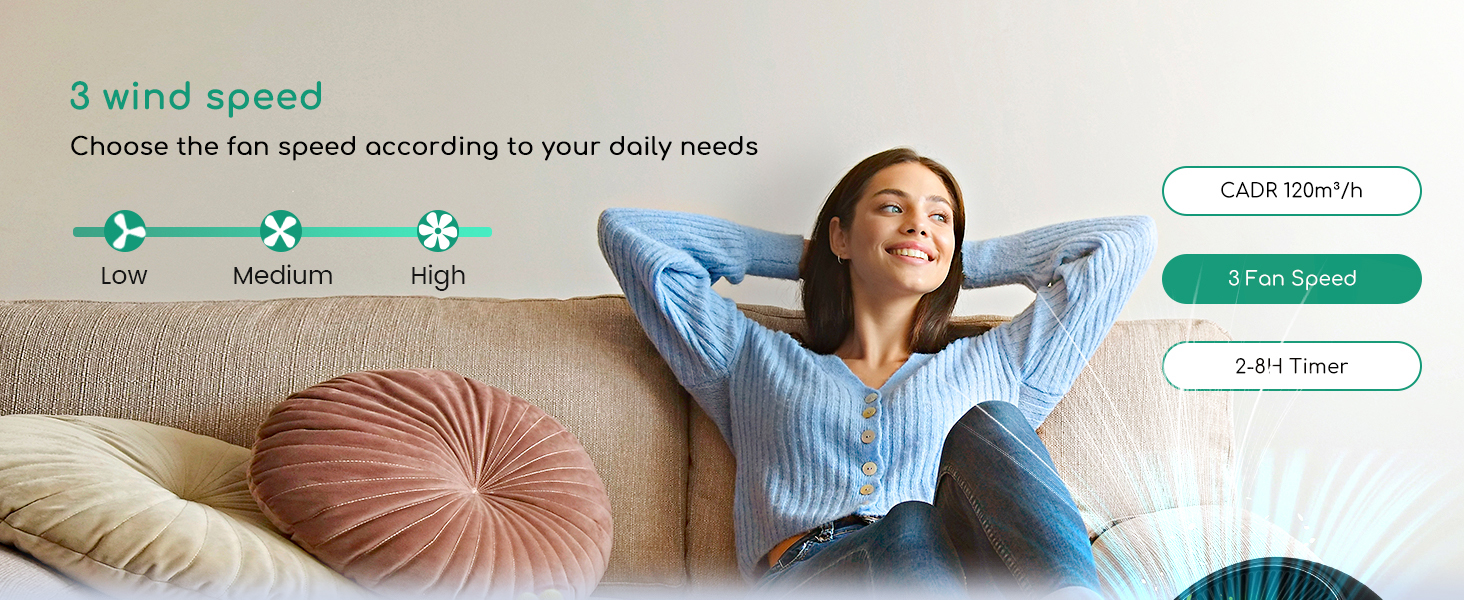
Figure 5.1: Illustration of the three fan speed settings: Low, Medium, and High.
5.3 டைமர் செயல்பாடு
Press the timer button to set the operating duration. Options typically include 2, 4, or 8 hours. The unit will automatically turn off after the selected time.
5.4 தூக்க முறை
The air purifier features a sleep mode for quiet operation, typically around 24 dB, with reduced light interference. This mode is suitable for use in bedrooms during sleep.
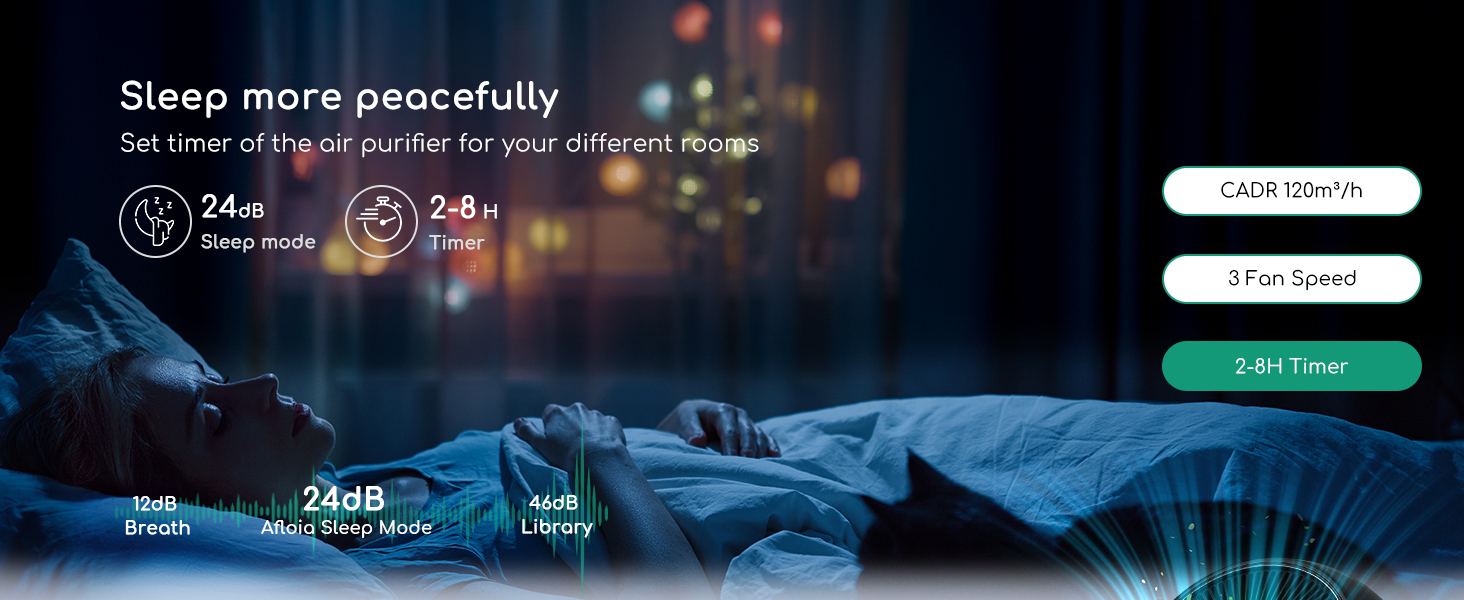
Figure 5.2: Air purifier operating in sleep mode, designed for minimal noise and light.
6. பராமரிப்பு
6.1 வடிகட்டி மாற்று
The filter should be replaced every 4-6 months, depending on air quality and usage. A filter replacement indicator light will typically illuminate when replacement is due.

Figure 6.1: Diagram illustrating the 3-stage filtration process: Pre-filtration, Efficient Filter, and Active Carbon Filter.
To replace the filter, follow the steps in Section 4.2 (Filter Installation).
Available Replacement Filters:
- Original Filter: For general dust, pollen, smoke, and bacteria. (ASIN: B087TT2N14)
- செல்லப்பிராணி ஒவ்வாமை வடிகட்டி: Optimized for ammonia, pet allergens, odors, and cooking smells. (ASIN: B09VPS21KC)
- பாக்டீரியா எதிர்ப்பு வடிகட்டி: Designed for enhanced antibacterial properties. (ASIN: B09WYSZ331)
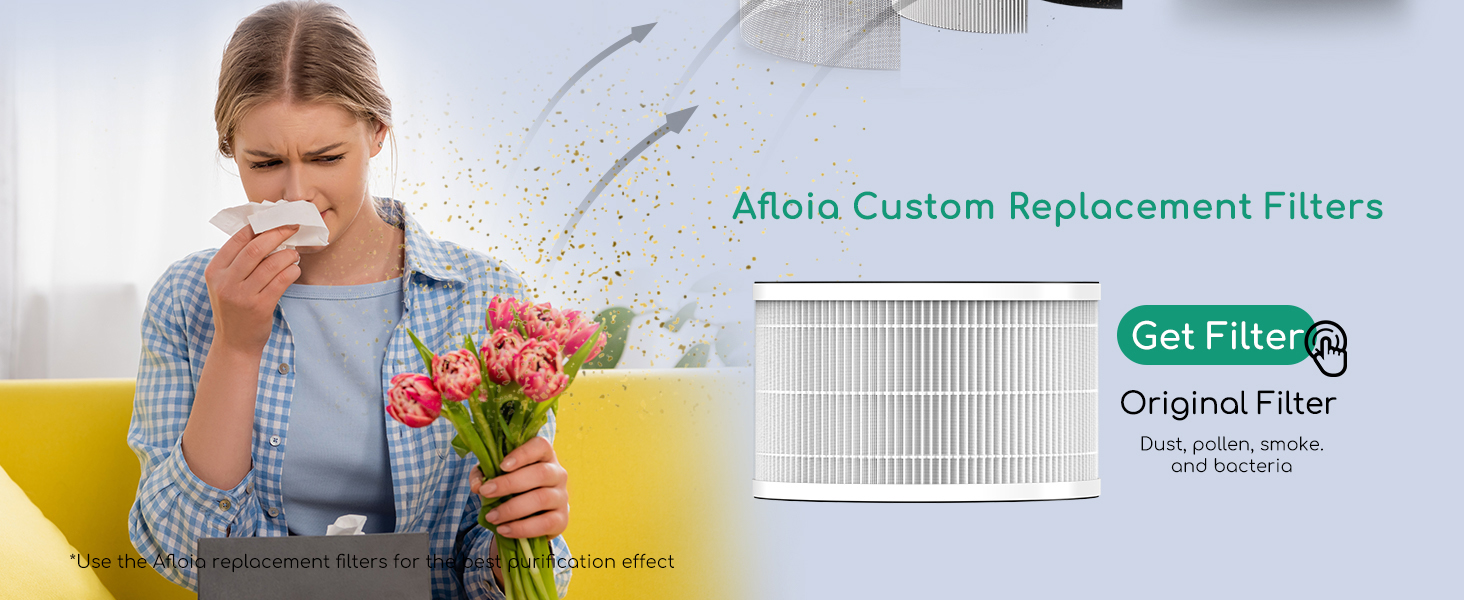
Figure 6.2: Original replacement filter for the Afloia Fillo Air Purifier.
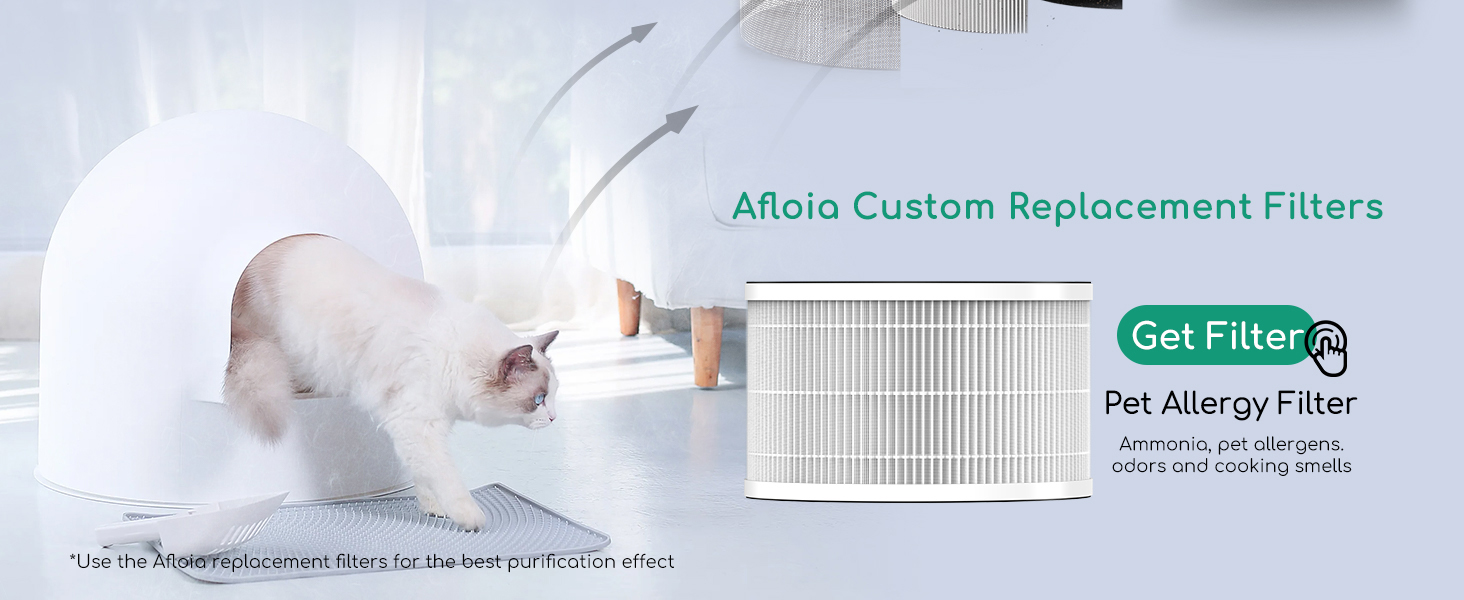
Figure 6.3: Pet Allergy replacement filter for the Afloia Fillo Air Purifier.
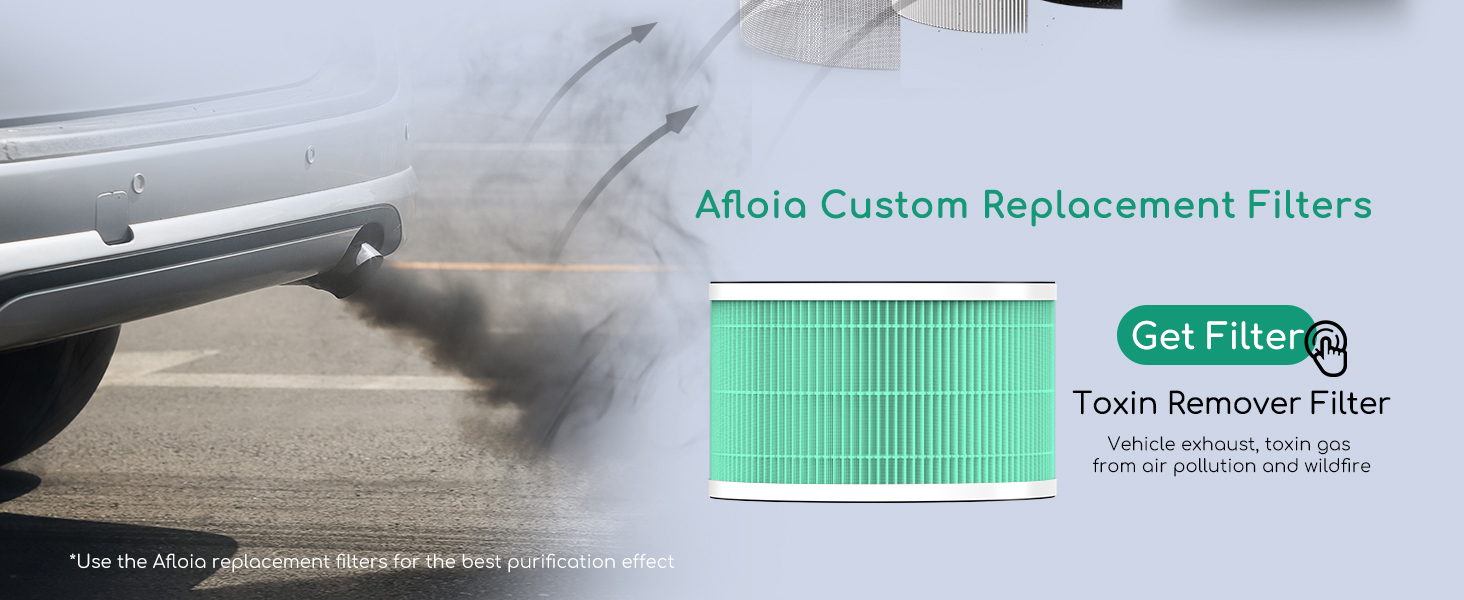
Figure 6.4: Toxin Remover replacement filter for the Afloia Fillo Air Purifier.
6.2 சுத்தம் செய்தல்
- காற்று சுத்திகரிப்பாளரின் வெளிப்புறத்தை மென்மையான, உலர்ந்த துணியால் துடைக்கவும்.
- சிராய்ப்பு கிளீனர்கள் அல்லது கரைப்பான்களைப் பயன்படுத்த வேண்டாம்.
- The filter element is not washable; replace it as instructed.
7. சரிசெய்தல்
| பிரச்சனை | சாத்தியமான காரணம் | தீர்வு |
|---|---|---|
| அலகு இயக்கப்படவில்லை | No power supply; Power cord not connected; Filter not installed correctly. | Check power outlet; Ensure power cord is securely plugged in; Verify filter is installed and base cover is locked. |
| மோசமான காற்று சுத்திகரிப்பு | Filter is dirty or expired; Air inlets/outlets blocked. | Replace the filter; Ensure clear space around the unit. |
| அசாதாரண சத்தம் | உள்ளே அந்நியப் பொருள்; நிலையான மேற்பரப்பில் அலகு இல்லை. | Unplug and check for obstructions; Place on a flat, stable surface. |
| Filter replacement light blinking | வடிகட்டியை மாற்ற வேண்டும். | Replace the filter (see Section 6.1). After replacement, turn the fan on and hold the power button for approximately 10 seconds to reset the filter indicator. |
8. விவரக்குறிப்புகள்
| அம்சம் | விவரம் |
|---|---|
| மாதிரி | A3PFO111 |
| பிராண்ட் | Afloia |
| நிறம் | கருப்பு |
| தயாரிப்பு பரிமாணங்கள் | 17.8"டி x 7.99"அடி x 7.87"ஹெட் |
| பொருளின் எடை | 4.63 பவுண்டுகள் |
| வாட்tage | 35 வாட்ஸ் |
| இரைச்சல் நிலை | 24 dB (தூக்க முறை) |
| கட்டுப்படுத்தி வகை | கைமுறை கட்டுப்பாடு |
| சிறப்பு அம்சங்கள் | No light interference, Super-quiet, Three-speed fan, Timing |
| வடிகட்டி வகை | 3-எஸ்tage (Pre-filtration, Efficient Filter, Active Carbon Filter) |
| சான்றிதழ்கள் | CE/FCC/RoHS/ETL/GS certified, ETL listed |
| பராமரிப்பு வழிமுறைகள் | Not washable, Replace filter element every 4-6 months |

Figure 8.1: Product certifications including FCC, ETL, EPA, and CARB.
9. உத்தரவாதம் மற்றும் ஆதரவு
9.1 உத்தரவாதத் தகவல்
The Afloia Fillo Air Purifier comes with a 2-year replacement warranty and a 5-year warranty on parts and labor. Please retain your proof of purchase for warranty claims.
9.2 வாடிக்கையாளர் ஆதரவு
For technical assistance, warranty claims, or general inquiries, please contact Afloia customer support. Refer to the product packaging or the official Afloia webதற்போதைய தொடர்பு விவரங்களுக்கான தளம்.


