அறிமுகம்
This manual provides essential instructions for the safe and effective operation of your VTech RM2751 Smart WiFi Video Baby Monitor. This system allows you to monitor your baby using a dedicated parent unit with a 2.8-inch display or remotely via a smartphone or tablet application. Key features include high-definition video, two-way communication, night vision, and various soothing functions.

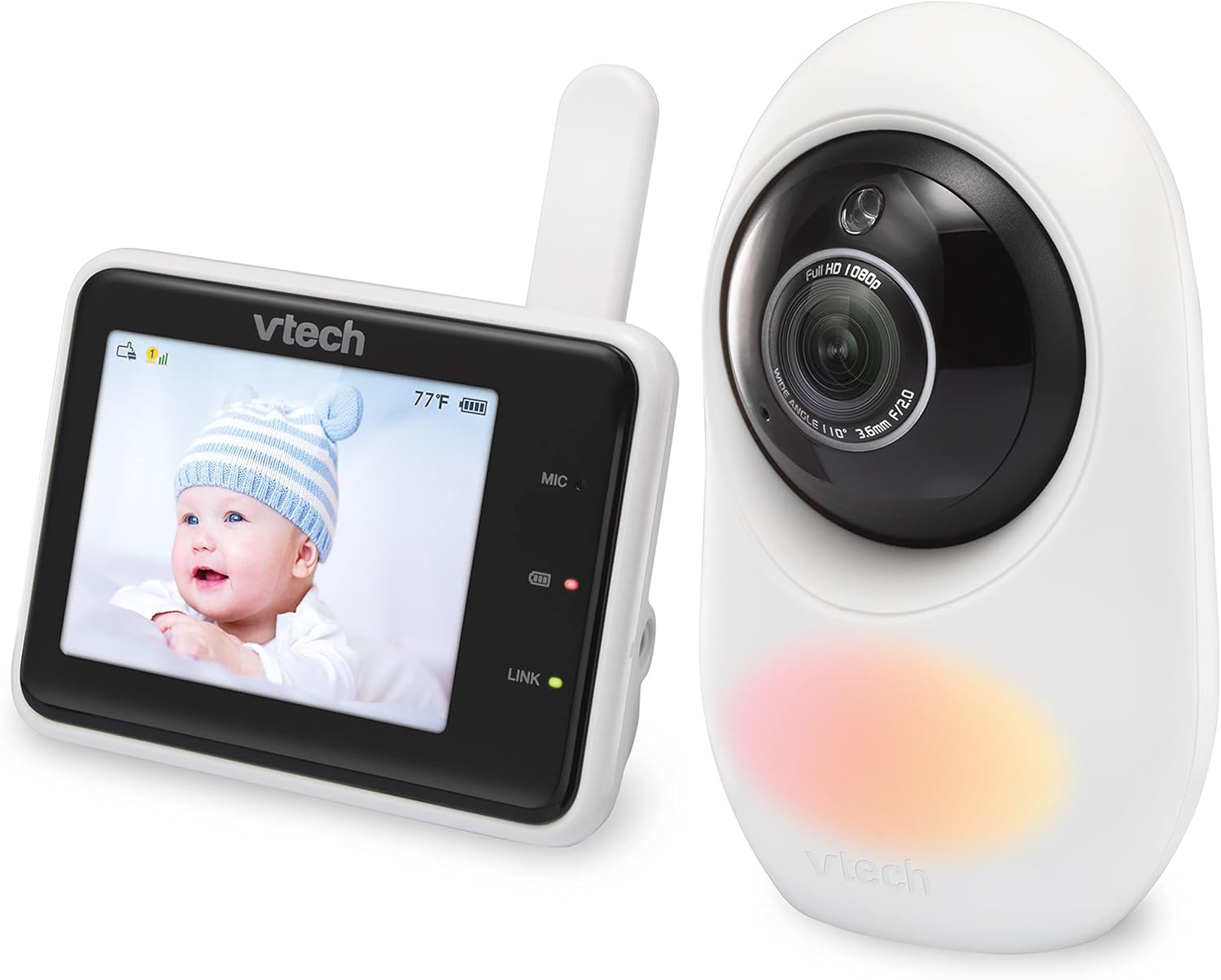
Image: The VTech RM2751 Smart WiFi Video Baby Monitor, showing the parent unit and the baby unit (camera).
தொகுப்பு உள்ளடக்கங்கள்
உங்கள் தொகுப்பில் அனைத்து பொருட்களும் இருப்பதை உறுதிசெய்து கொள்ளுங்கள்:
- குழந்தை அலகு (கேமரா)
- Parent Unit (Monitor with 2.8-inch display)
- Power Adapters (for both Baby Unit and Parent Unit)
- பயனர் கையேடு (இந்த ஆவணம்)

படம்: முன்பக்கம் view of the VTech RM2751 baby monitor, displaying the parent unit and camera.
அமைவு
1. Powering the Baby Unit (Camera)
- Connect the small plug of the power adapter to the baby unit.
- பவர் அடாப்டரின் பெரிய முனையை ஒரு சுவர் கடையில் செருகவும்.
- குழந்தை அலகு தானாகவே இயங்கும்.
2. Powering the Parent Unit
- Connect the small plug of the power adapter to the parent unit.
- பவர் அடாப்டரின் பெரிய முனையை ஒரு சுவர் கடையில் செருகவும்.
- Press and hold the POWER button on the parent unit to turn it on.
3. Positioning the Baby Unit
- Place the baby unit at a distance from your baby that provides a clear view.
- சாதனம் குழந்தைகளுக்கு எட்டாதவாறு இருப்பதை உறுதி செய்யவும்.
- Avoid placing the unit near sources of interference (e.g., microwaves, Wi-Fi routers).
படம்: பக்கம் view of the VTech RM2751 baby monitor, showing the camera and parent unit.
4. Remote Access via MyBabyPro App
- Download the free MyBabyPro app from your device's app store.
- Create a password-protected account within the app.
- Follow the in-app instructions to pair your baby unit with your smartphone or tablet.
- Wi-Fi can be enabled or disabled anytime in the Parent Unit settings.

படம்: ஒரு மனிதன் viewing his baby on the MyBabyPro app on his smartphone, demonstrating remote access.
இயக்க வழிமுறைகள்
வீடியோ கண்காணிப்பு
- The baby unit provides 1080p high-definition video.
- View live video on the Super-slim 2.8-inch color LCD Parent Unit.
- ரிமோட் viewing is available on up to 8 smartphones/tablets via the MyBabyPro app.
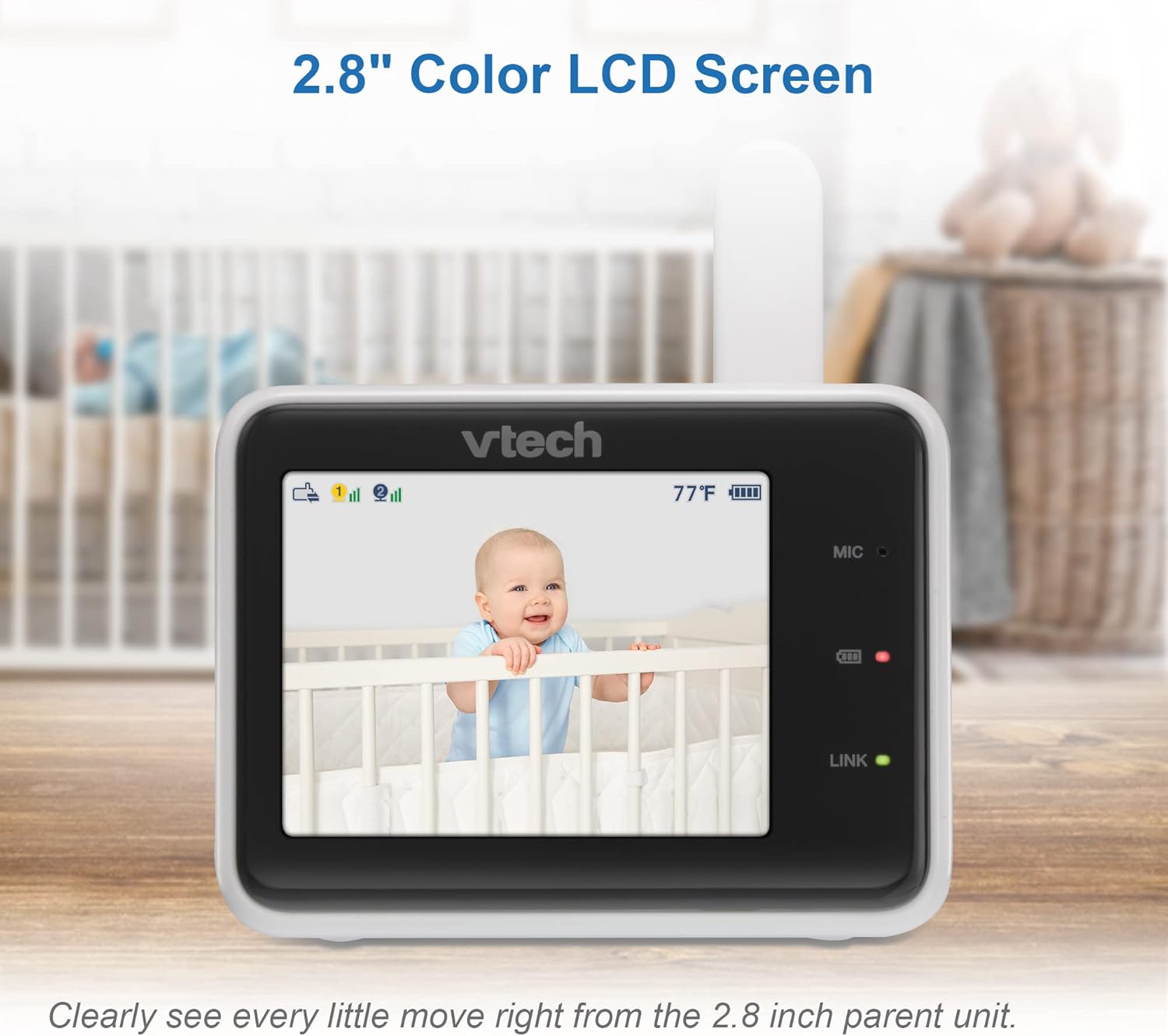
Image: The parent unit displaying a clear live video feed of a baby in a crib.
இருவழி டாக்-பேக் இண்டர்காம்
- Press and hold the Talk button on the parent unit to speak to your baby.
- You can also use the talk-back feature through the MyBabyPro app.
டிஜிட்டல் பெரிதாக்கு
- The mobile app supports up to 10x digital zoom.
- The parent unit supports up to 2x digital zoom.
- Use the zoom controls on the parent unit or within the app to magnify the view.
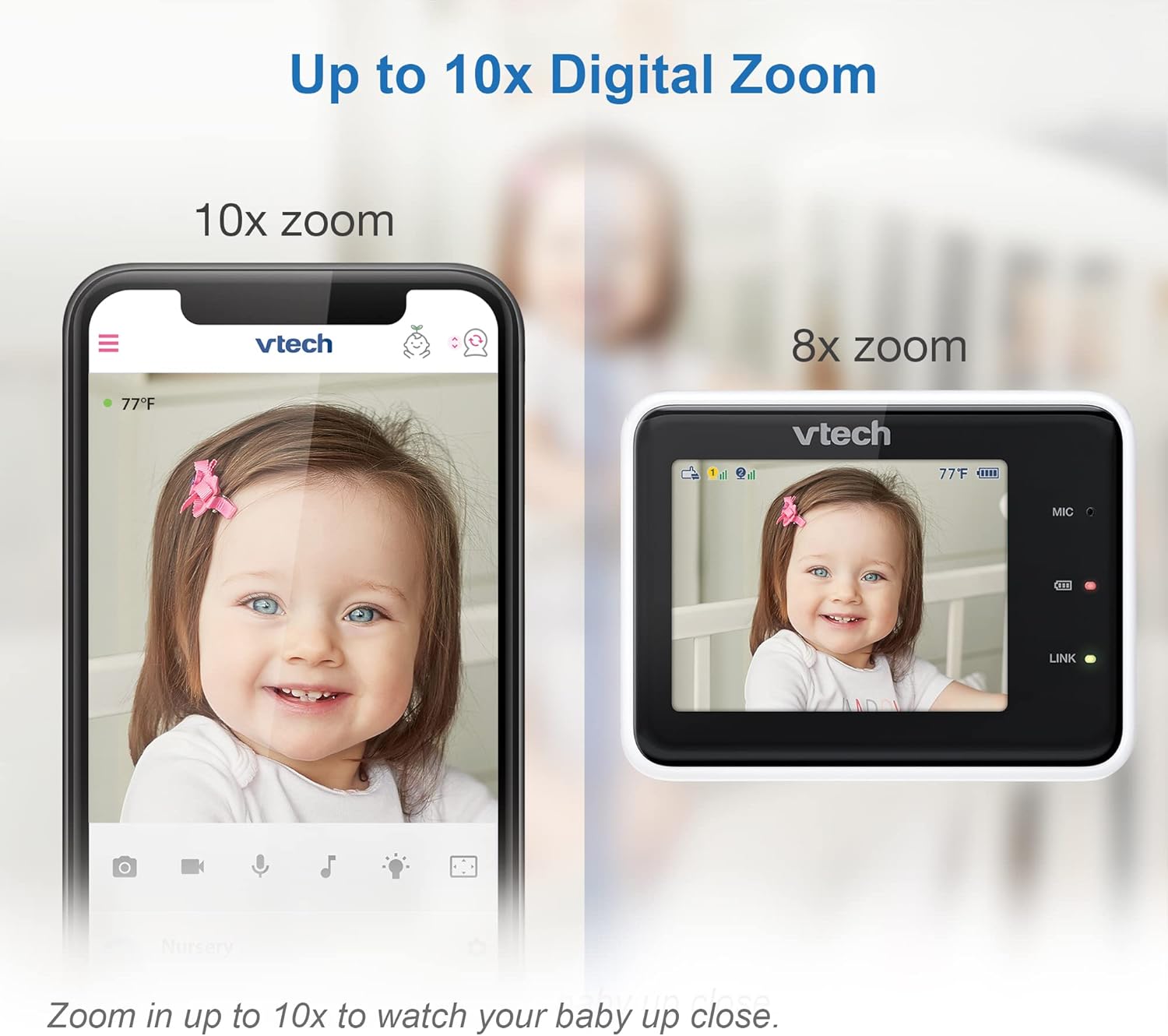
Image: A visual comparison showing the clarity of 10x digital zoom on a mobile app versus 2x zoom on the parent unit.
இரவு பார்வை
- The baby unit features automatic infrared night vision for clear viewகுறைந்த ஒளி நிலைகளில்.
- The monitor automatically switches to night vision mode when the room is dark.
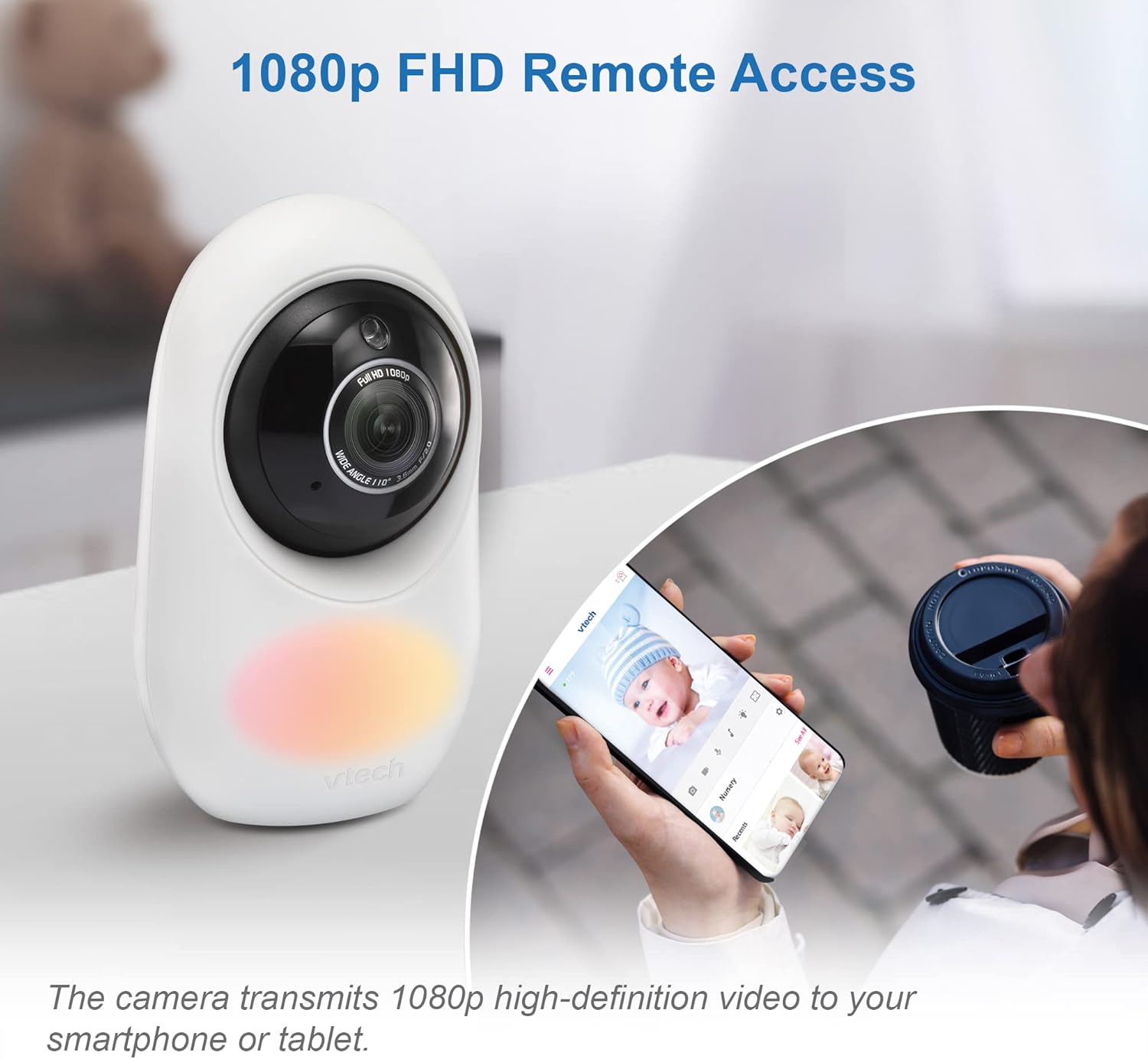
Image: The parent unit screen showing a clear black and white image of a baby sleeping in a crib, demonstrating automatic infrared night vision.
Adaptive Night Light & Soothing Sounds
- The baby unit includes a 7-color adaptive night light that automatically adjusts brightness.
- Five calming melodies and four soft ambient sounds (e.g., trickling stream, white noise) are available to help soothe your baby.
- These features can be controlled via the parent unit or the MyBabyPro app.

Image: The VTech baby monitor camera with its adaptive color night light feature illuminated.
WeeSleep Sound & Light Profile
- Enhance your baby’s sleep environment with the WeeSleep sound & light profile, recommended by experts.
- Access and activate this profile through the monitor settings or the MyBabyPro app.
Long Range Connectivity
- The monitor offers a range of up to 1000 feet for local monitoring with the parent unit.
- Remote access via Wi-Fi extends monitoring capabilities beyond this range.

Image: A diagram showing the VTech baby monitor's long range capability, covering up to 1000 feet within a home environment.
பராமரிப்பு
- Clean the units with a soft, dry cloth.
- Do NOT place units under running water or use spray/liquid cleaners.
- Avoid direct sunlight exposure to prevent damage.
சரிசெய்தல்
If you experience issues with your VTech RM2751 monitor, consider the following common solutions:
- No Link/Connection Issues: Ensure both the baby unit and parent unit are powered on and within range. If using Wi-Fi, verify your network connection and ensure the MyBabyPro app is updated. Try restarting both units.
- படம்/ஒலி இல்லை: Check power connections for both units. Ensure the parent unit's screen is not in sleep mode. Adjust volume settings.
- மோசமான வீடியோ தரம்: Ensure the camera lens is clean. Check for obstructions between the baby unit and parent unit. Verify strong Wi-Fi signal for remote access.
- குறுக்கீடு: Move the monitor units away from other electronic devices that may cause interference.
விவரக்குறிப்புகள்
| அம்சம் | விவரம் |
|---|---|
| தயாரிப்பு பரிமாணங்கள் | 6.5 x 16 x 22 செ.மீ |
| பொருளின் எடை | 500 கிராம் |
| பேட்டரிகள் | 1 தயாரிப்புக்கு குறிப்பிட்ட பேட்டரி தேவை (சேர்க்கப்பட்டுள்ளது) |
| பொருள் கலவை | பிளாஸ்டிக் |
| கூடுதல் தயாரிப்பு அம்சங்கள் | 1080p Camera, Dual Mode 2.4GHz FHSS and WiFi (optional), Free App |
| இணக்கமான தயாரிப்புகள் | ஸ்மார்ட்போன், டேப்லெட் |
| தகவல் தொடர்பு தொழில்நுட்பம் | Wi-Fi |
| சக்தி மூல வகை | கம்பியூட்டப்பட்ட மின்சாரம் |
| எச்சரிக்கை வகை | ஆடியோ மற்றும் இயக்கம் |
அதிகாரப்பூர்வ தயாரிப்பு வீடியோக்கள்
Watch these official videos for additional guidance and demonstrations:
VTimes Baby Monitor, 5" Screen
காணொளி: இந்த காணொளி ஒரு ஓவரை வழங்குகிறதுview of the VTimes Baby Monitor, highlighting its 5-inch screen and various features. While not the exact model, it demonstrates similar functionalities of a video baby monitor.
Nettey's B2 Kit Baby Monitor Unboxing
Video: An unboxing video for the Nettey's B2 Kit Baby Monitor, showcasing the components and initial setup. This video provides a general idea of what to expect when unboxing a baby monitor system.
உத்தரவாதம் மற்றும் ஆதரவு
For warranty information and customer support, please refer to the official VTech webதளத்தில் அல்லது அவர்களின் வாடிக்கையாளர் சேவையை நேரடியாகத் தொடர்பு கொள்ளவும்.
- உற்பத்தியாளர்: வி.டெக்
- ஆன்லைன் ஆதரவு: பார்வையிடவும் அமேசானில் VTech ஸ்டோர் தயாரிப்பு தகவல் மற்றும் வளங்களுக்கு.


