அறிமுகம்
The Science4you ROMI Intelligent Robot is an interactive toy designed to introduce users to robotics and STEAM principles. This manual provides detailed instructions for setting up, operating, and maintaining your ROMI robot.
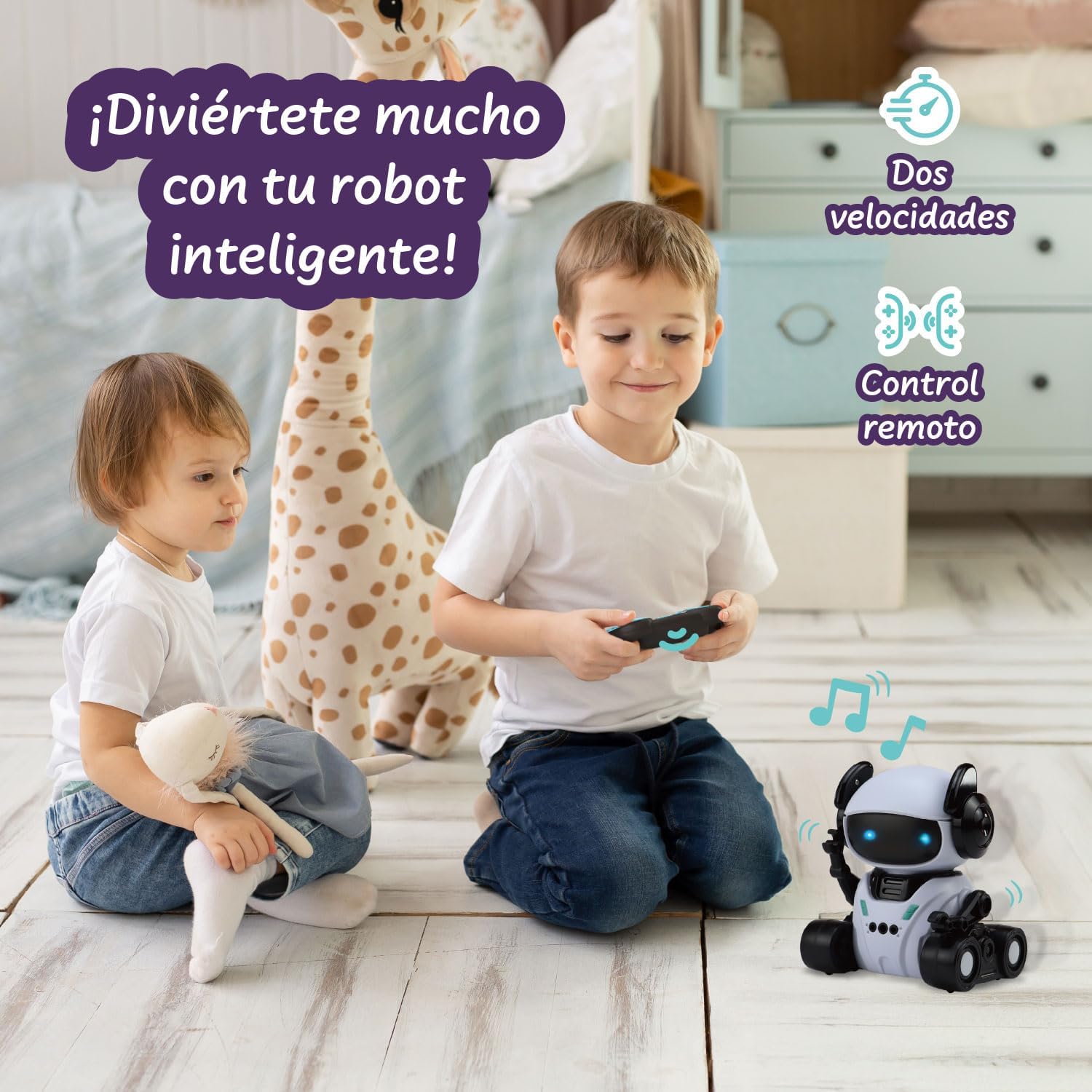
Image: The ROMI Intelligent Robot, remote control, and manual, ready for assembly and play.
பெட்டியில் என்ன இருக்கிறது
- ROMI Intelligent Robot
- ரிமோட் கண்ட்ரோல்
- அறிவுறுத்தல் கையேடு (இந்த ஆவணம்)
பாதுகாப்பு தகவல்
எச்சரிக்கை:
Not recommended for use by children under 6 years of age.
- விளையாடும் போது குழந்தைகளை எப்போதும் கண்காணிக்கவும்.
- Do not attempt to disassemble or modify the robot or remote control.
- நீர் மற்றும் தீவிர வெப்பநிலையிலிருந்து விலகி இருங்கள்.
- பேட்டரிகள் சரியாகச் செருகப்பட்டுள்ளதா என்பதை உறுதிசெய்து, அவற்றைப் பொறுப்புடன் அப்புறப்படுத்துங்கள்.
- பழைய மற்றும் புதிய பேட்டரிகளை கலக்க வேண்டாம். அல்கலைன், நிலையான (கார்பன்-துத்தநாகம்) அல்லது ரீசார்ஜ் செய்யக்கூடிய (நிக்கல்-காட்மியம்) பேட்டரிகளை கலக்க வேண்டாம்.
அமைவு
1. Battery Installation (Robot)
- Locate the battery compartment on the underside of the ROMI robot.
- ஒரு சிறிய பிலிப்ஸ் ஹெட் ஸ்க்ரூடிரைவரைப் பயன்படுத்தி, பேட்டரி பெட்டியின் அட்டையைத் திறக்கவும்.
- 3 AA பேட்டரிகளைச் செருகவும் (சேர்க்கப்படவில்லை), சரியான துருவமுனைப்பை உறுதி செய்யவும் (+/-).
- அட்டையை மாற்றி, திருகு மூலம் பாதுகாக்கவும்.
2. Battery Installation (Remote Control)
- ரிமோட் கண்ட்ரோலின் பின்புறத்தில் பேட்டரி பெட்டியைக் கண்டறியவும்.
- ஒரு சிறிய பிலிப்ஸ் ஹெட் ஸ்க்ரூடிரைவரைப் பயன்படுத்தி, பேட்டரி பெட்டியின் அட்டையைத் திறக்கவும்.
- 2 AAA பேட்டரிகளைச் செருகவும் (சேர்க்கப்படவில்லை), சரியான துருவமுனைப்பை உறுதி செய்யவும் (+/-).
- அட்டையை மாற்றி, திருகு மூலம் பாதுகாக்கவும்.
3 இயக்கப்படுகிறது
Switch the power button on the robot to the "ON" position. The robot's LED eyes will light up, indicating it is ready for operation.
இயக்க முறைகள்
The ROMI Intelligent Robot features four interactive modes:

படம்: முடிந்ததுview of ROMI's four exciting modes, illustrating the remote control, hand gesture, programming, and dance functions.
1. ரிமோட் கண்ட்ரோல் பயன்முறை
Use the included remote control to guide ROMI's movements.

Image: A child operating the ROMI robot with the remote control, demonstrating its two speeds and remote functionality.
கட்டுப்பாடுகள்:
- முன்னோக்கி/பின்னோக்கி: Use the directional buttons to move ROMI.
- இடது/வலது திரும்ப: Use the directional buttons to change ROMI's direction.
- வேக சரிசெய்தல்: The remote may have buttons to switch between two speeds.
- இசை/ஒலி: Press the music button to play or stop melodies.
- Eye Color Change: Some buttons may cycle through LED eye colors.
2. Hand Gesture Response Mode
ROMI can respond to specific hand gestures, allowing for interactive control without the remote.
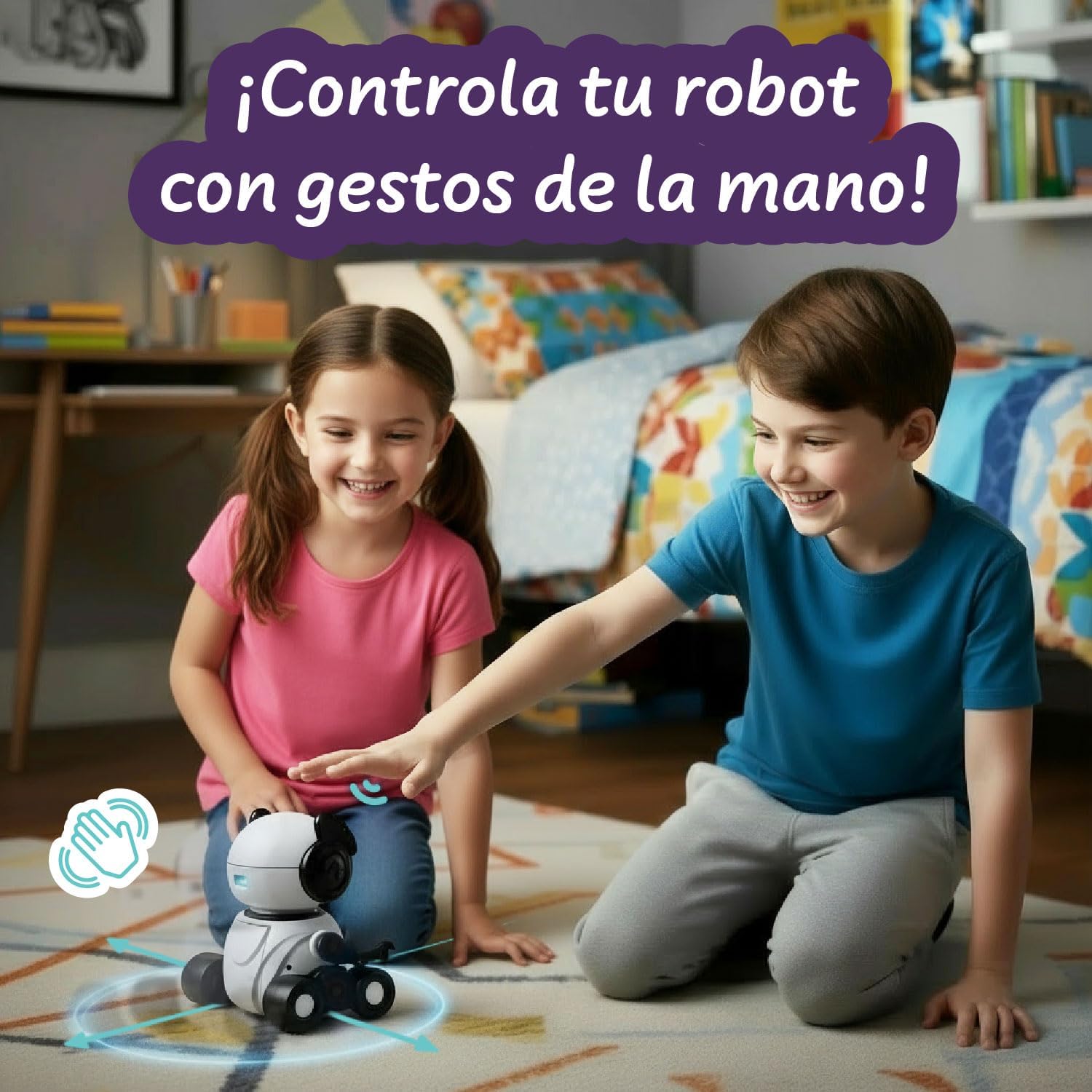
Image: A child interacting with the ROMI robot using hand gestures, showing how the robot can be controlled without the remote.
வழிமுறைகள்:
- Ensure ROMI is in Hand Gesture mode (refer to remote control or robot button for mode selection).
- Perform gestures within ROMI's sensor range (typically 10-15 cm in front of its head).
- முன்னோக்கி நகர்த்தவும்: Wave your hand forward.
- பின்னோக்கி நகர்த்து: Wave your hand backward.
- இடது/வலது திரும்ப: Swipe your hand to the left or right.
3. Programmed Movement Mode
Program a sequence of movements for ROMI to execute.
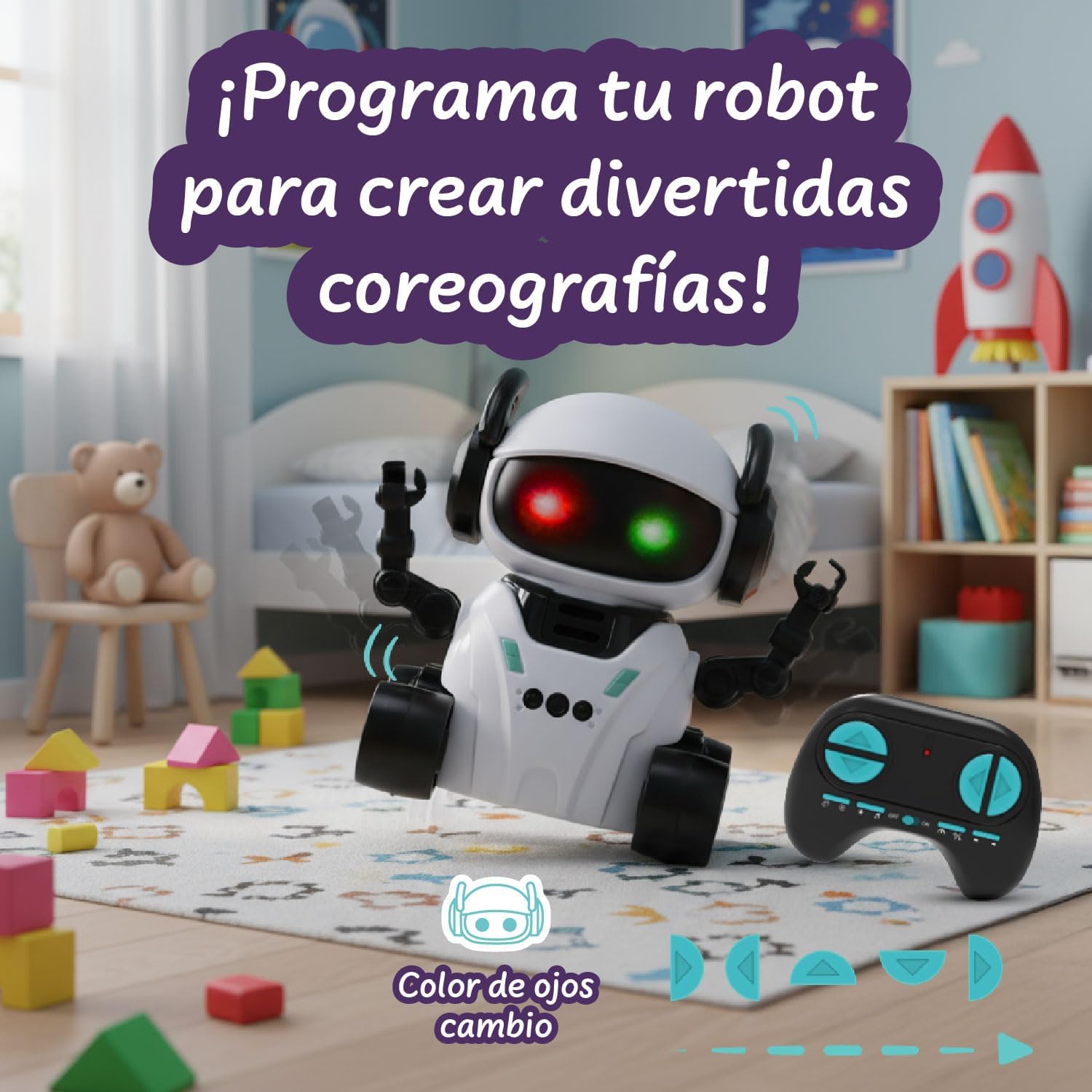
Image: The ROMI robot displaying different eye colors while demonstrating its programmed movement capabilities, allowing users to create custom choreographies.
வழிமுறைகள்:
- Enter Programmed Movement mode (usually by pressing a dedicated button on the remote).
- Press the directional buttons on the remote in the desired sequence (e.g., Forward, Turn Left, Forward).
- Press the "Execute" or "Play" button to make ROMI perform the programmed sequence.
- ROMI's LED eyes may change color during programming or execution.
4. Dance Routine Mode
ROMI can perform pre-programmed dance routines with music and light effects.
வழிமுறைகள்:
- Select Dance Routine mode (usually by pressing a dedicated dance button on the remote).
- ROMI will begin to move, play music, and flash its LED eyes in a synchronized dance.
- To stop the dance, press the dance button again or switch to another mode.
பராமரிப்பு
சுத்தம் செய்தல்
- Wipe the robot and remote control with a soft, dry cloth.
- கடுமையான இரசாயனங்கள் அல்லது சிராய்ப்பு கிளீனர்களைப் பயன்படுத்த வேண்டாம்.
- எந்த திறப்புகளிலும் தண்ணீர் வருவதைத் தவிர்க்கவும்.
சேமிப்பு
- When not in use for extended periods, remove batteries from both the robot and the remote control.
- Store ROMI in a cool, dry place, away from direct sunlight.
சரிசெய்தல்
| பிரச்சனை | சாத்தியமான காரணம் | தீர்வு |
|---|---|---|
| ரோபோ இயக்கப்படவில்லை. | பேட்டரிகள் குறைவாக உள்ளன அல்லது தவறாக செருகப்பட்டுள்ளன. | Replace batteries with new ones, ensuring correct polarity. Check power switch is ON. |
| ரிமோட் கண்ட்ரோல் வேலை செய்யாது. | Remote batteries are low or incorrectly inserted. Robot is out of range. | Replace remote batteries. Ensure robot and remote are within operating range. |
| Robot does not respond to gestures. | Not in Hand Gesture mode. Hand is too far or too close to the sensor. | Switch to Hand Gesture mode. Perform gestures within 10-15 cm of the robot's head. |
| Robot moves erratically or slowly. | Low robot batteries. Obstruction in wheels. | Replace robot batteries. Check and clear any obstructions from the wheels. |
விவரக்குறிப்புகள்
- மாதிரி எண்: 90001664
- பிராண்ட்: அறிவியல்4 நீங்கள்
- பரிமாணங்கள்: 17.5 cm (L) x 10 cm (W) x 19.5 cm (H)
- எடை: 420 கிராம்
- பொருள்: Durable, non-toxic ABS Plastic
- பரிந்துரைக்கப்பட்ட வயது: 6 ஆண்டுகள் மற்றும் அதற்கு மேல்
- Robot Batteries: 3 ஏஏ பேட்டரிகள் (சேர்க்கப்படவில்லை)
- ரிமோட் கண்ட்ரோல் பேட்டரிகள்: 2 AAA பேட்டரிகள் (சேர்க்கப்படவில்லை)
- மொழி: ஆங்கிலம்
உத்தரவாதம் மற்றும் ஆதரவு
For warranty information and customer support, please refer to the product packaging or visit the official Science4you webவாங்கியதற்கான சான்றாக உங்கள் கொள்முதல் ரசீதை வைத்திருங்கள்.
Science4you Official Store: Visit Science4you Store on Amazon

