1. அறிமுகம்
Thank you for choosing the HP 15.6-inch Laptop. This manual provides essential information for setting up, operating, and maintaining your new device. Designed for everyday needs, this laptop combines performance with a user-friendly experience.
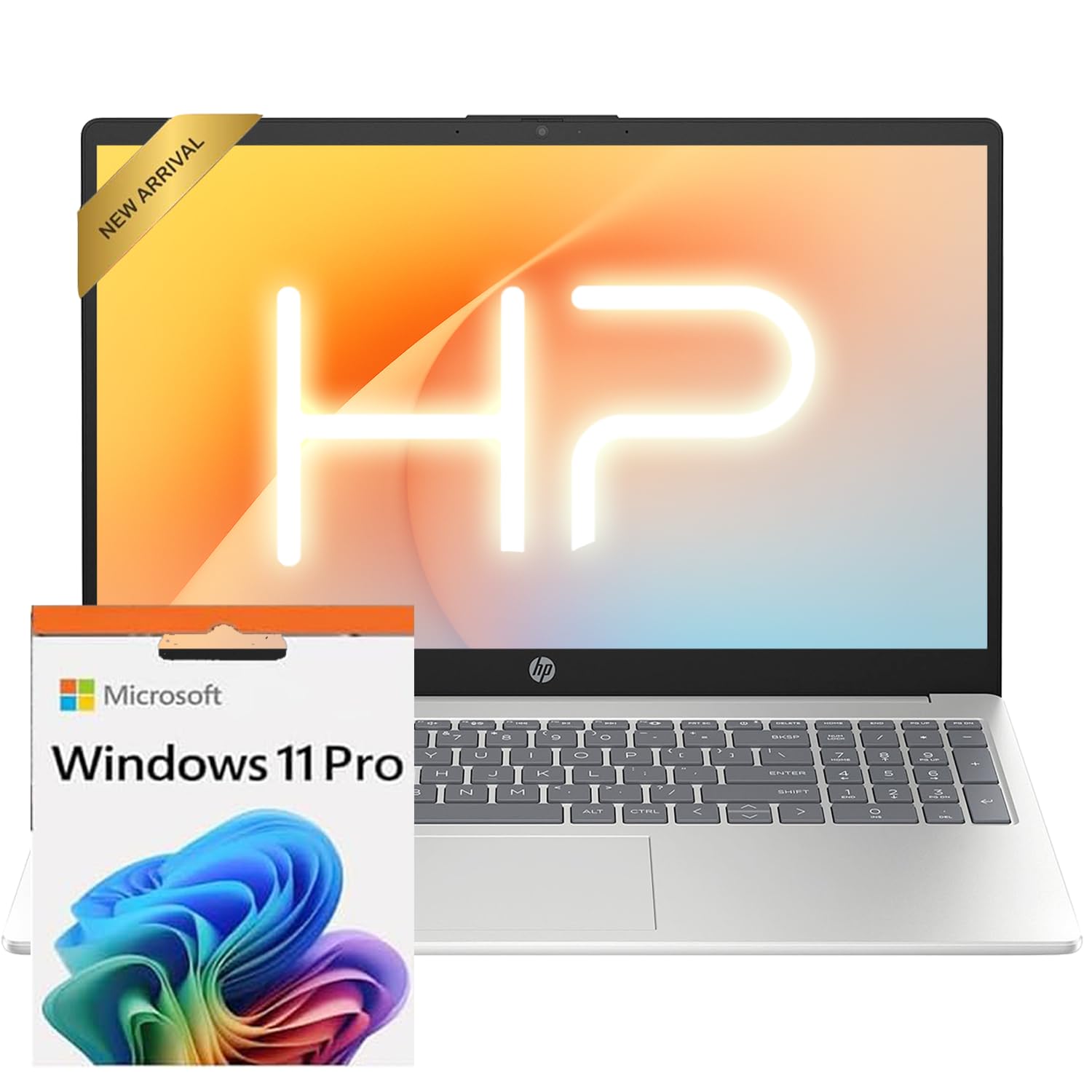
The HP 15.6-inch laptop in silver, showcasing its sleek design when closed.
2 அமைவு
2.1 ஆரம்ப பவர் ஆன்
- பவர் இணைக்கவும்: Plug the AC smart pin adapter into the laptop's power port and then into a wall outlet.
- மடிக்கணினியைத் திறக்கவும்: காட்சி மூடியை மெதுவாக உயர்த்தவும்.
- பவர் ஆன்: Press the power button, usually located on the keyboard deck.
- விண்டோஸ் அமைப்பு: Follow the on-screen instructions to complete the Windows 11 Professional setup. This includes selecting your region, language, connecting to Wi-Fi, and creating a user account.
2.2 Microsoft Office Activation
To receive your Microsoft Office license key, please contact the seller with your Amazon Order ID. Full instructions for activation are included in the package.
3. அம்சங்கள் முடிந்துவிட்டனview
3.1 காட்சி
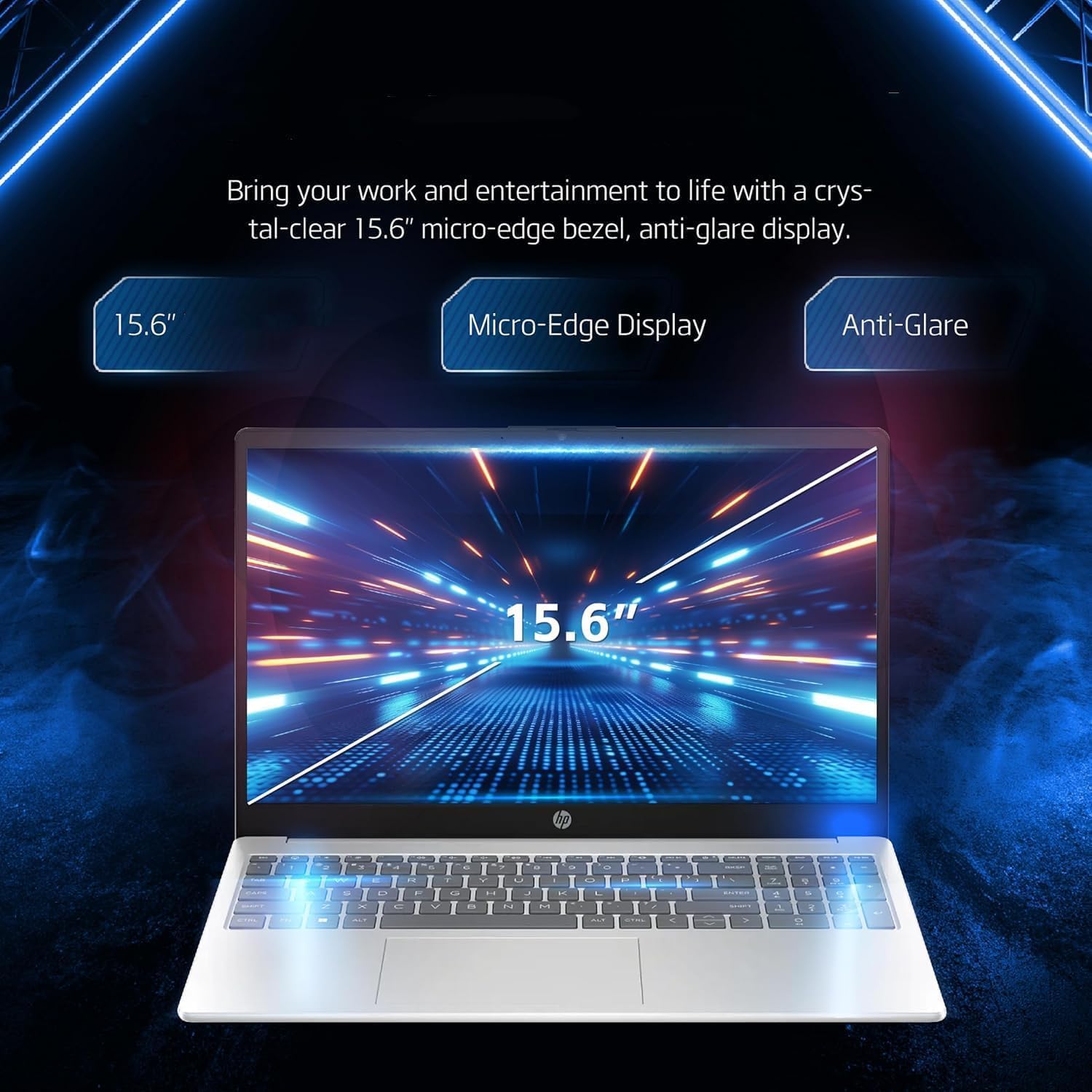
Your laptop features a 15.6-inch diagonal, touch, IPS, micro-edge, BrightView காட்சி with 250 nits brightness and 45% NTSC color gamut. The thin bezel design provides a comfortable viewஇடம்.

A close-up of the laptop's 15.6-inch micro-edge, anti-glare display, emphasizing its visual clarity.
3.2 விசைப்பலகை மற்றும் டச்பேட்
The laptop is equipped with a full-size, soft grey keyboard including a numeric keypad for comfortable typing. The multi-touch touchpad allows for intuitive navigation.
விரிவான view of the laptop's input features, including the 720p HD webcam, full-size numeric keypad, and responsive multi-touch touchpad.
3.3 Webகேமரா மற்றும் ஆடியோ
A HP True Vision 720p HD camera with temporal noise reduction and integrated dual array digital microphones is built-in for clear video calls. HD Audio with stereo speakers provides quality sound.
3.4 போர்ட்கள் மற்றும் இணைப்பு
The laptop offers various ports for versatile connectivity:
- 1 x Multi-format SD media card reader
- 1 x USB Type-C 5Gbps signaling rate (supports data transfer only)
- 1 x HDMI 1.4b
- 1 x ஹெட்ஃபோன் / மைக்ரோஃபோன் காம்போ ஜாக்
- 2 x USB Type-A 5Gbps signaling rate
- 1 x AC smart pin (for power)
For wireless connectivity, it includes MediaTek Wi-Fi 6E MT7902 (1x1) and Bluetooth 5.3.

An illustration of the laptop's side ports, including HDMI, USB Type-A, USB Type-C for data transfer, headphone/microphone combo jack, and the AC smart pin for power.
4. உங்கள் மடிக்கணினியை இயக்குதல்
4.1 அடிப்படை பயன்பாடு
Your HP laptop runs on Windows 11 Professional English 64bit, providing a familiar and efficient operating environment for remote work, online learning, and personal projects.
4.2 பேட்டரி மேலாண்மை
The laptop is designed for long battery life, allowing you to work throughout the day without constant recharging.

The laptop is shown with icons representing its long battery life, Wi-Fi, and Bluetooth connectivity features.
4.3 Brightness and Display Settings
Adjust screen brightness via the Windows Action Center or keyboard function keys to suit your environment and conserve battery. Night Light mode can be enabled for reduced eye strain during evening use.
4.4 செயல்திறன் முடிந்ததுview (வீடியோ)
ஒரு விரைவான தகவலுக்கு இந்த வீடியோவைப் பாருங்கள்.view of the HP 15.6-inch laptop's physical design, keyboard, and available ports, highlighting its fast everyday performance.
Video: A seller-provided overview of the HP 15.6-inch laptop, demonstrating its features and design.
5. பராமரிப்பு
- சுத்தம்: திரை மற்றும் வெளிப்புறத்தை சுத்தம் செய்ய மென்மையான, பஞ்சு இல்லாத துணியைப் பயன்படுத்தவும். கடுமையான இரசாயனங்களைத் தவிர்க்கவும்.
- மென்பொருள் புதுப்பிப்புகள்: உகந்த செயல்திறன் மற்றும் பாதுகாப்பை உறுதி செய்ய விண்டோஸ் மற்றும் இயக்கிகளை தொடர்ந்து புதுப்பிக்கவும்.
- சேமிப்பு மேலாண்மை: தேவையற்றவற்றை அவ்வப்போது அழிக்கவும் files to maintain 512GB PCIe SSD performance.
6. சரிசெய்தல்
6.1 பொதுவான சிக்கல்கள்
- சக்தி இல்லை: AC அடாப்டர் மடிக்கணினி மற்றும் இயங்கும் மின் நிலையத்துடன் பாதுகாப்பாக இணைக்கப்பட்டுள்ளதா என்பதை உறுதிப்படுத்திக் கொள்ளுங்கள்.
- மெதுவான செயல்திறன்: தேவையற்ற பயன்பாடுகளை மூடு, பின்னணி புதுப்பிப்புகளைச் சரிபார்க்கவும் அல்லது மடிக்கணினியை மறுதொடக்கம் செய்யவும்.
- வைஃபை இணைப்பு: Verify Wi-Fi is enabled in Windows settings and restart your router if issues persist.
மிகவும் சிக்கலான சிக்கல்களுக்கு, HP ஆதரவைப் பார்க்கவும். webதளம் அல்லது வாடிக்கையாளர் சேவையை தொடர்பு கொள்ளவும்.
7. விவரக்குறிப்புகள்
| கூறு | விவரம் |
|---|---|
| செயலி | Intel N100 CPU (up to 3.4 GHz, 4 cores, 4 threads) |
| கிராபிக்ஸ் | இன்டெல் ஐரிஸ் Xe கிராபிக்ஸ் |
| இயக்க முறைமை | Windows 11 Pro English 64bit |
| நினைவகம் (ரேம்) | 16 ஜிபி DDR4 |
| சேமிப்பு | 512GB PCIe SSD |
| காட்சி | 15.6-inch diagonal, touch, IPS, micro-edge, BrightView, 250 nits, 45% NTSC (1920x1080 pixels) |
| இணைப்பு | Wi-Fi 6E (MediaTek MT7902), Bluetooth 5.3 |
| துறைமுகங்கள் | 1x SD card reader, 1x USB Type-C (data only), 1x HDMI 1.4b, 1x Headphone/mic combo, 2x USB Type-A, 1x AC smart pin |
| ஆடியோ | HD Audio with stereo speakers |
| Webகேமரா | HP True Vision 720p HD கேமரா, தற்காலிக சத்தம் குறைப்பு மற்றும் ஒருங்கிணைந்த இரட்டை வரிசை டிஜிட்டல் மைக்ரோஃபோன்கள் |
| விசைப்பலகை | US English, Full Size Keyboard with numeric keypad |
| நிறம் | வெள்ளி |
| பரிமாணங்கள் (LxWxH) | 14.11 x 9.53 x 0.71 அங்குலம் |
| எடை | 3.75 பவுண்ட் |
8. உத்தரவாதம் மற்றும் ஆதரவு
உத்தரவாதத் தகவல் மற்றும் தொழில்நுட்ப ஆதரவிற்கு, உங்கள் தயாரிப்புடன் சேர்க்கப்பட்டுள்ள ஆவணங்களைப் பார்க்கவும் அல்லது அதிகாரப்பூர்வ HP ஆதரவைப் பார்வையிடவும். website. Remember to register your product to receive timely updates and assistance.