📘 Kerlink manuals • Free online PDFs
கெர்லிங்க் லோகோ

Kerlink Manuals & User Guides

Kerlink is a premier global provider of IoT connectivity solutions, specializing in carrier-grade LoRaWAN gateways, network management software, and smart city infrastructure.

Tip: include the full model number printed on your Kerlink label for the best match.

About Kerlink manuals on Manuals.plus

கெர்லிங்க் is a leading global provider of Internet of Things (IoT) connectivity solutions, established in 2004. Headquartered in France, the company specializes in network infrastructure for the LoRaWAN standard, serving telecom operators, smart cities, and private industries worldwide.

The company offers a robust lineup of hardware, including the விர்நெட் ஐஸ்டேஷன் மற்றும் Wirnet iFemtoCell gateways, designed for reliable outdoor and indoor connectivity. Beyond hardware, Kerlink provides network management software and value-added services to streamline IoT deployments for efficient asset tracking, metering, and environmental monitoring.

Kerlink manuals

சமீபத்திய கையேடுகள் manuals+ இந்த பிராண்டிற்காக வடிவமைக்கப்பட்டது.

Kerlink LoRa IoT Station (Wirnet Station) Installation and Maintenance Manual

நிறுவல் மற்றும் பராமரிப்பு கையேடு
This document provides detailed installation and maintenance instructions for the Kerlink LoRa IoT Station (Wirnet Station). It covers technical specifications, regulatory compliance, setup procedures, and troubleshooting for reliable IoT connectivity.

Kerlink Wanesy™ Wave Schnellstartanleitung

விரைவு தொடக்க வழிகாட்டி
Schnellstartanleitung für das Kerlink Wanesy™ Wave IoT-Gerät. Enthält Anleitungen zur Einrichtung, Konfiguration, Sicherheitshinweise und Support-Informationen.

Kerlink Wirnet iStation LoRaWAN Gateway Quick Start Guide

விரைவான தொடக்க வழிகாட்டி
This Quick Start Guide provides essential information for setting up and installing the Kerlink Wirnet iStation LoRaWAN gateway for the Internet of Things. It covers initial setup, connections, safety precautions,…

Kerlink support FAQ

இந்த பிராண்டிற்கான கையேடுகள், பதிவு மற்றும் ஆதரவு பற்றிய பொதுவான கேள்விகள்.

  • How do I access the Kerlink gateway web இடைமுகம்?

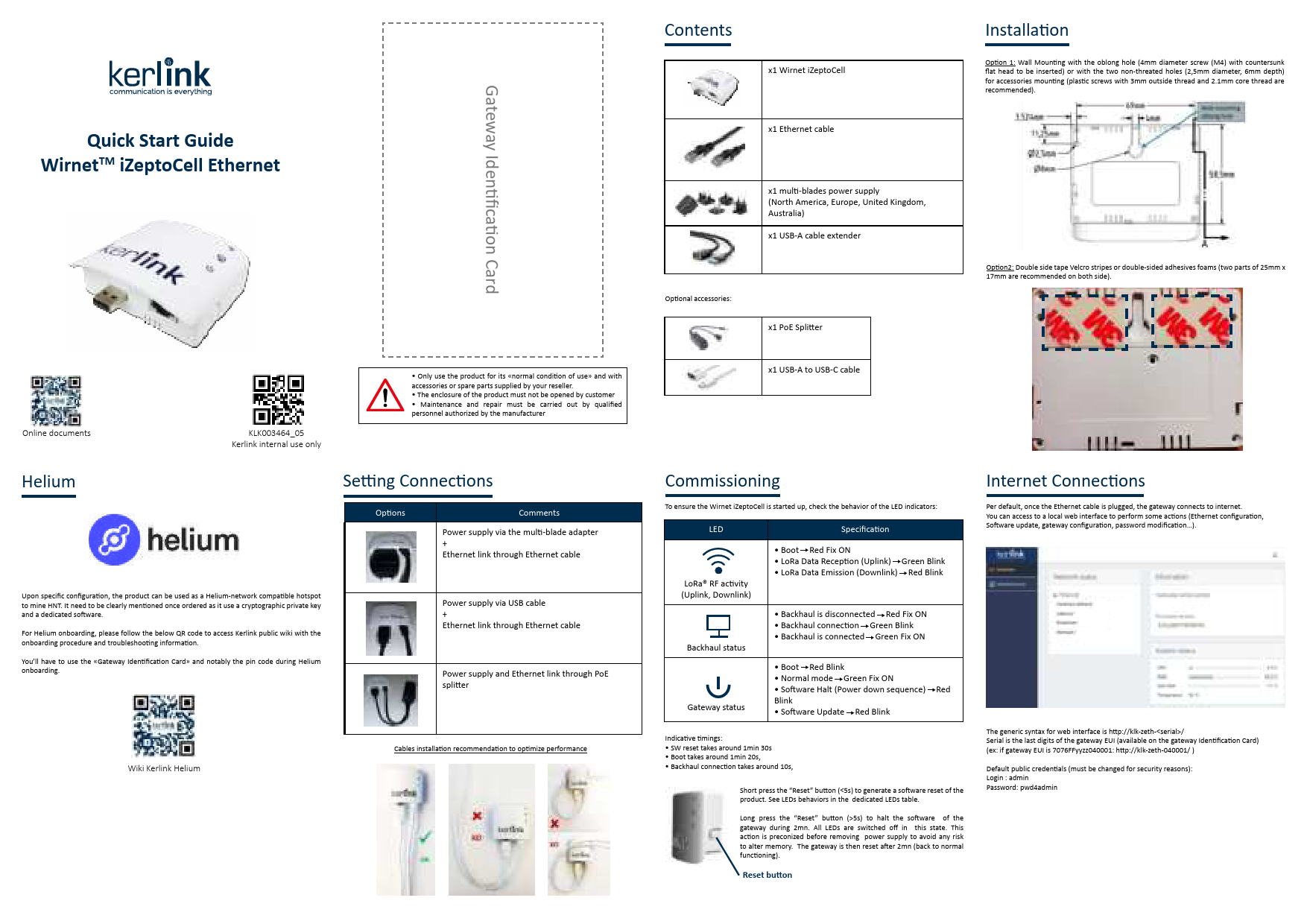
    Connect your computer to the gateway via Ethernet or Wi-Fi (if supported). Use the generic URL format http://klk-zeth-/ or the device IP. The default credentials are typically 'admin' with the password 'pwd4admin'.

  • What do the LED indicators on the Wirnet iStation mean?

    Generally, a solid green LED indicates power, while the red LED indicates system status. A blinking red LED typically indicates boot sequences, LoRa status, or software updates. Refer to your specific model's manual for exact patterns.

  • How do I perform a reset on my Kerlink gateway?

    A short press (less than 5 seconds) of the Reset button triggers a software reset. A long press (more than 5 seconds) halts the software. If utilizing the device for Helium mining, avoid resetting via the web interface to prevent disabling mining capabilities.

  • Is my Kerlink gateway compatible with the Helium Network?

    Only Kerlink gateways explicitly sold as 'Helium Network Compatible' support mining. Standard gateways cannot simply be updated via software to become Helium miners.